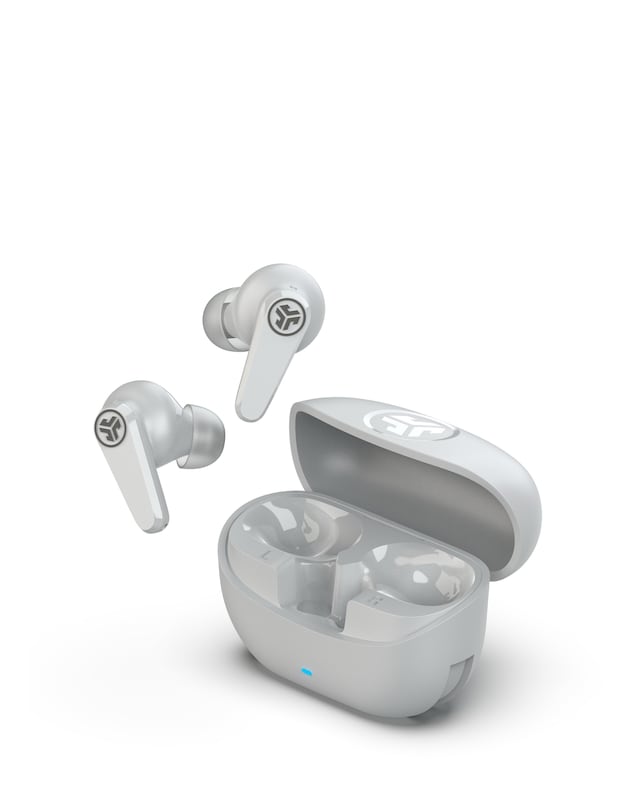
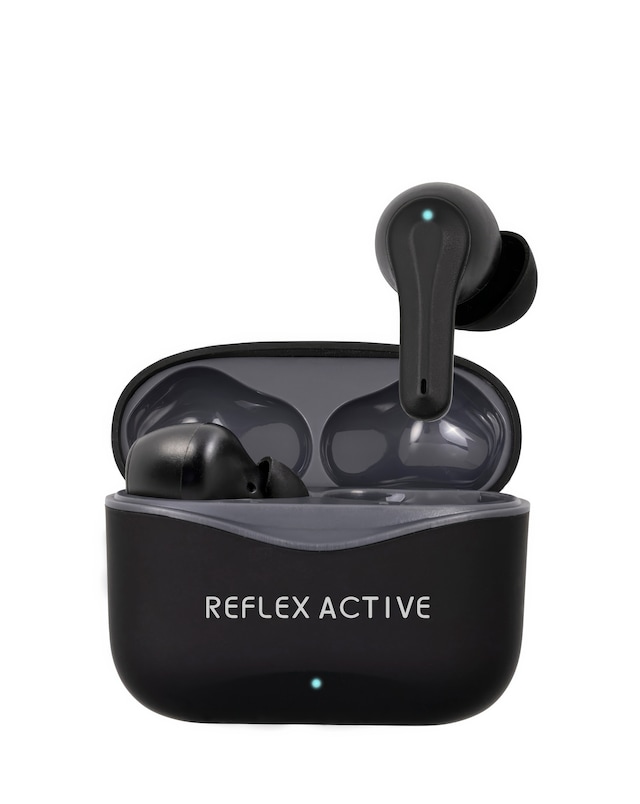
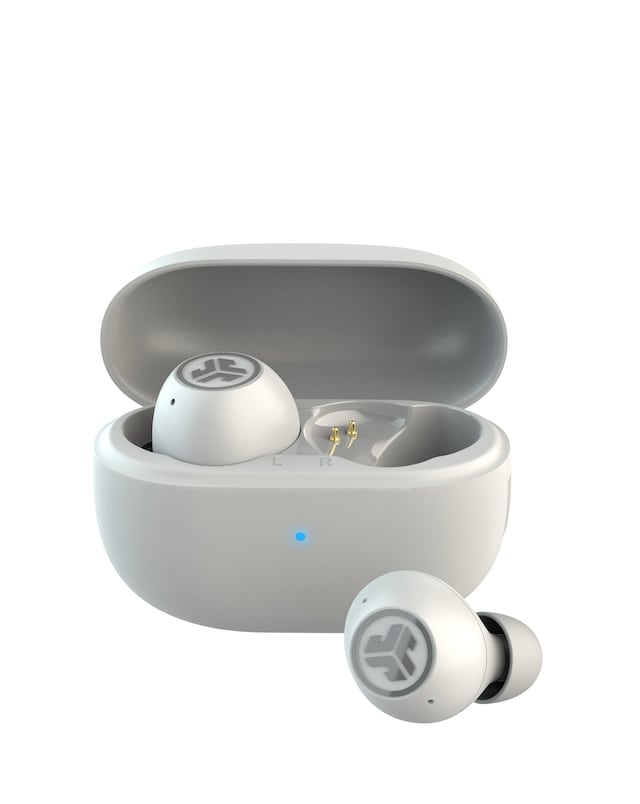
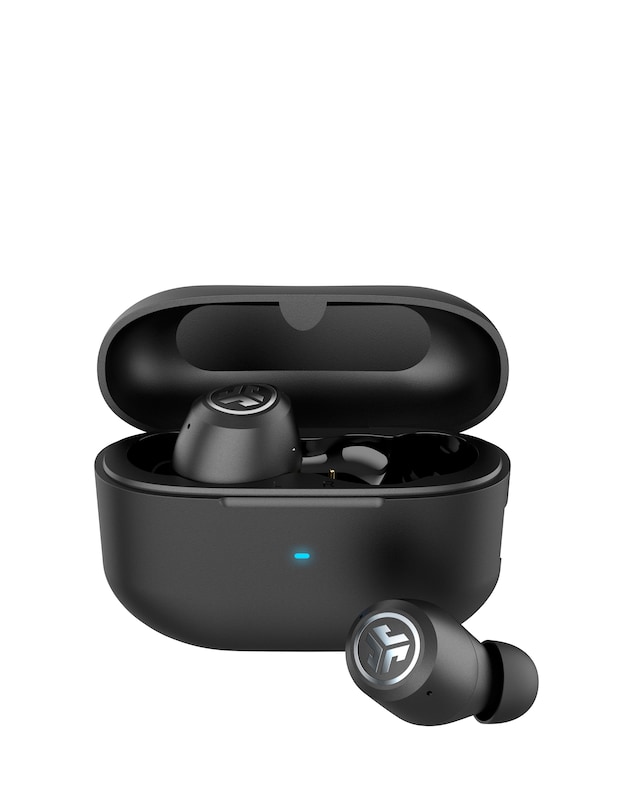
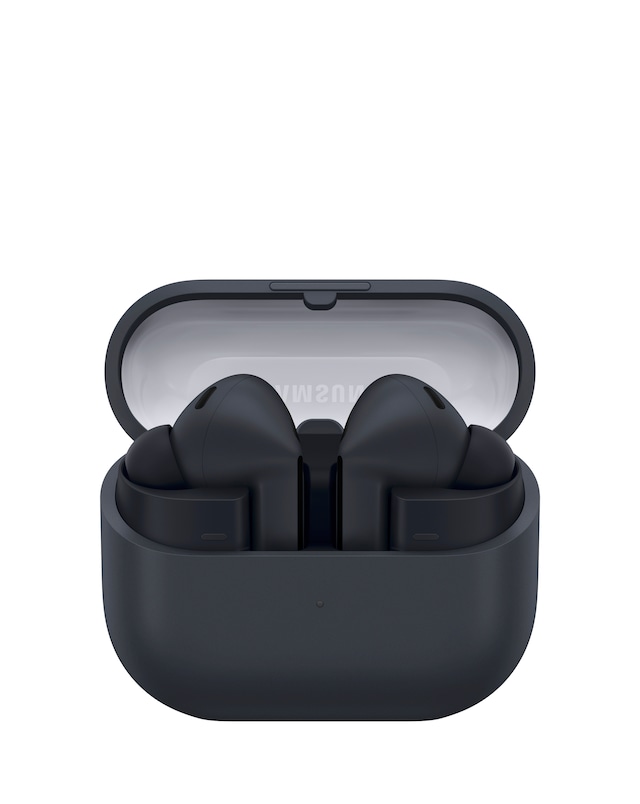
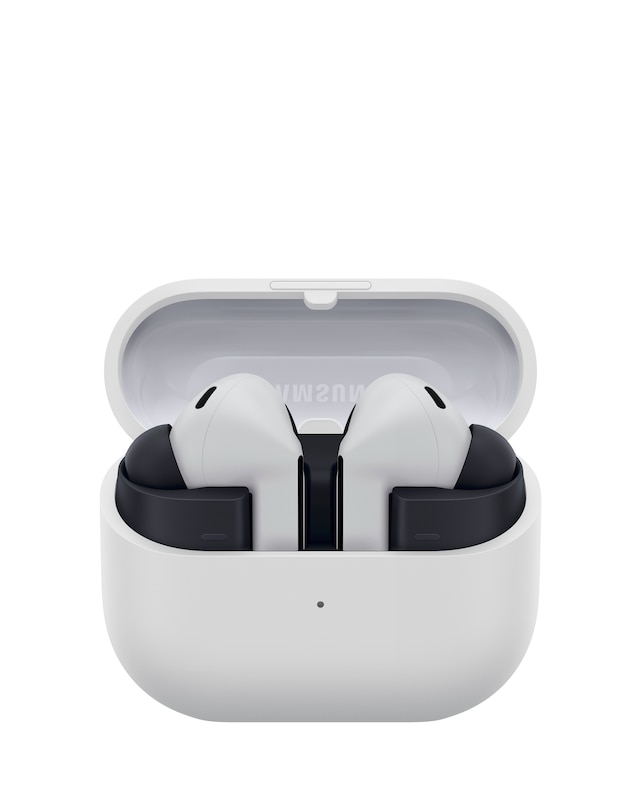
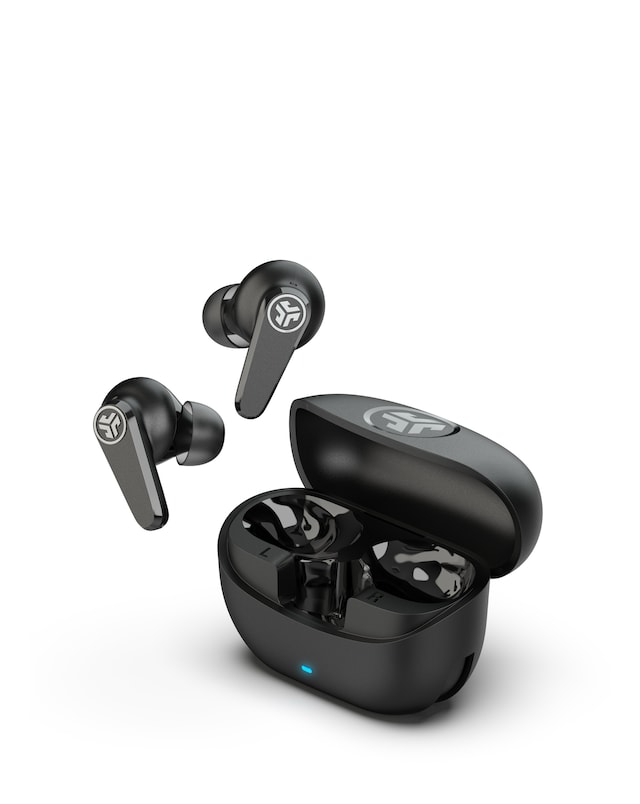
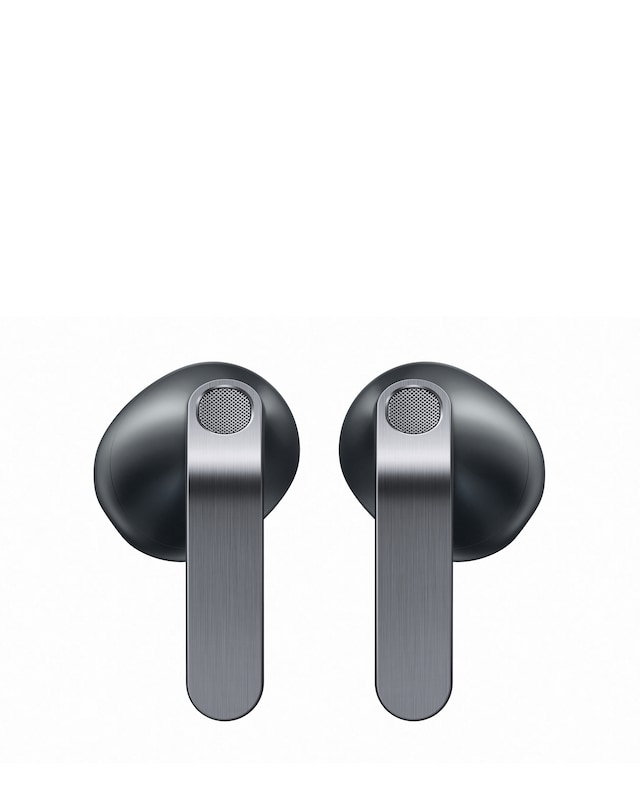
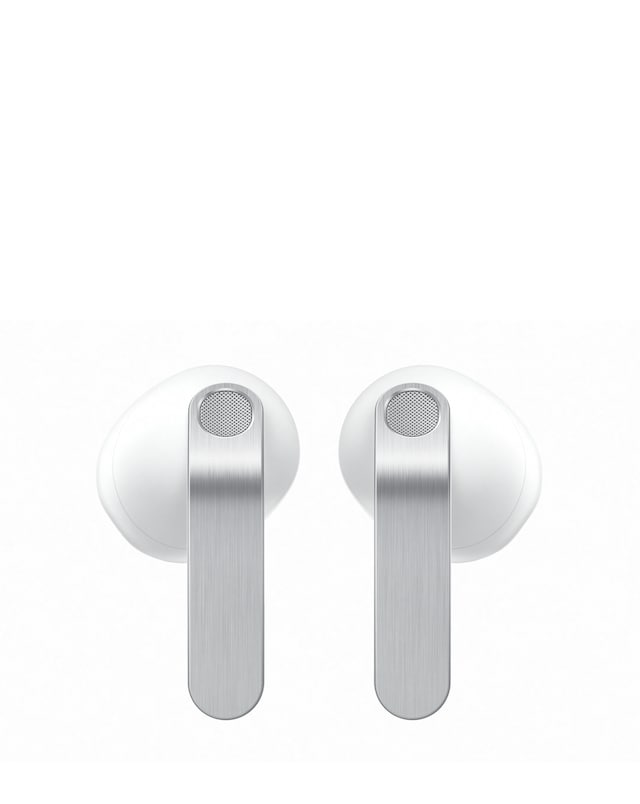
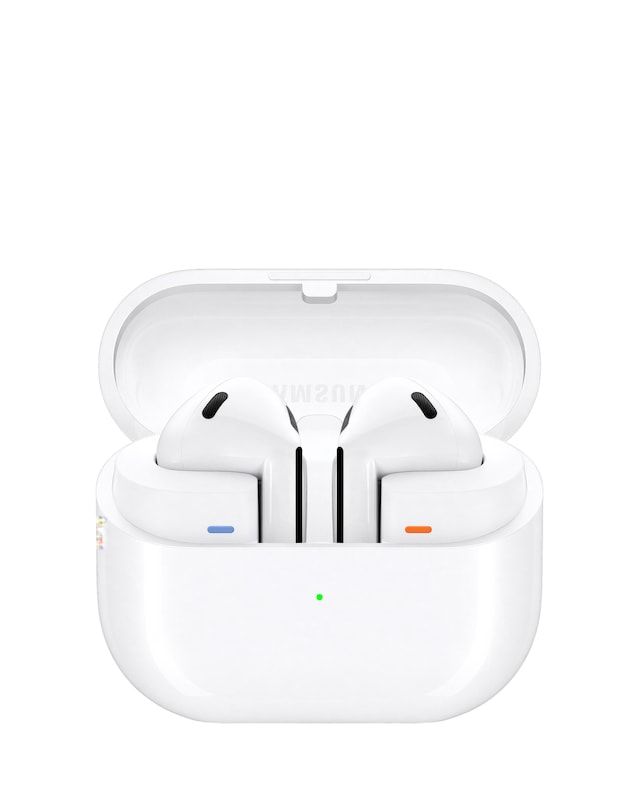
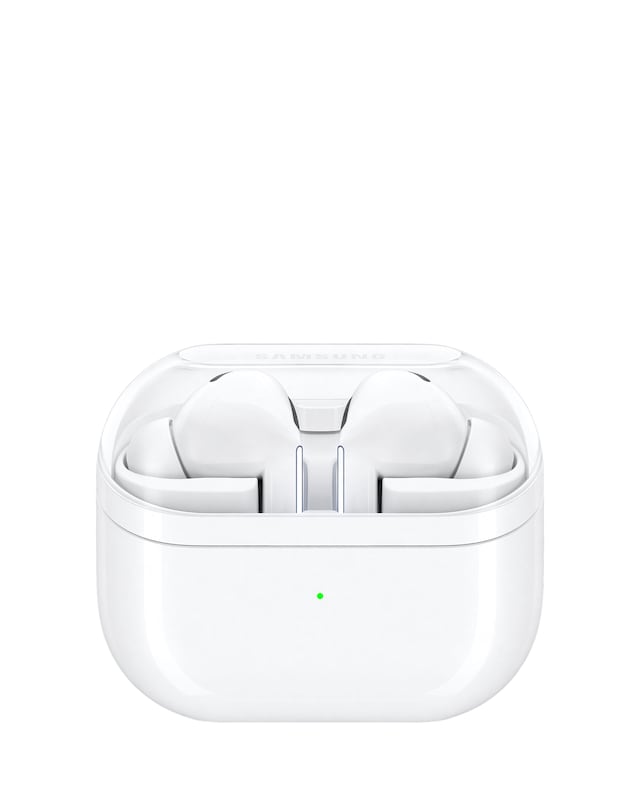
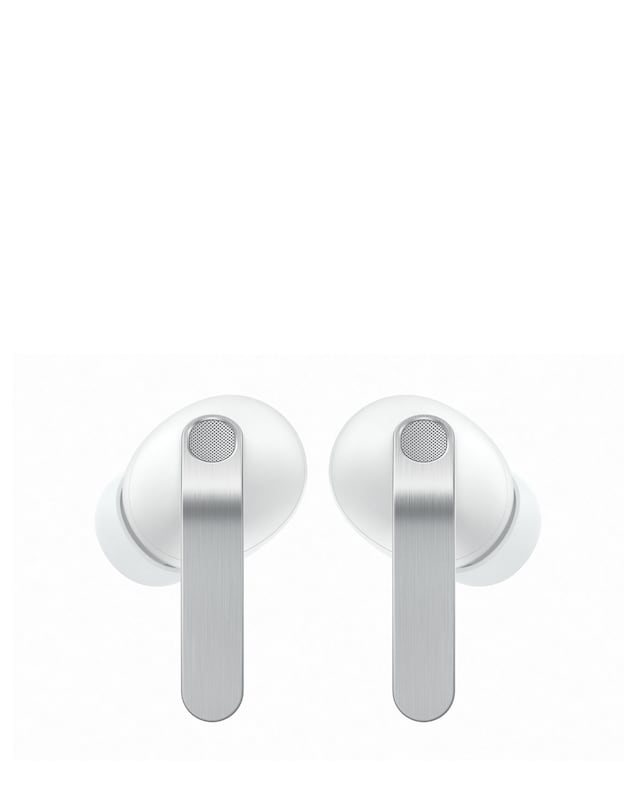
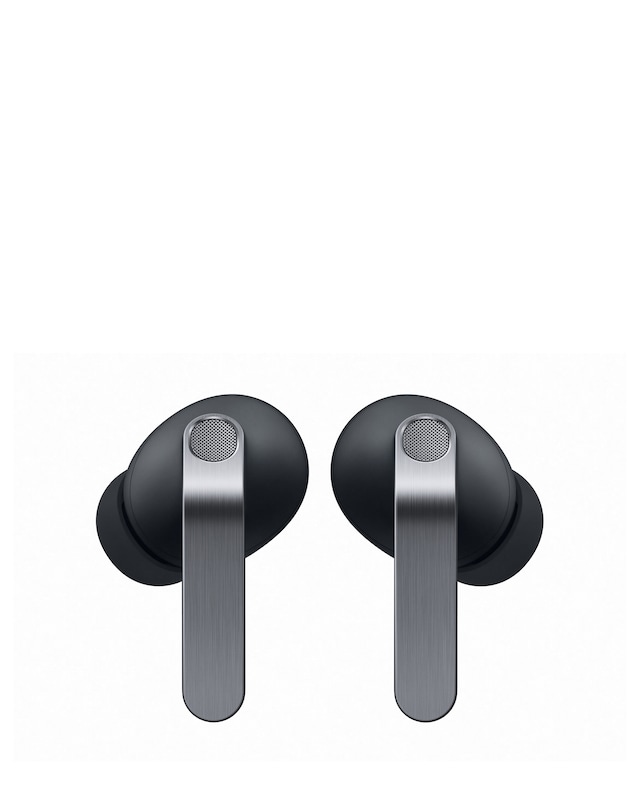
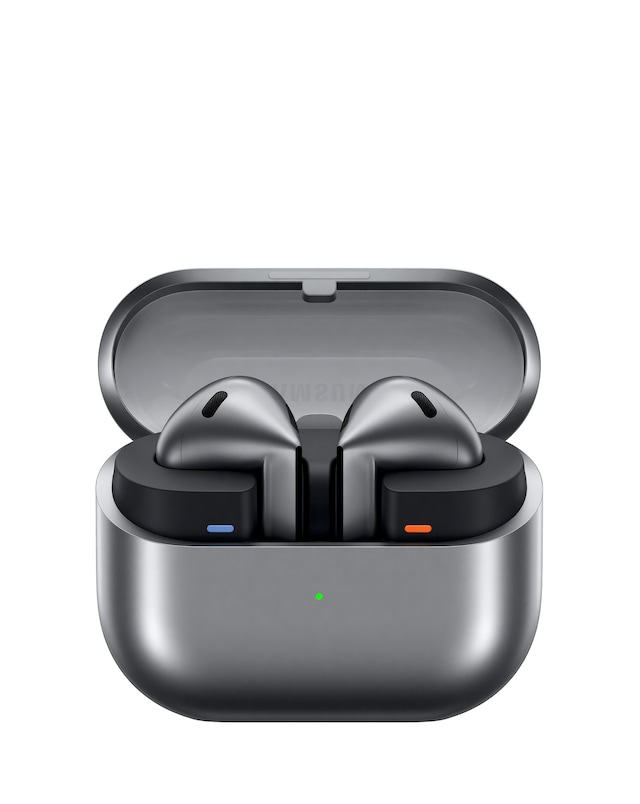
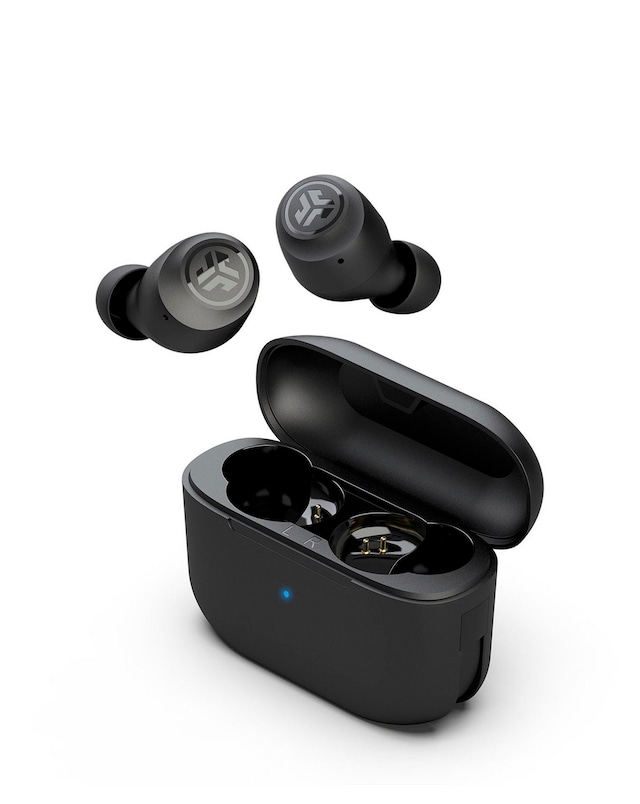
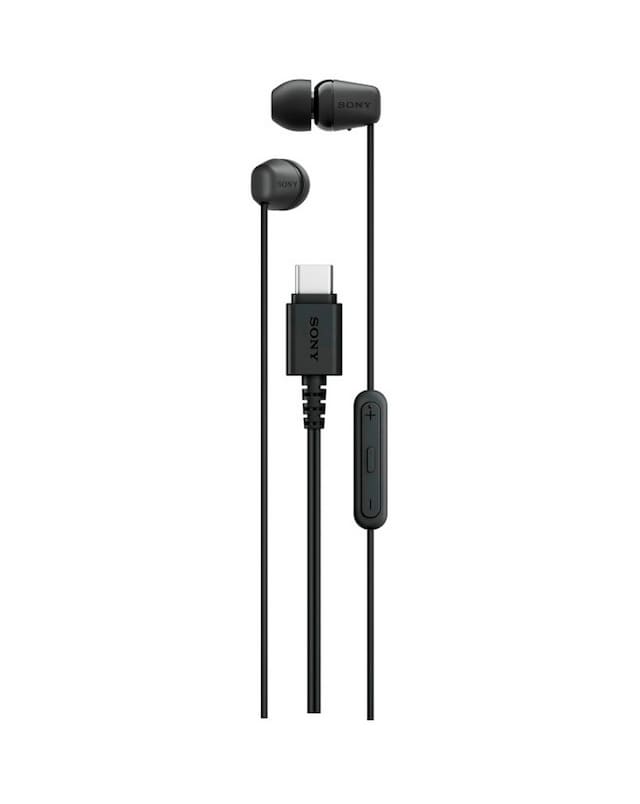
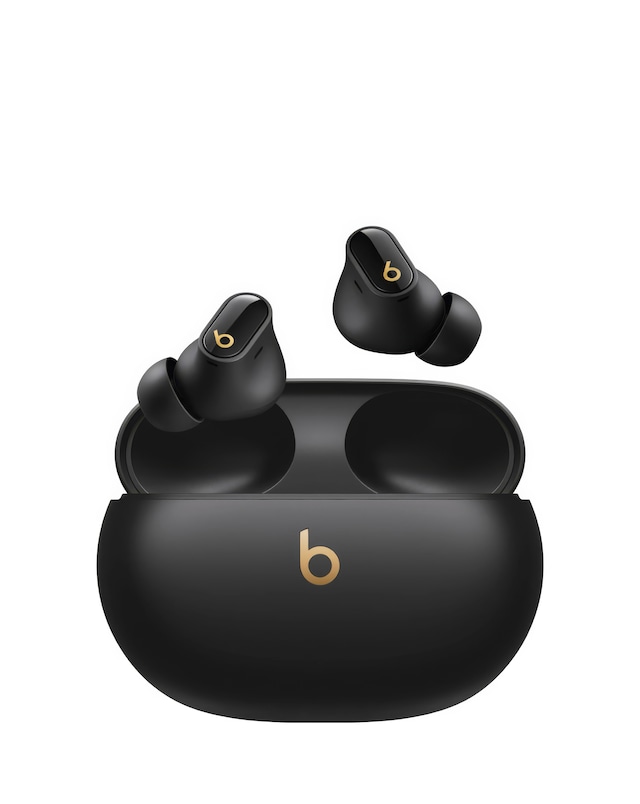
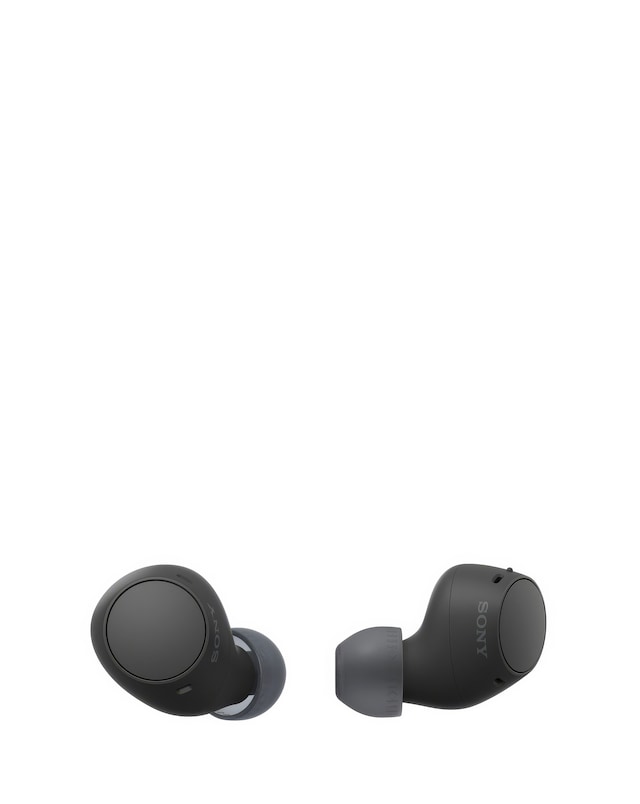
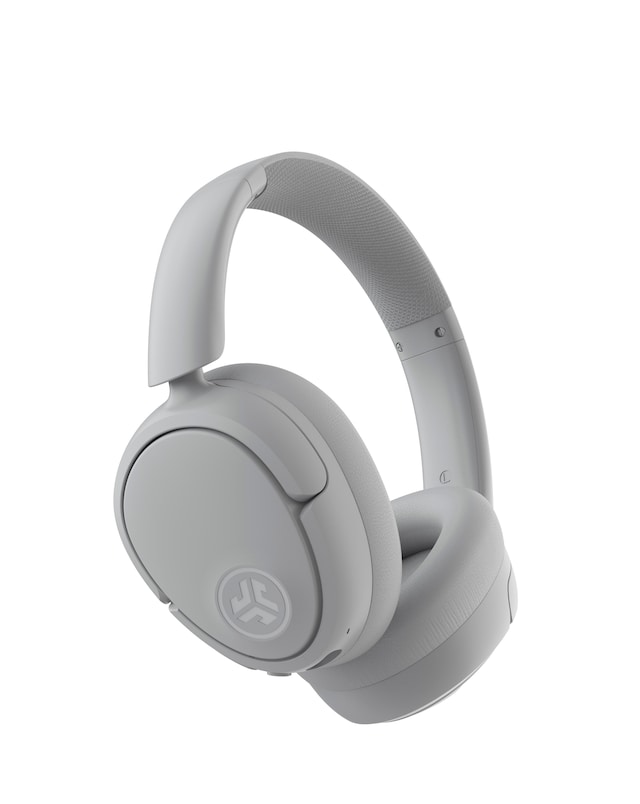
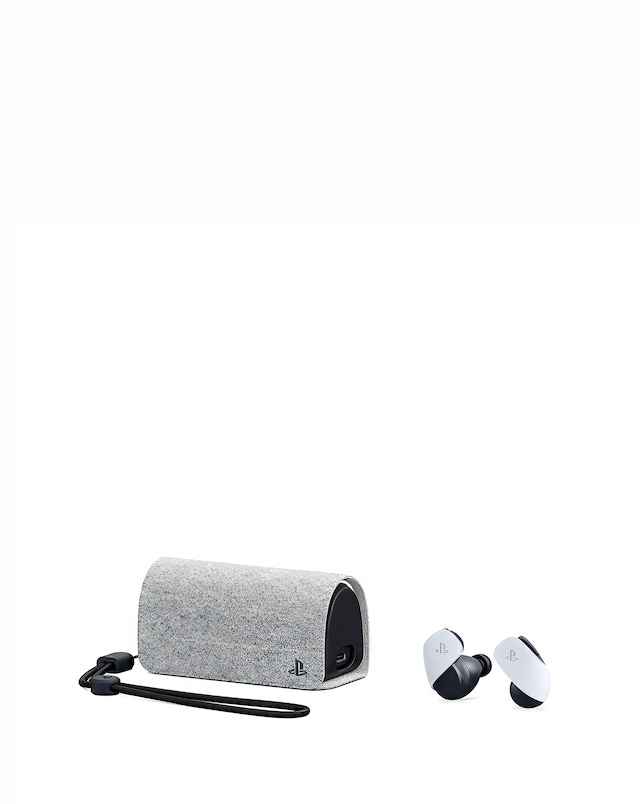
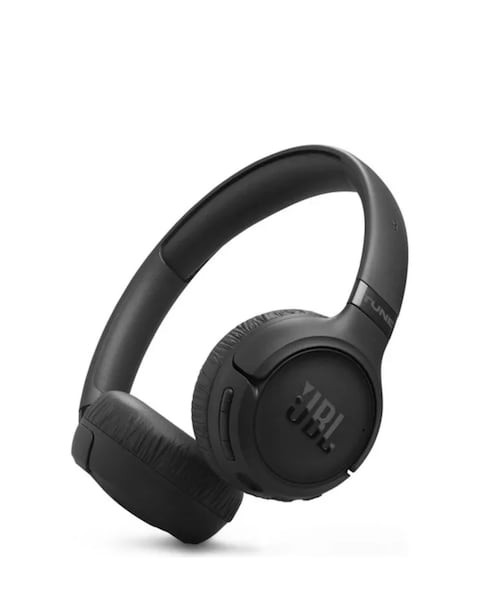
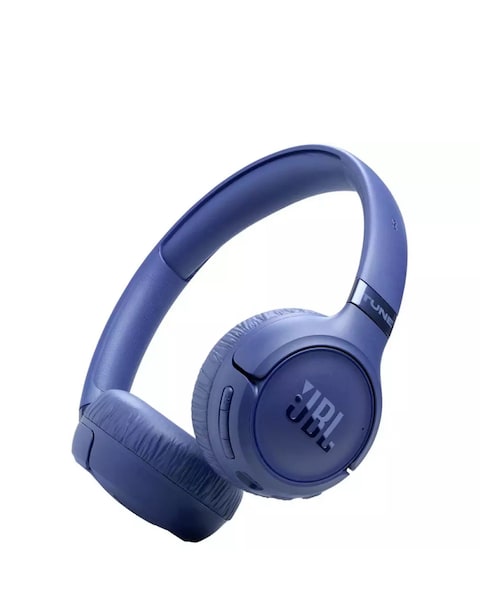
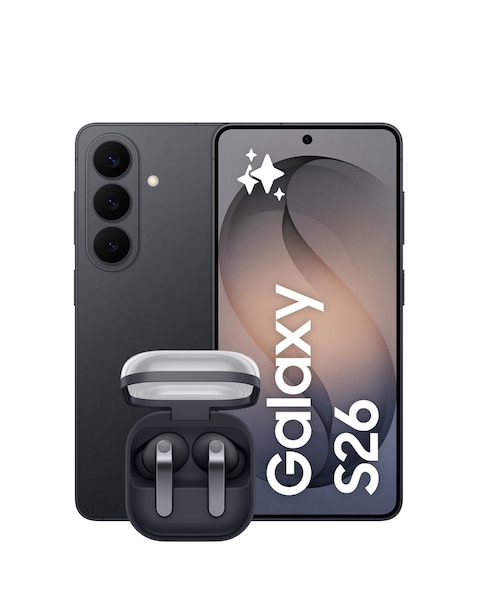
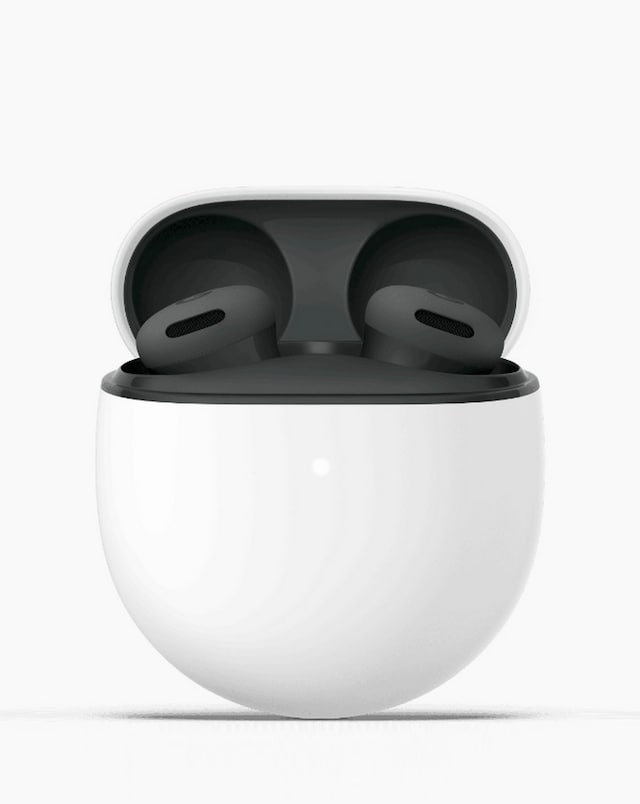
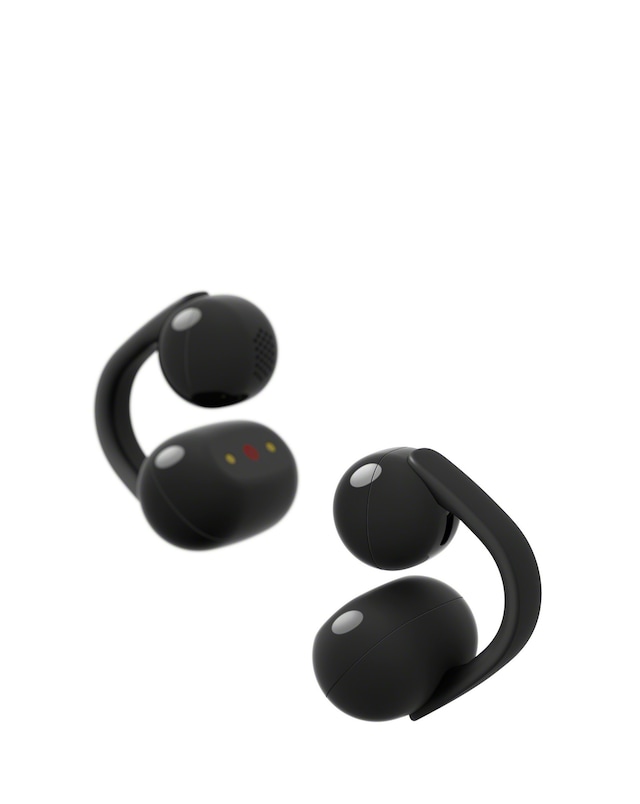
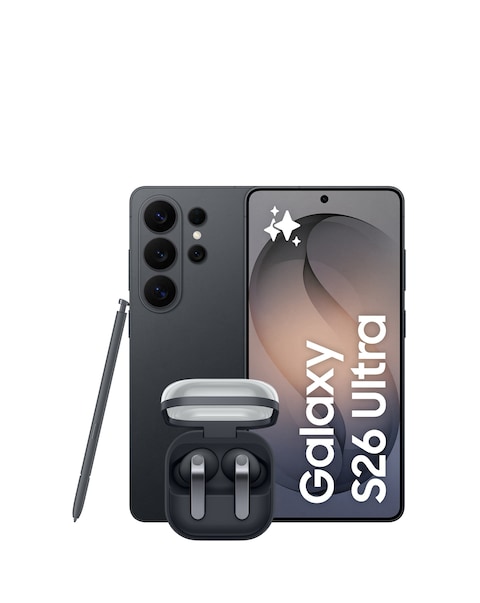
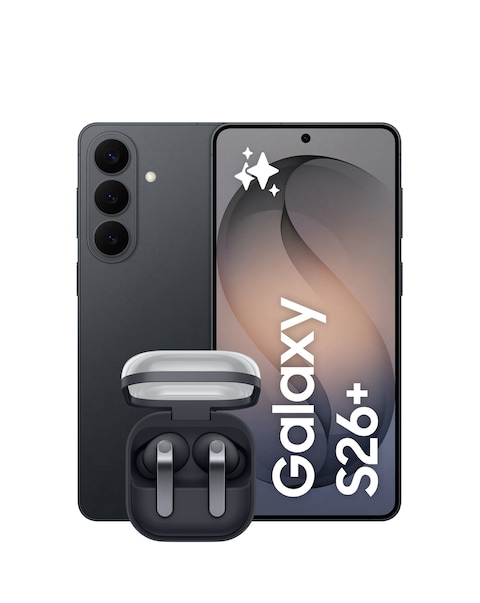
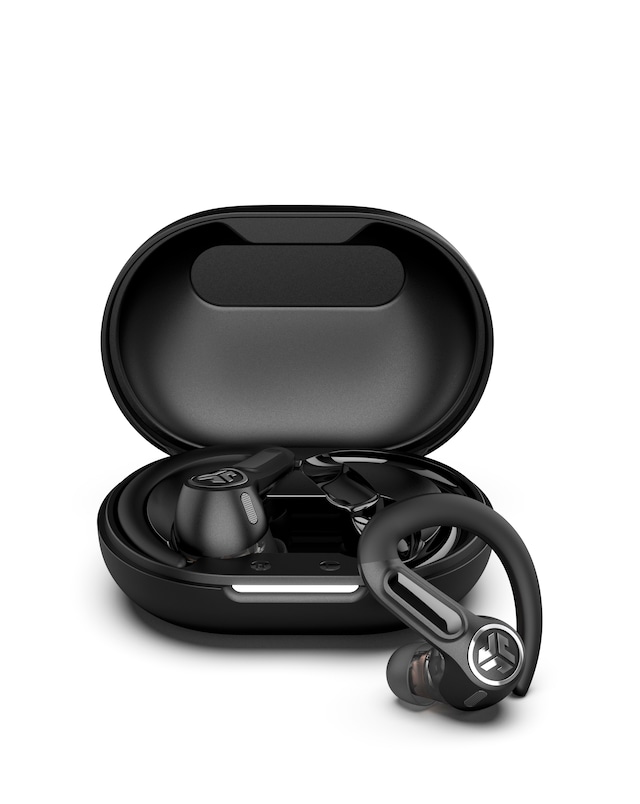
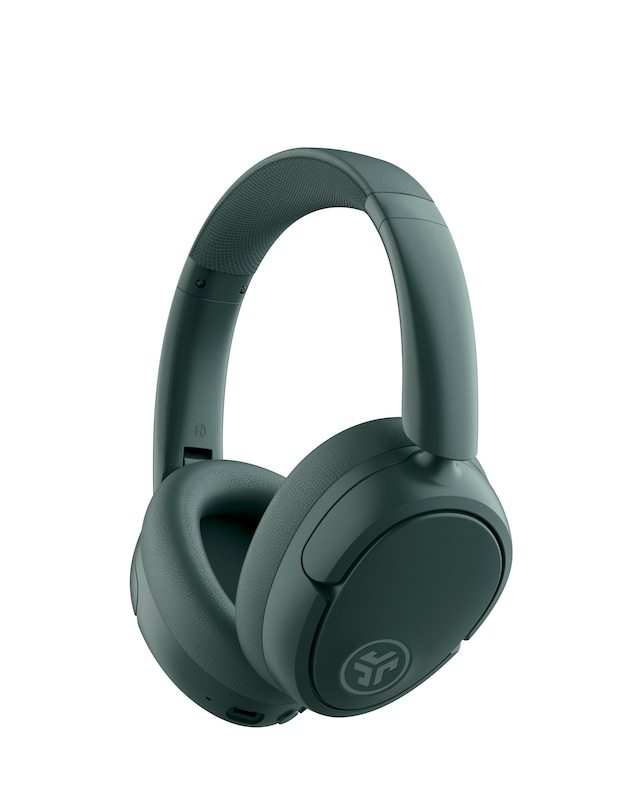
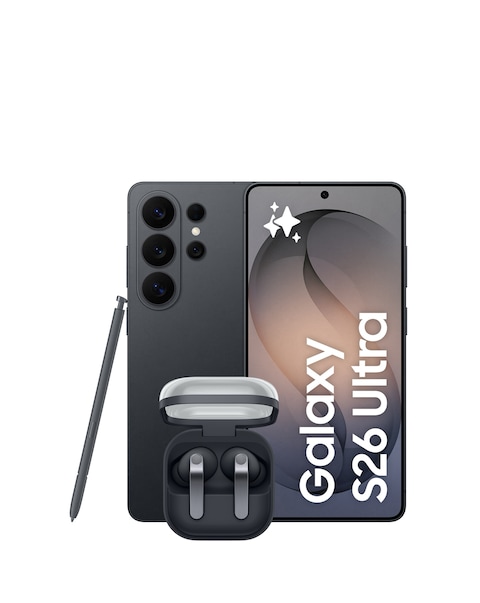
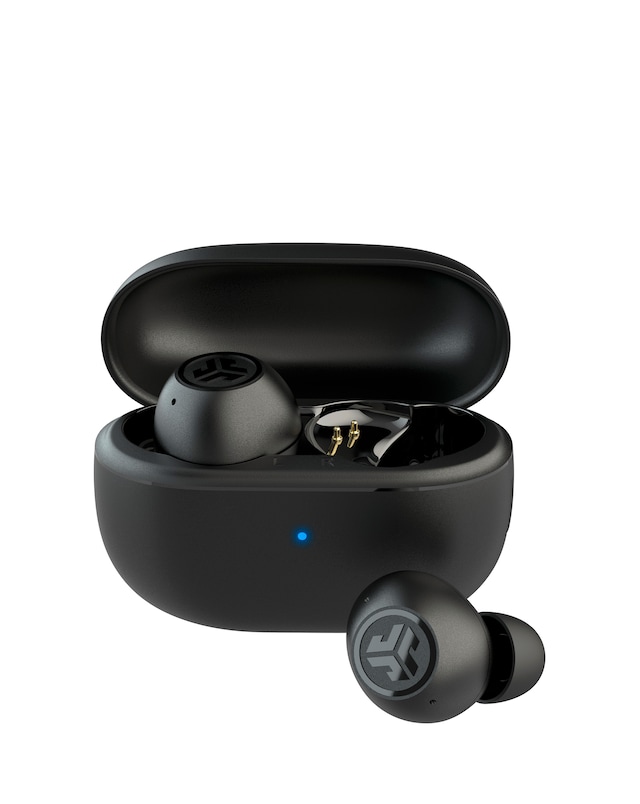
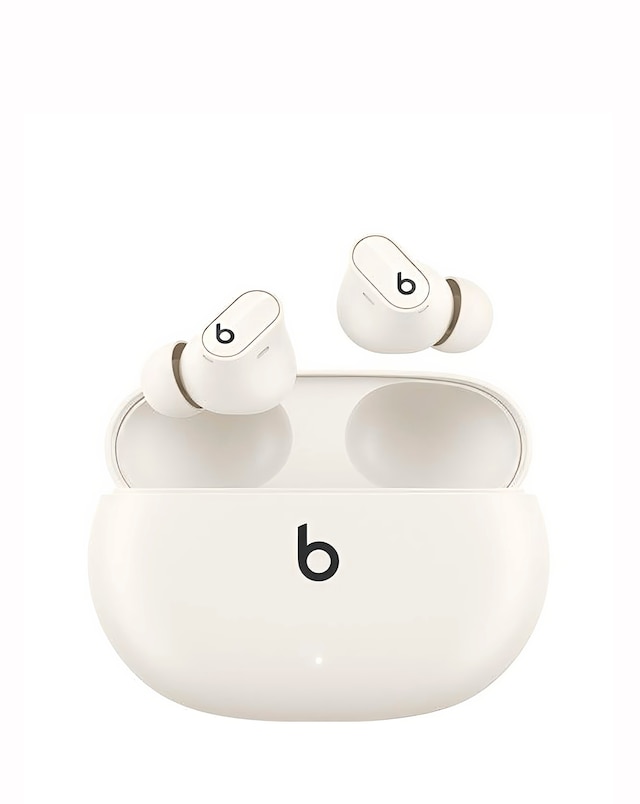
Explore our range of noise-cancelling earbuds for Android, designed to enhance your listening experience by blocking out unwanted background noise. These earbuds feature advanced noise cancellation technology, ensuring that you can enjoy your favourite music, podcasts, or calls without distractions. With comfortable designs and secure fits, they are perfect for on-the-go use, whether you're commuting, exercising, or relaxing at home. Enjoy seamless connectivity with your Android devices and immerse yourself in high-quality sound with our selection of noise-cancelling earbuds.
What are noise-cancelling earbuds for Android?
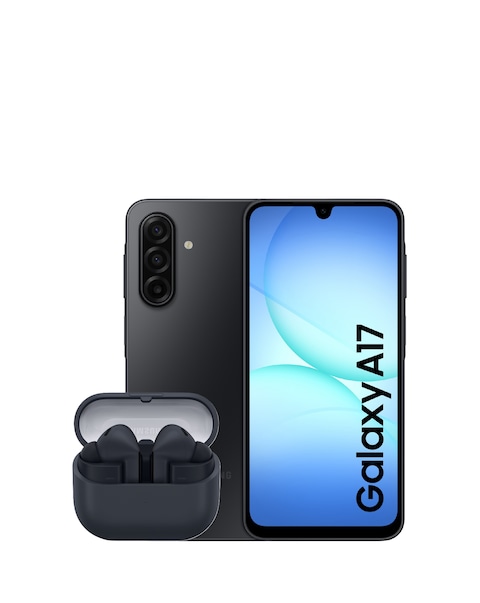
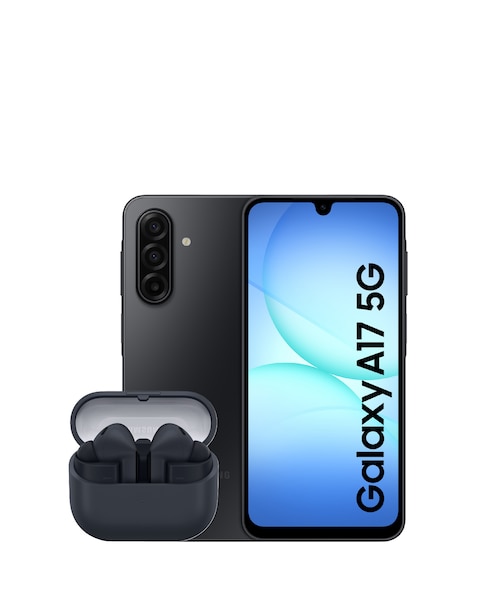
- Noise-cancelling earbuds for Android are wireless audio devices specifically designed to reduce ambient noise, allowing for a more immersive listening experience. They connect easily to Android smartphones and tablets, providing high-quality sound while blocking out distractions.
How do noise-cancelling earbuds work?
- Noise-cancelling earbuds use microphones to detect external sounds and generate sound waves that counteract those noises, effectively cancelling them out. This technology allows you to enjoy your audio content without interference from the surrounding environment.
Are noise-cancelling earbuds suitable for exercise?
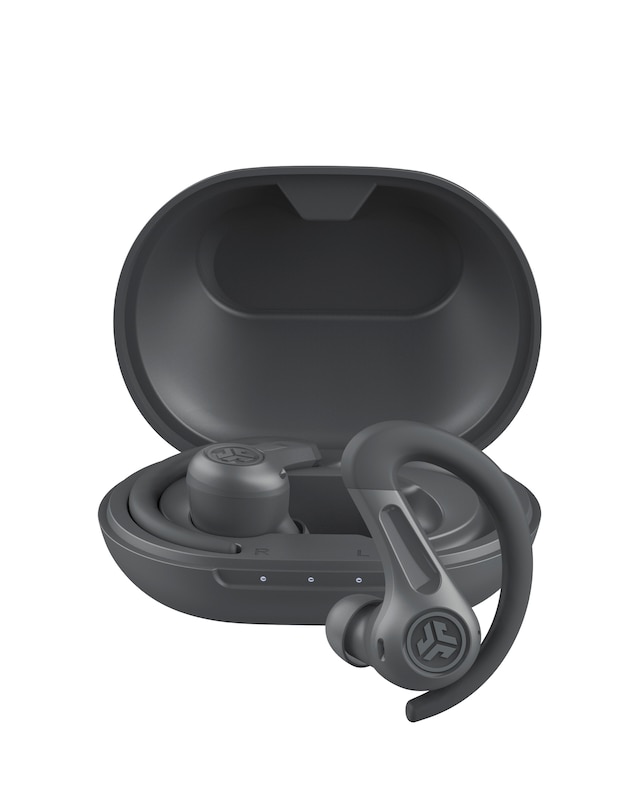
- Yes, many noise-cancelling earbuds are designed with a secure fit and sweat-resistant features, making them suitable for exercise. They help you focus on your workout by minimising distractions from your surroundings, allowing you to stay motivated and engaged.
Can I use noise-cancelling earbuds for phone calls?
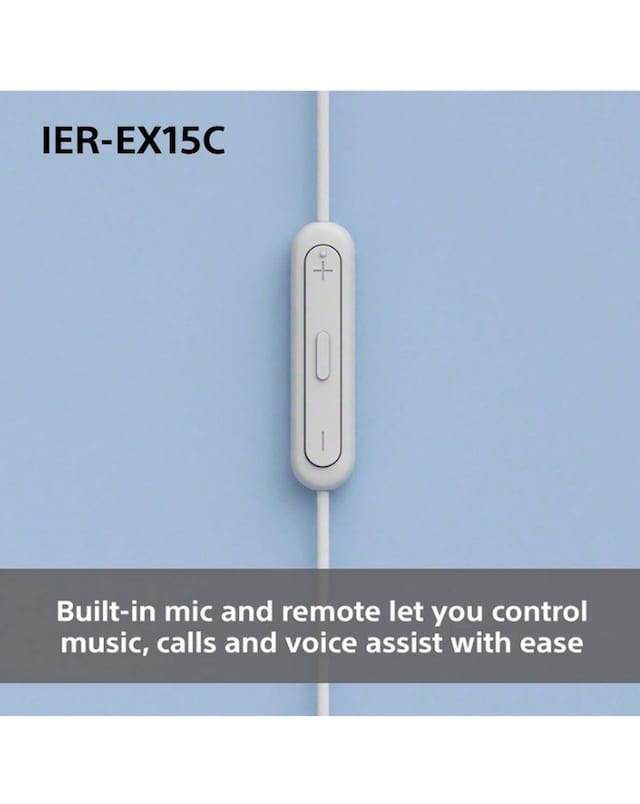
- Absolutely, noise-cancelling earbuds are great for phone calls as they help reduce background noise, making your voice clearer to the person on the other end. Many models also come with built-in microphones for hands-free calling, enhancing the overall communication experience.
Do noise-cancelling earbuds work with all Android devices?
- Most noise-cancelling earbuds are compatible with a wide range of Android devices, provided they support Bluetooth connectivity. Always check the specifications to ensure compatibility with your specific device for optimal performance.