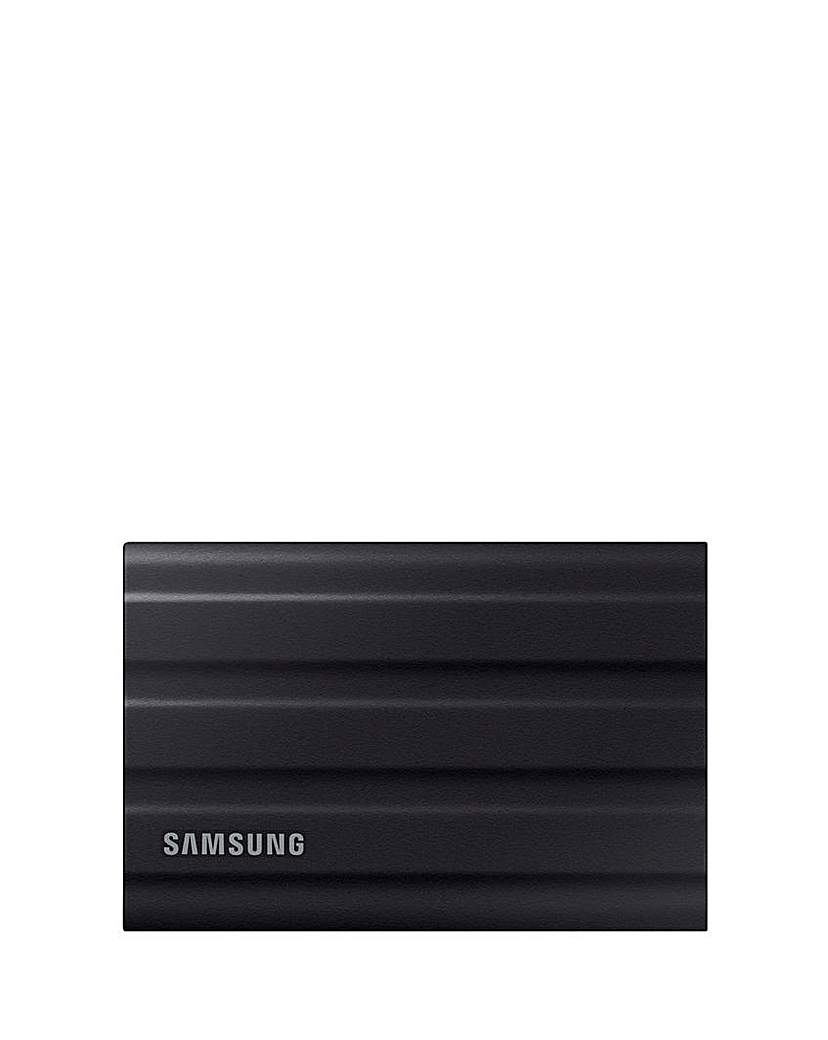
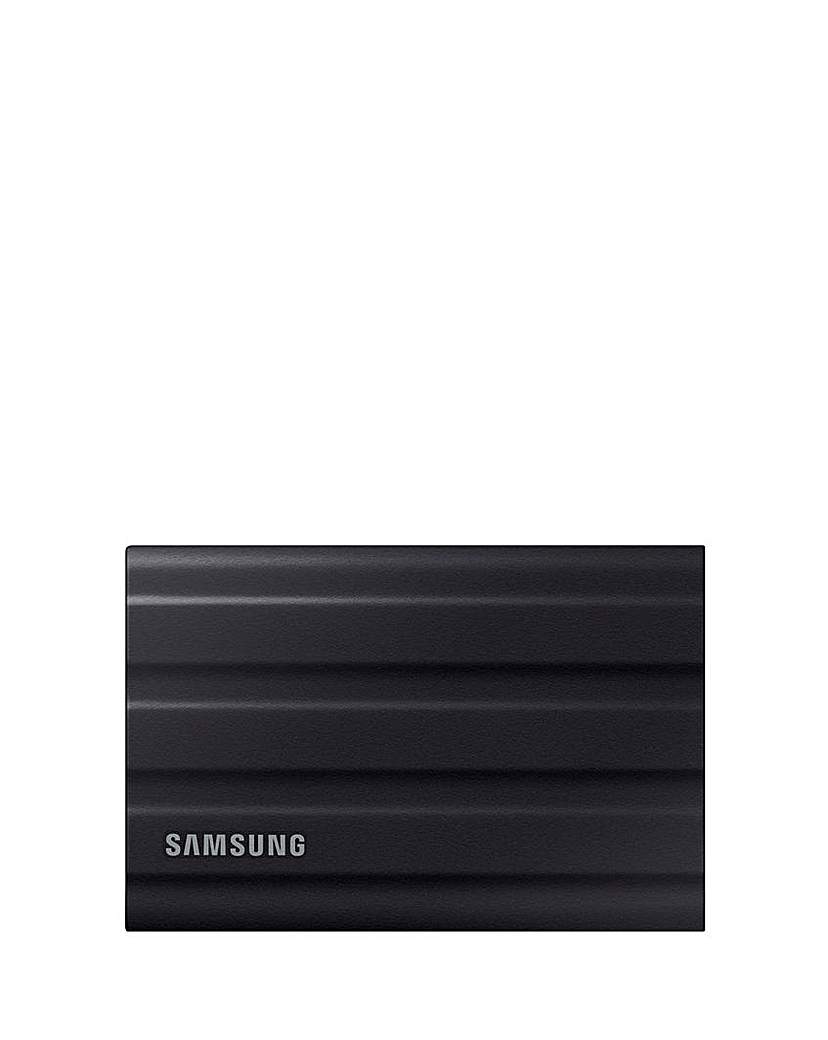
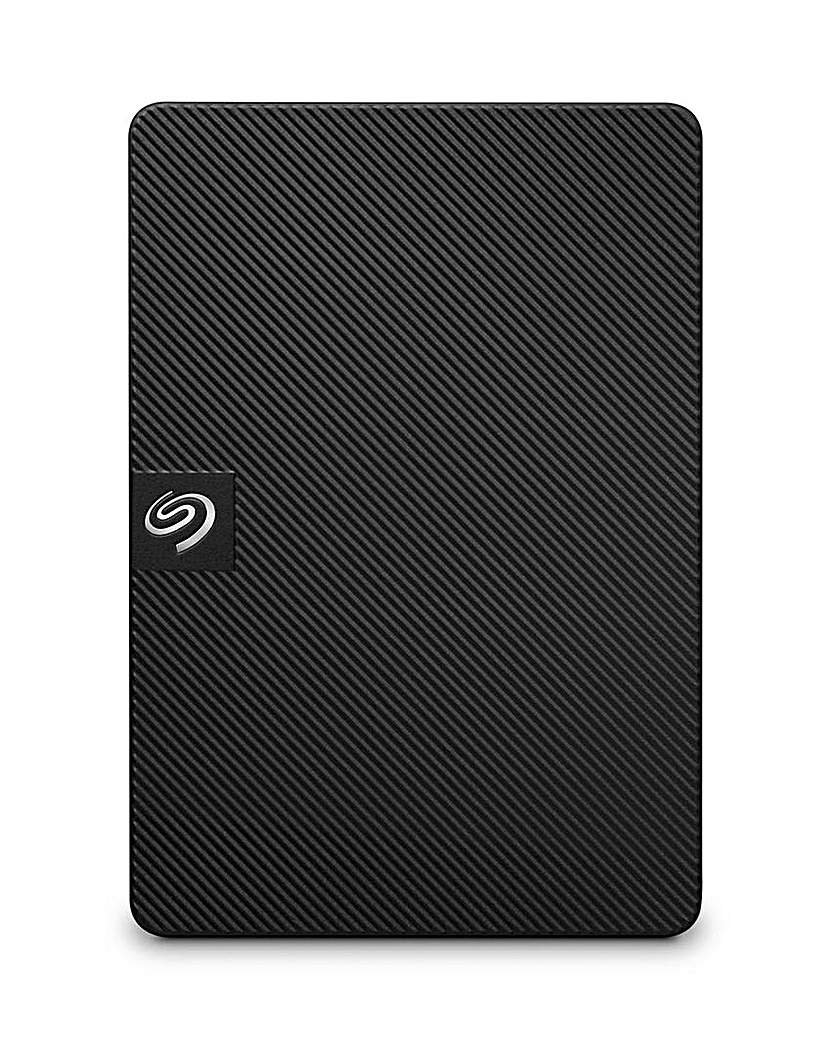
Explore our extensive range of computer storage solutions designed to meet all your data needs. Whether you're looking for external hard drives or SSDs, our collection offers ample capacity and fast transfer speeds to ensure your files are safe and easily accessible. With user-friendly plug-and-play functionality, these storage devices are perfect for backing up important documents, storing multimedia files, or expanding your computer's storage capabilities. Choose from various sizes and formats to find the ideal solution for your home or office setup.
What types of computer storage are available?
- Computer storage options include external hard drives, solid-state drives (SSDs), and USB flash drives. Each type offers different benefits, such as speed, portability, and capacity, catering to various user needs. External hard drives are great for large backups, while SSDs provide faster data access and transfer speeds.
How do I choose the right computer storage for my needs?
- To select the right computer storage, consider your storage capacity requirements, the speed of data transfer you need, and whether you prefer portability. If you frequently travel or need to access files on the go, a compact external drive or USB flash drive may be ideal. For larger files and backups, a higher-capacity external hard drive or SSD is recommended.
Can I use external storage with any computer?
- Most external storage devices are compatible with both Windows and Mac operating systems, but it's essential to check the specifications before purchasing. Many drives come pre-formatted for specific systems, while others can be reformatted for compatibility. Always ensure that your computer has the necessary ports for connection.
How do I back up my data using external storage?
- Backing up data using external storage is straightforward. Simply connect the external drive to your computer, and then drag and drop files or use backup software to automate the process. Regular backups are recommended to ensure your data is safe and up to date.
What is the difference between HDD and SSD storage?
- HDD (hard disk drive) storage uses spinning disks to read and write data, making it generally slower but more cost-effective for larger capacities. SSD (solid-state drive) storage, on the other hand, uses flash memory, resulting in faster data access and transfer speeds, but often at a higher price point. Choosing between them depends on your performance needs and budget.