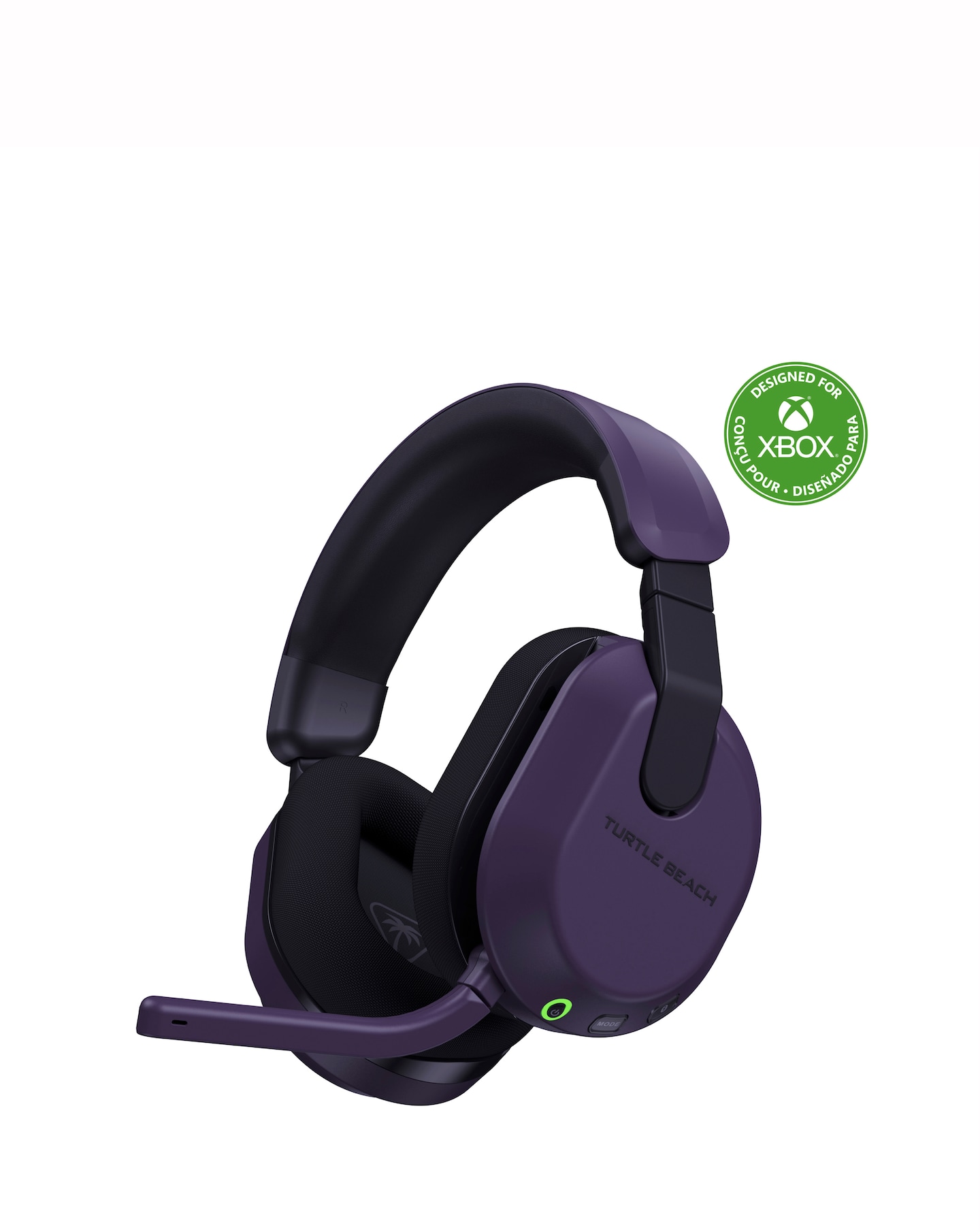
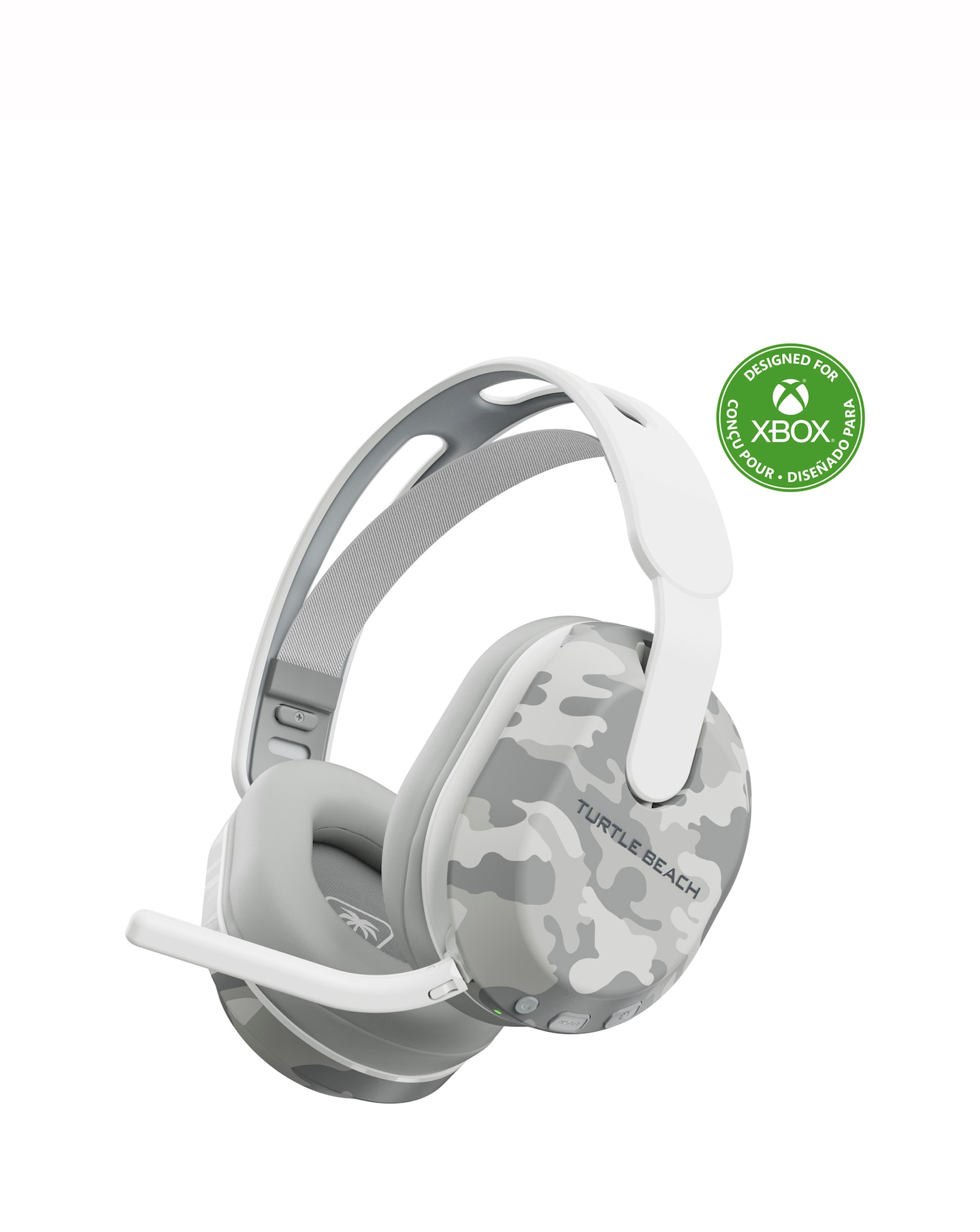
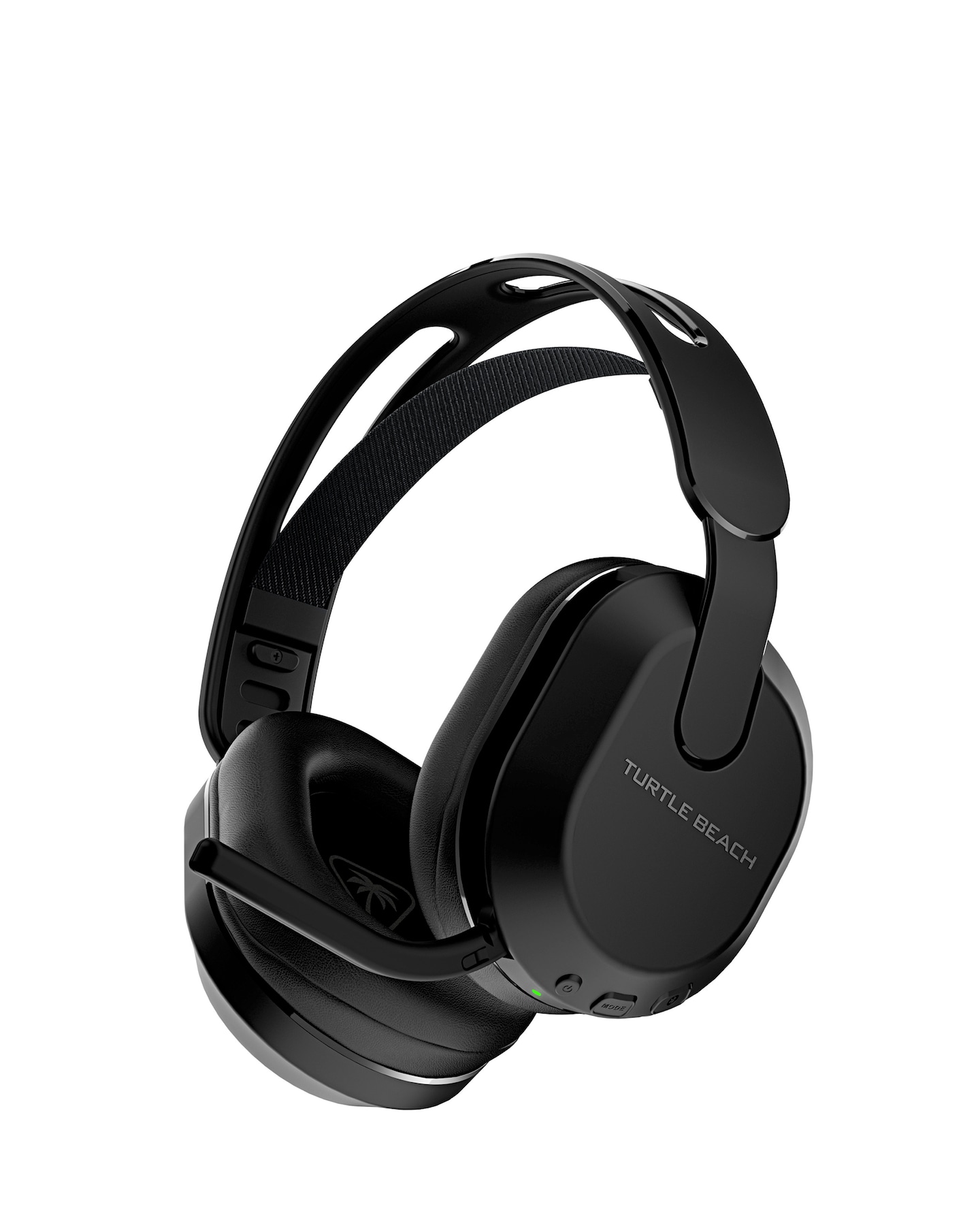
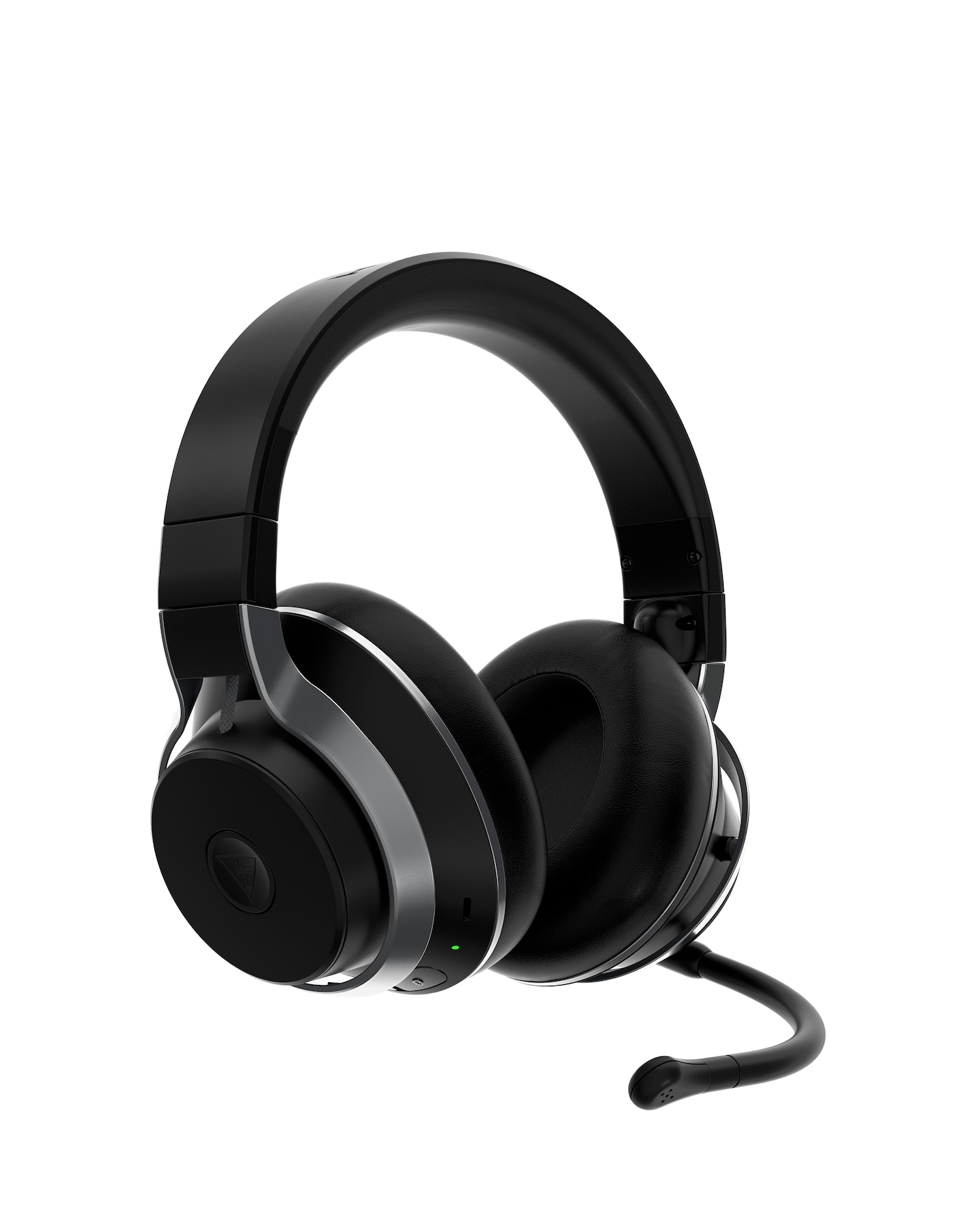
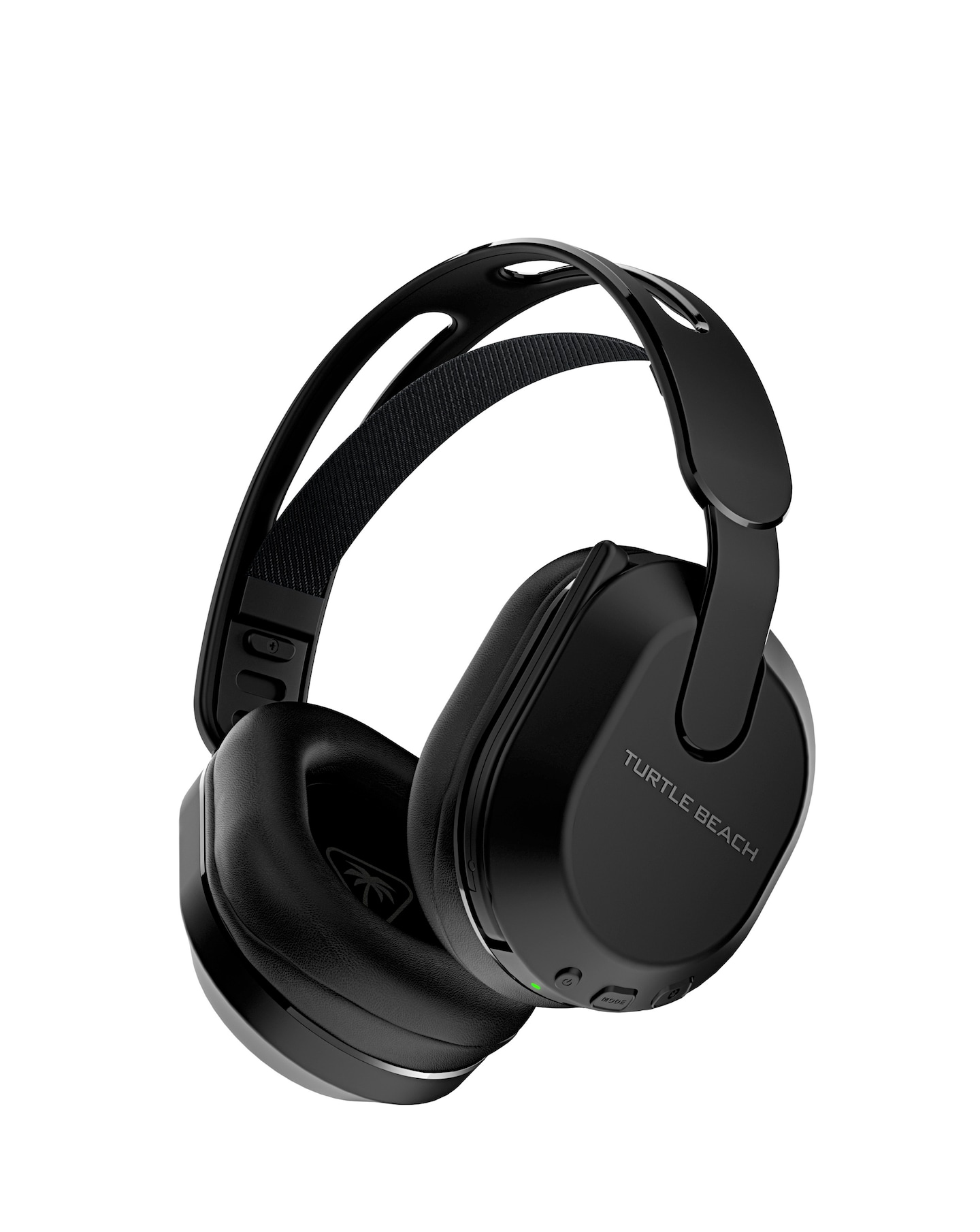
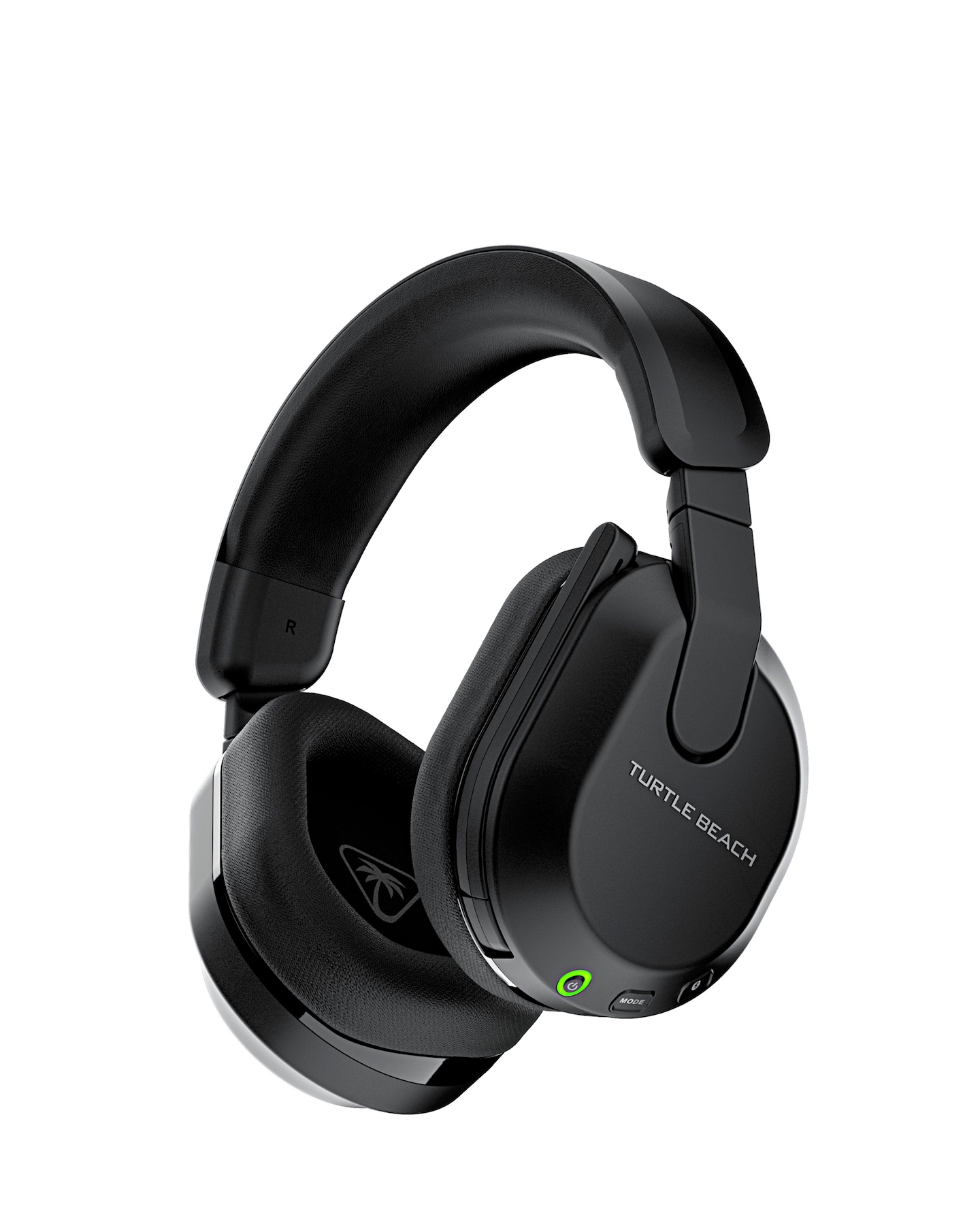
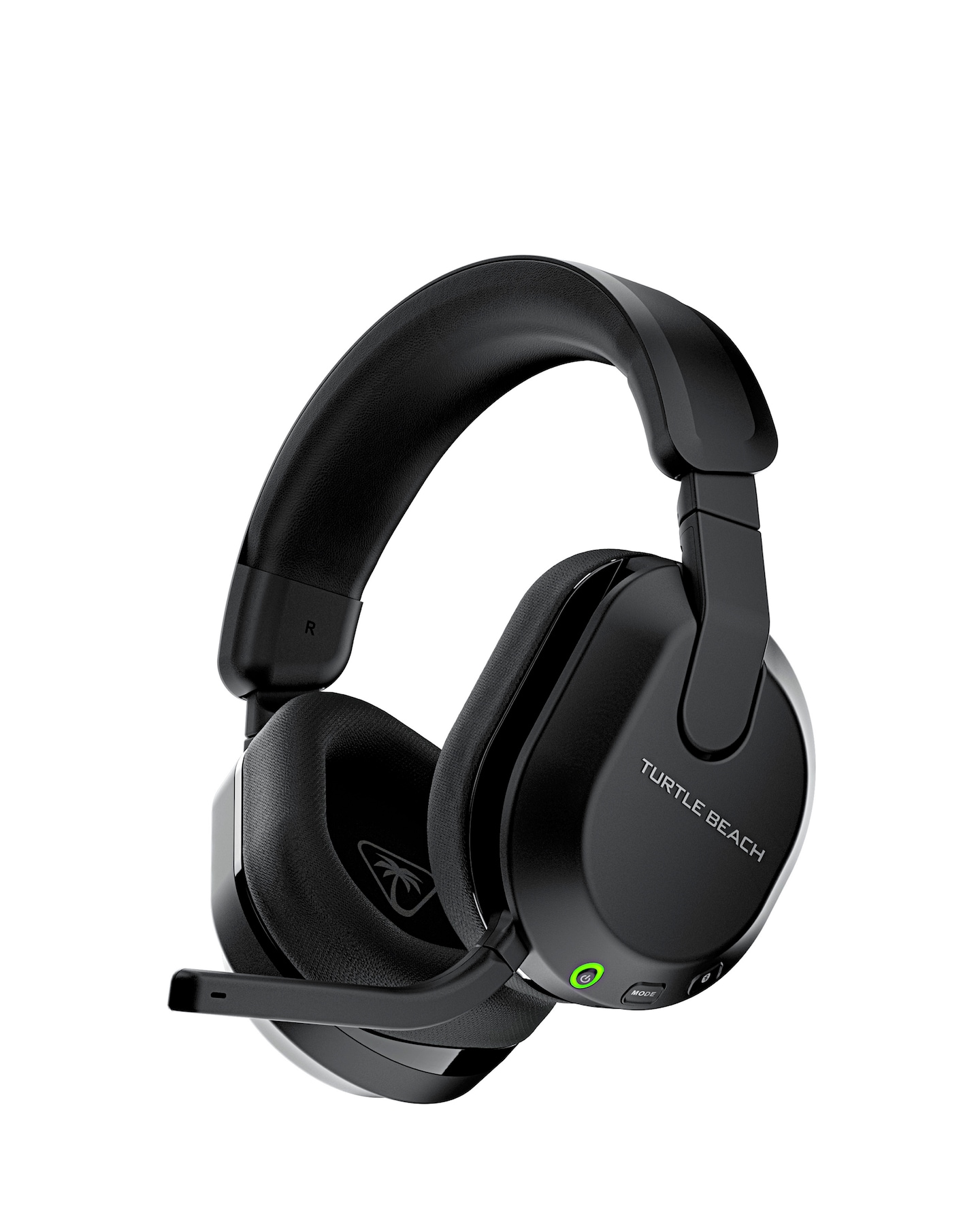
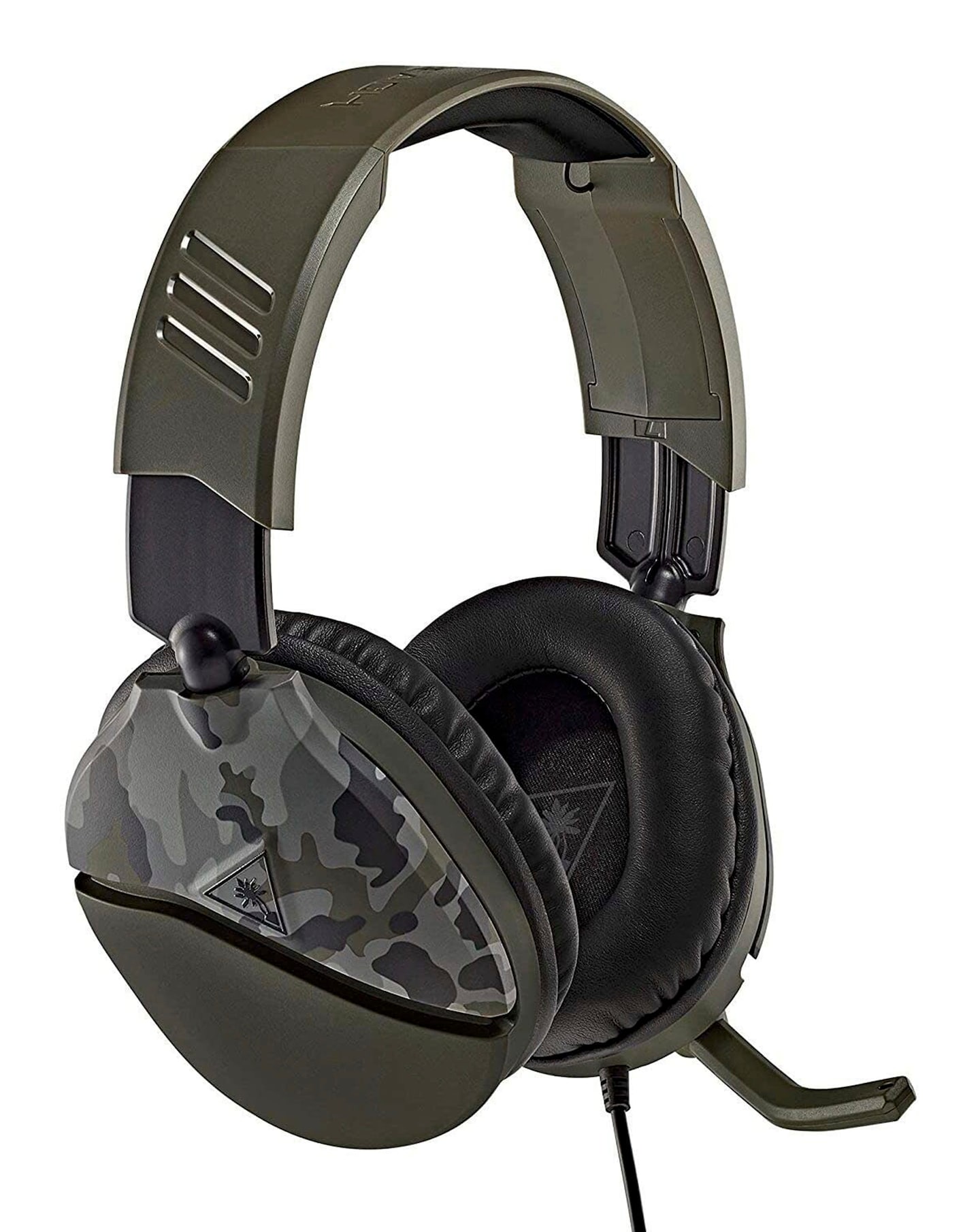
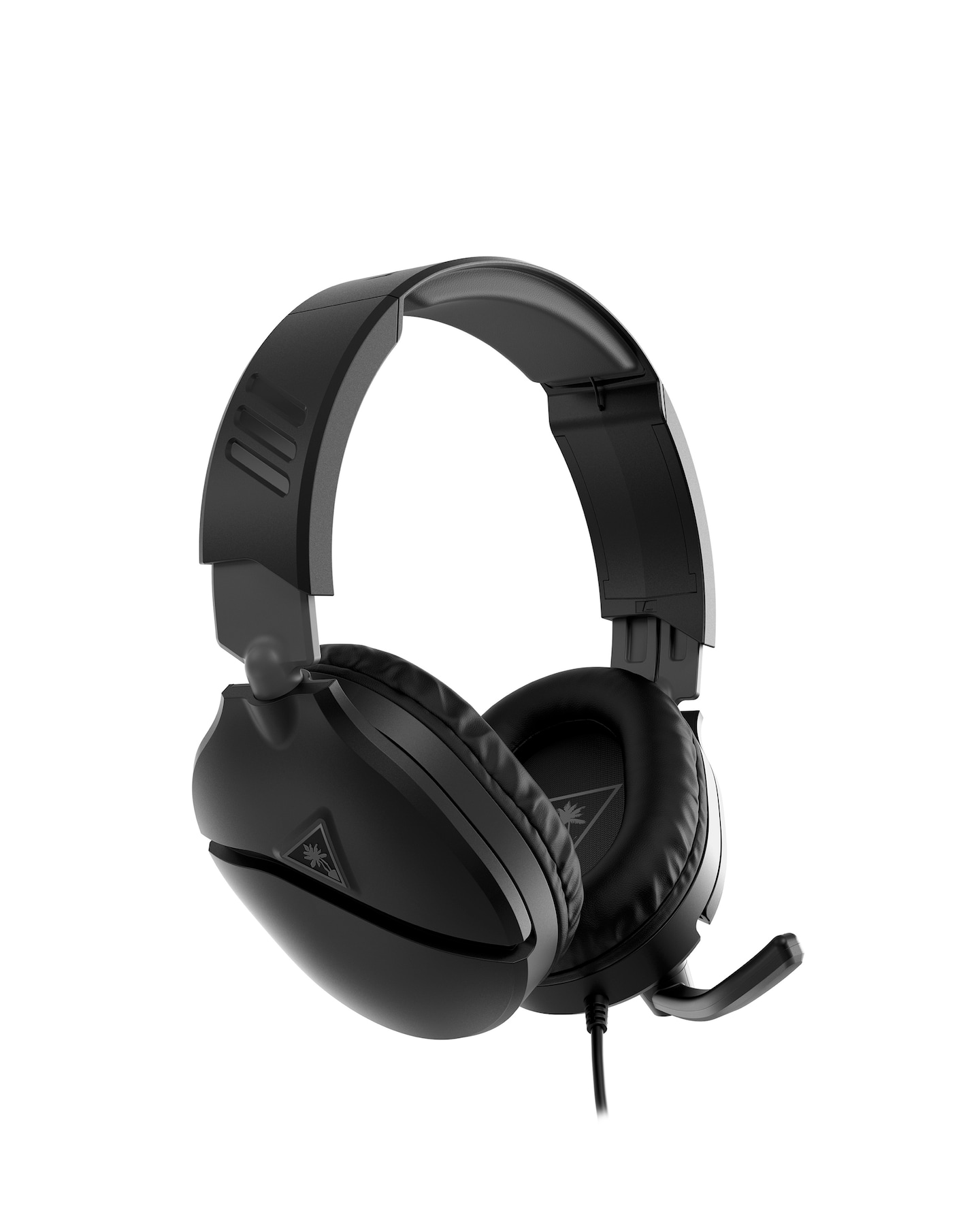
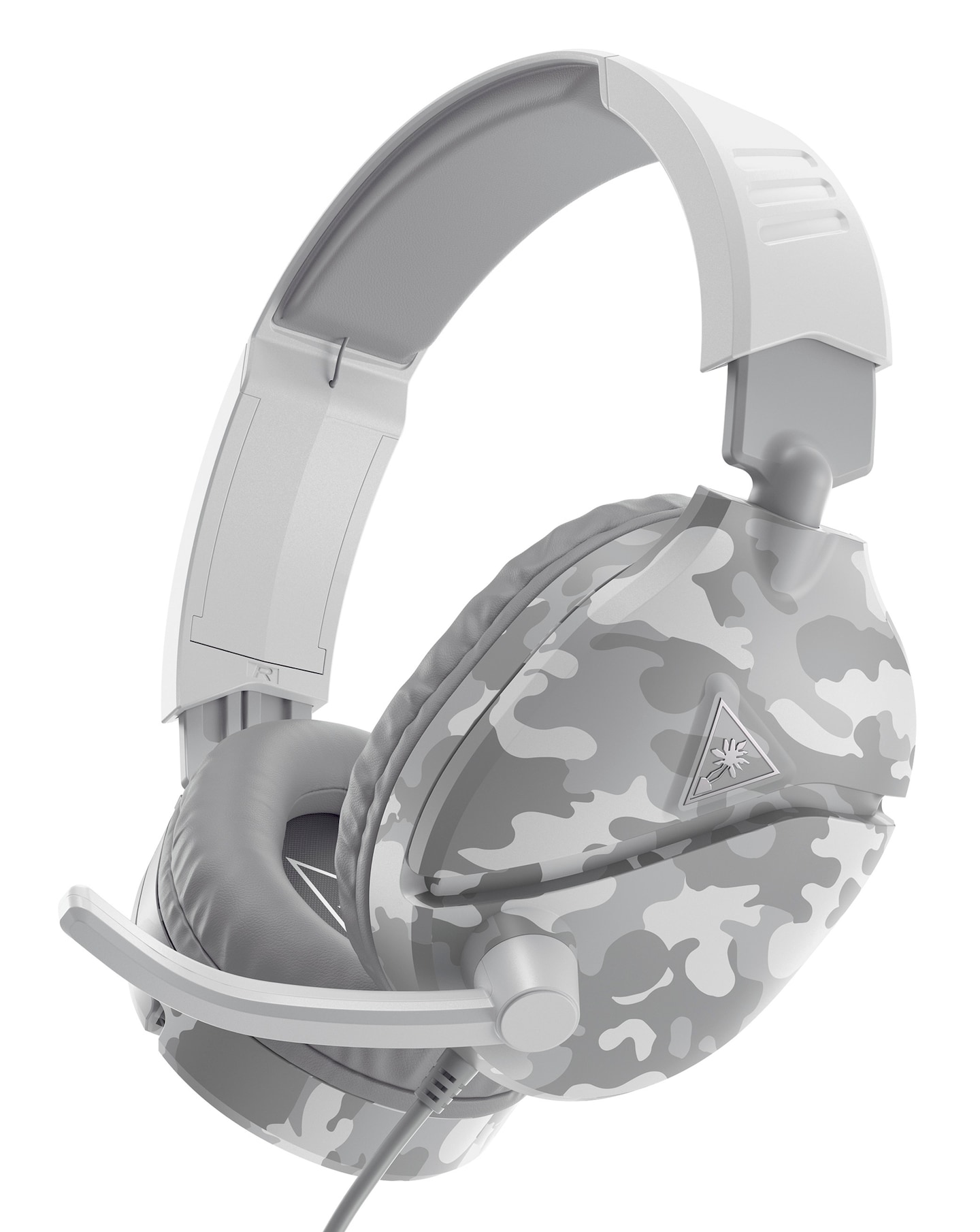
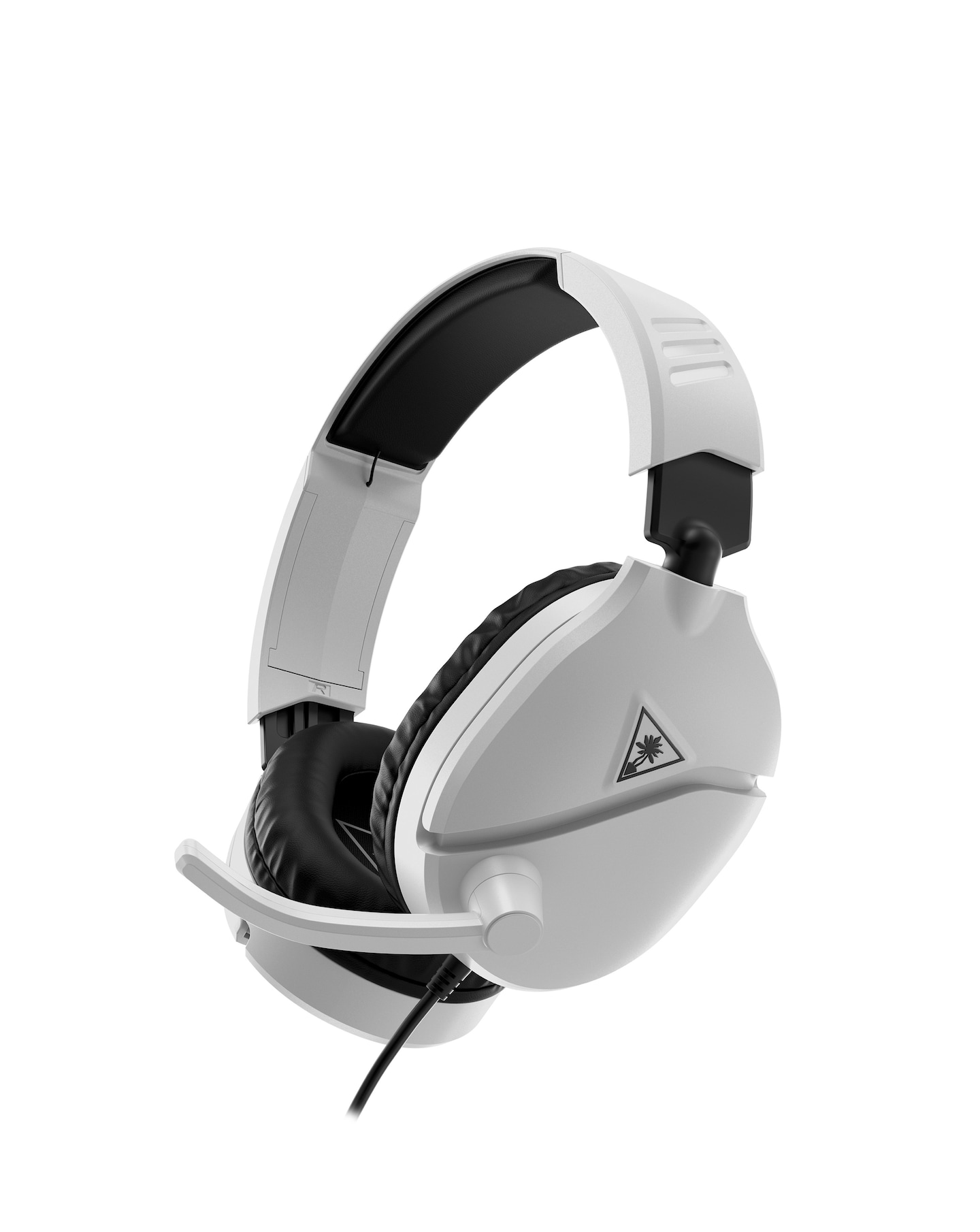
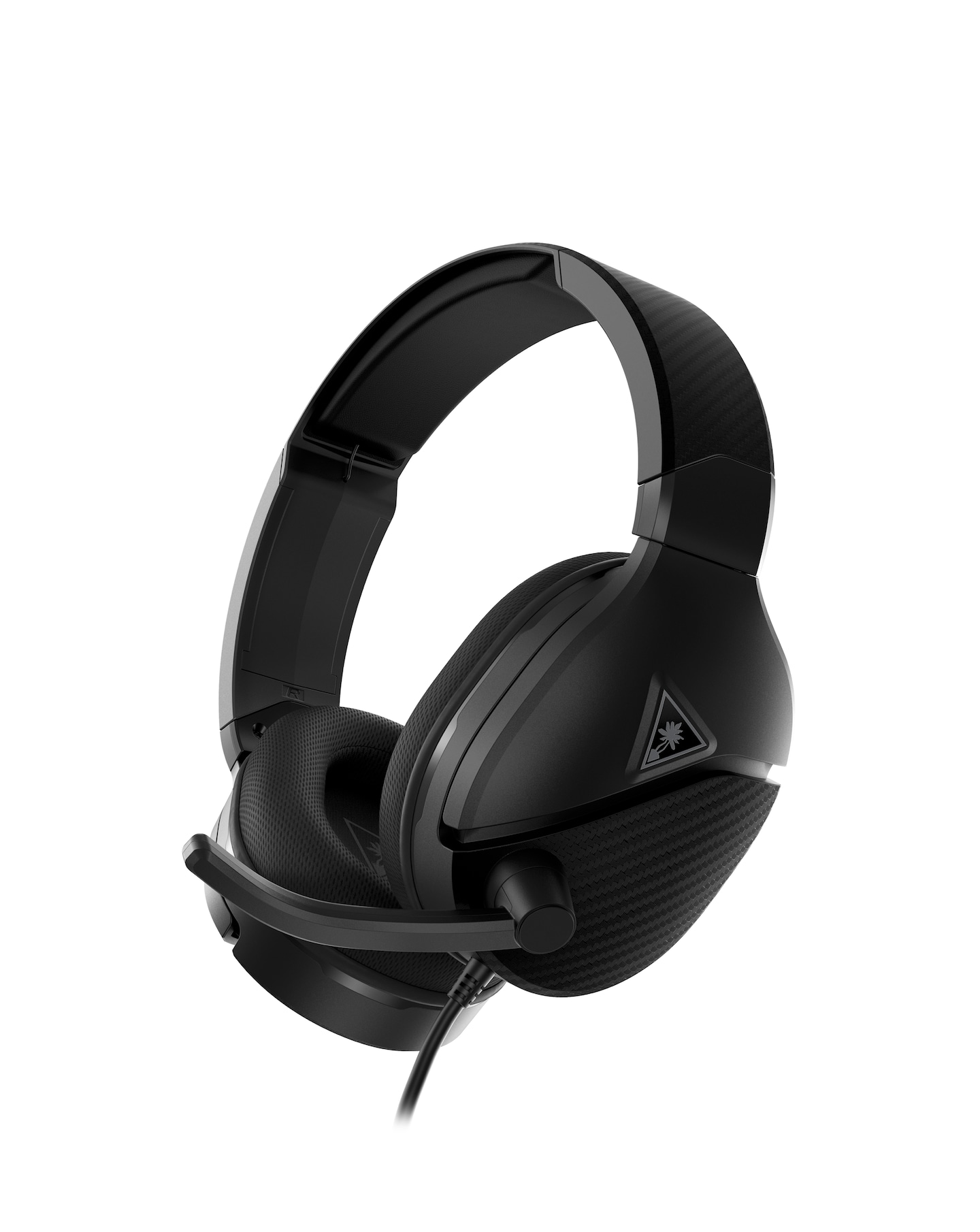
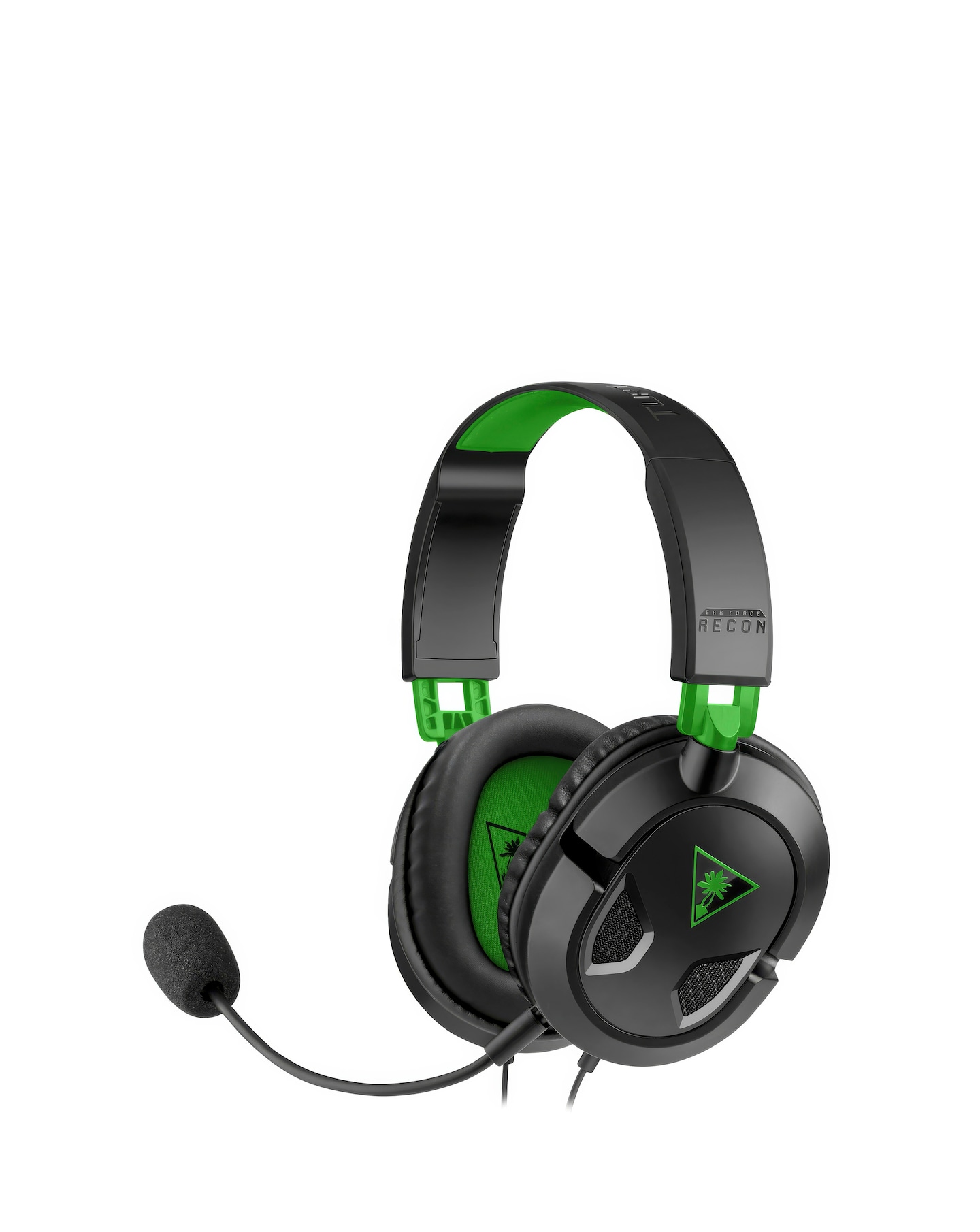
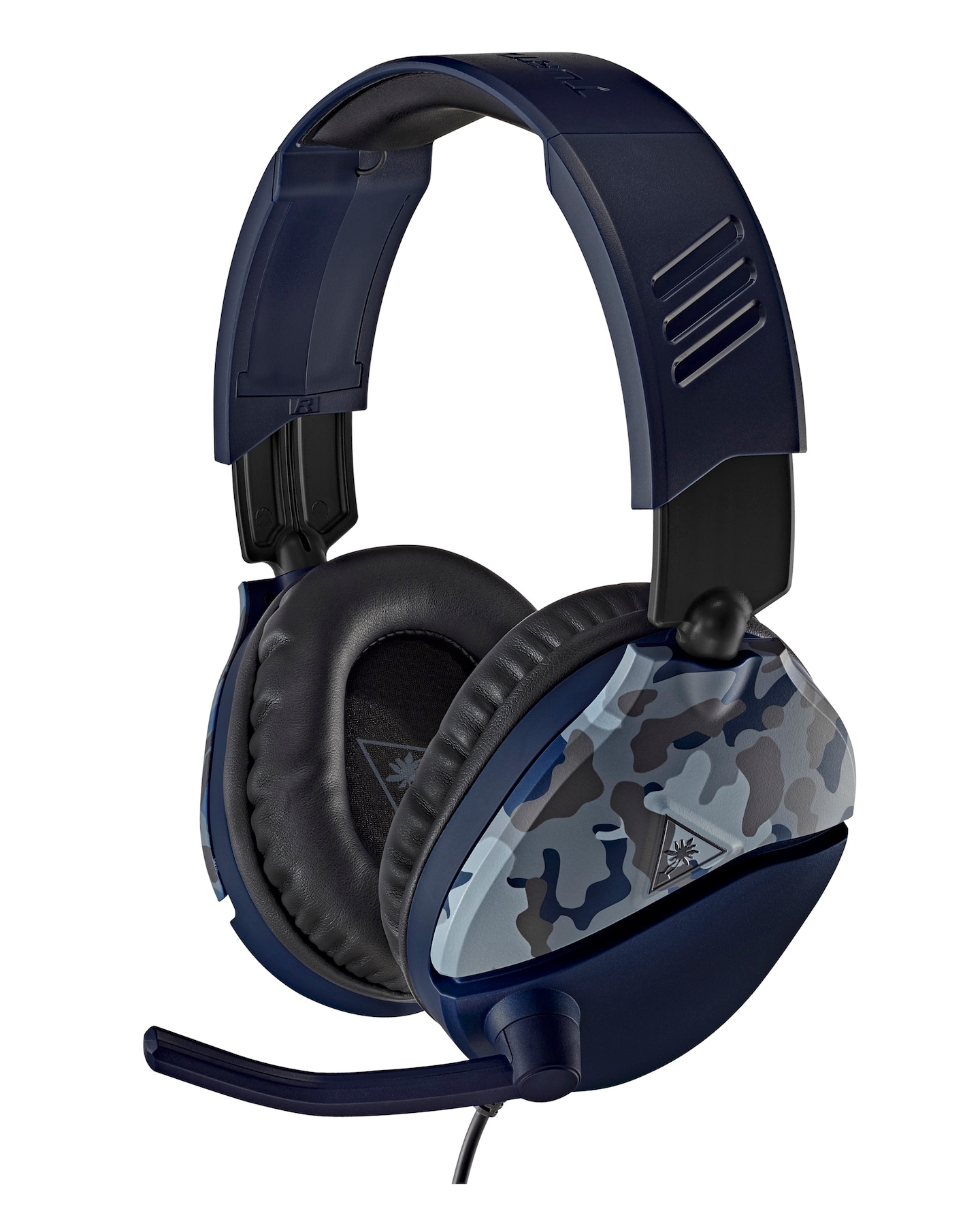
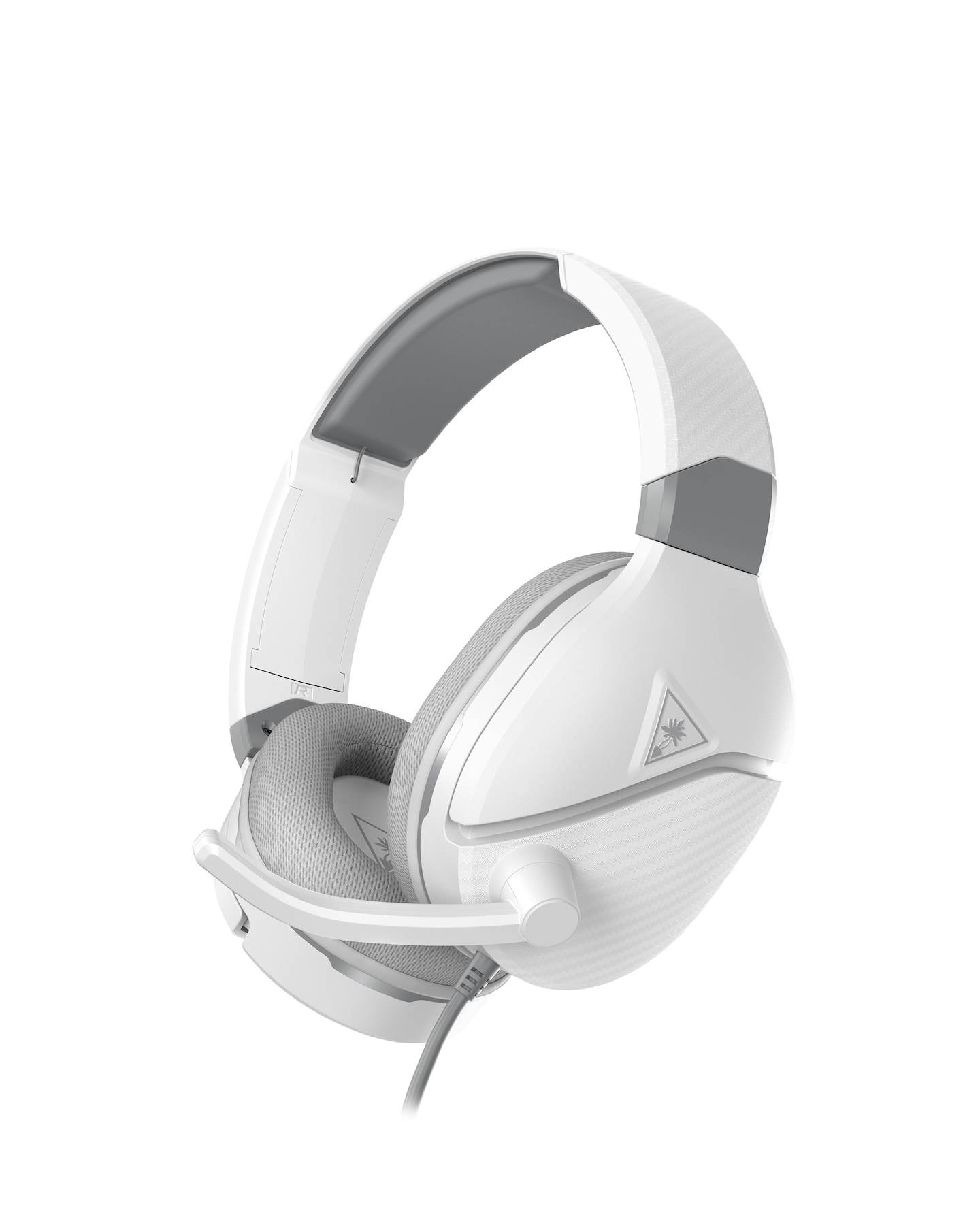
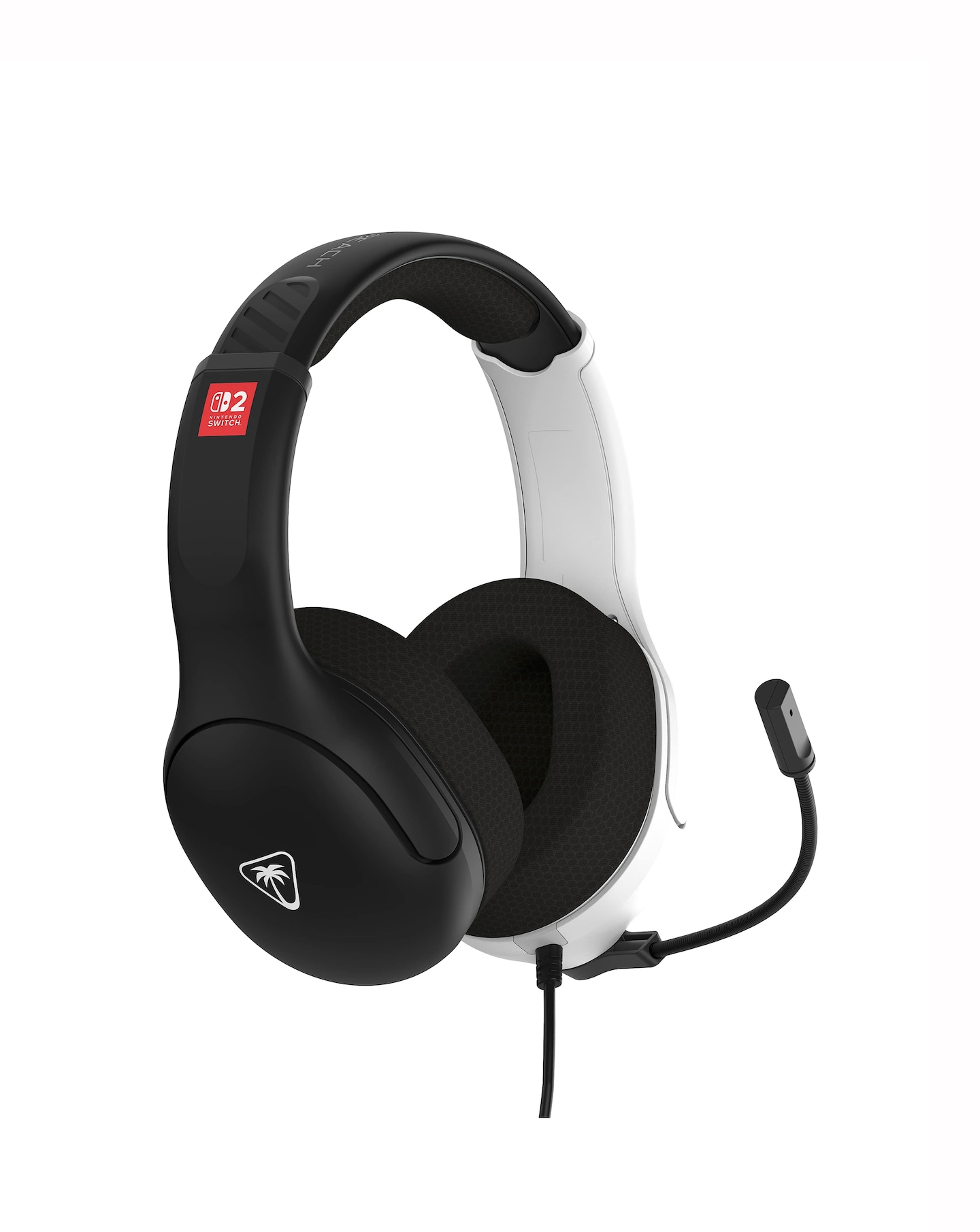
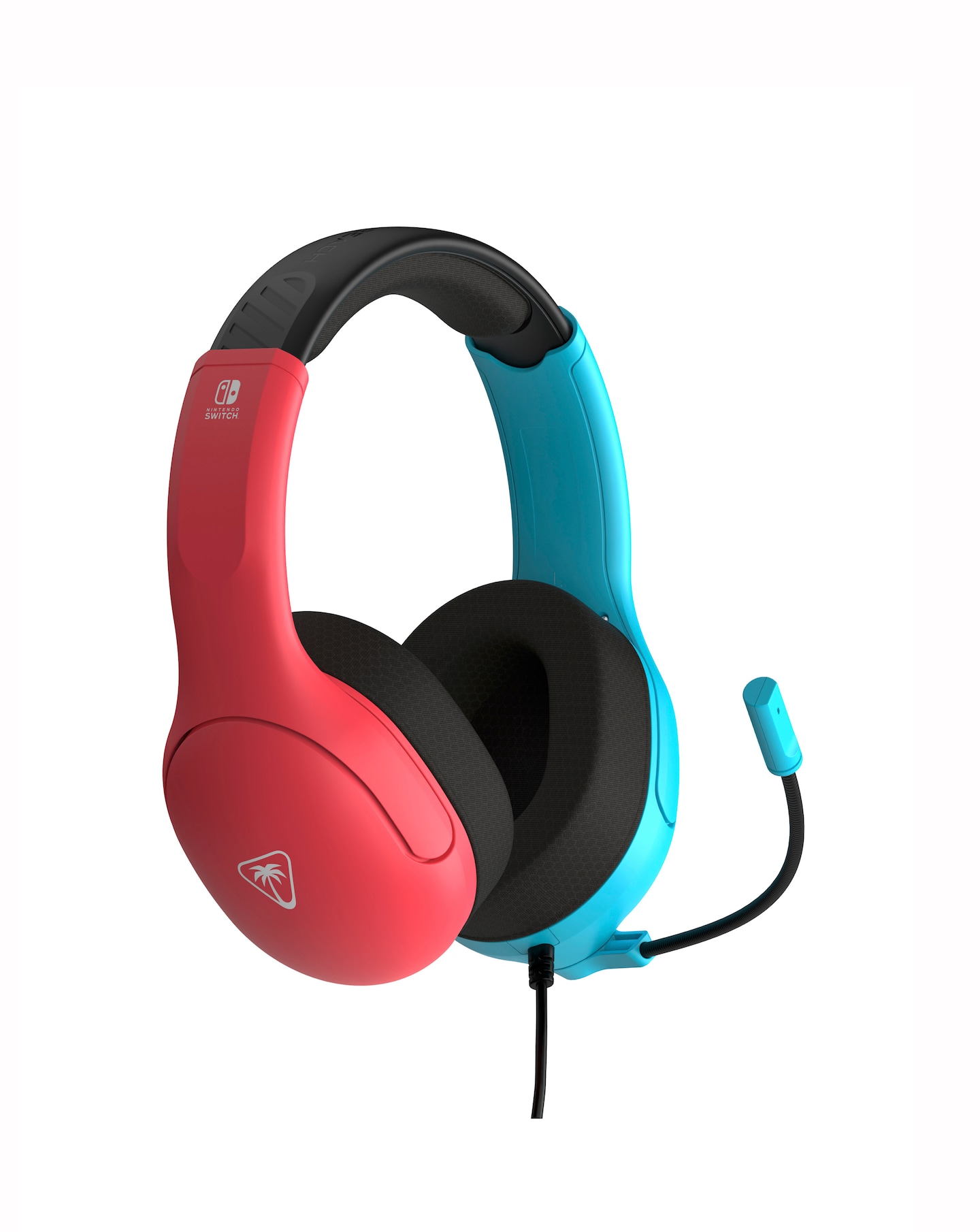
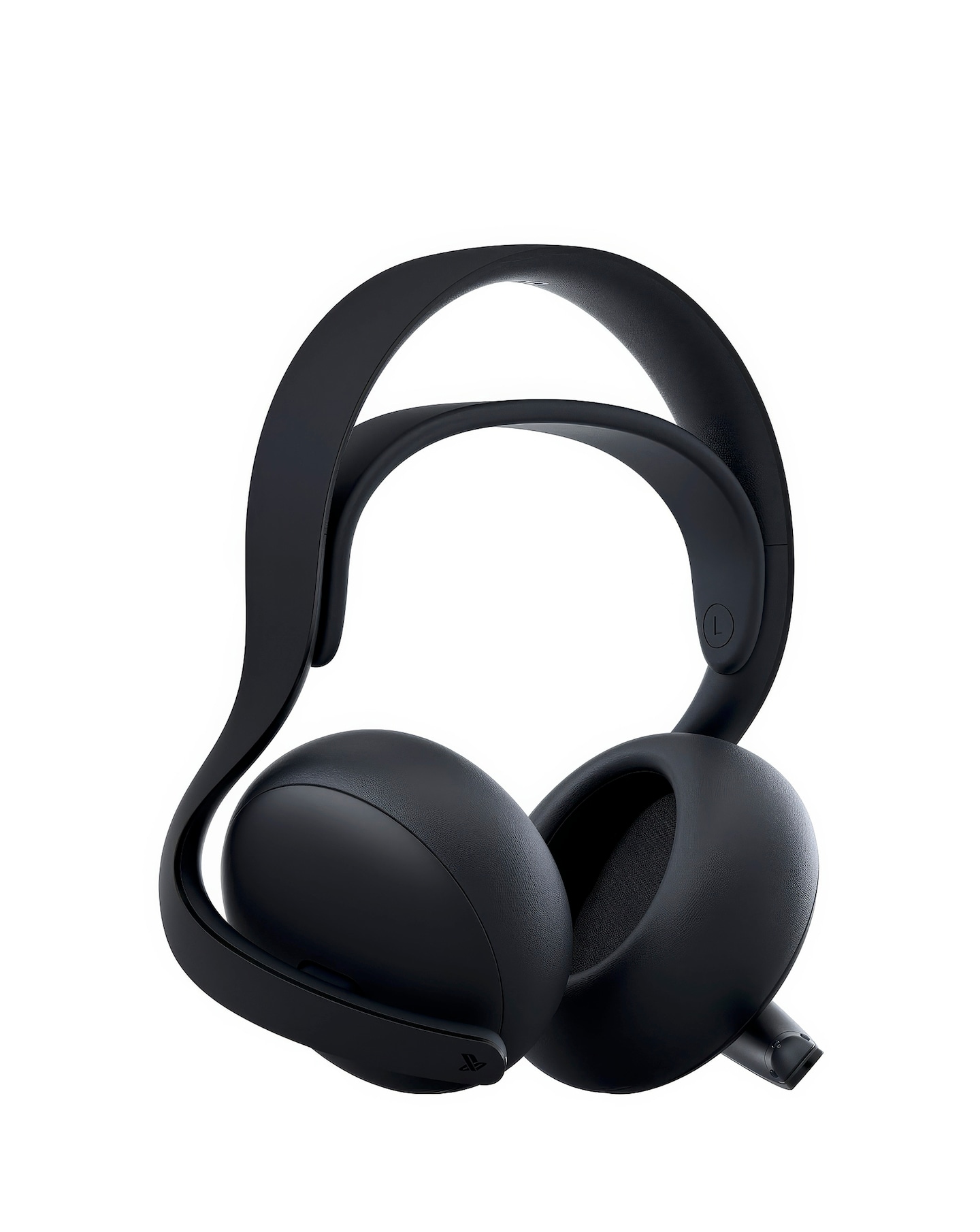
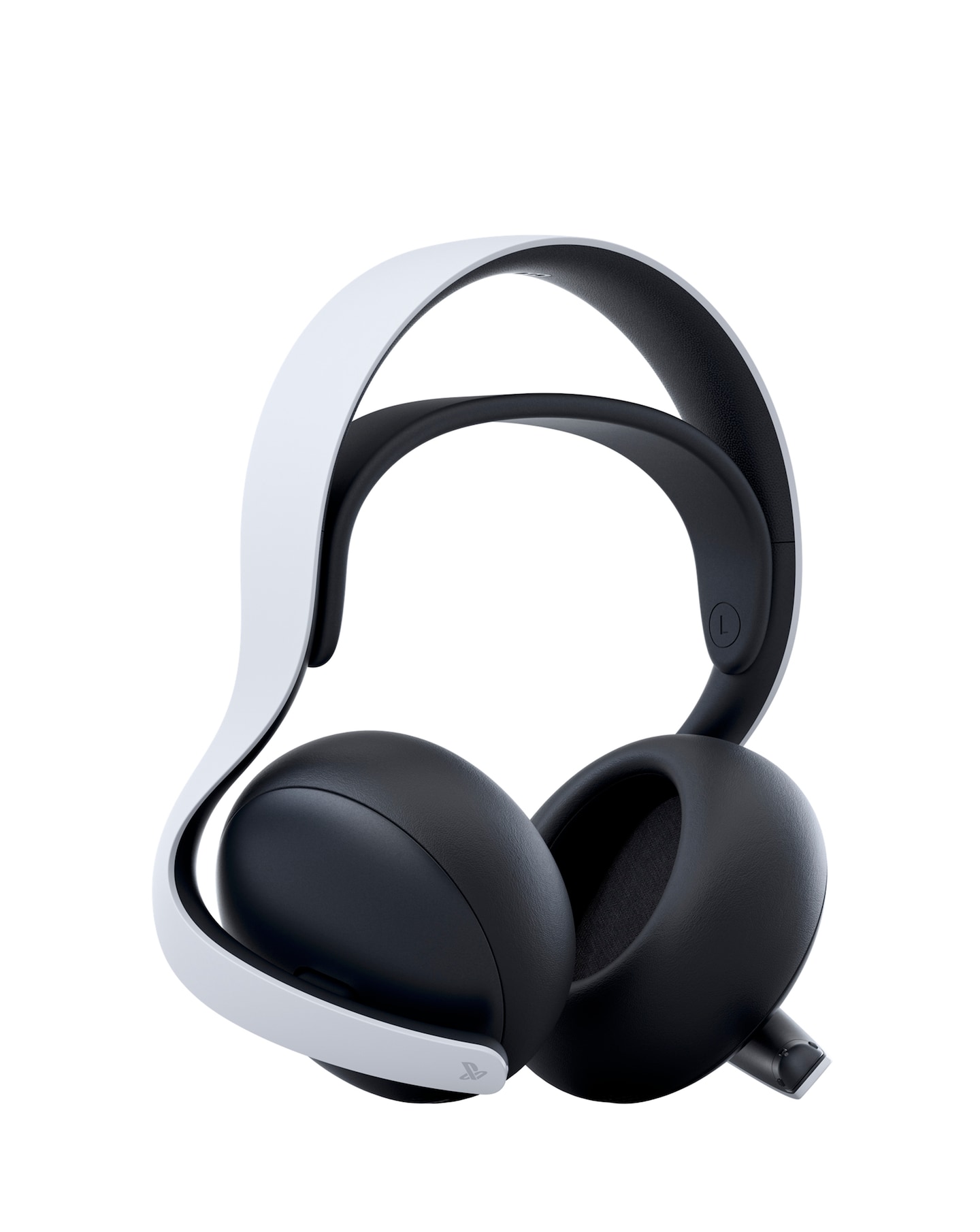
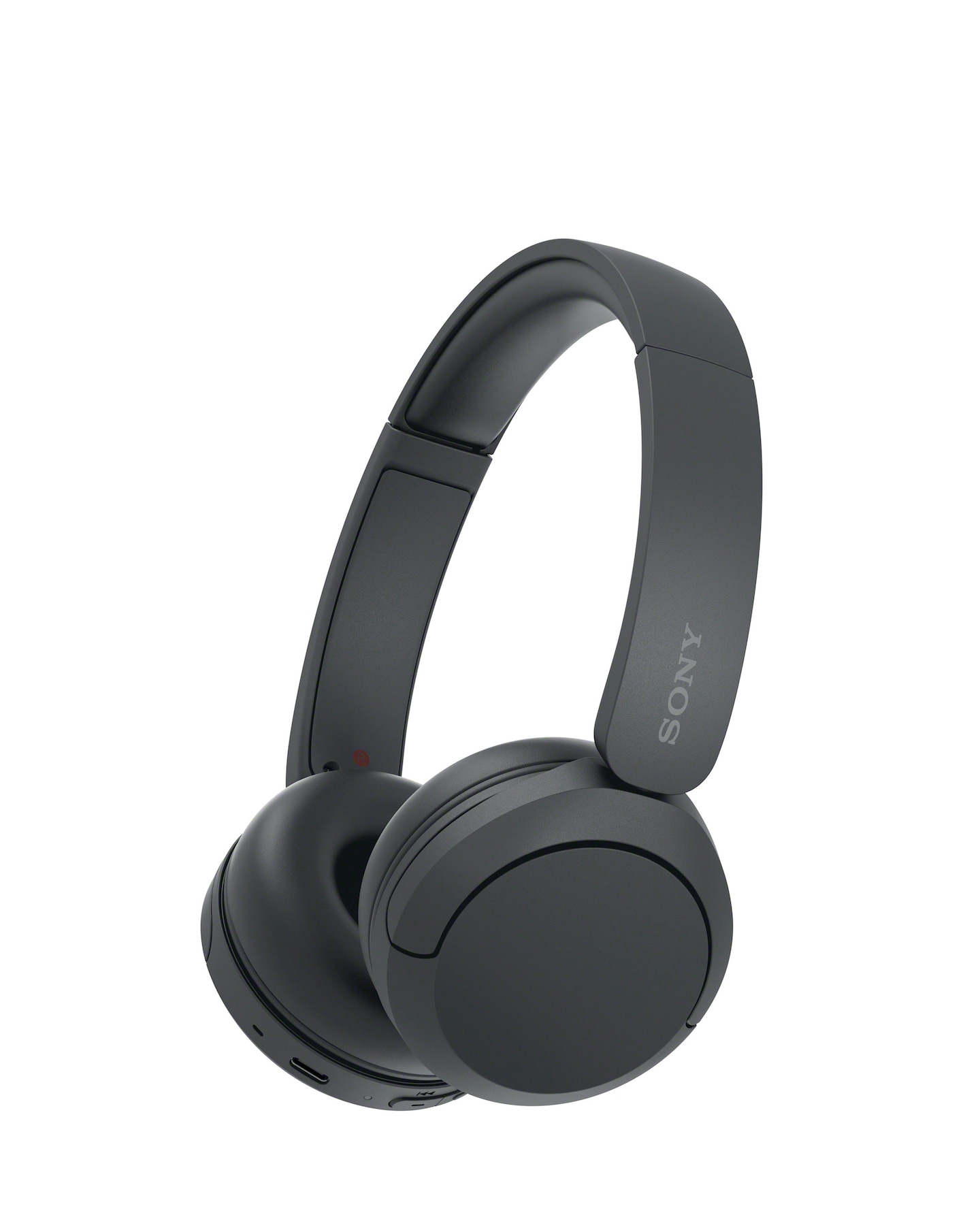
Explore our range of wireless headsets designed for immersive gaming experiences, offering exceptional sound quality and comfort. These headsets feature advanced wireless technology for lag-free audio, ensuring you stay connected without the hassle of cables. With adjustable headbands and plush ear cushions, they provide a snug fit for extended gaming sessions. Equipped with high-quality microphones, these headsets allow for crystal-clear communication with teammates, making them perfect for both casual and competitive gaming environments.
What are the benefits of using a wireless headset for gaming?
- Wireless headsets offer the freedom of movement without being tethered by cables, allowing for a more comfortable gaming experience. They often come with advanced audio features that enhance sound quality, providing an immersive gaming atmosphere. Additionally, many models include built-in microphones for seamless communication with other players.
How long does the battery last on a wireless gaming headset?
- The battery life of wireless gaming headsets can vary significantly depending on the model and usage. Most headsets provide several hours of continuous playtime, often ranging from 15 to 30 hours on a full charge. Many also feature quick-charge capabilities, allowing you to get back to gaming faster.
Are wireless headsets compatible with all gaming consoles?
- While many wireless headsets are designed to be compatible with multiple gaming consoles, it's essential to check the specifications for each model. Some headsets may be optimised for specific platforms, such as PlayStation or Xbox, while others offer universal compatibility. Always verify compatibility with your gaming system before purchasing.
Can I use a wireless headset for other activities besides gaming?
- Yes, wireless headsets are versatile and can be used for various activities beyond gaming. They are great for listening to music, watching movies, or making calls due to their high-quality audio and comfortable design. Many models also feature Bluetooth connectivity, allowing them to connect to smartphones and tablets easily.
How do I connect a wireless headset to my gaming console?
- Connecting a wireless headset to your gaming console typically involves turning on the headset and putting it into pairing mode. Then, access the console's settings to find and select the headset from the list of available devices. Follow any on-screen prompts to complete the connection process, and you should be ready to enjoy your gaming experience.