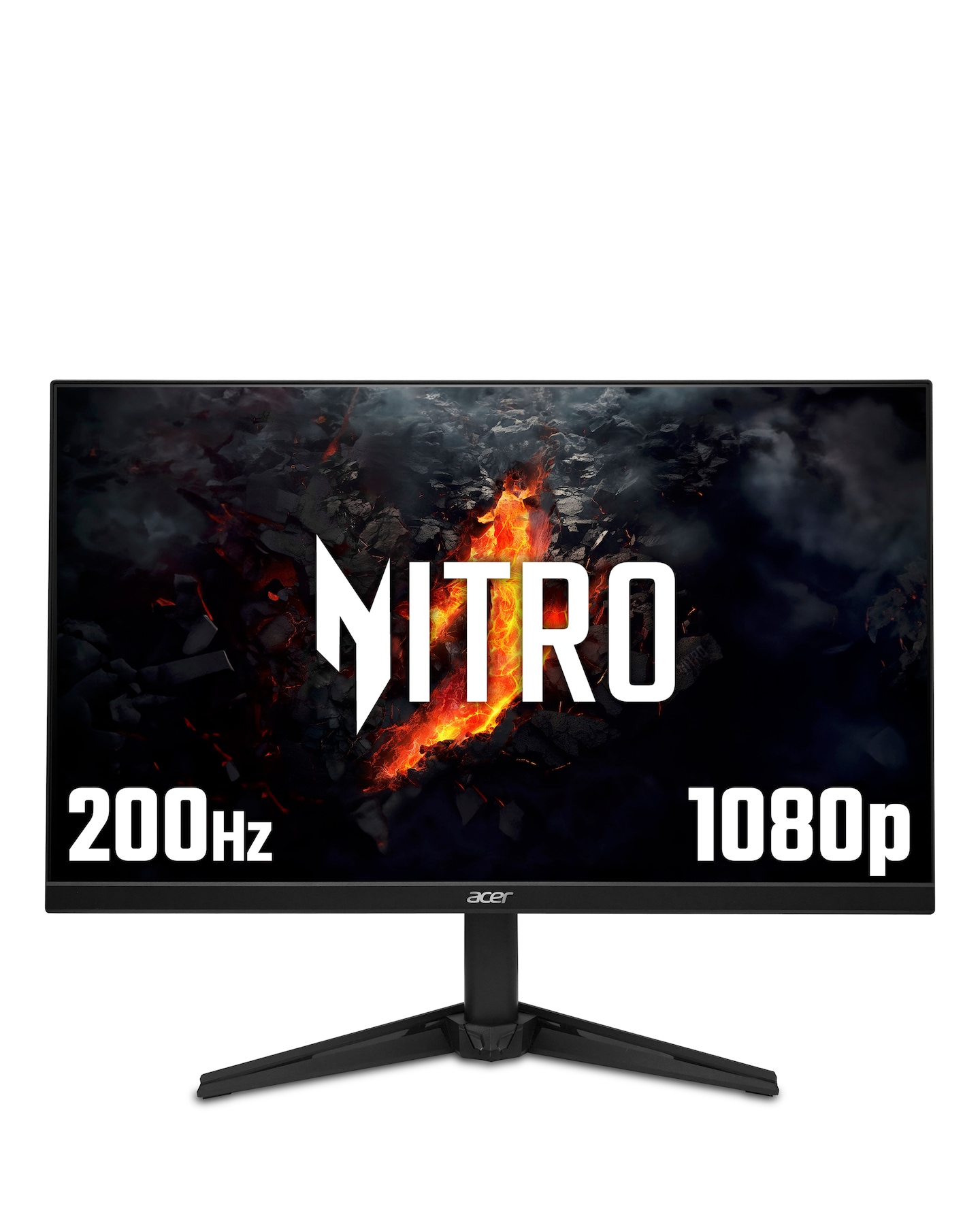
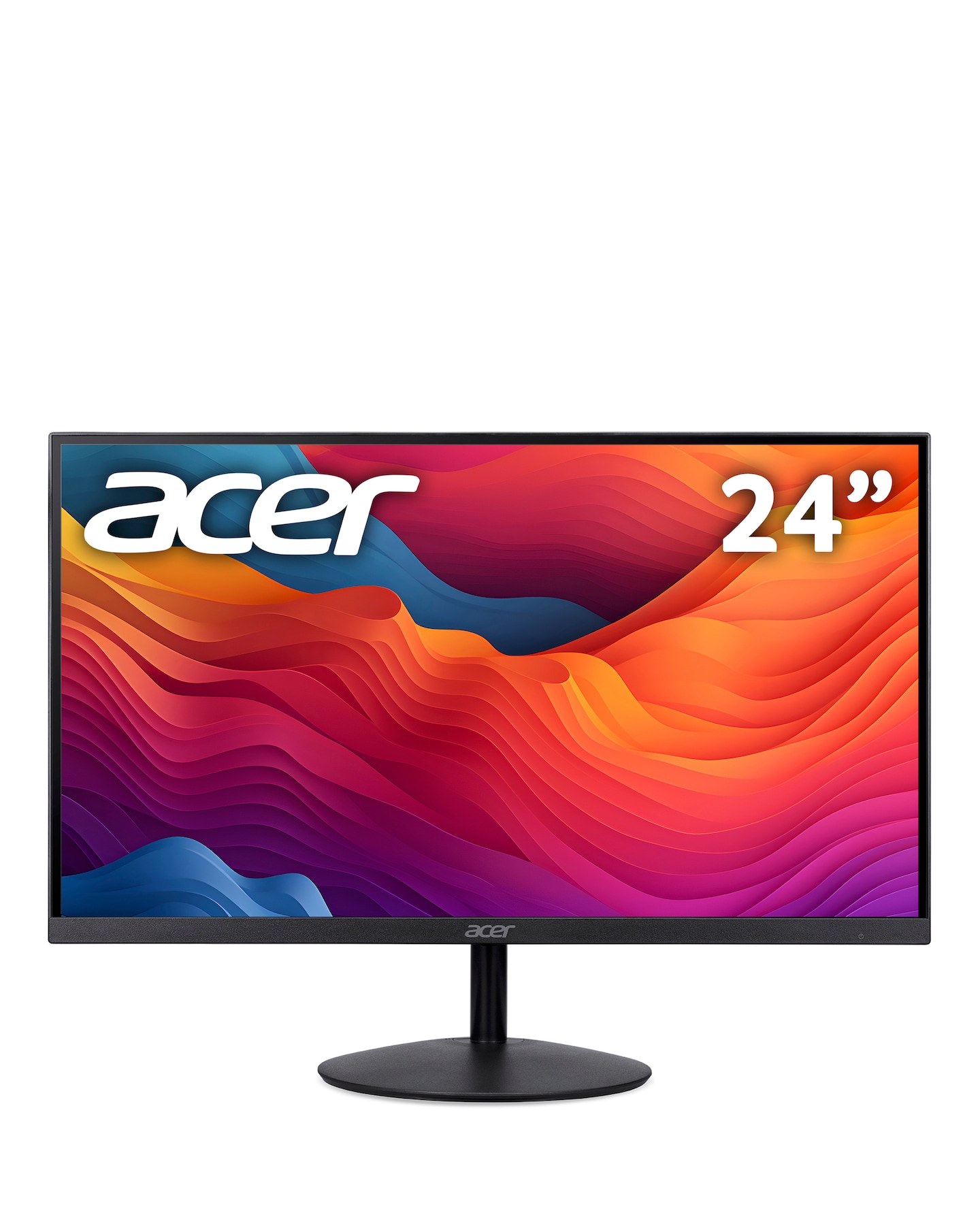
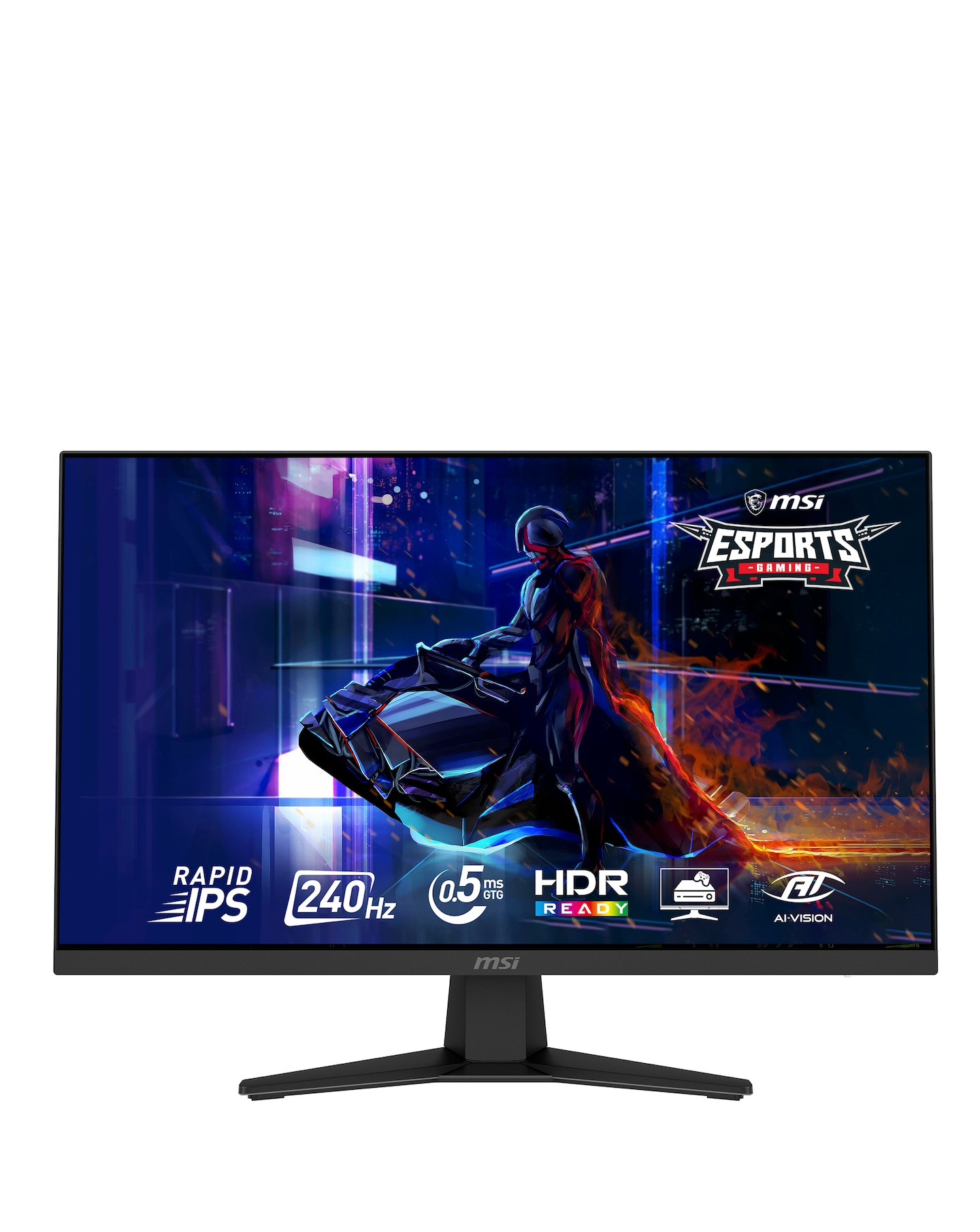
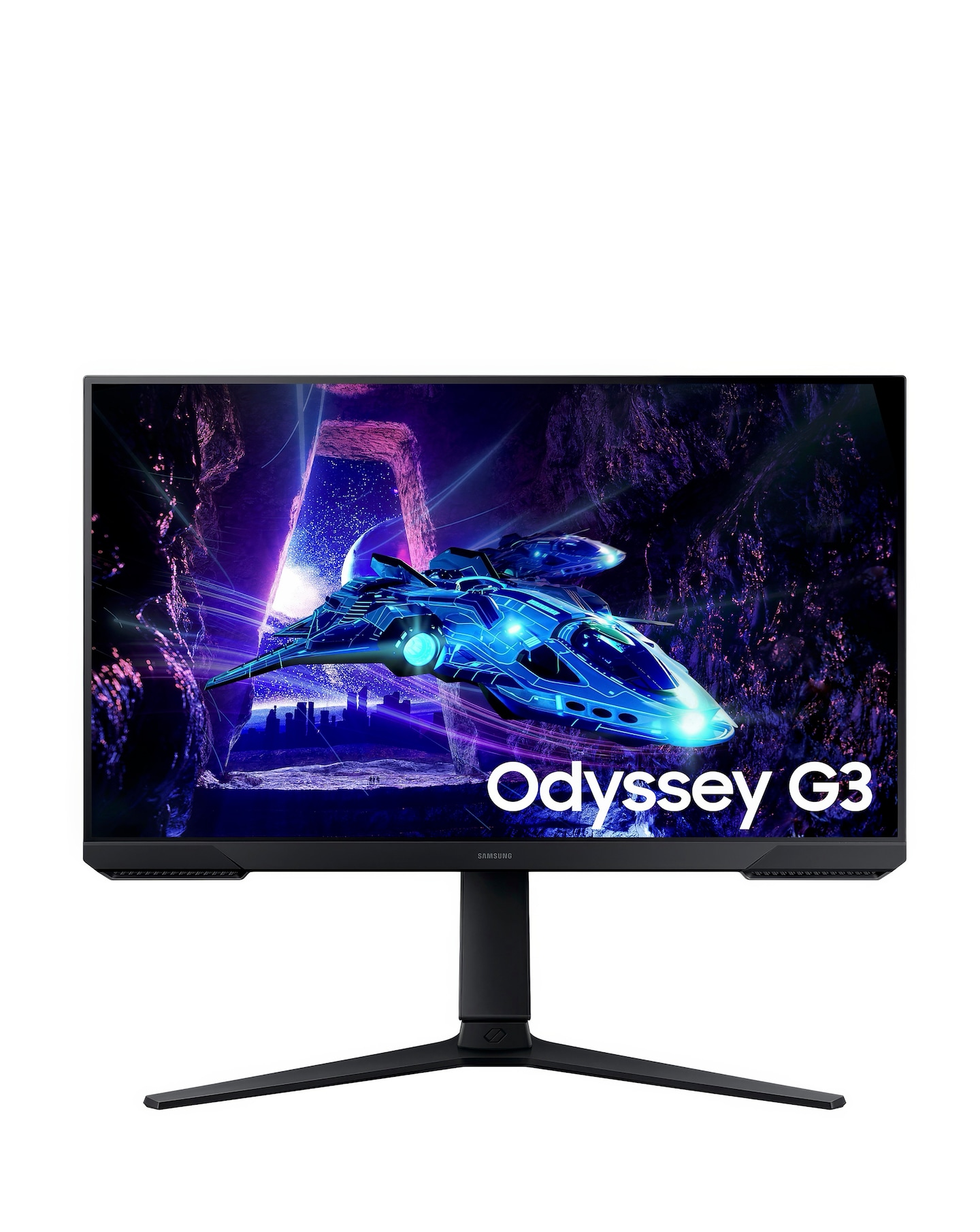
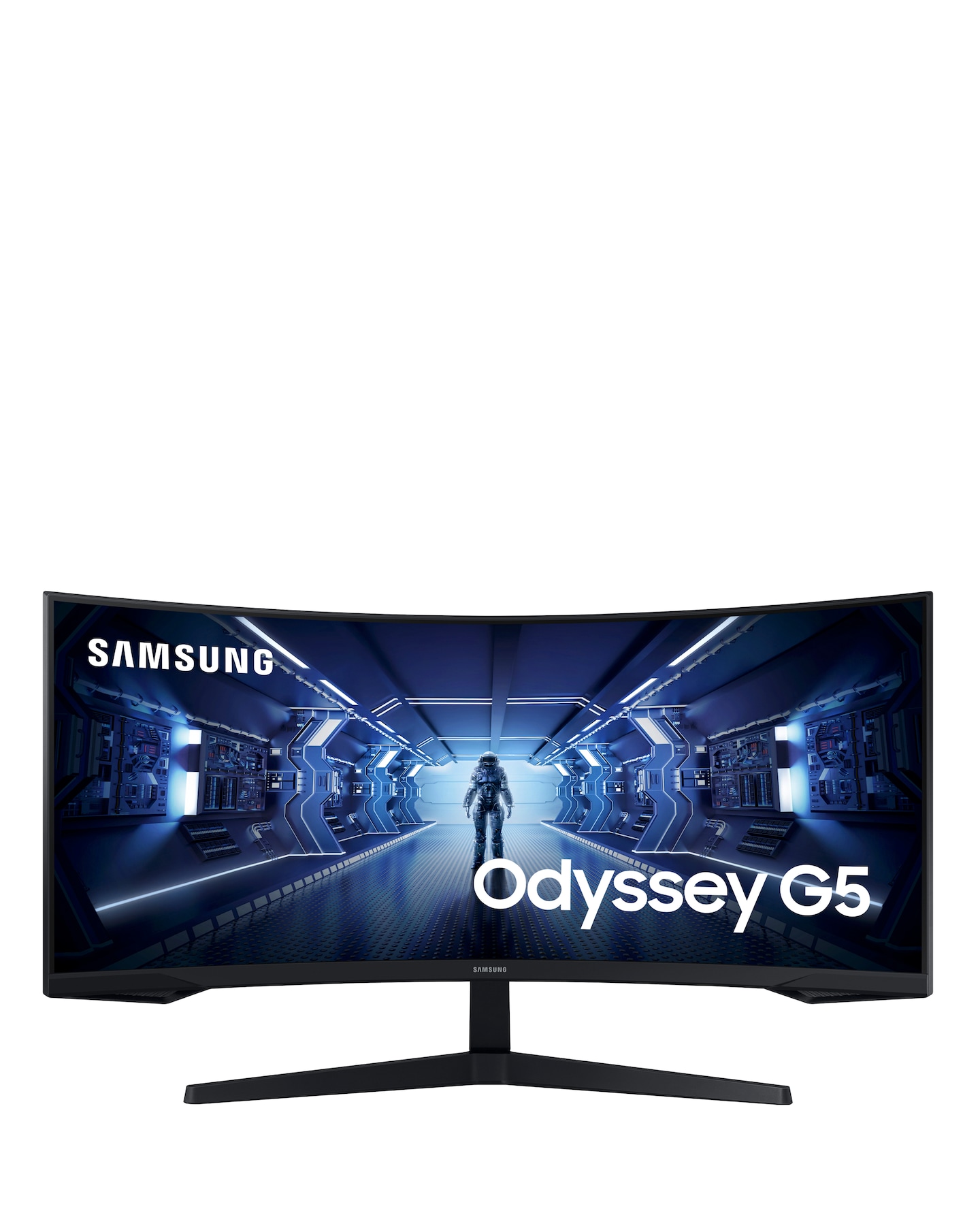
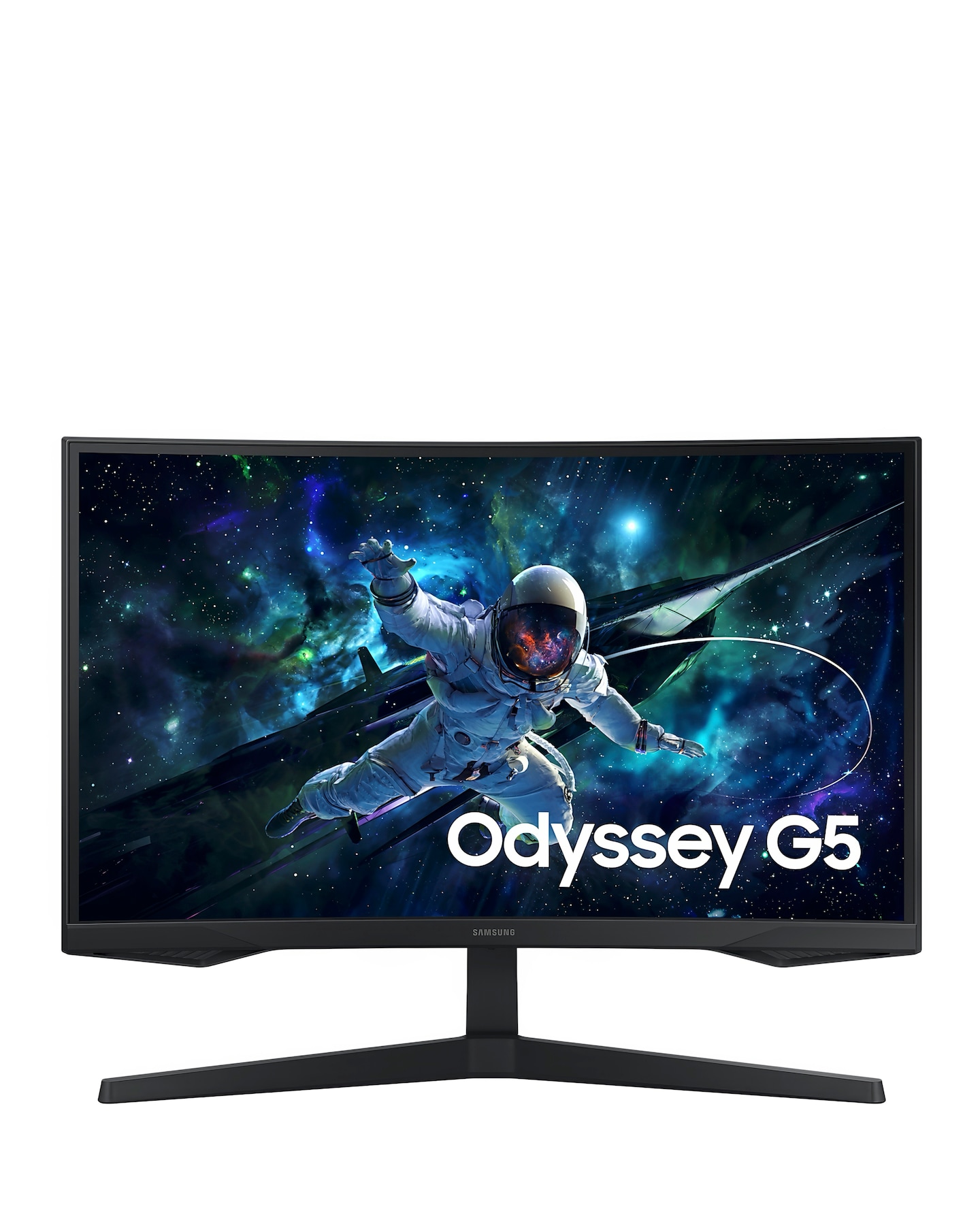
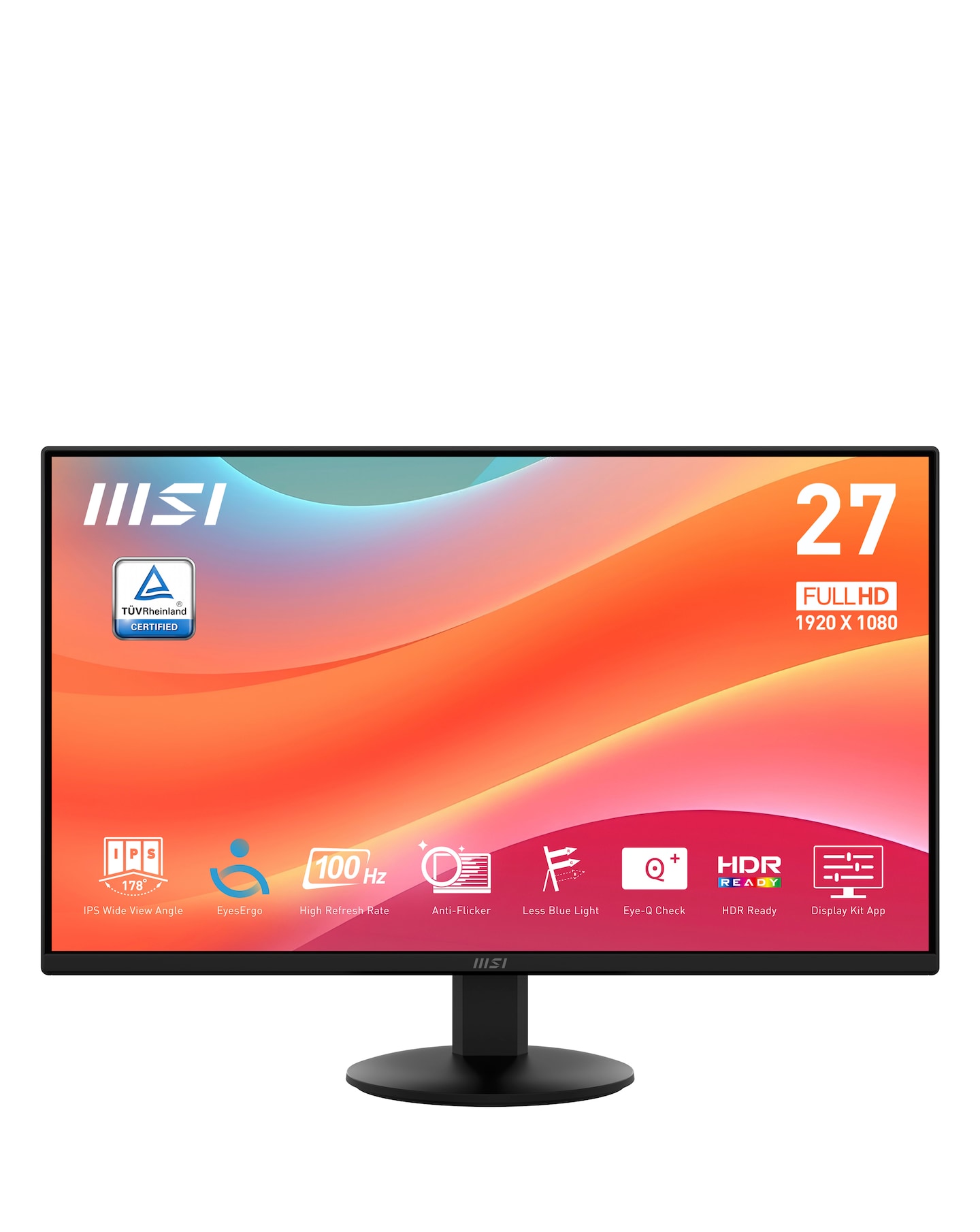
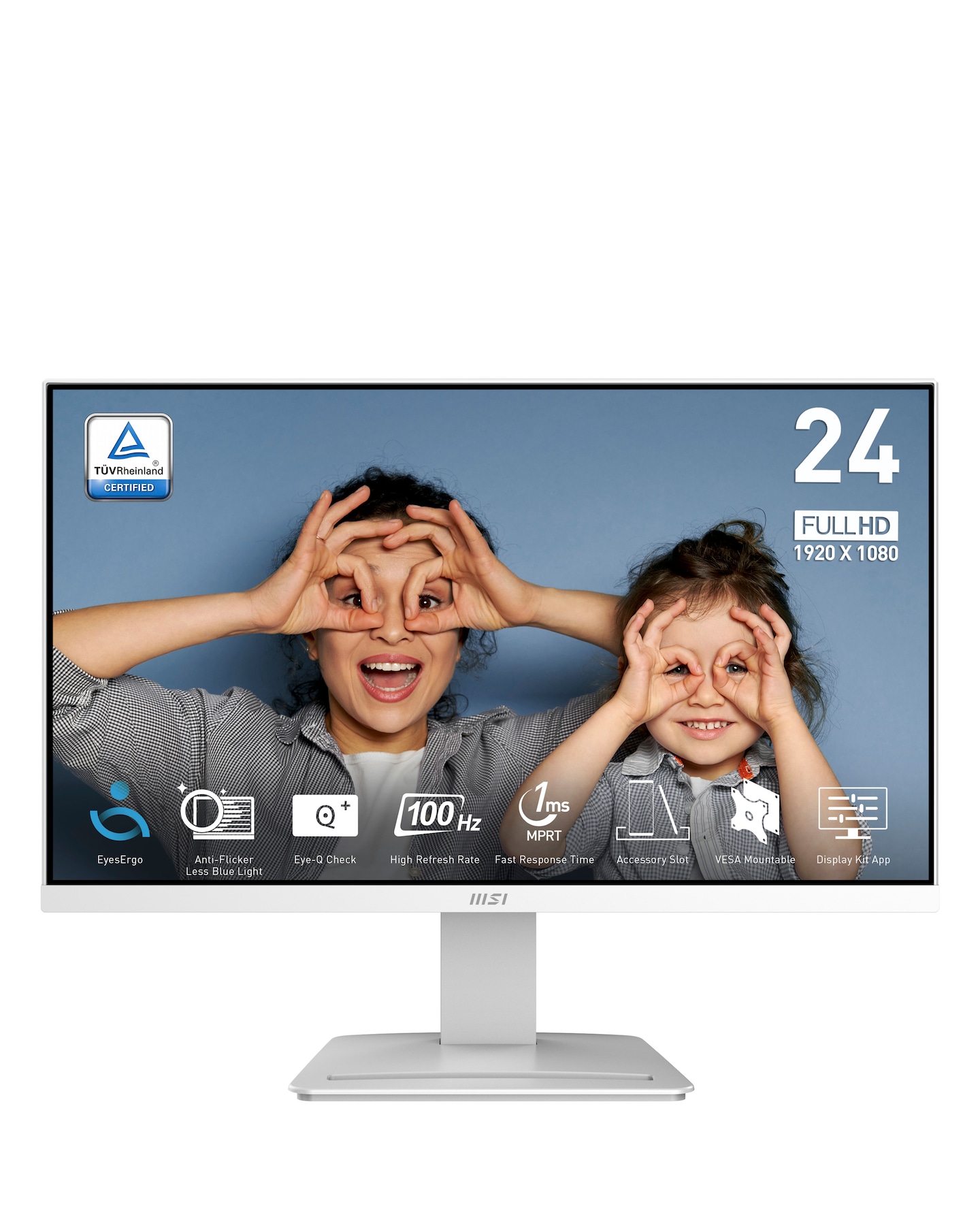
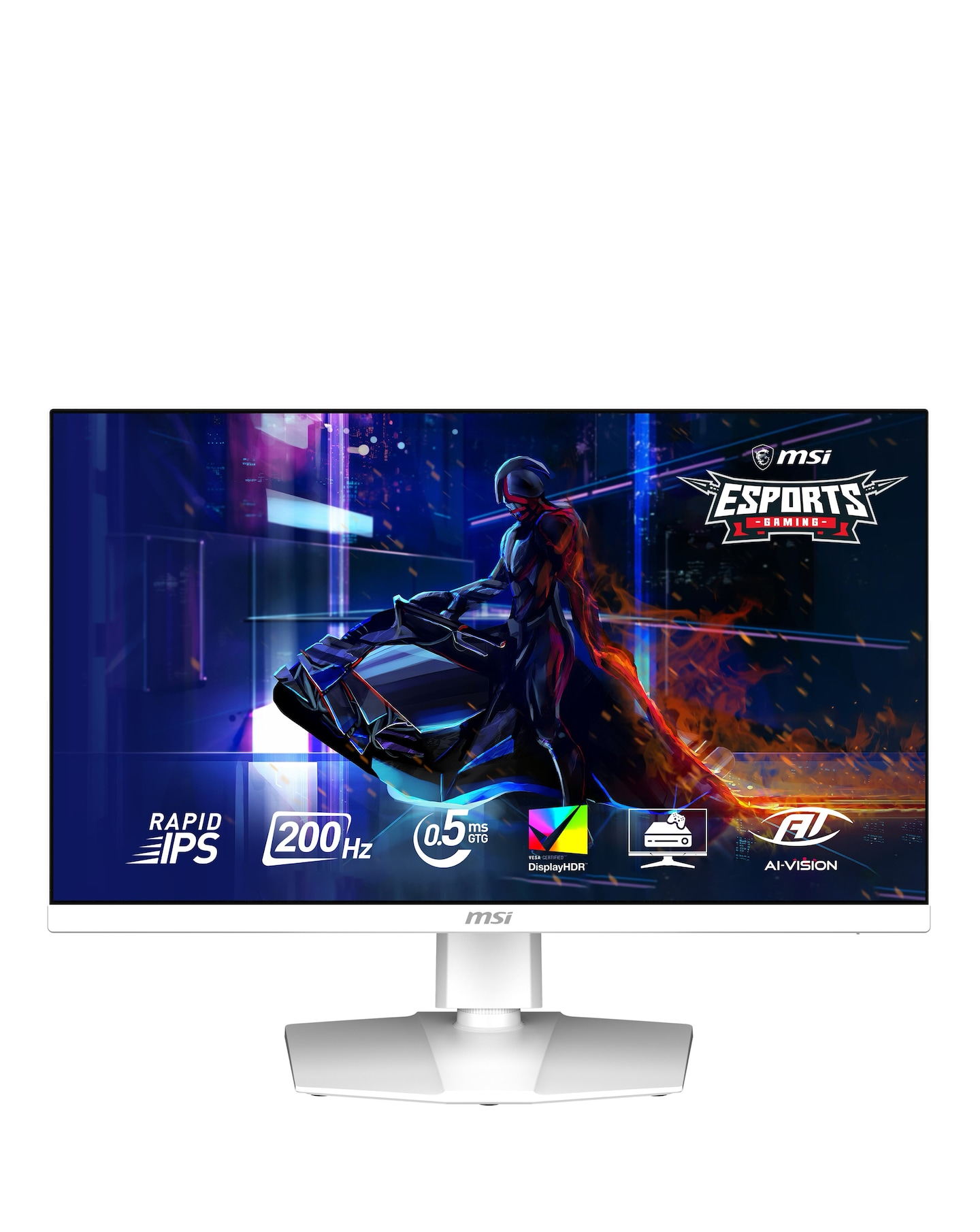
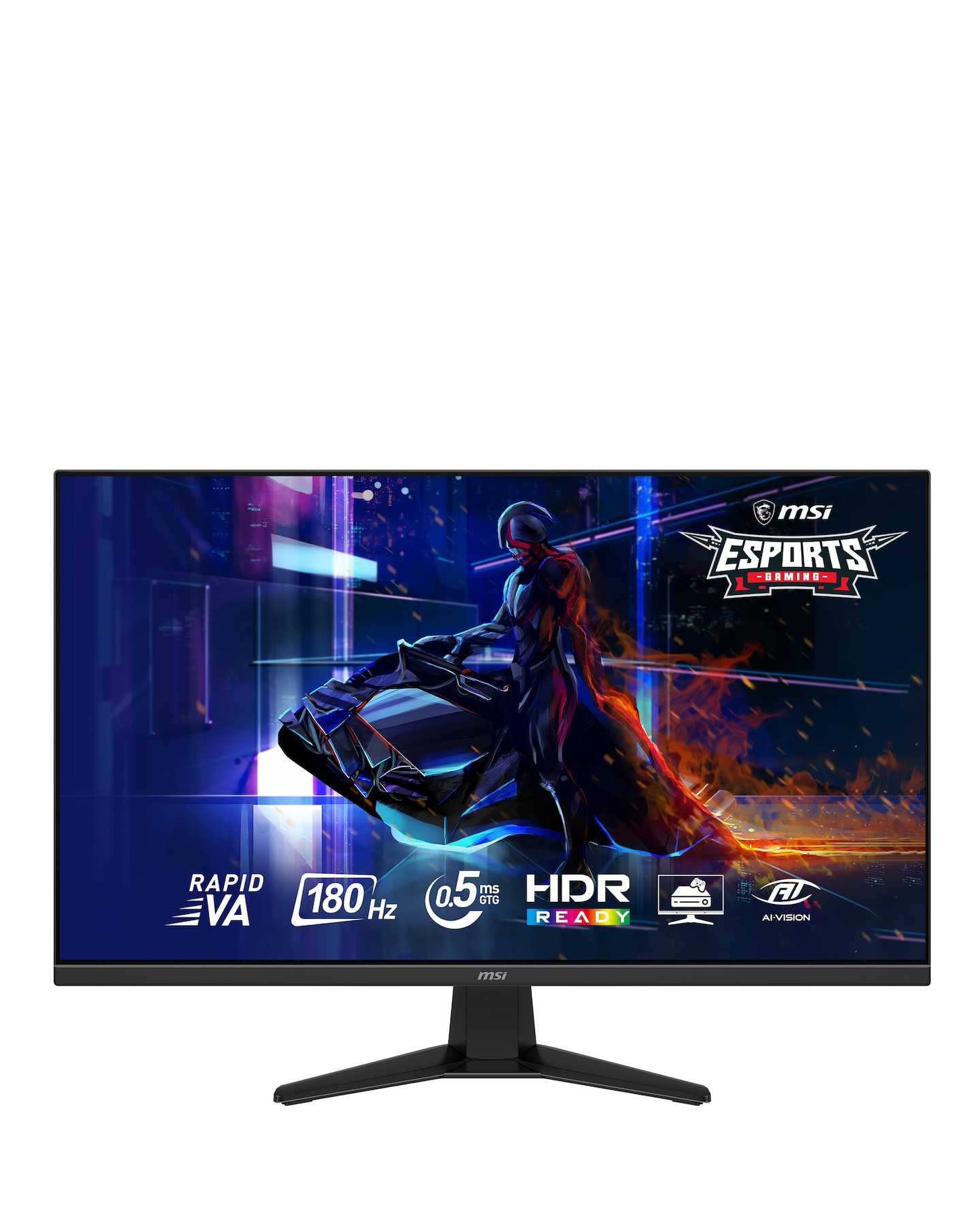
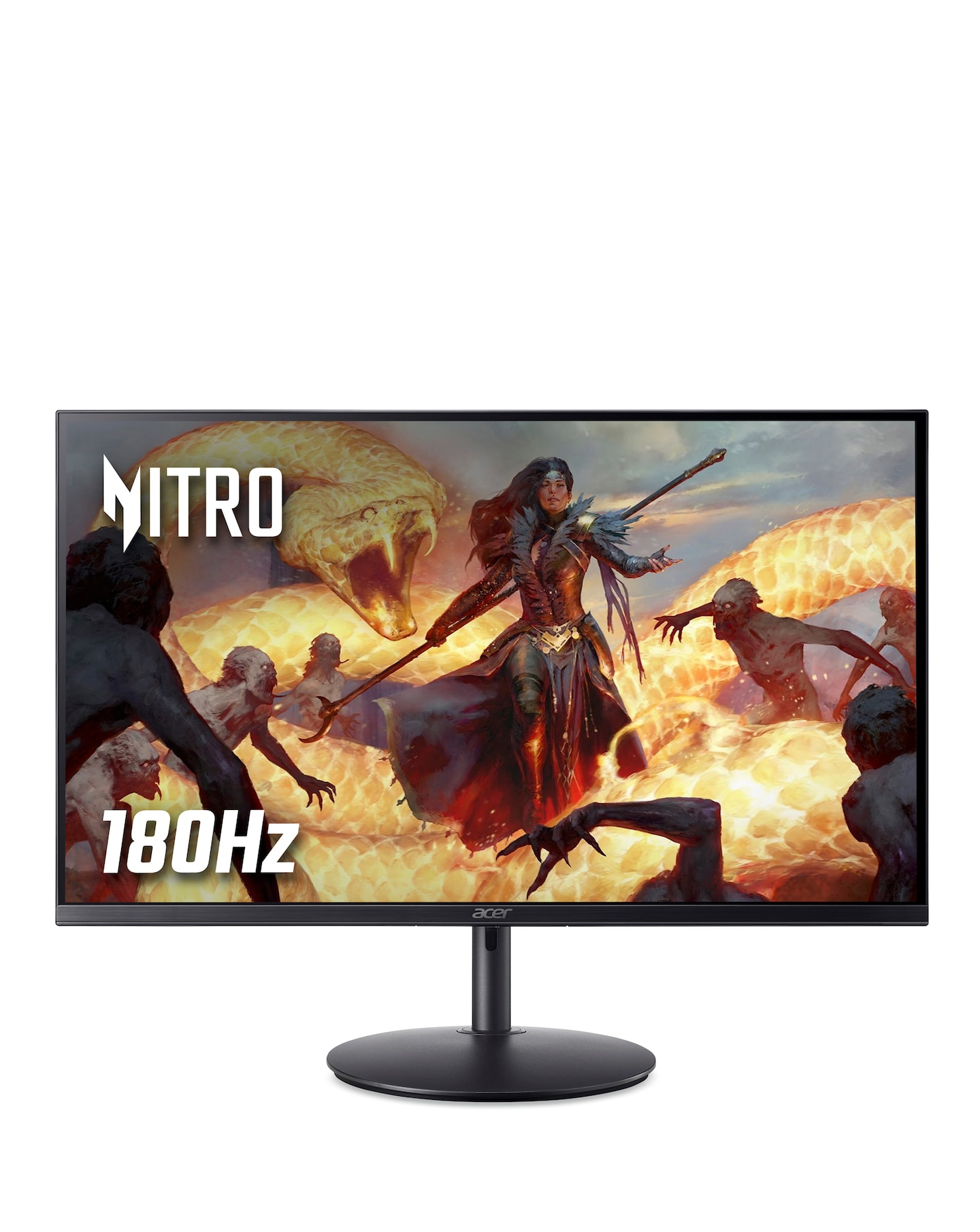
Explore our range of zero bezel monitors, designed to provide an immersive viewing experience with minimal distractions. Featuring sleek, frameless designs, these monitors maximise screen space while delivering stunning visuals and vibrant colours. Ideal for gaming, professional work, or multimedia consumption, zero bezel monitors enhance your setup with their modern aesthetics and advanced display technologies. Enjoy seamless multi-monitor configurations and enjoy your content like never before with these cutting-edge displays.
What is a zero bezel monitor?
- A zero bezel monitor is a display that features an ultra-thin or non-existent frame around the screen, allowing for a more immersive viewing experience. This design maximises the screen area and reduces distractions, making it ideal for gaming, design work, or multi-monitor setups.
What are the benefits of using a zero bezel monitor?
- Zero bezel monitors offer several advantages, including a sleek and modern aesthetic that enhances any workspace. They provide a larger effective screen area, making it easier to focus on tasks or enjoy gaming without the interruption of a bulky frame. Additionally, they are often designed for seamless multi-monitor setups, creating a more cohesive visual experience.
Are zero bezel monitors suitable for gaming?
- Yes, zero bezel monitors are highly suitable for gaming due to their immersive design and often high refresh rates. Many models come equipped with features like low response times and enhanced colour accuracy, which can significantly improve gameplay. The frameless design also allows for a more engaging experience when using multiple monitors.
Can zero bezel monitors be used for professional work?
- Absolutely, zero bezel monitors are excellent for professional work, especially in fields like graphic design, video editing, and programming. Their larger screen real estate and high-resolution capabilities allow for better multitasking and improved productivity. The sleek design also adds a touch of professionalism to any office setup.
What sizes are available for zero bezel monitors?
- Zero bezel monitors come in a variety of sizes, typically ranging from 21 inches to 34 inches or more. The size you choose will depend on your specific needs and workspace. Larger monitors are great for immersive experiences, while smaller options can fit well in compact setups.
How do I connect a zero bezel monitor to my computer?
- Connecting a zero bezel monitor to your computer is straightforward and typically involves using HDMI, DisplayPort, or VGA cables, depending on the monitor's input options. Simply plug the appropriate cable into the monitor and your computer, then select the correct input source on the monitor's menu. Most operating systems will automatically detect the new display.