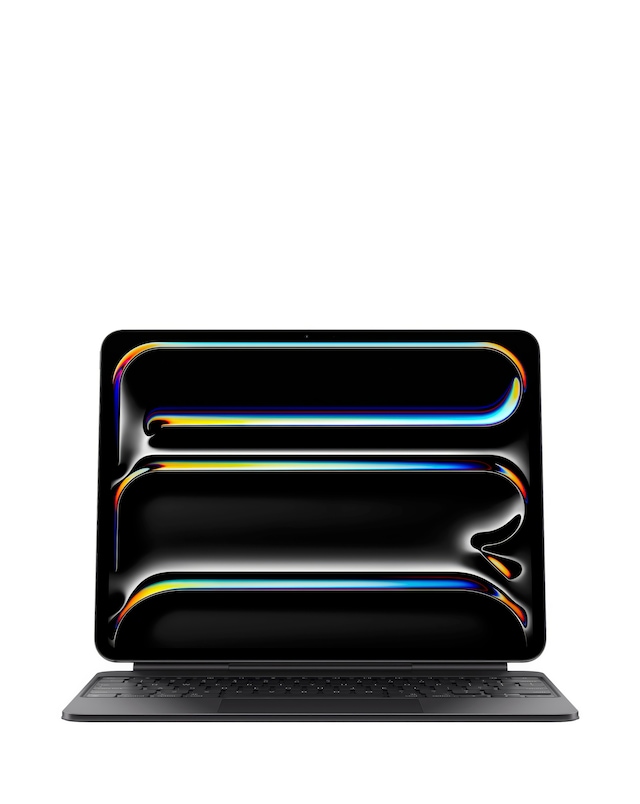
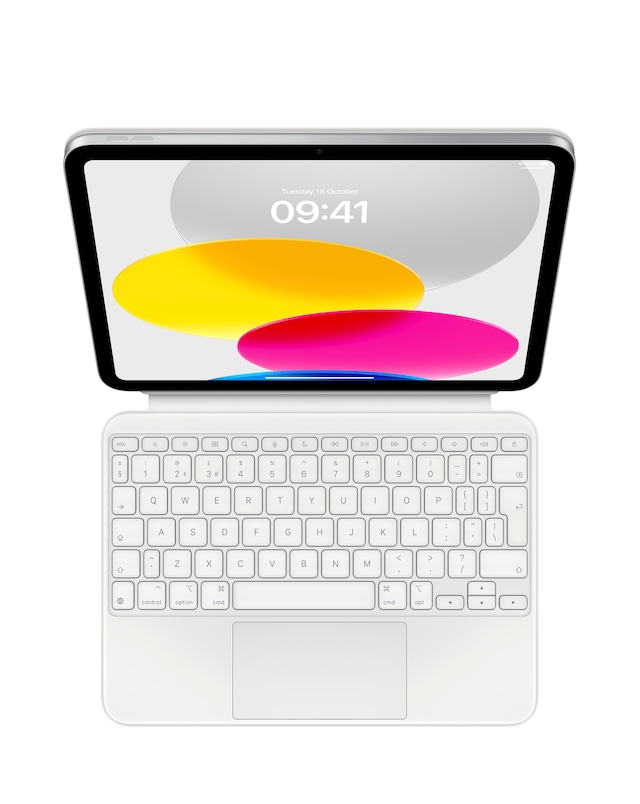
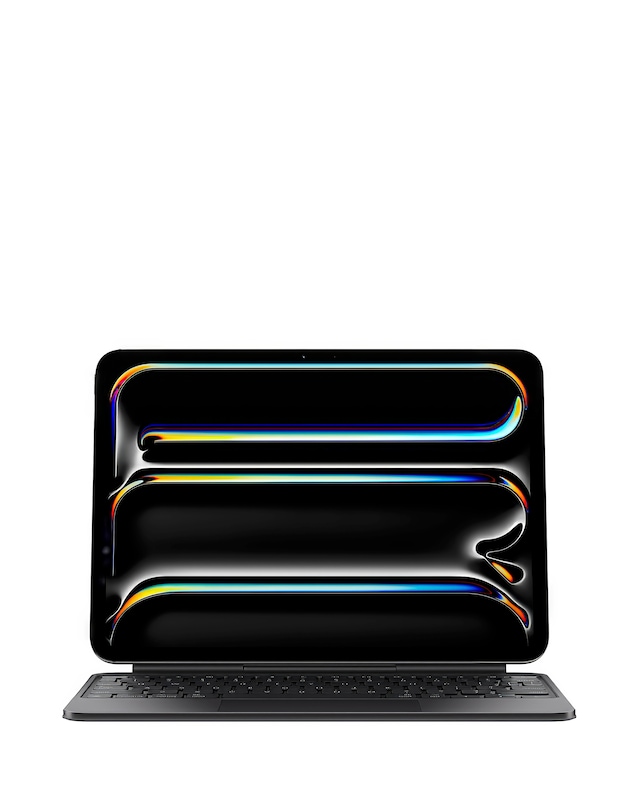
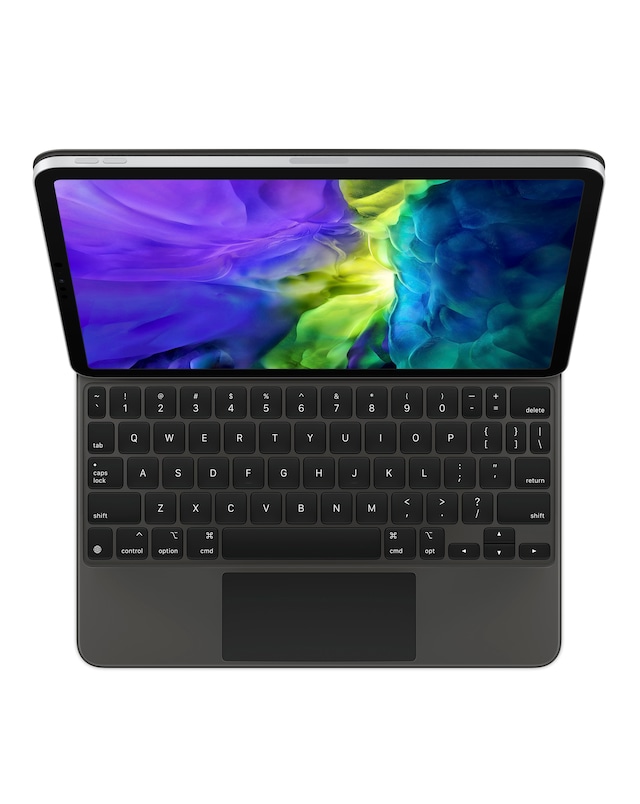
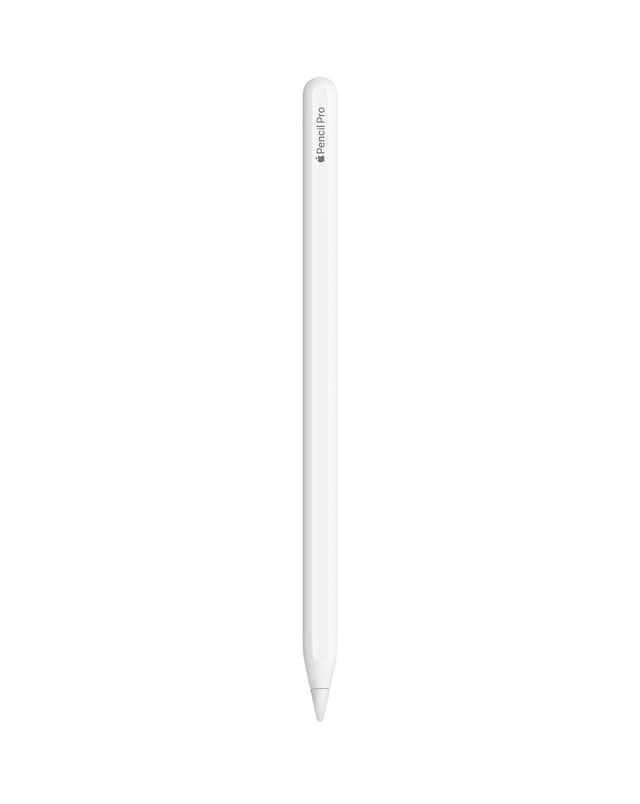
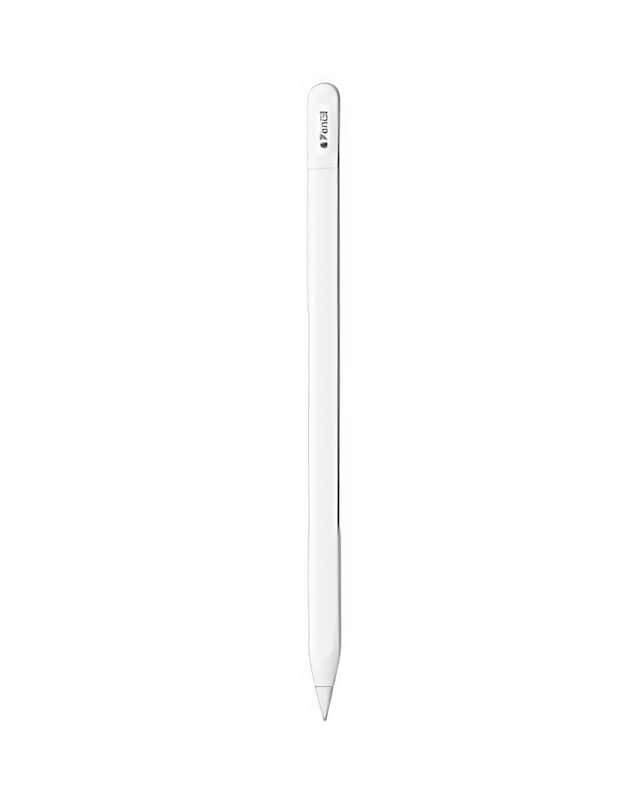
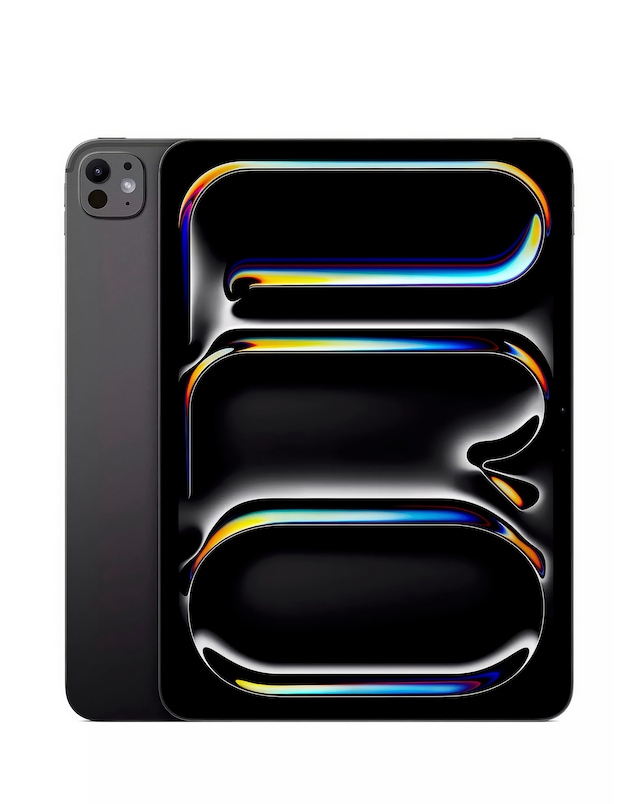
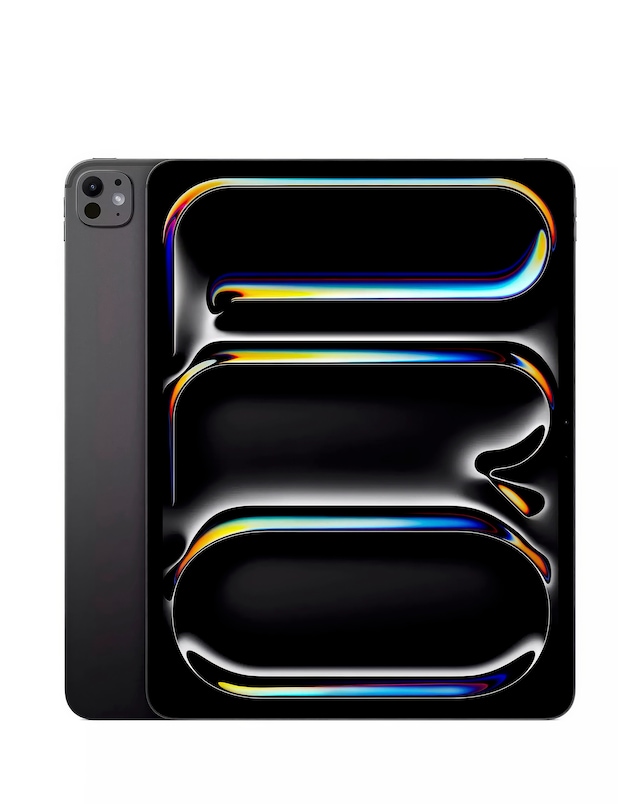
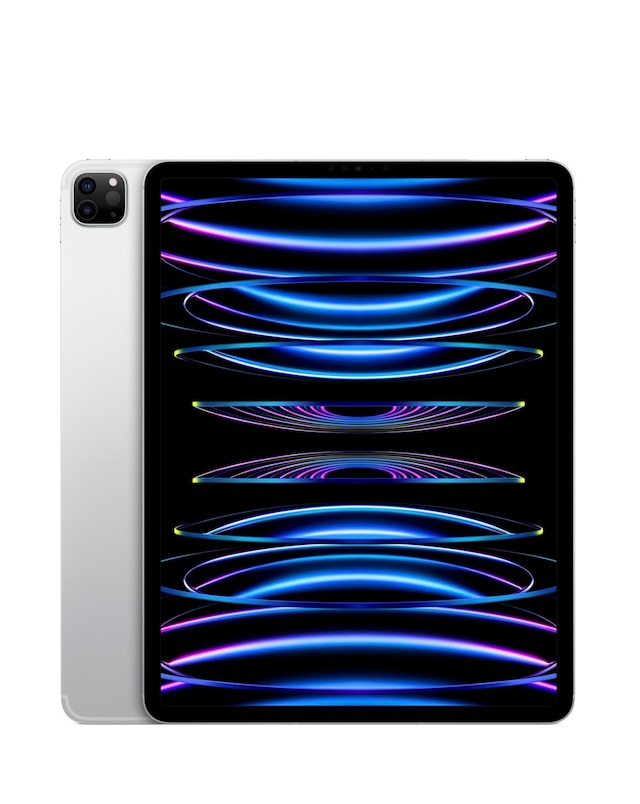
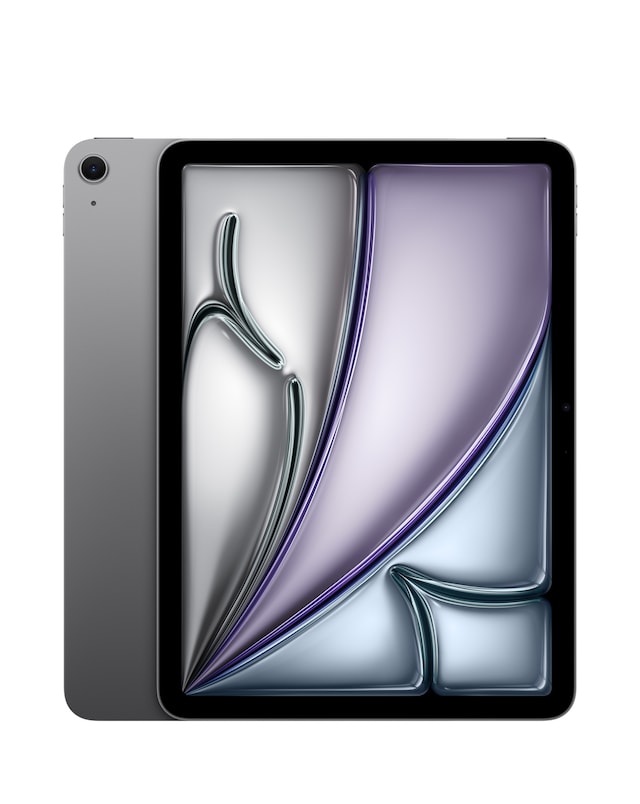
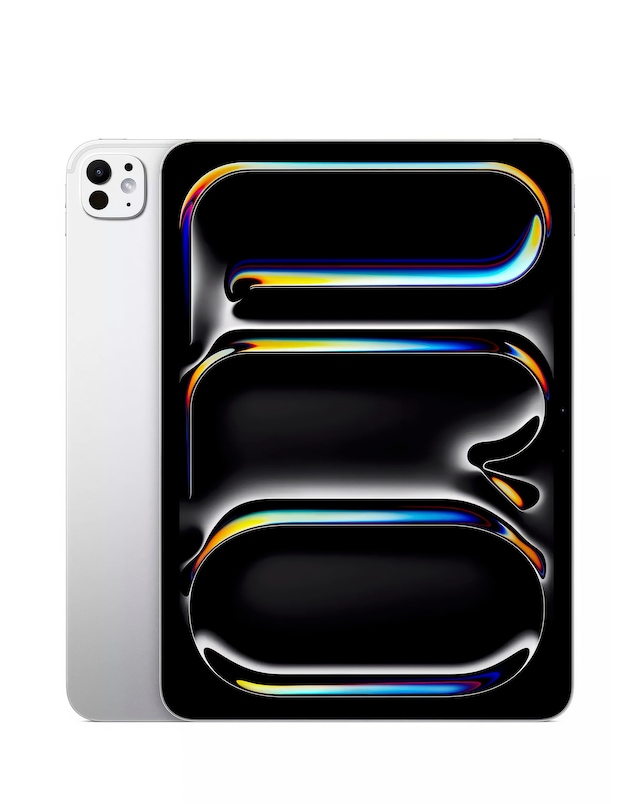
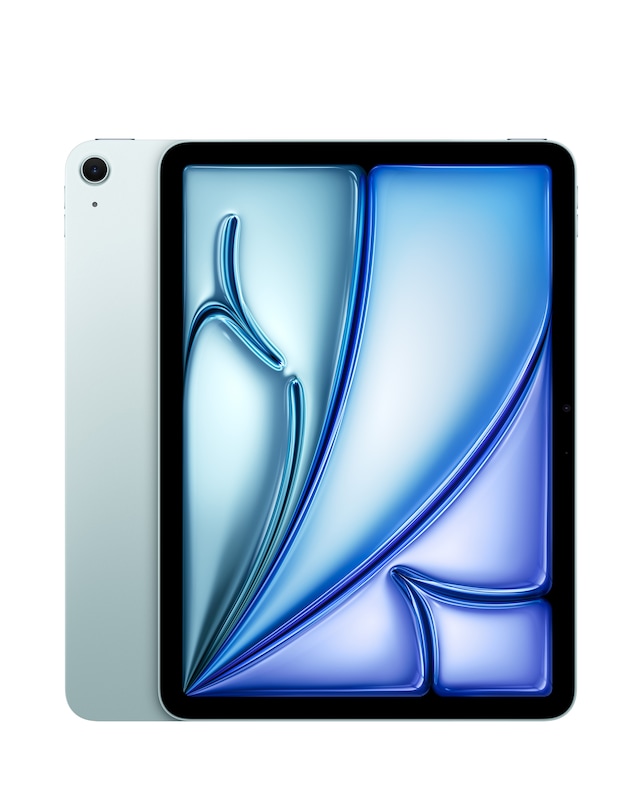
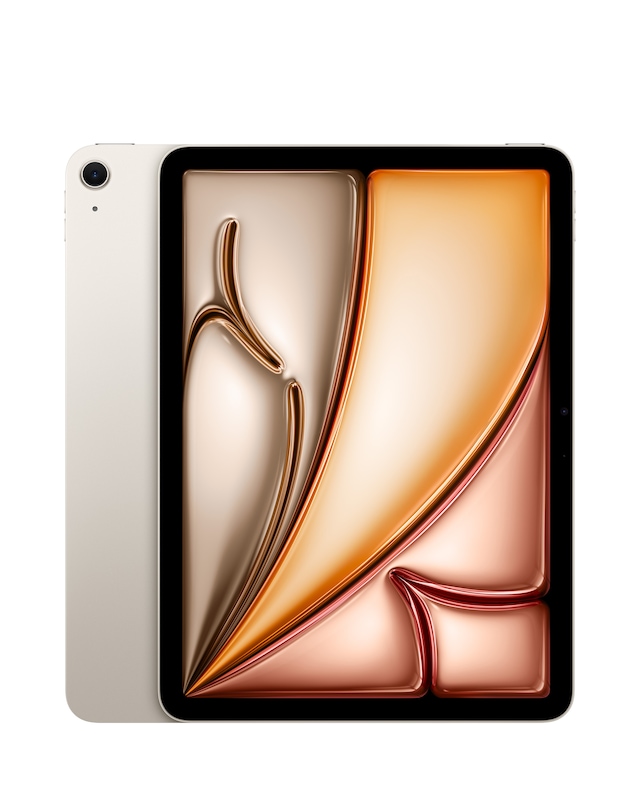
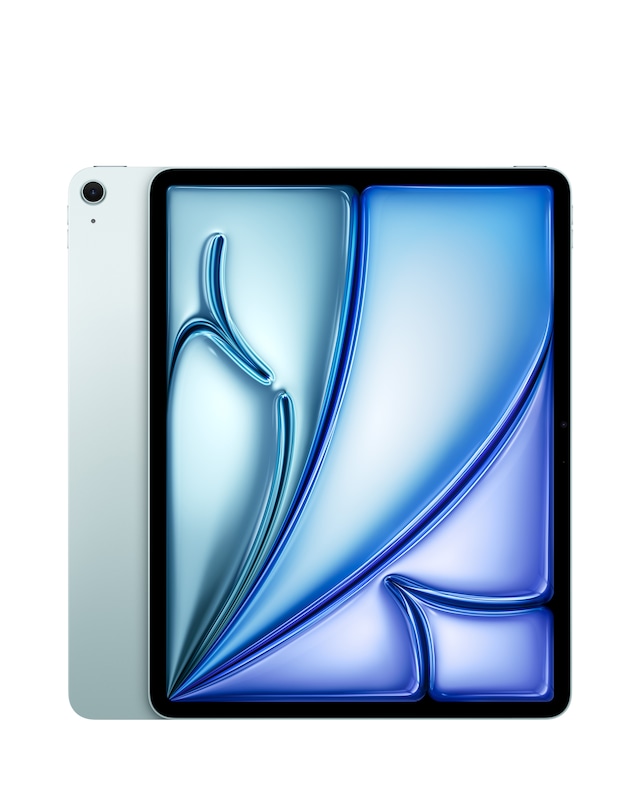
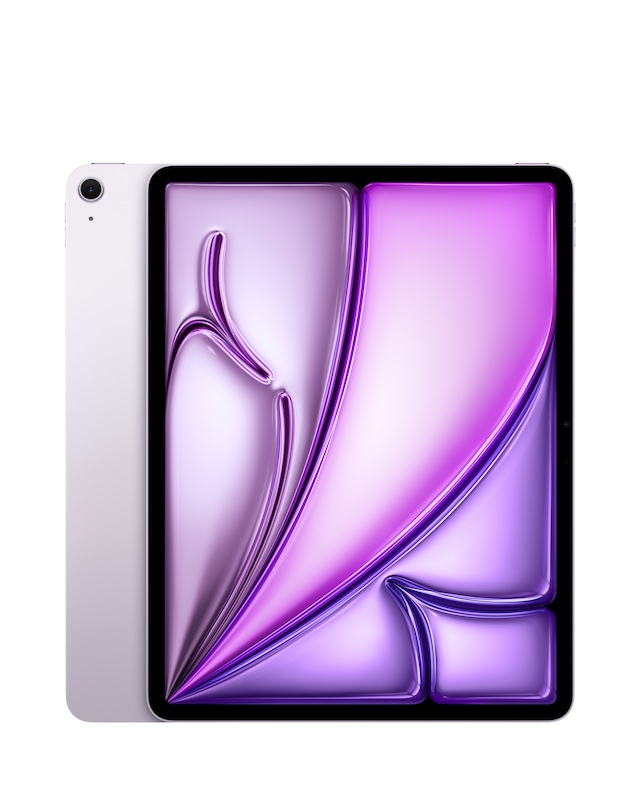
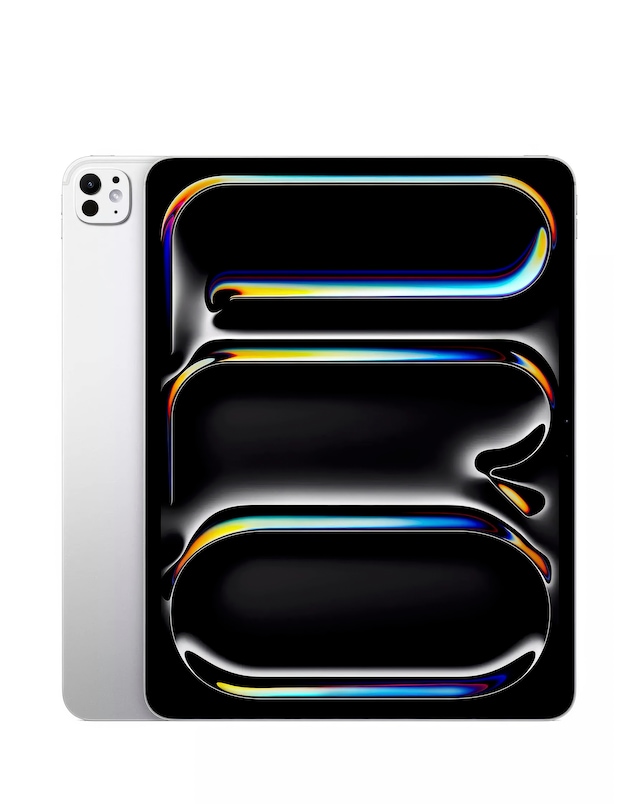
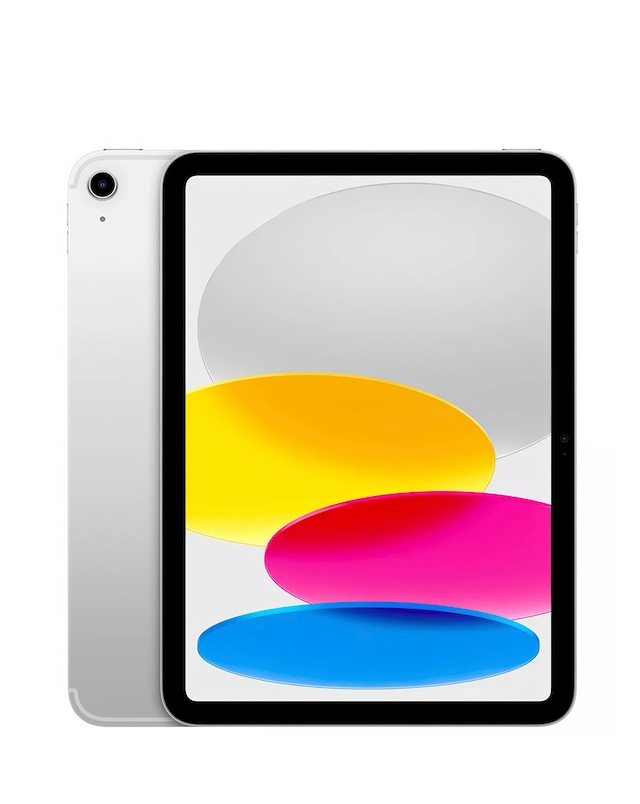
Explore our extensive range of Apple iPad keyboards, designed to enhance your productivity and typing experience. These keyboards offer seamless connectivity, responsive keys, and a compact design that perfectly complements your iPad. Whether you need a keyboard for work, study, or casual use, our selection provides options that ensure comfort and efficiency. With features like backlighting and adjustable viewing angles, you can enjoy a versatile typing experience anywhere you go.
What are the benefits of using a keyboard with an iPad?
- Using a keyboard with your iPad significantly enhances your typing speed and accuracy, making it easier to compose emails, documents, and messages. It also allows for a more comfortable typing posture, reducing strain during extended use. Additionally, many keyboards offer shortcuts that improve navigation and productivity.
Are Apple iPad keyboards compatible with all iPad models?
- No, Apple iPad keyboards are designed to be compatible with specific iPad models. It’s essential to check compatibility before purchasing to ensure that the keyboard will work seamlessly with your device. Each keyboard is tailored to fit the design and functionality of particular iPad versions.
Can I use an Apple iPad keyboard for gaming?
- Yes, an Apple iPad keyboard can be used for gaming, especially for games that support keyboard input. The responsive keys can enhance your gaming experience by providing quicker reactions and more precise controls. However, the effectiveness may vary depending on the game and its compatibility with keyboard commands.
Do Apple iPad keyboards have backlighting?
- Many Apple iPad keyboards feature backlighting, which allows for easy typing in low-light conditions. This feature is particularly useful for users who work or study in dimly lit environments. Backlit keys can also enhance the overall aesthetic of your setup.
How do I connect an Apple iPad keyboard to my iPad?
- Connecting an Apple iPad keyboard to your iPad is typically straightforward. Most keyboards use Bluetooth for wireless connectivity, requiring you to enable Bluetooth on your iPad and select the keyboard from the list of available devices. Some keyboards may connect via a smart connector, allowing for a quick and easy attachment.