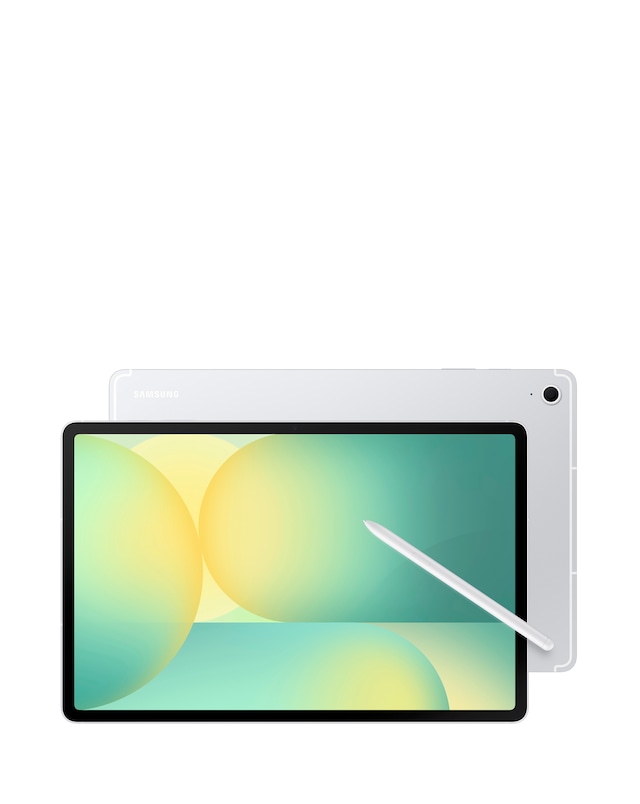
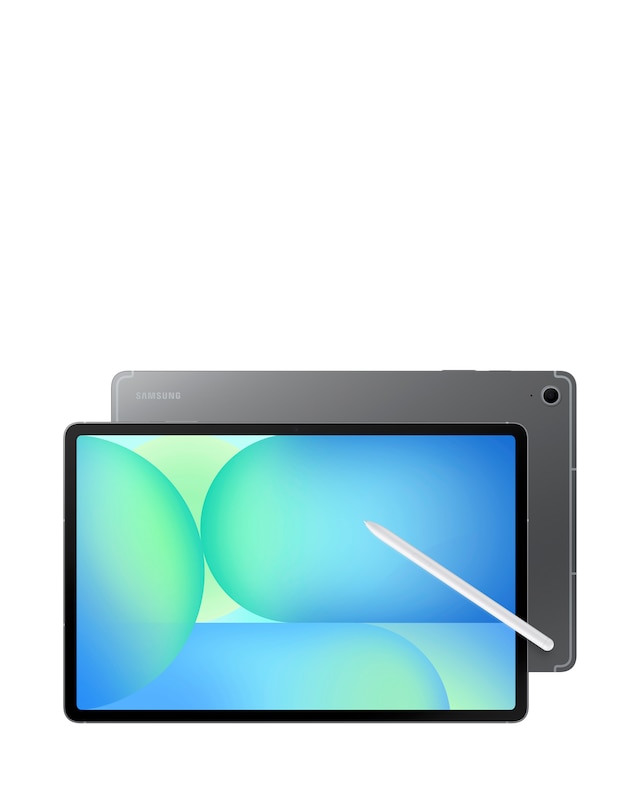
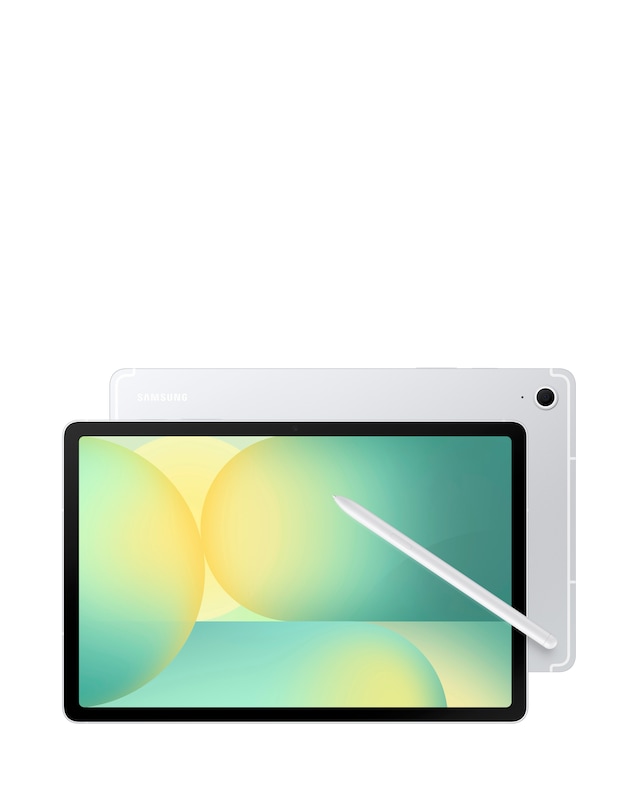
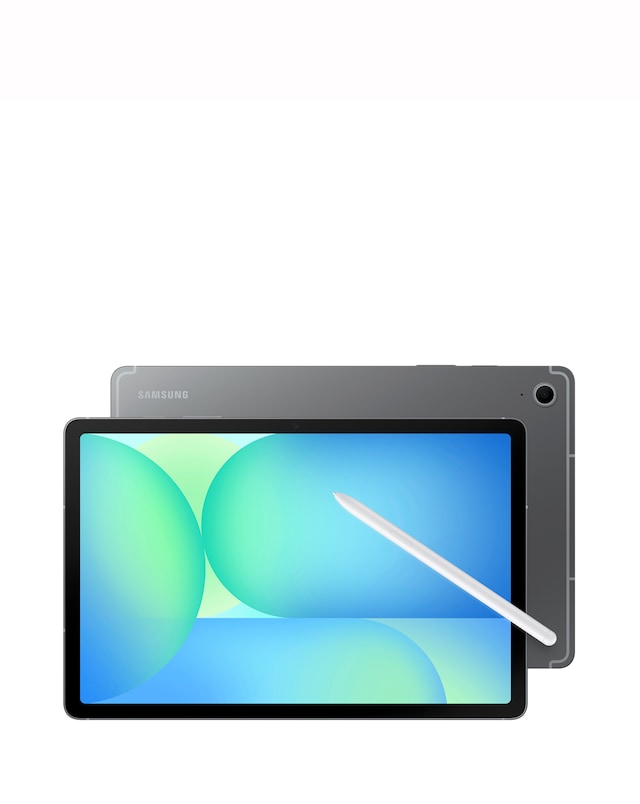
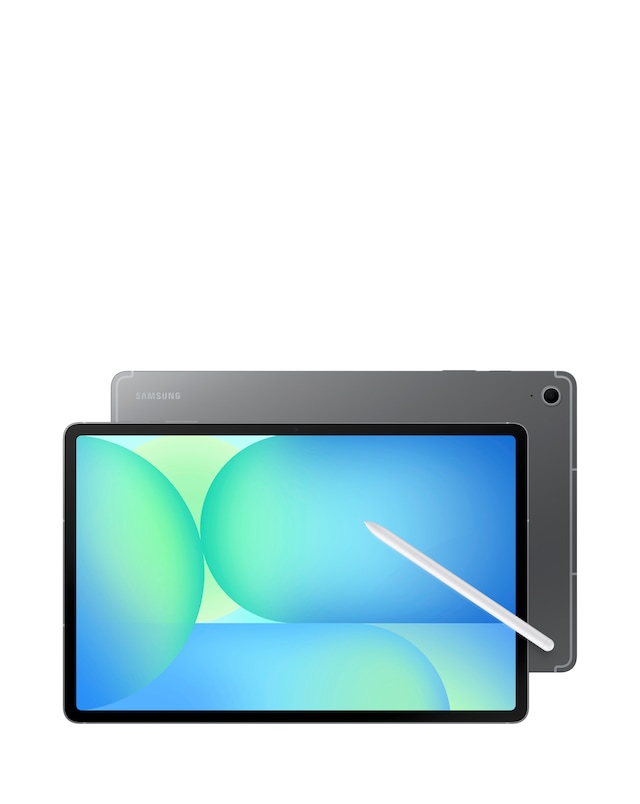
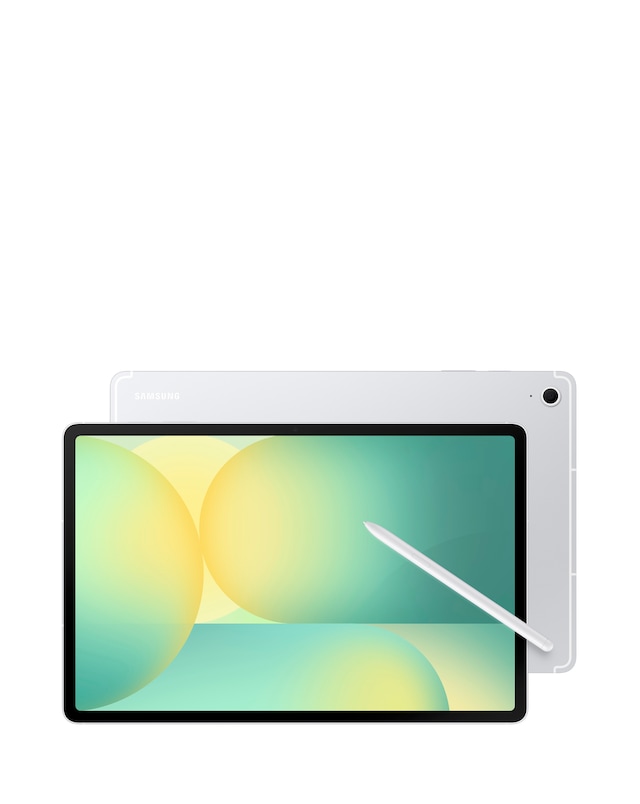
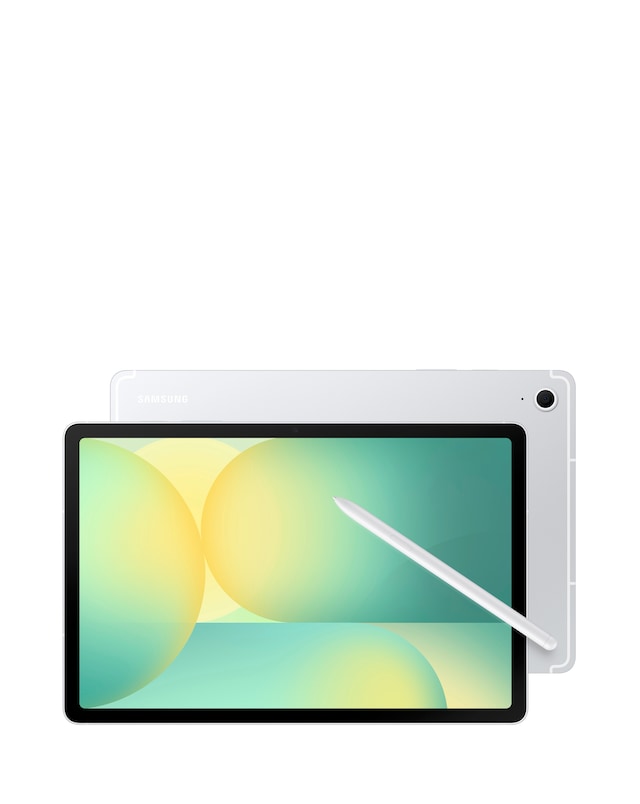
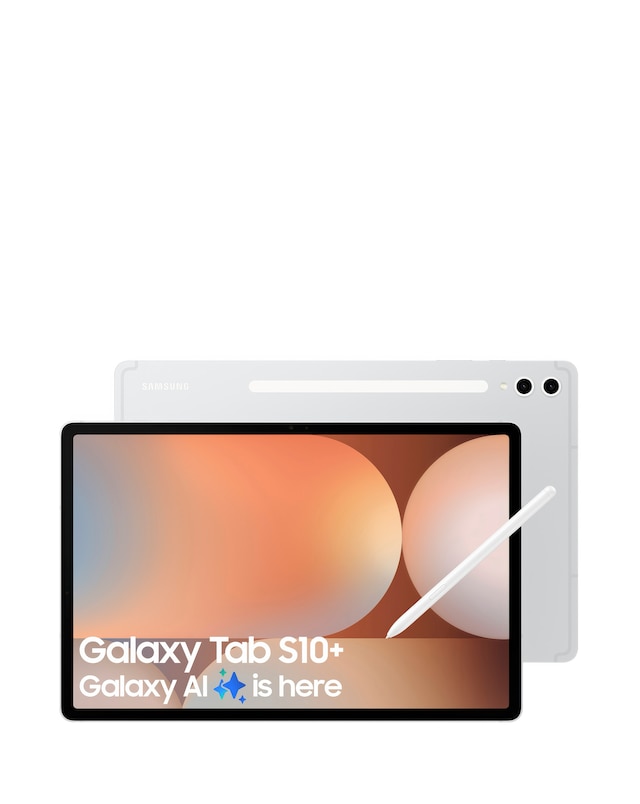
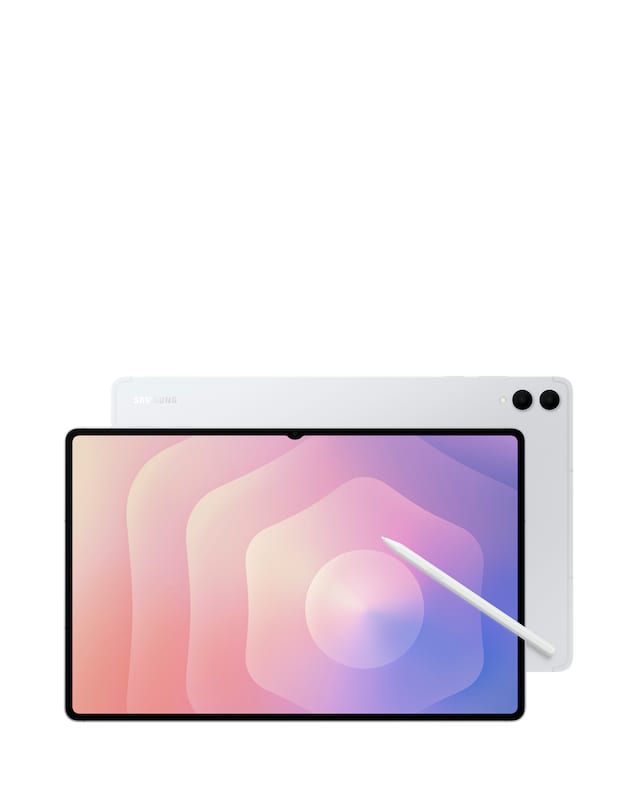
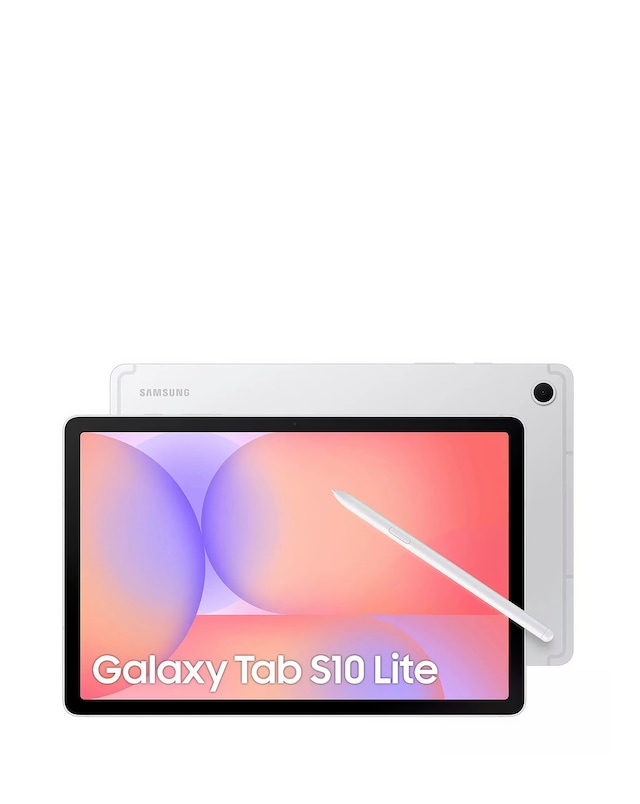
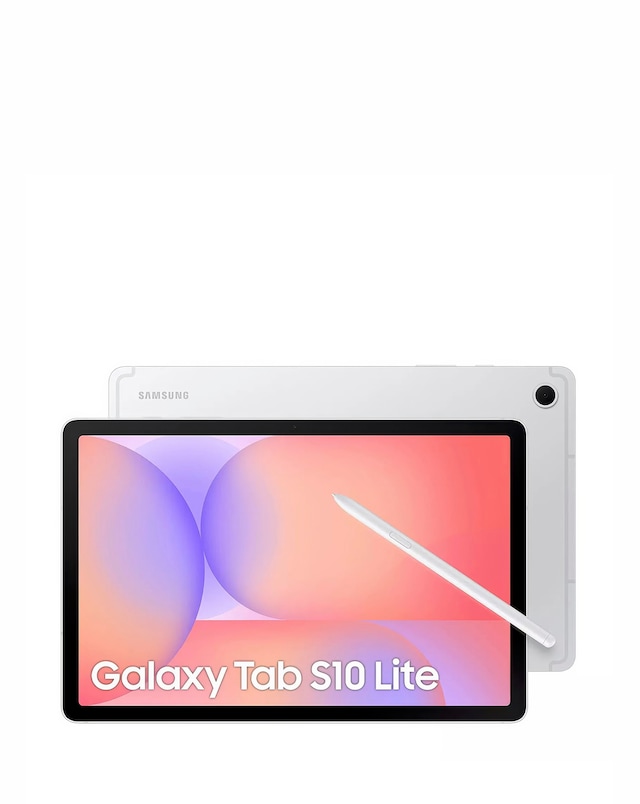
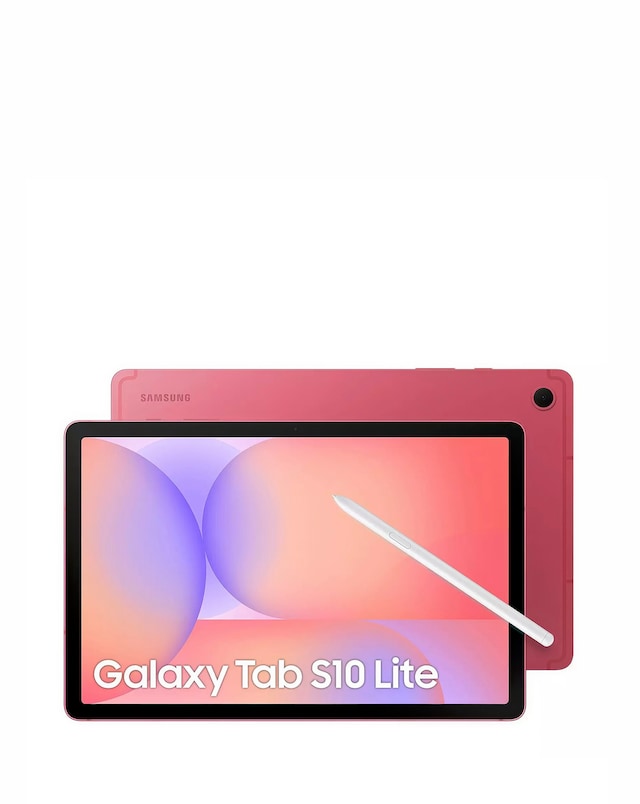
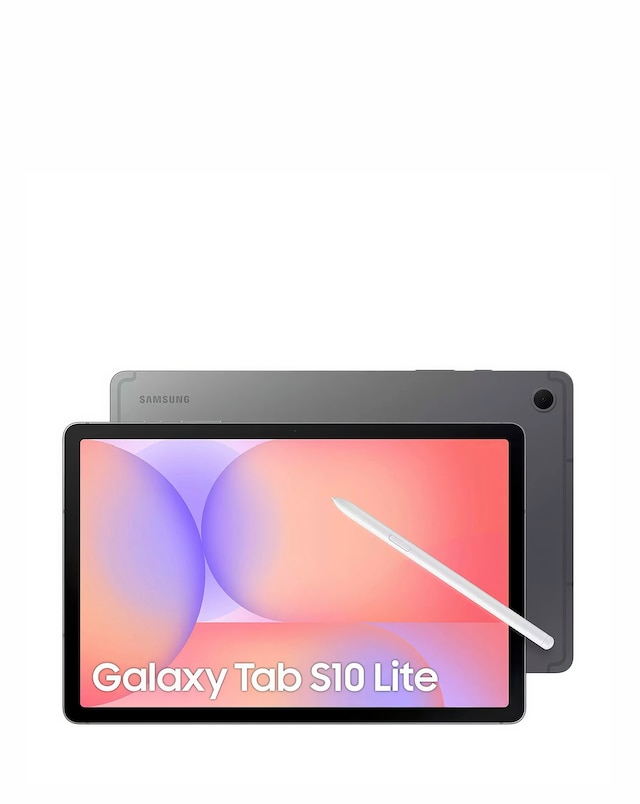
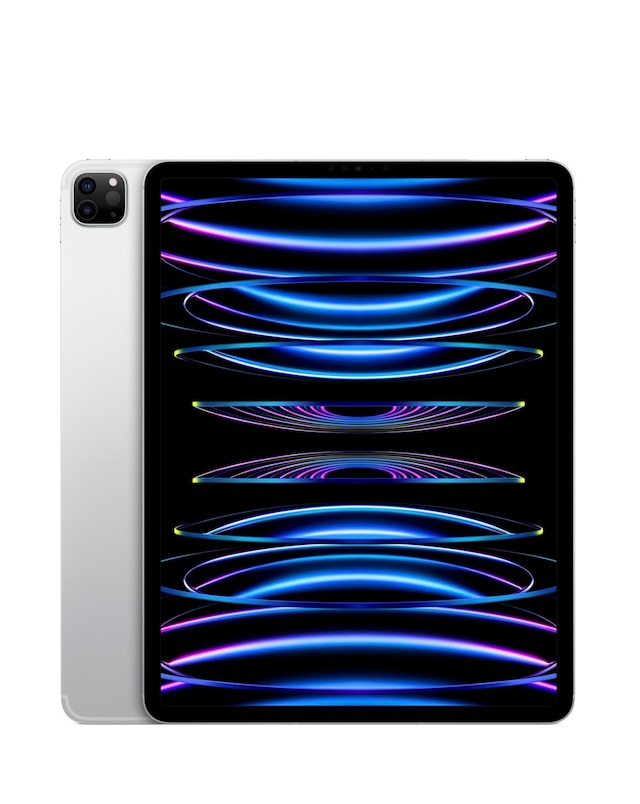
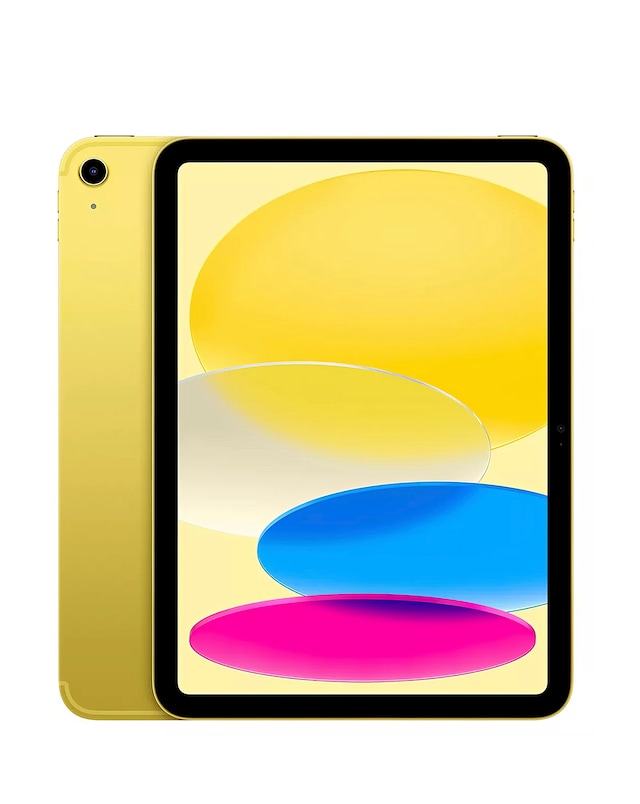
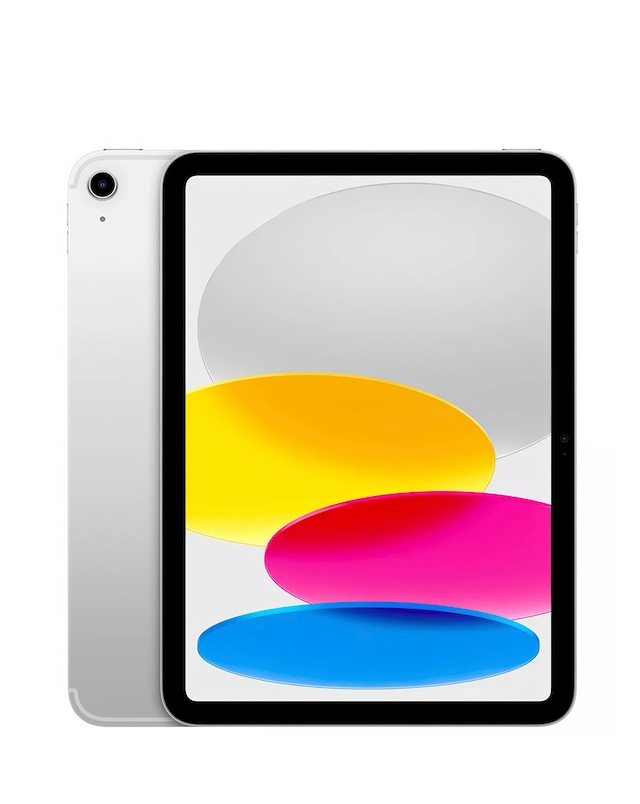
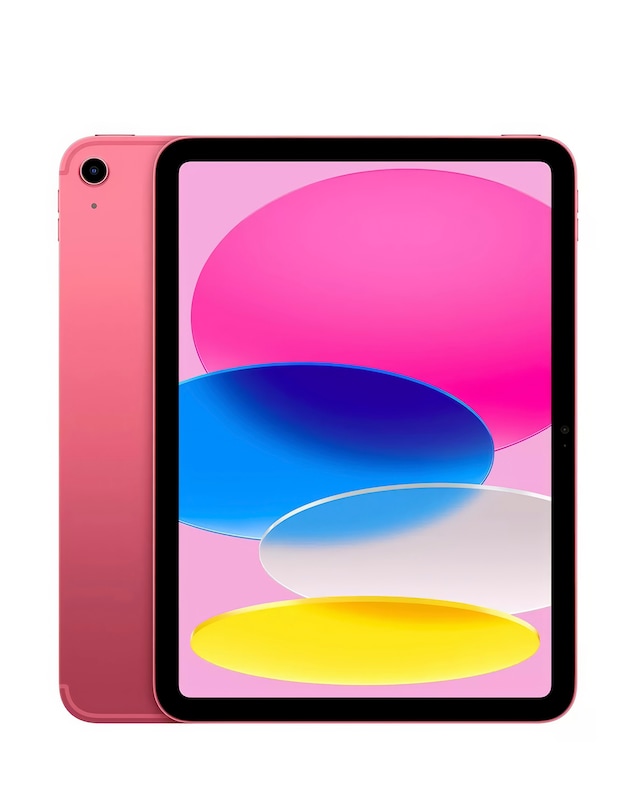
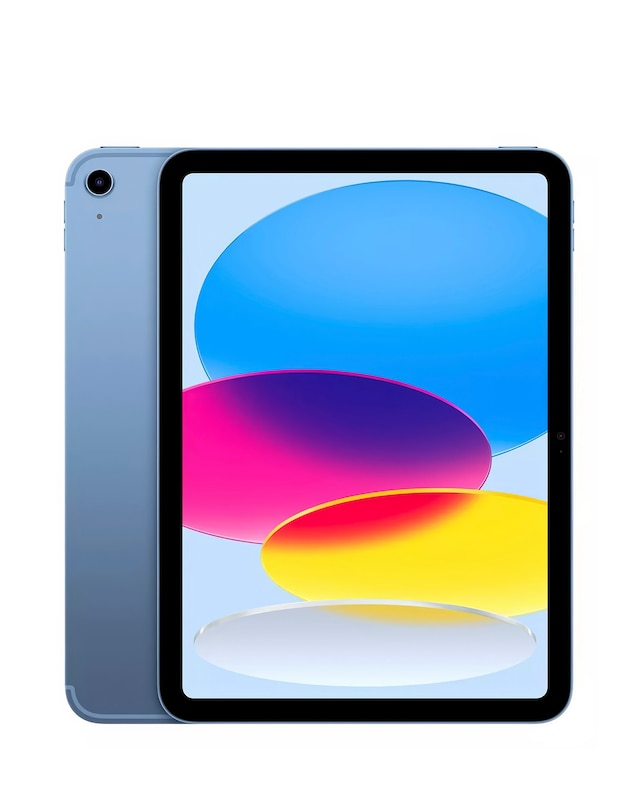
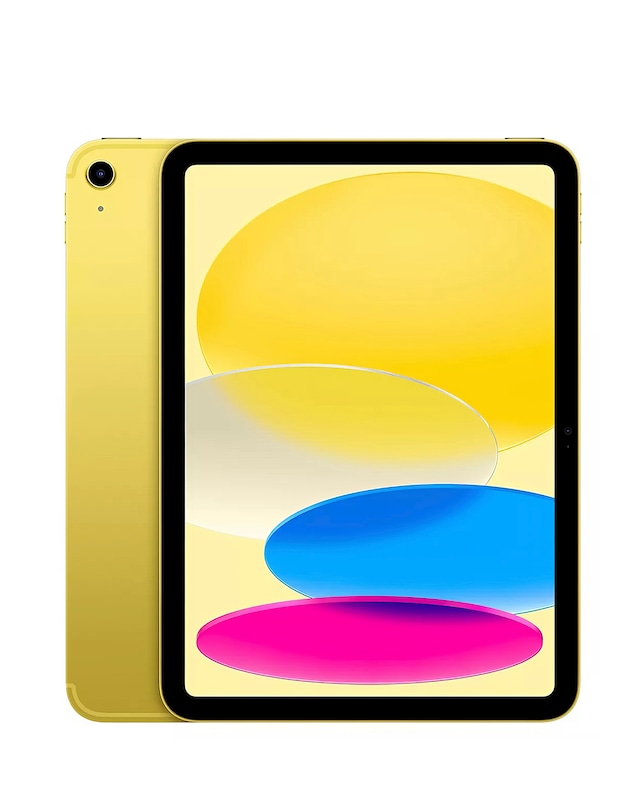
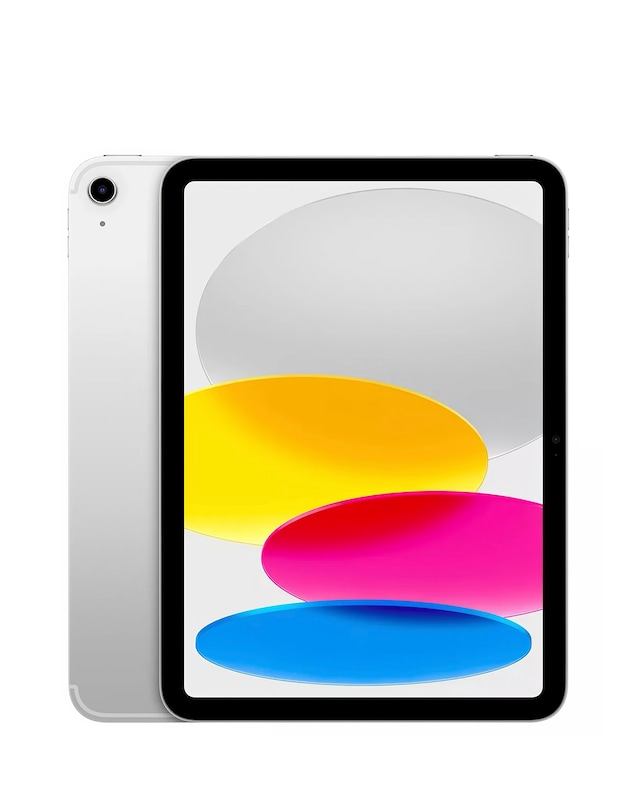
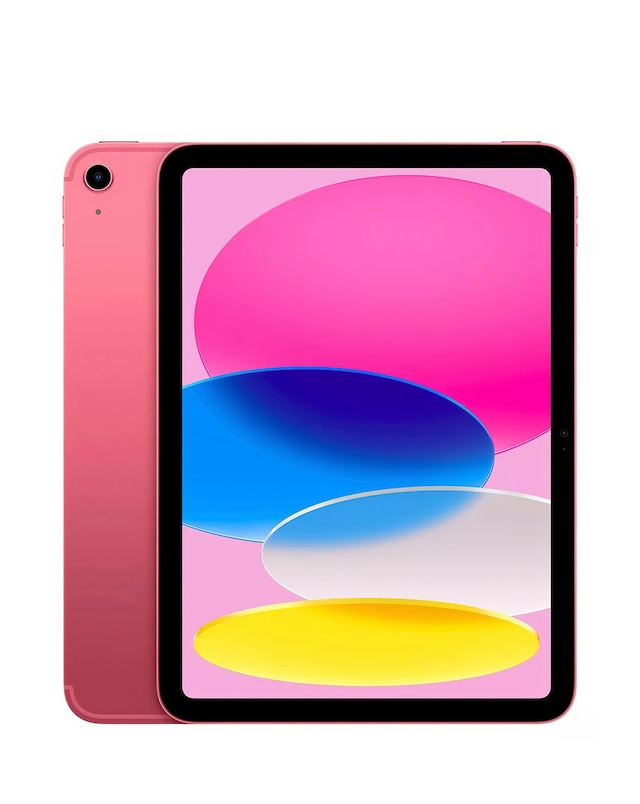
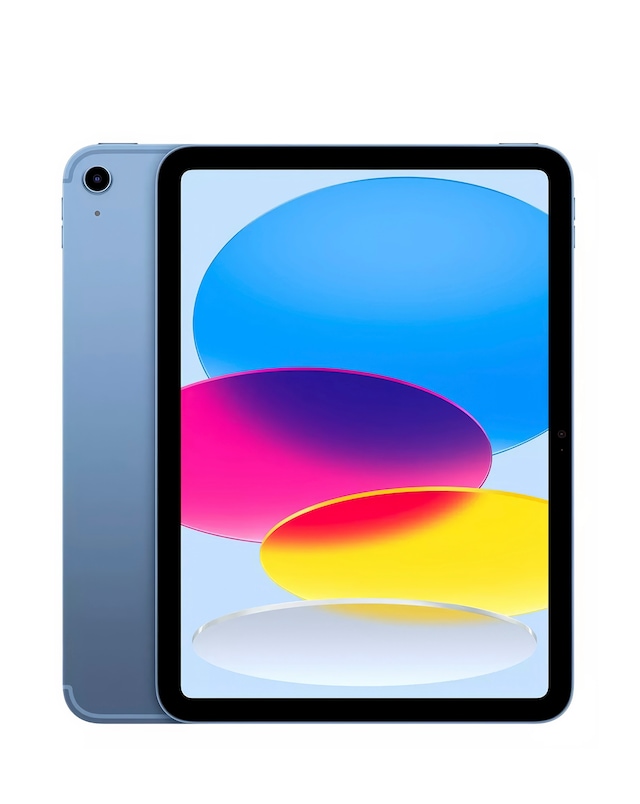
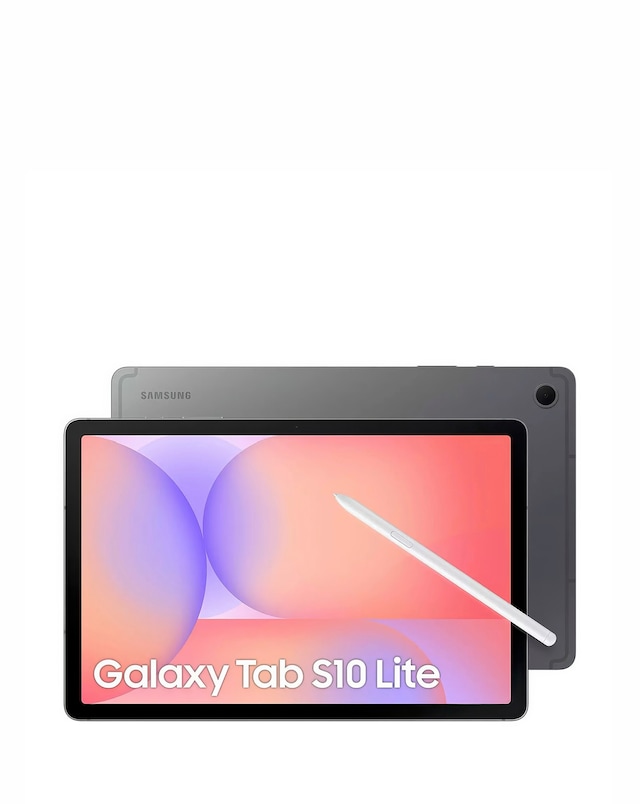
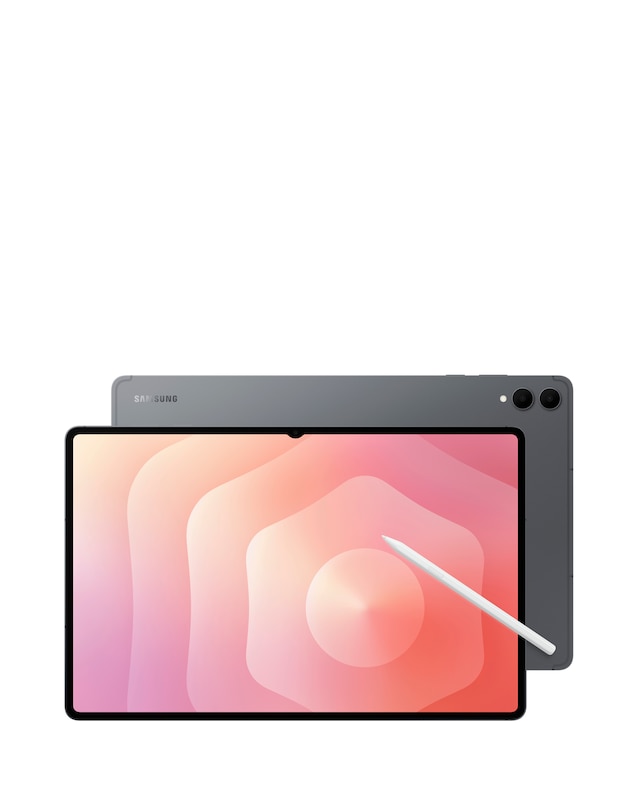
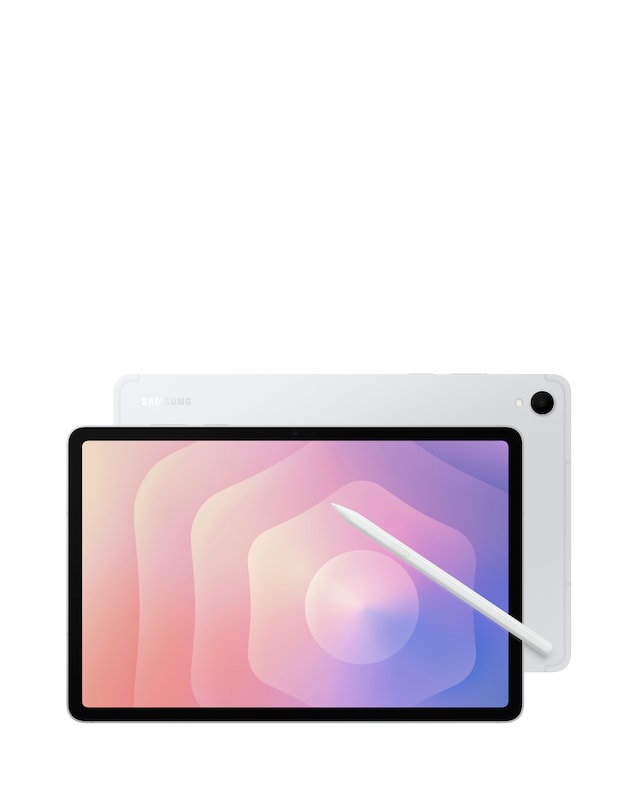
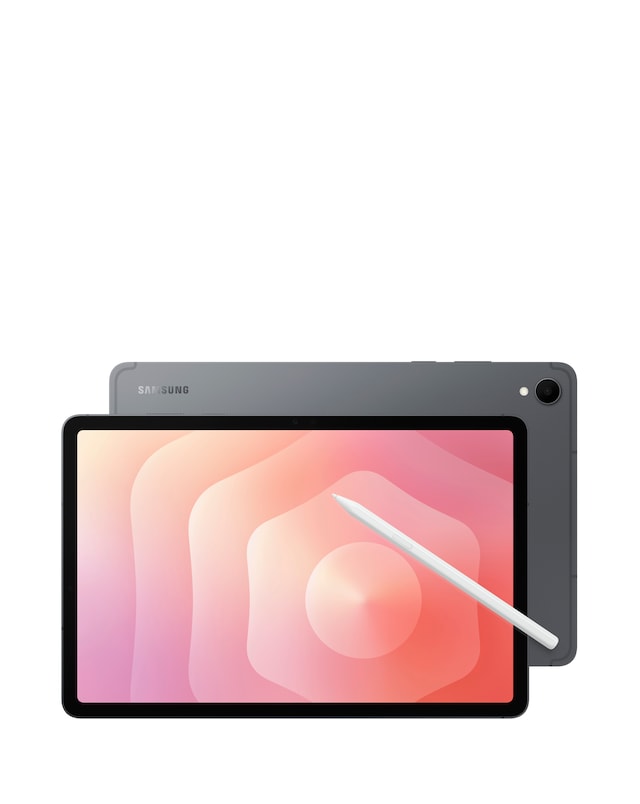
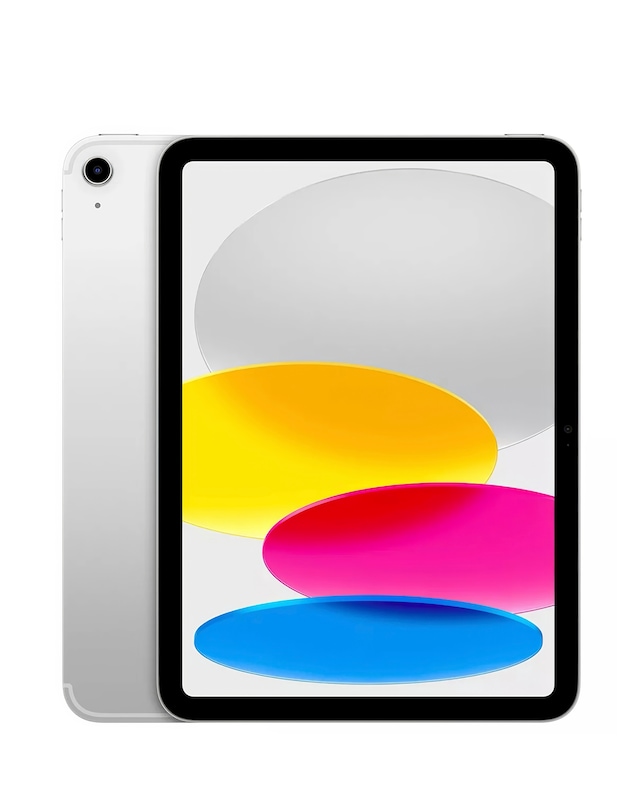
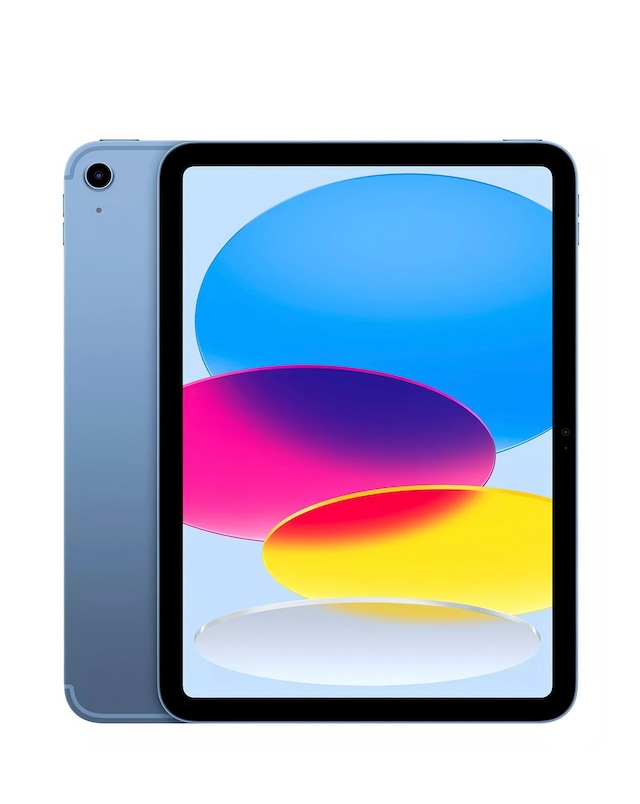
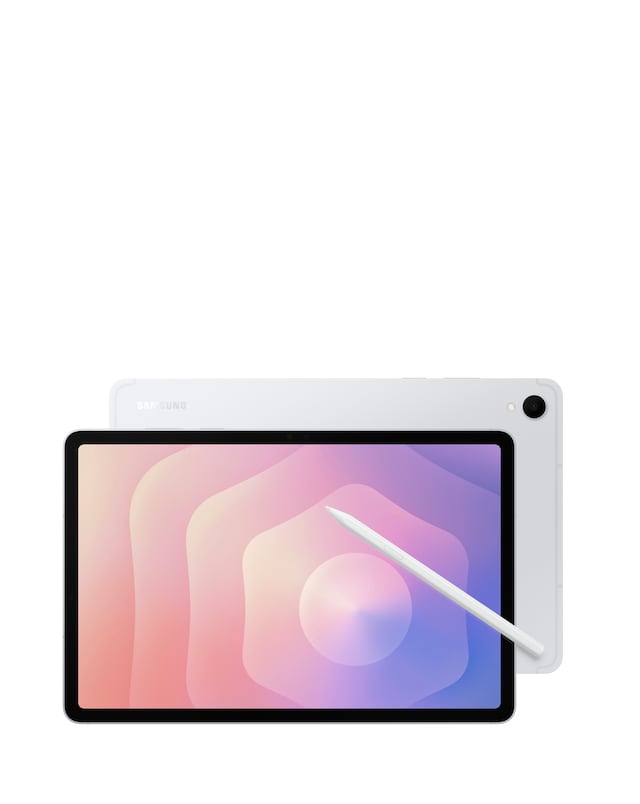
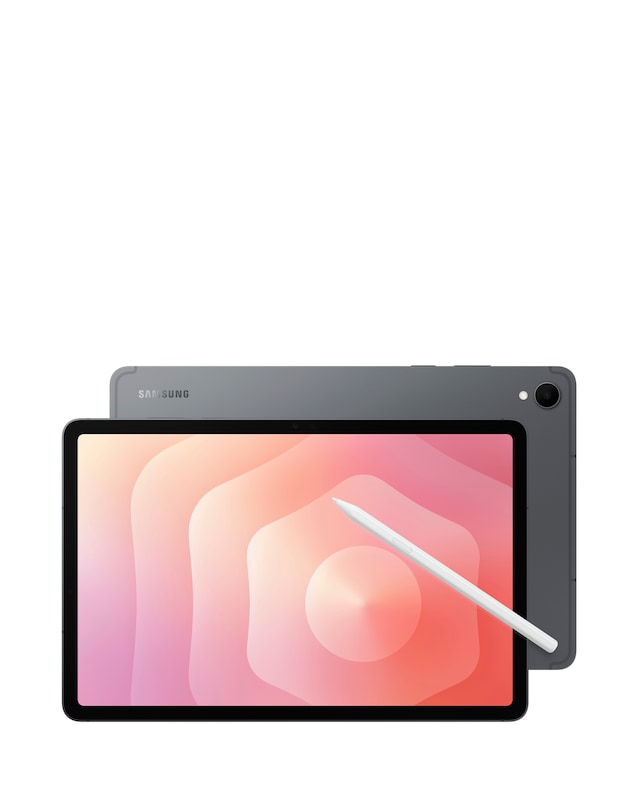
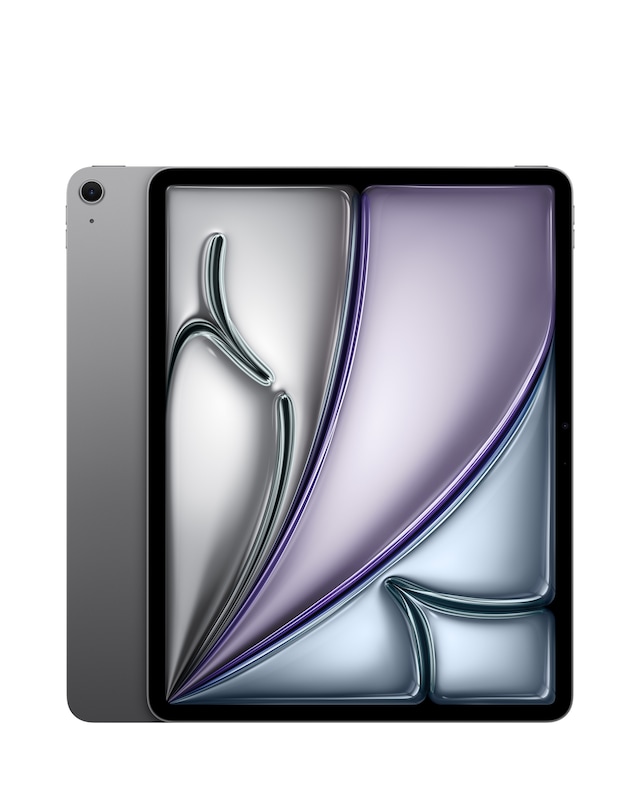
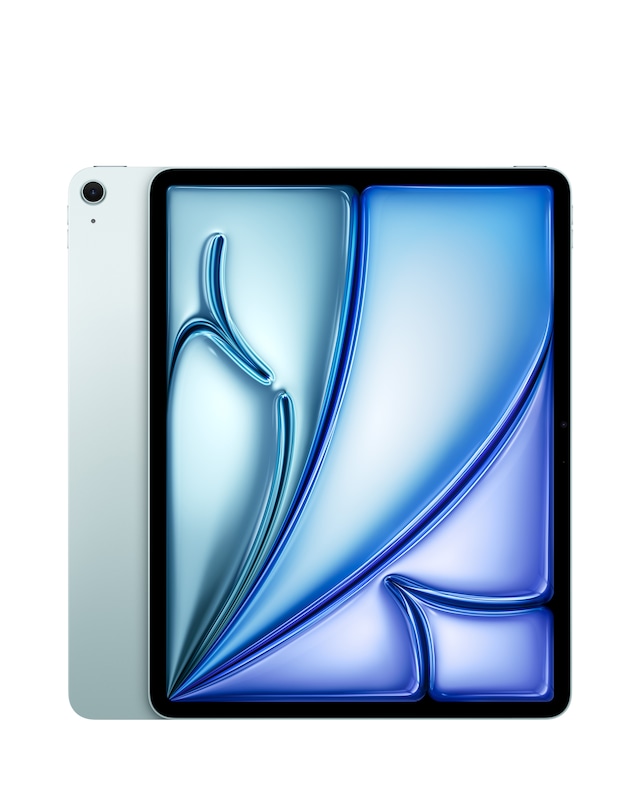
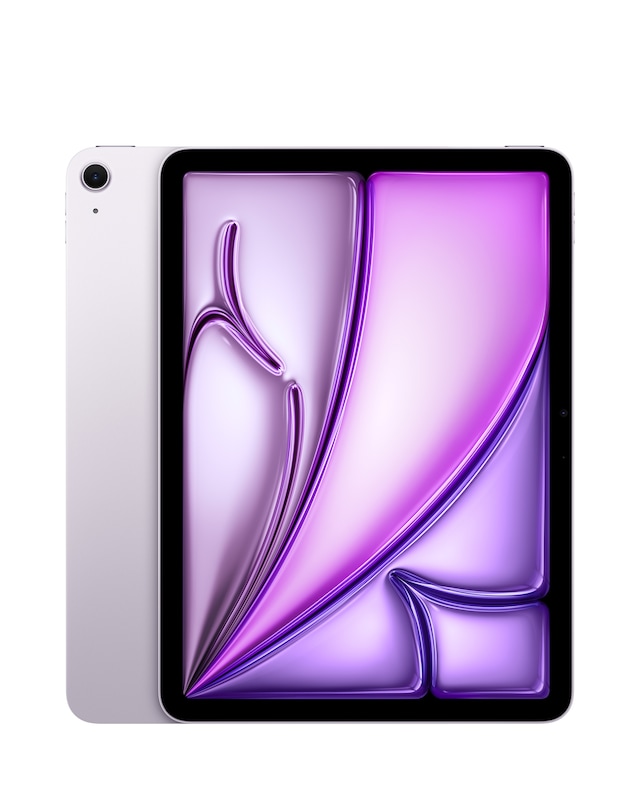
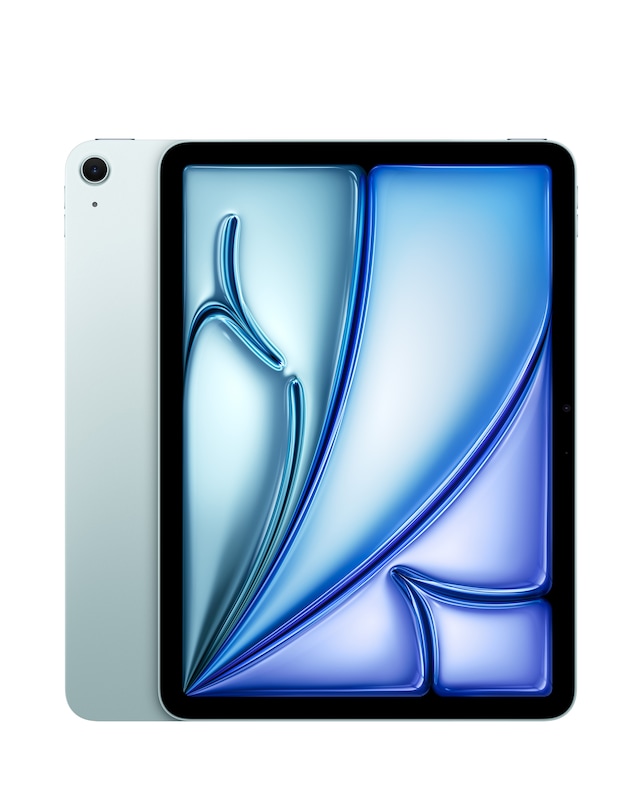
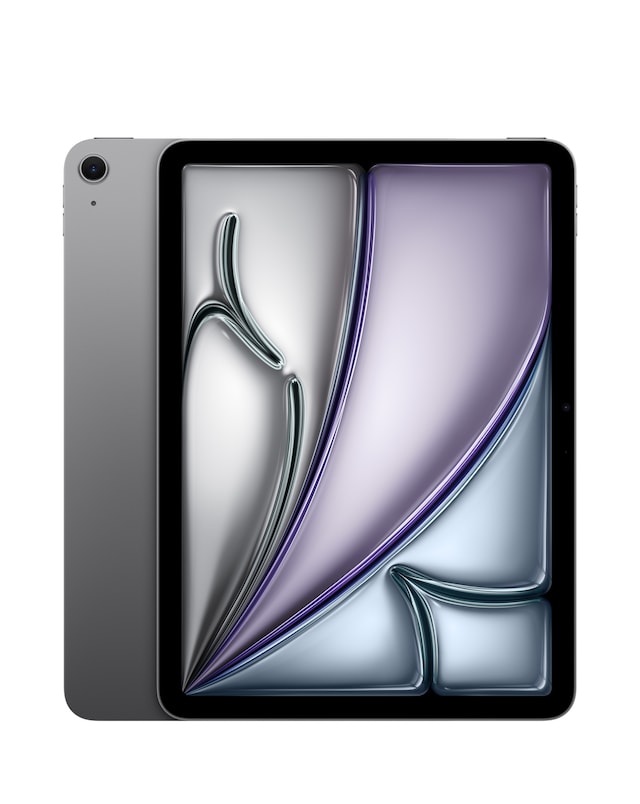
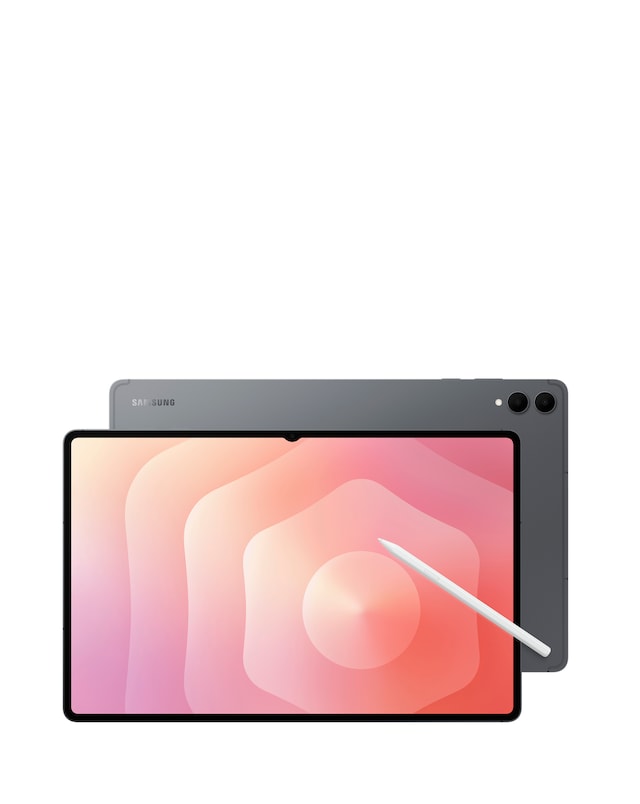
Explore our range of tablets with stylus support, designed to enhance your productivity and creativity. These versatile devices offer precision and control, making them perfect for note-taking, drawing, and digital art. With responsive touchscreens and advanced stylus technology, you can enjoy a seamless writing experience that mimics pen on paper. Ideal for students, professionals, and artists alike, these tablets combine portability with powerful features to meet all your digital needs.
What are tablets with stylus support used for?
- Tablets with stylus support are versatile devices that allow users to write, draw, and annotate directly on the screen. They are ideal for note-taking in lectures, creating digital artwork, and enhancing productivity with precise input. The stylus provides a natural writing experience, making it easier to express ideas visually.
Do all tablets support stylus input?
- No, not all tablets support stylus input. Only specific models are designed with the necessary technology to work with a stylus, ensuring accurate tracking and pressure sensitivity. It's important to check the specifications before purchasing to ensure compatibility with a stylus.
Can I use any stylus with a tablet that supports stylus input?
- Not all styluses are compatible with every tablet. Many tablets require specific stylus models that are designed to work with their technology. Always verify compatibility to ensure optimal performance and features, such as pressure sensitivity and palm rejection.
Are tablets with stylus support good for artists?
- Yes, tablets with stylus support are excellent for artists, as they provide a natural drawing experience with high precision. Many models offer pressure sensitivity, tilt recognition, and various brush settings, making them suitable for digital painting and illustration. Artists can easily create detailed artwork and sketches directly on the screen.
What features should I look for in a tablet with stylus support?
- When choosing a tablet with stylus support, consider features such as screen size, resolution, stylus responsiveness, and battery life. Look for models with high-resolution displays for better clarity and detail, as well as a stylus that offers pressure sensitivity for more control while drawing or writing. Additionally, check for compatibility with creative software that suits your needs.