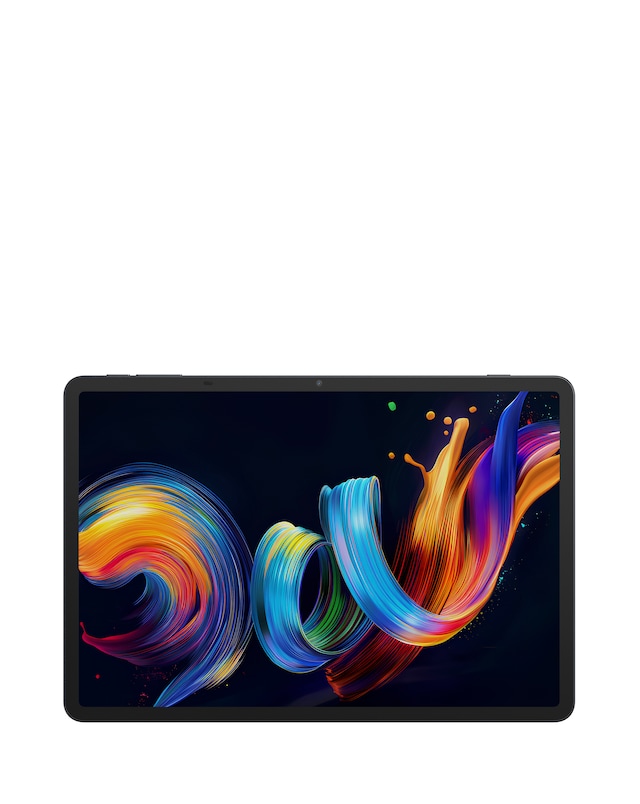
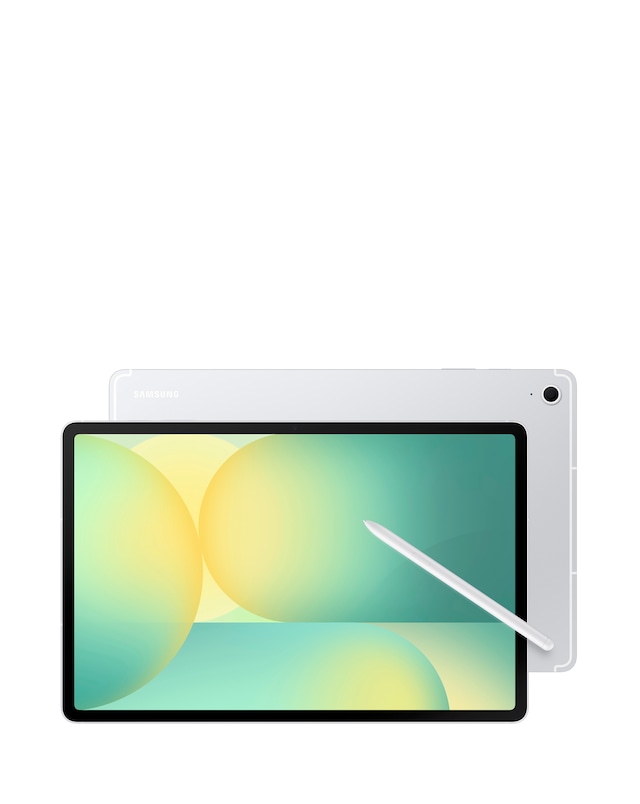
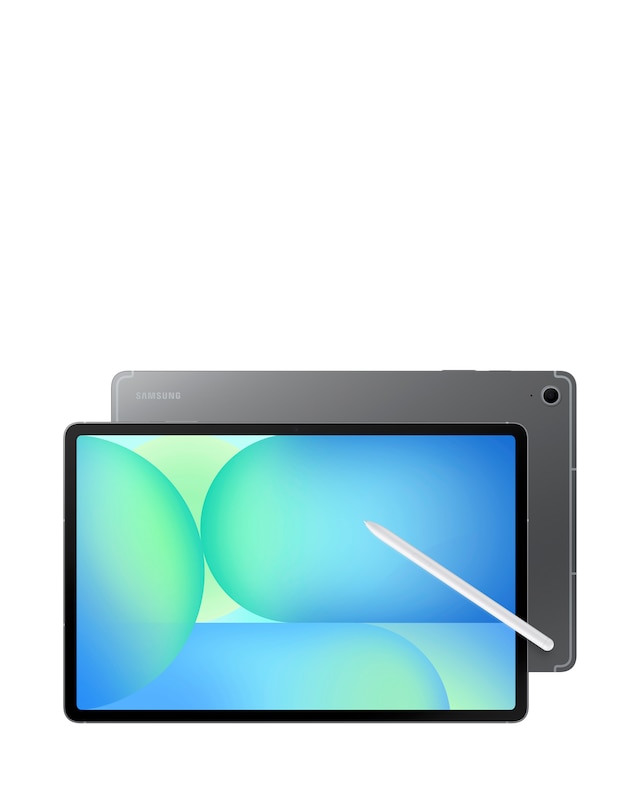
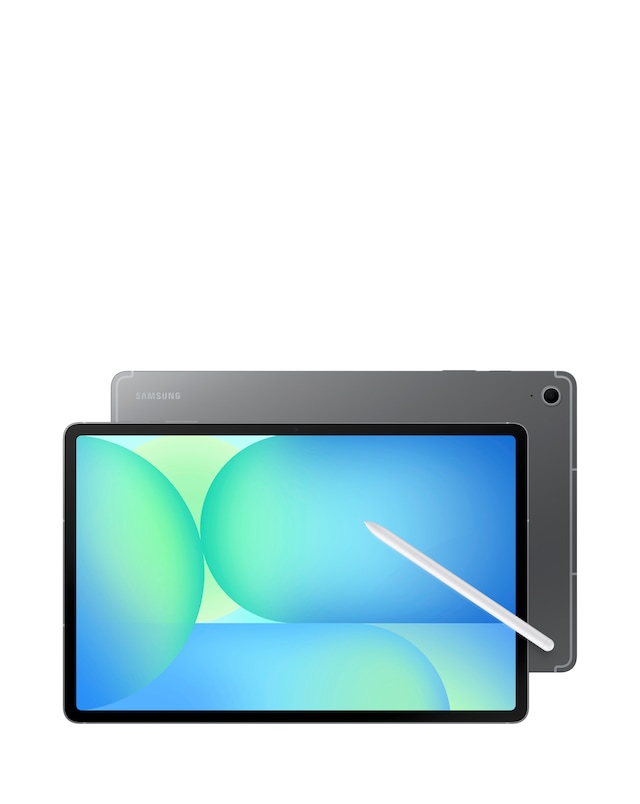
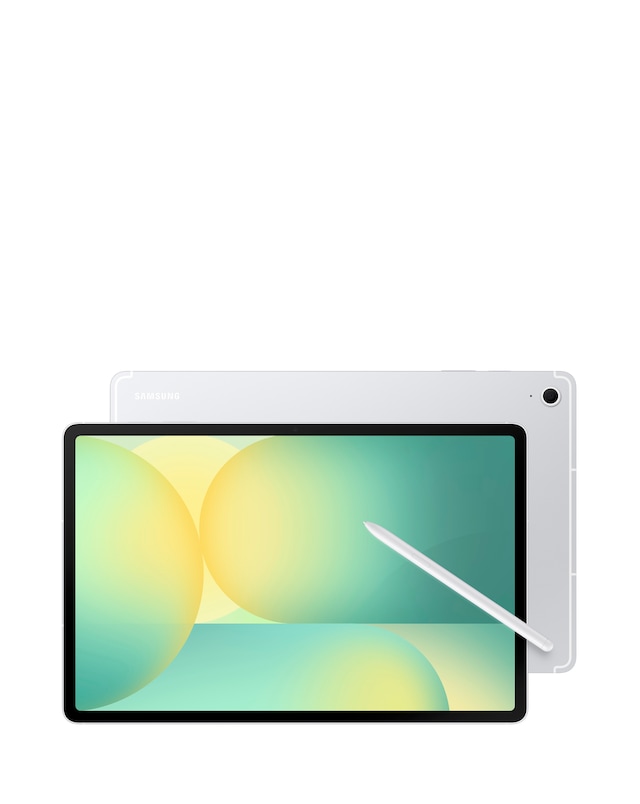
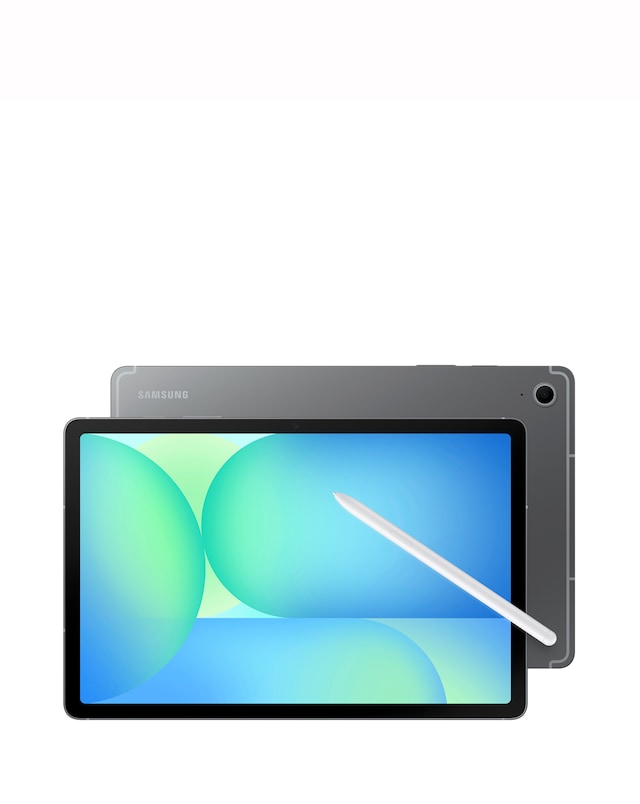
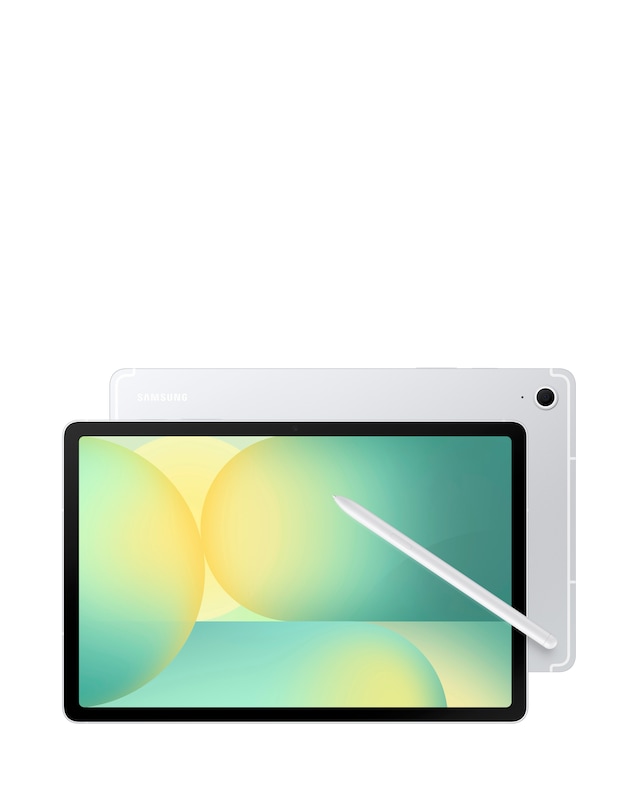
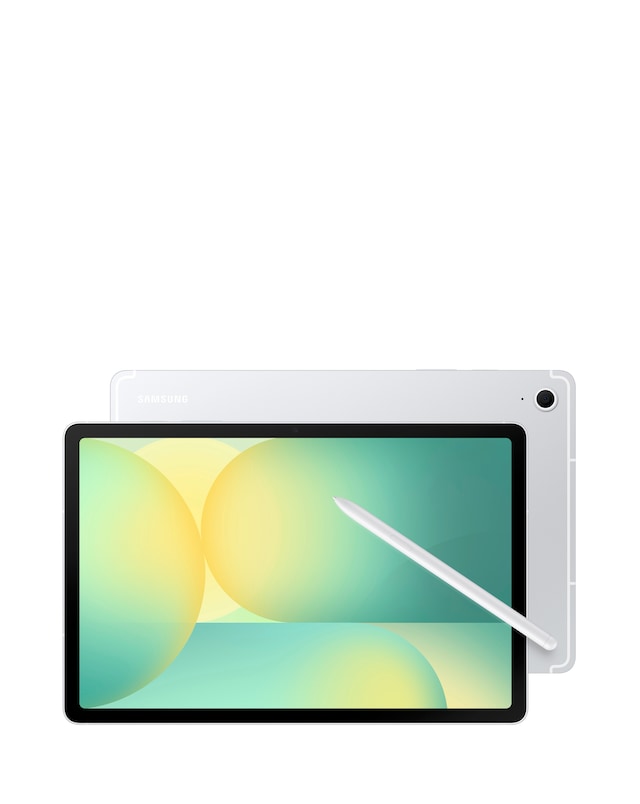
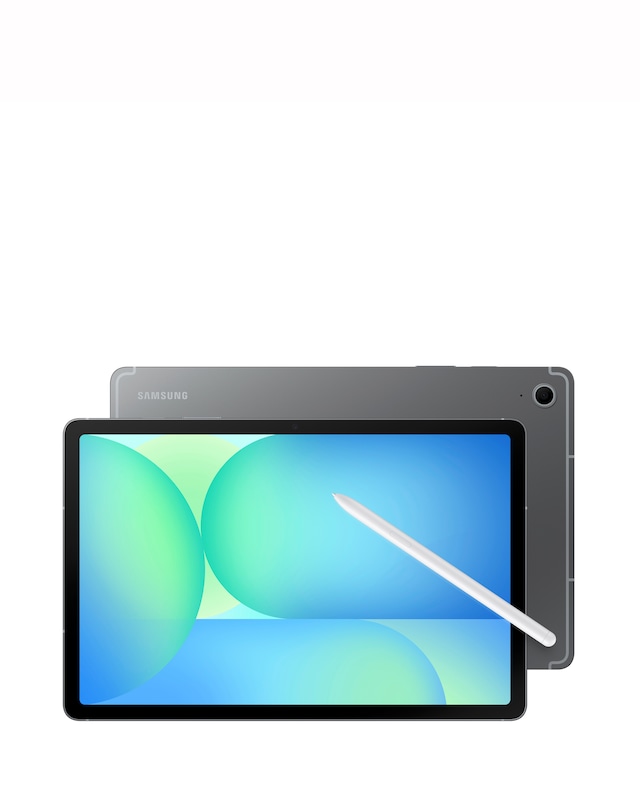
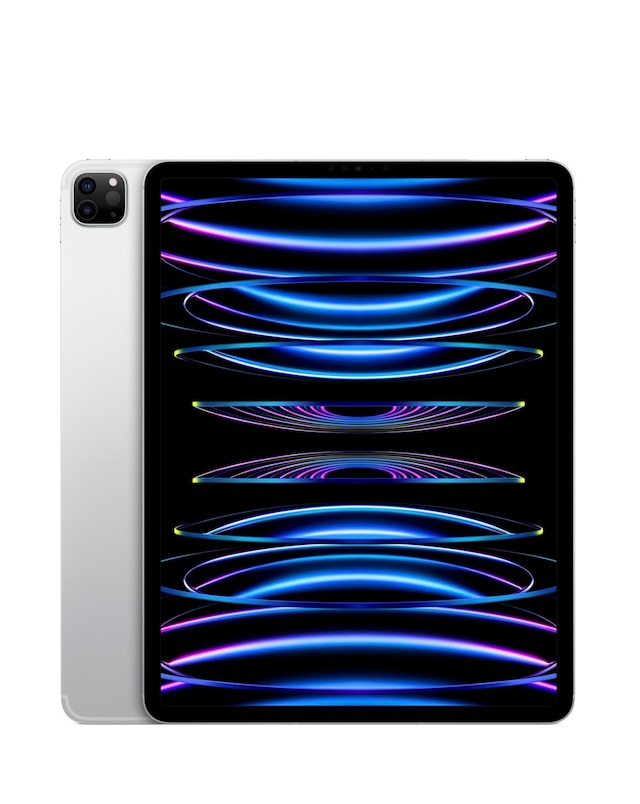
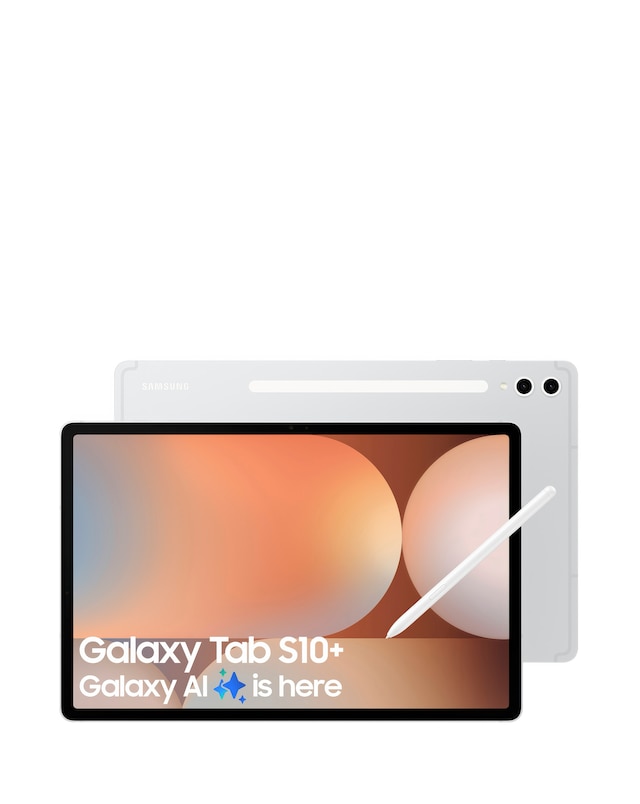
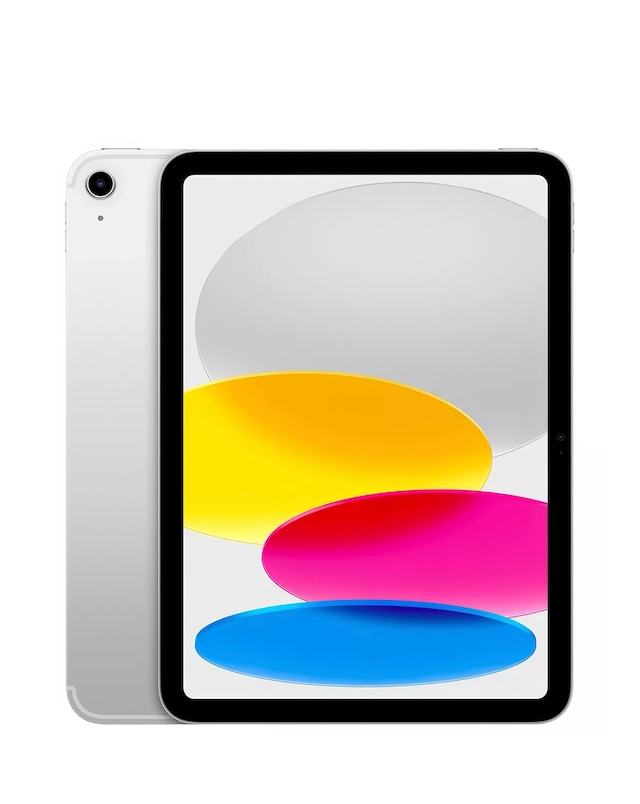
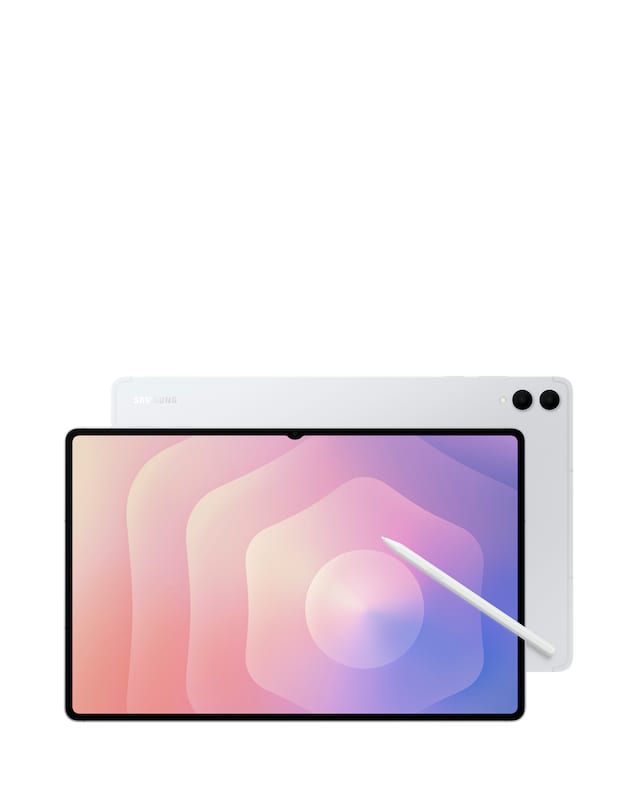
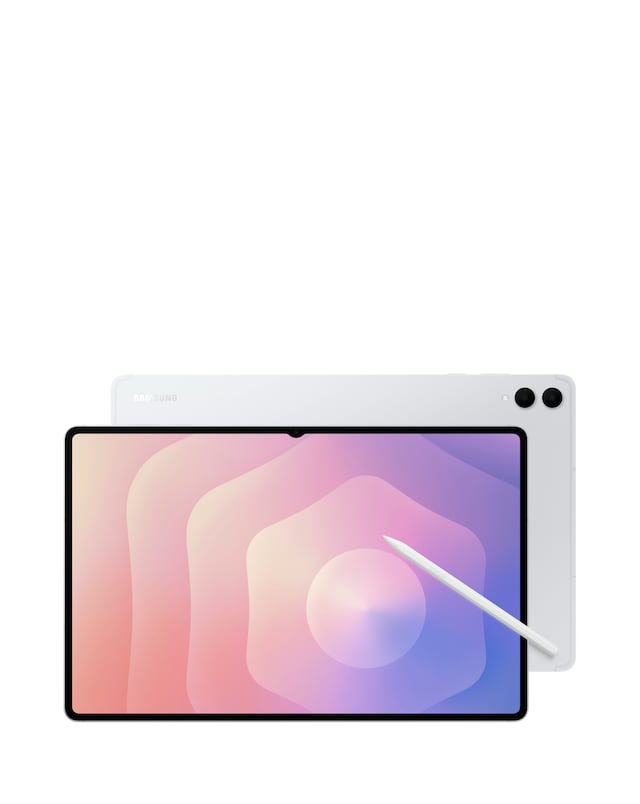
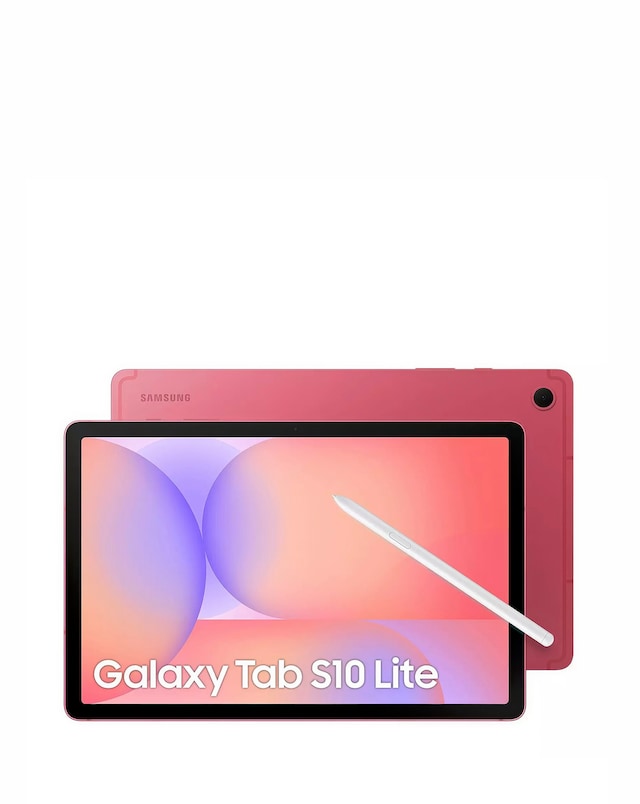
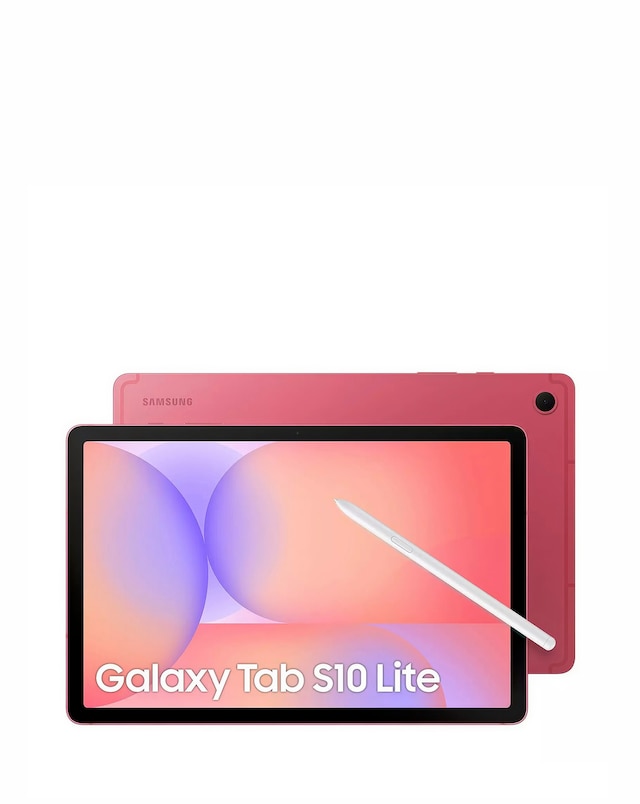
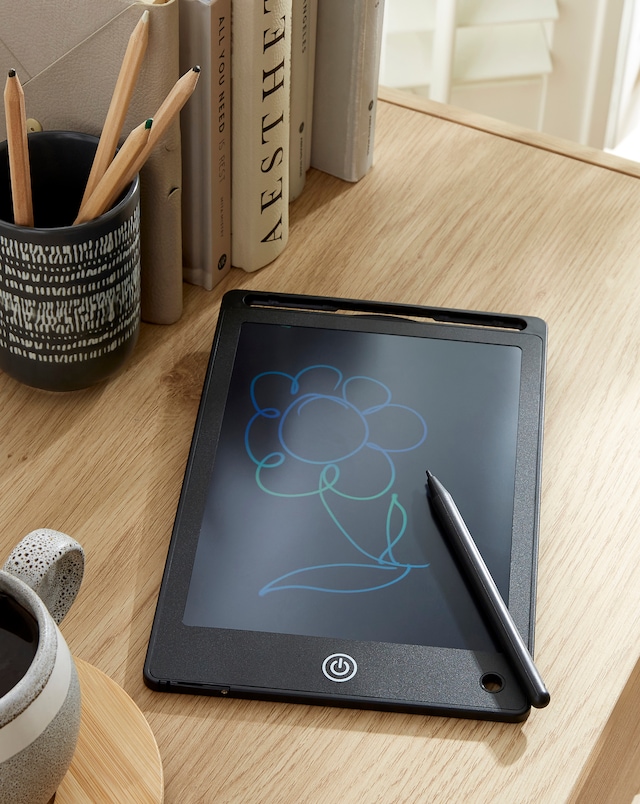
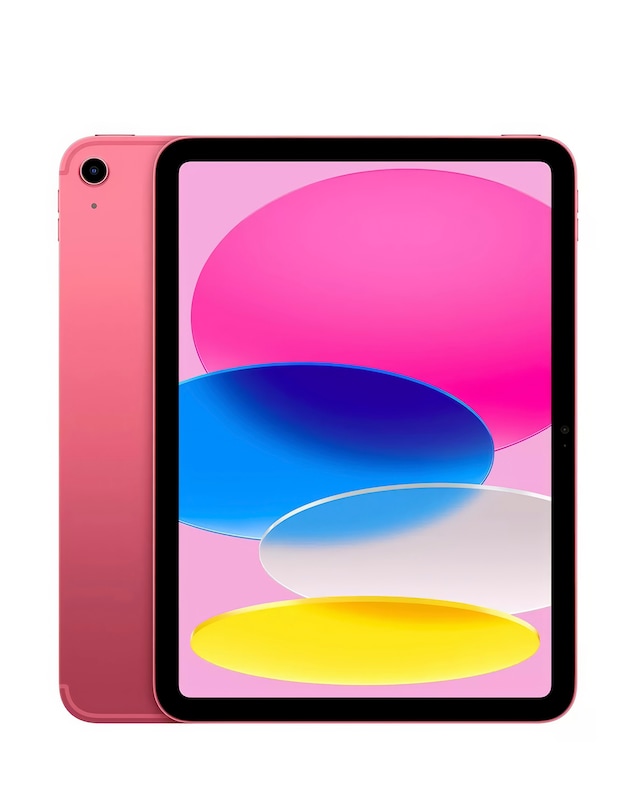
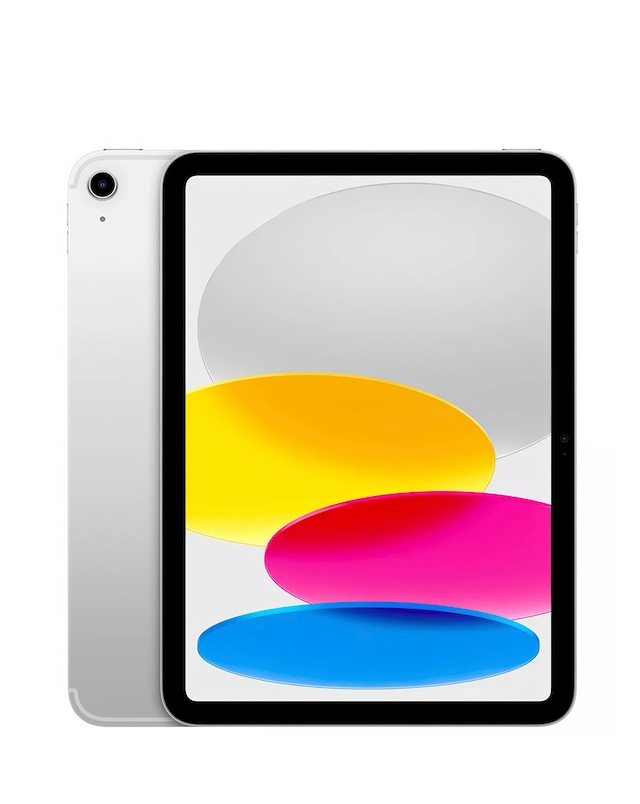
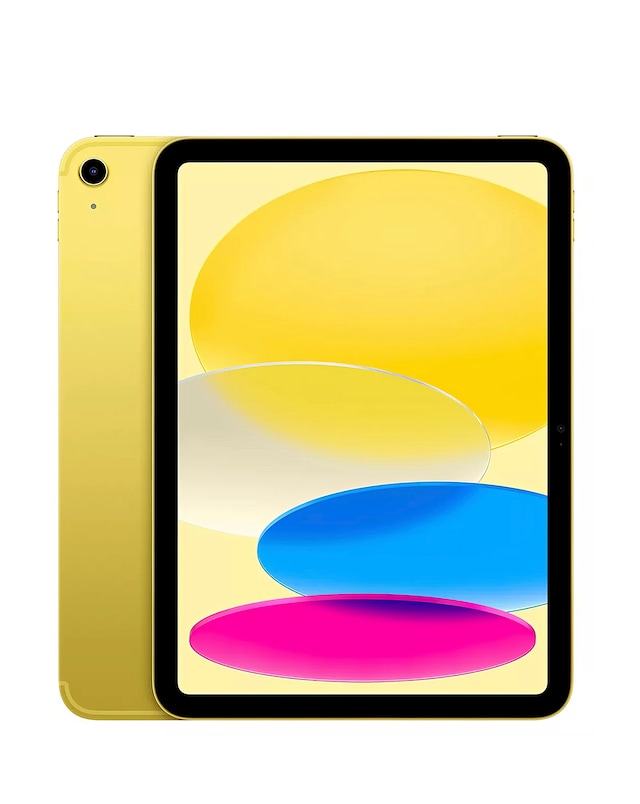
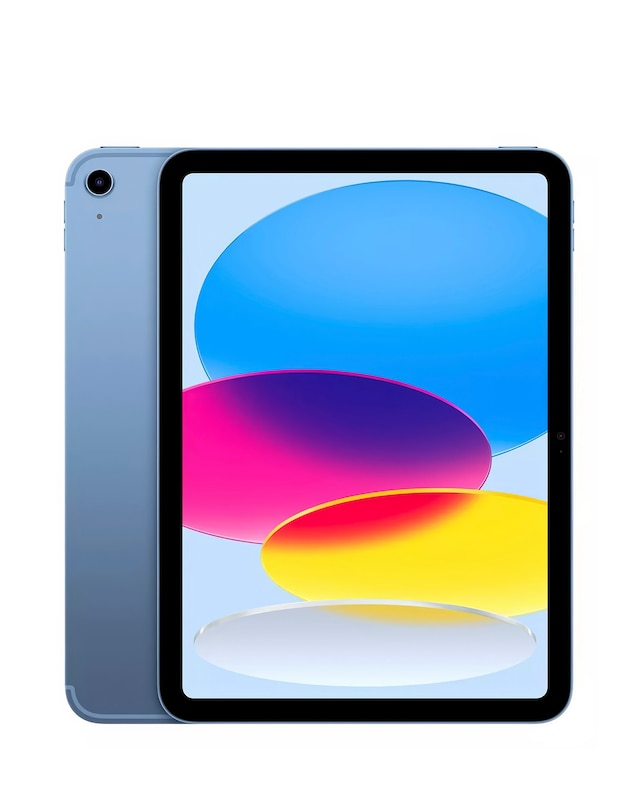
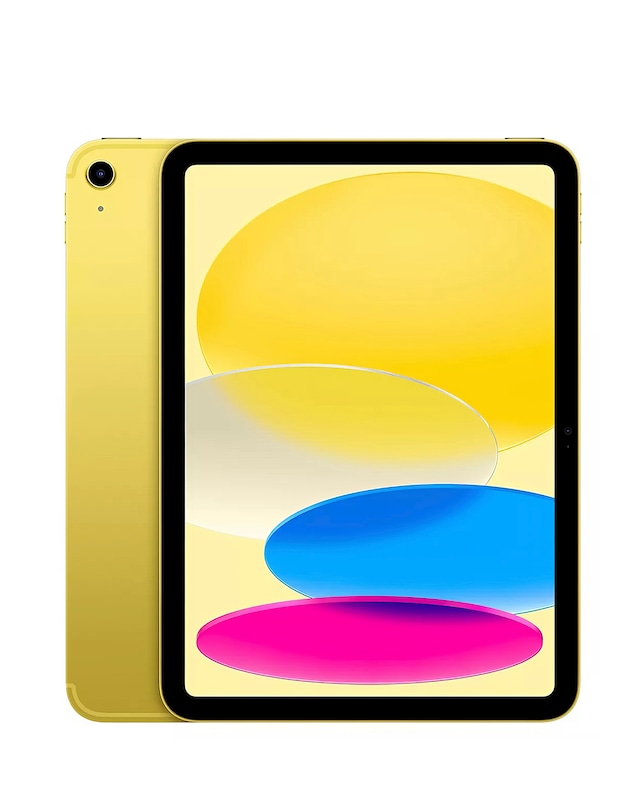
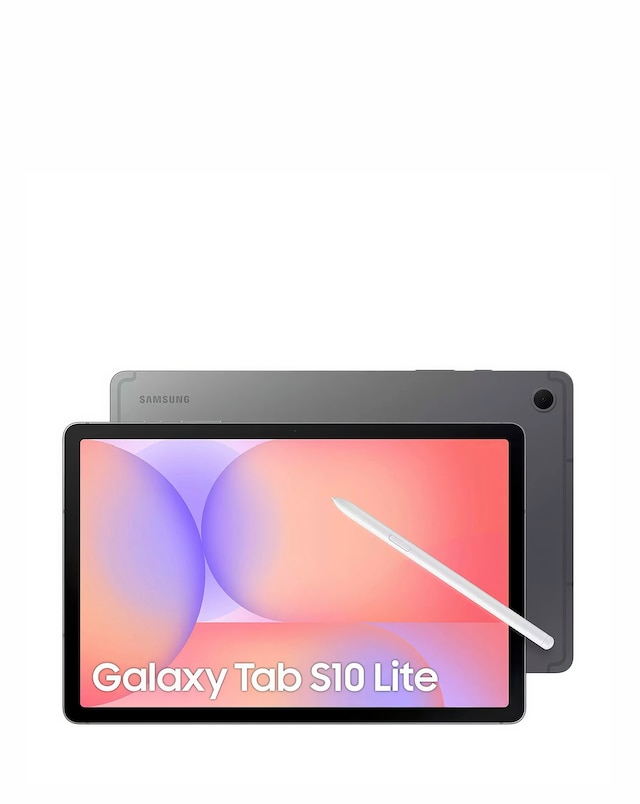
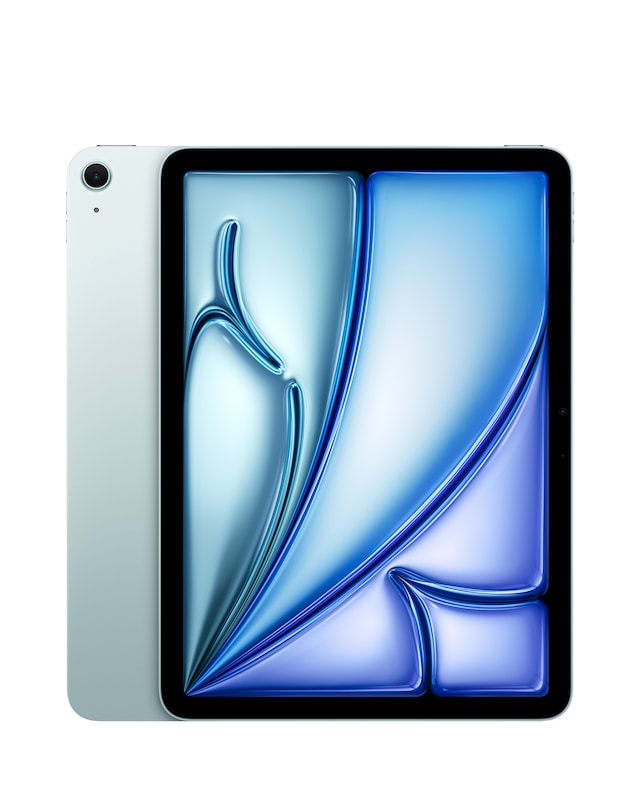
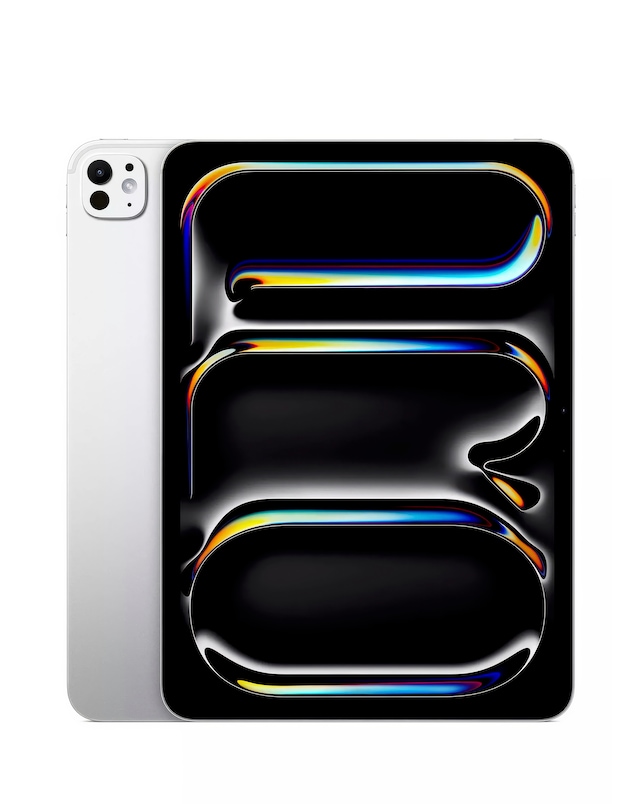
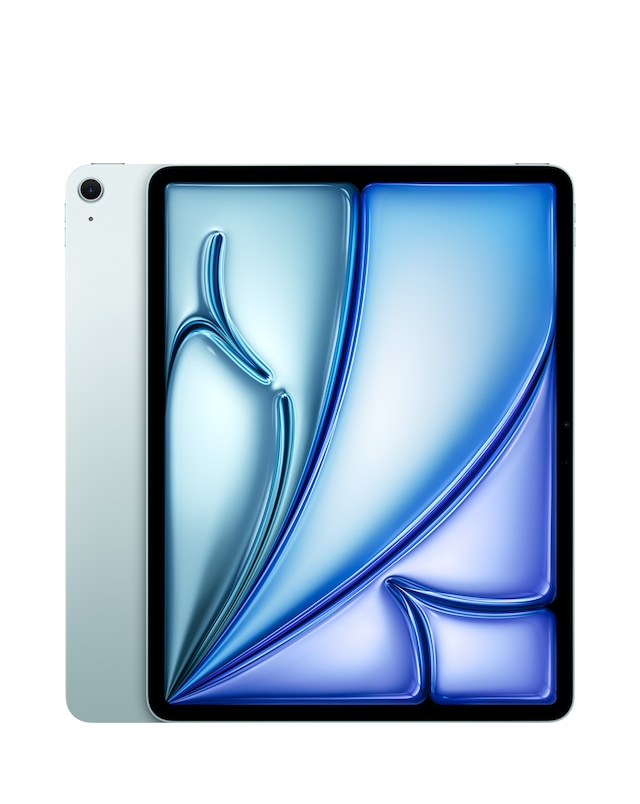
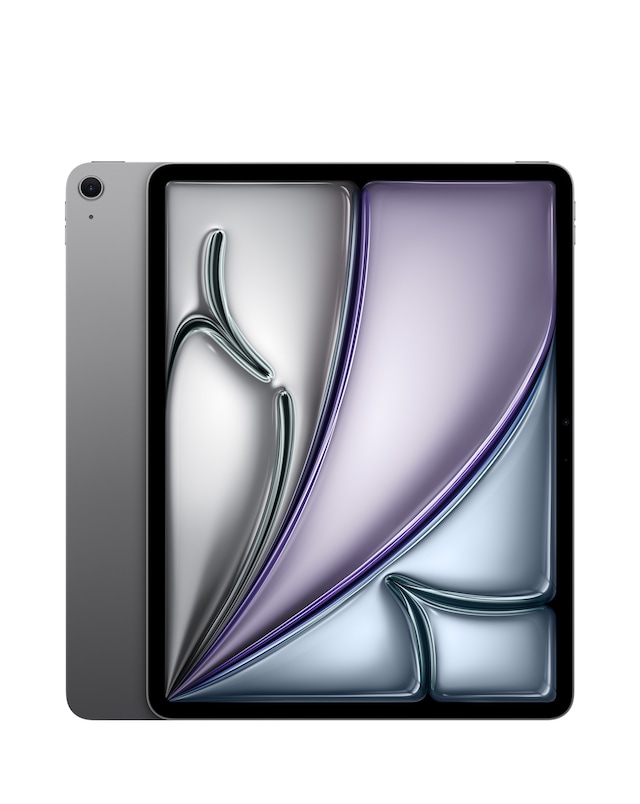
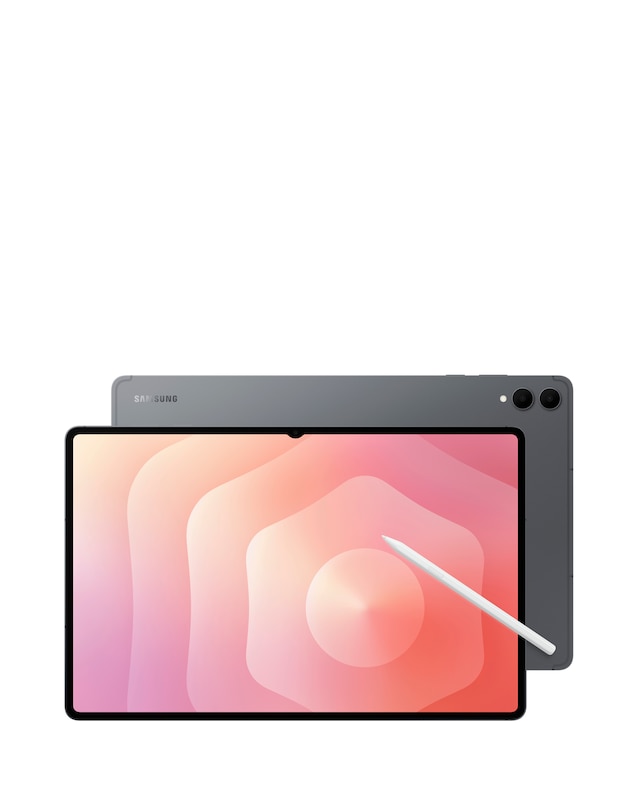
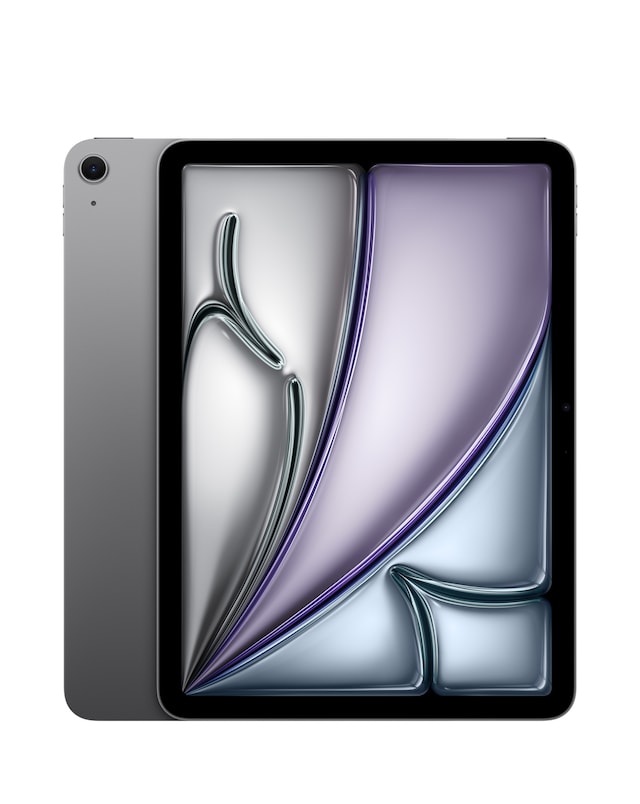
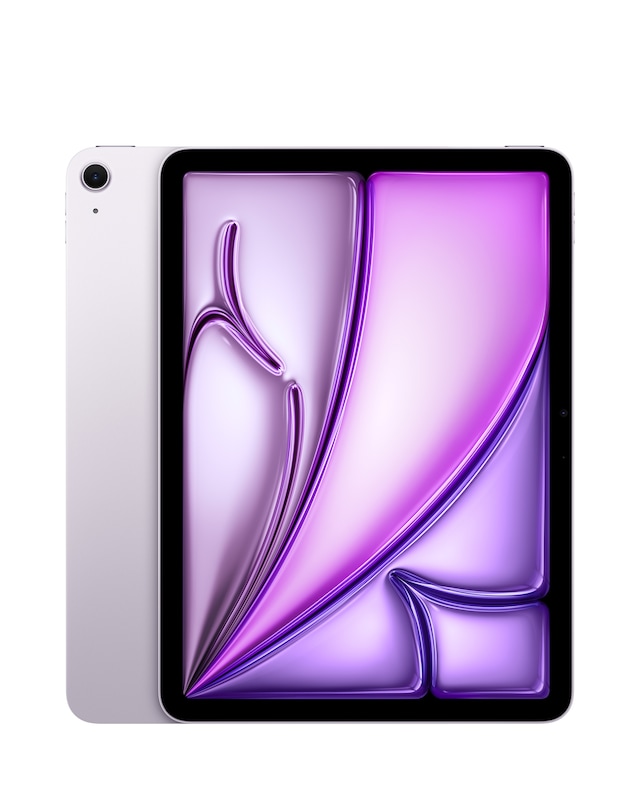
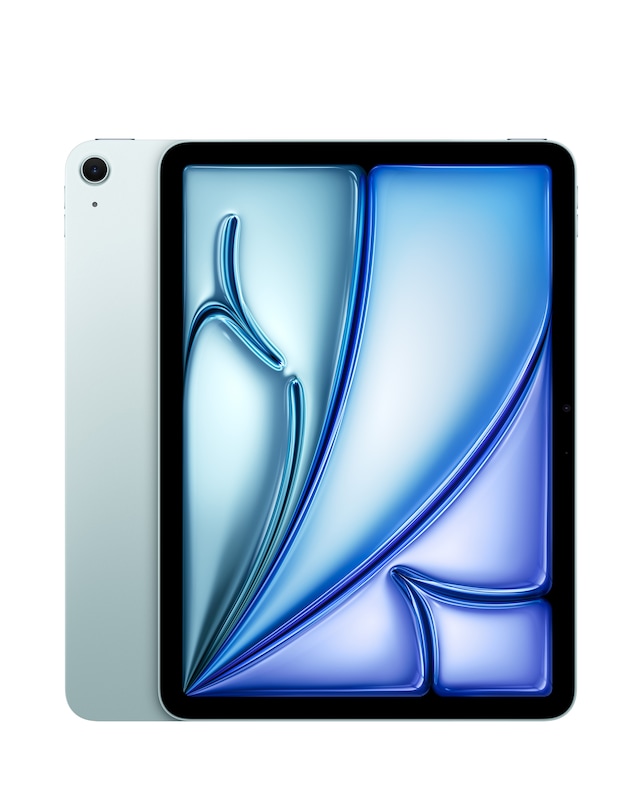
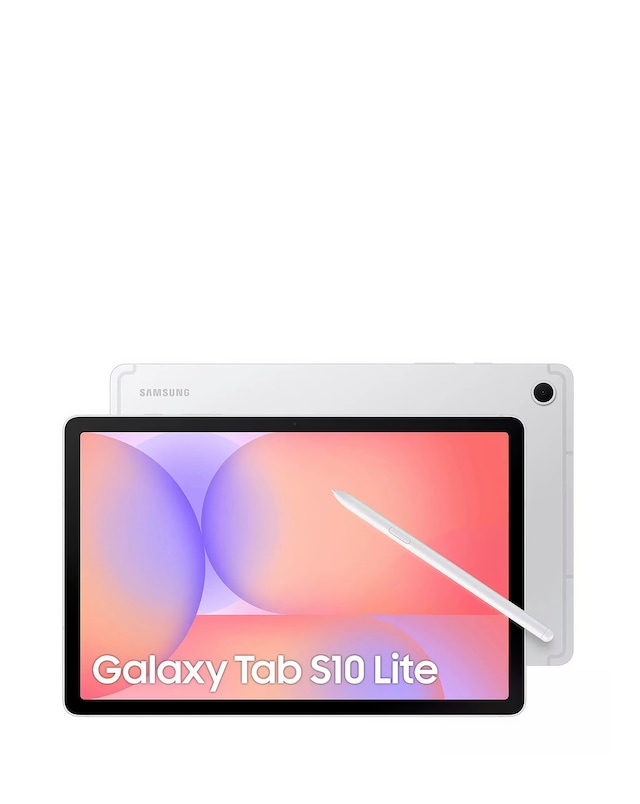
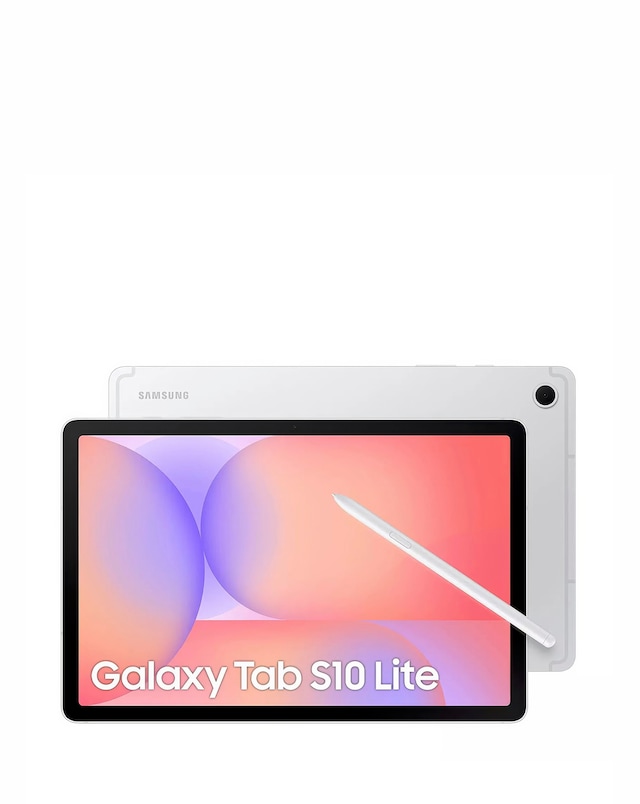
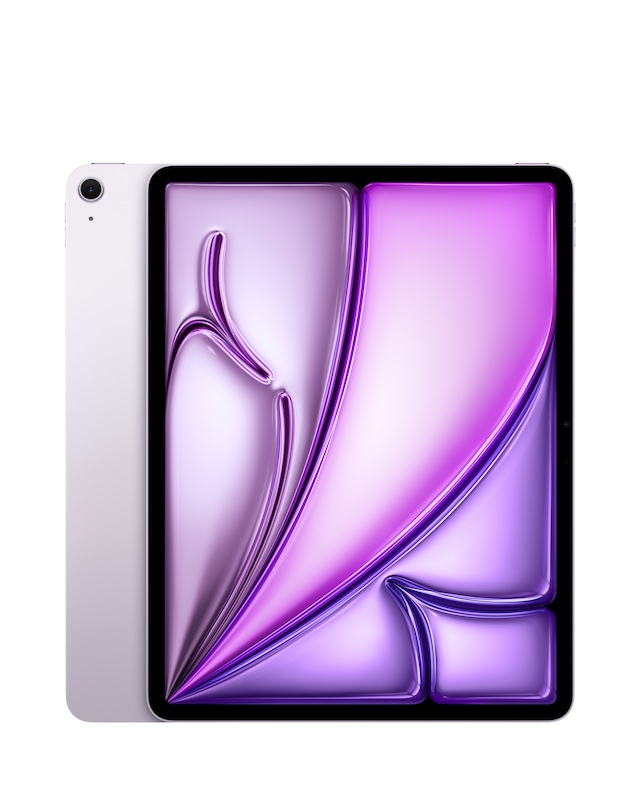
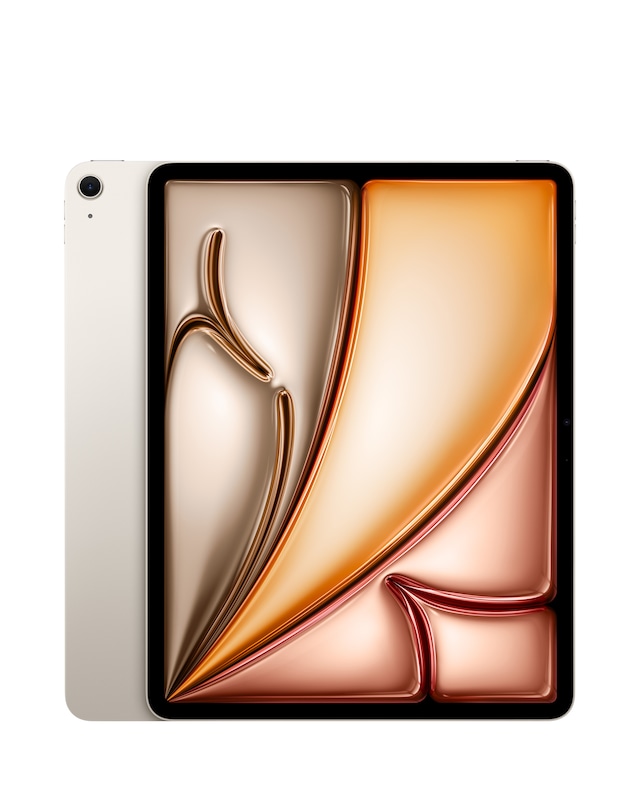
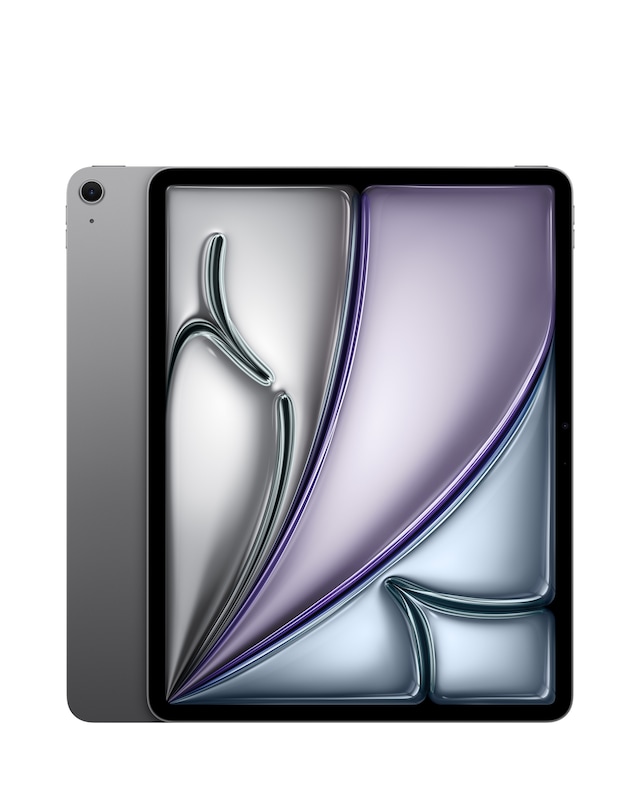
Explore our range of tablets for drawing and note-taking, designed to enhance your creative and organisational skills. These devices feature high-resolution displays and responsive touchscreens, providing a seamless experience for artists and students alike. With advanced stylus support and ample storage options, you can easily sketch, annotate, and store your work without limitations. Lightweight and portable, these tablets are perfect for on-the-go creativity, whether you're in a classroom, studio, or café.
What features should I look for in a tablet for drawing and note-taking?
- When selecting a tablet for drawing and note-taking, consider features such as screen size, resolution, and stylus compatibility. A high-resolution display enhances detail in your artwork, while a responsive stylus allows for precise control. Additionally, look for tablets with good battery life and ample storage to accommodate your projects.
Can I use a tablet for both drawing and note-taking?
- Yes, many tablets are versatile enough to handle both drawing and note-taking tasks. They often come with apps that support sketching, writing, and annotating documents. This dual functionality makes them ideal for students, professionals, and artists who need a single device for multiple purposes.
Are tablets for drawing and note-taking suitable for beginners?
- Absolutely, many tablets are designed with user-friendly interfaces and come with tutorials to help beginners get started. Look for models that offer a variety of drawing and note-taking apps, as well as features that simplify the learning process. With practice, beginners can quickly develop their skills using these devices.
What is the advantage of using a stylus with a tablet?
- A stylus provides greater precision and control compared to using your fingers, making it easier to create detailed artwork or take neat notes. Many styluses also offer pressure sensitivity, allowing for varied line thickness and shading in drawings. This enhances the overall experience for both artists and note-takers.
Can I use a tablet for professional drawing and design work?
- Yes, many tablets are equipped with powerful hardware and software that cater to professional drawing and design needs. They support advanced graphic design applications and provide features like high-resolution displays and extensive colour accuracy. This makes them suitable for artists and designers looking to create high-quality work.