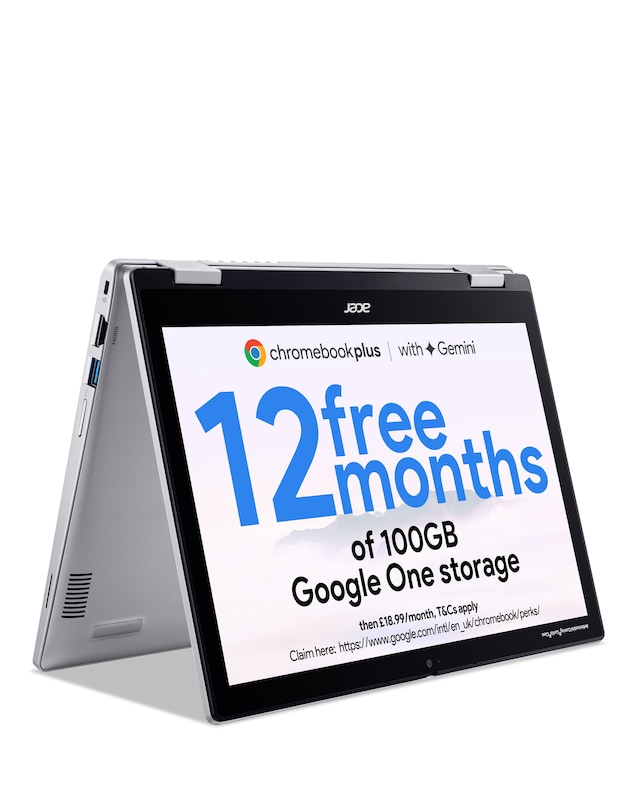
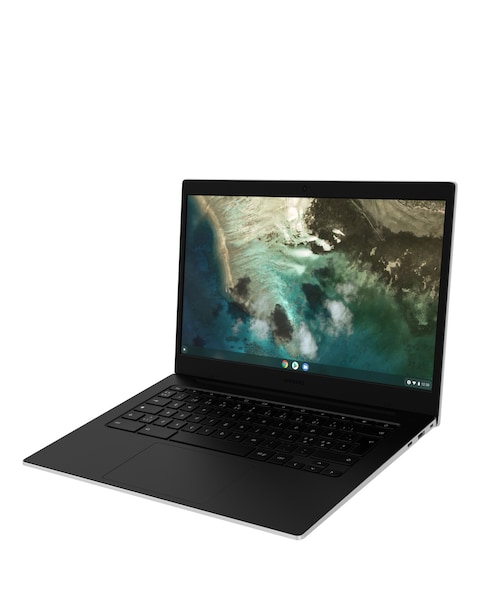
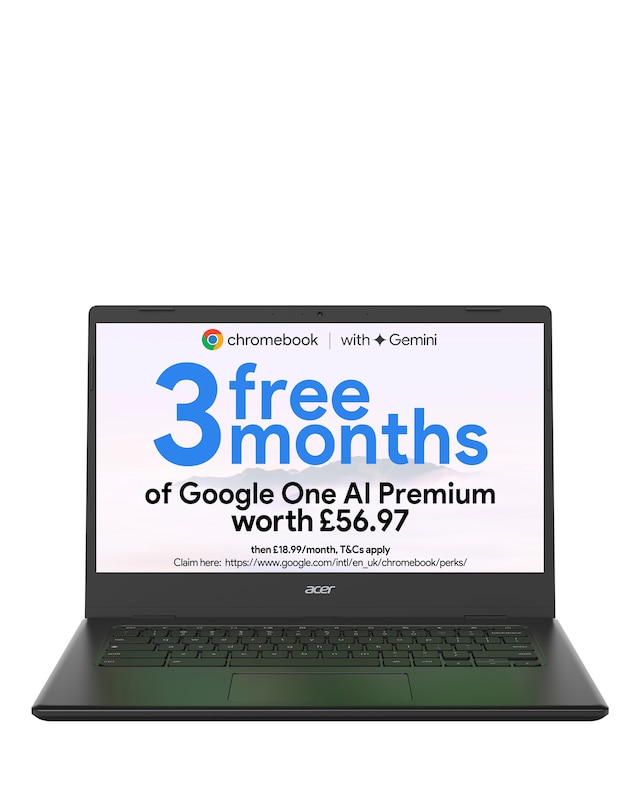
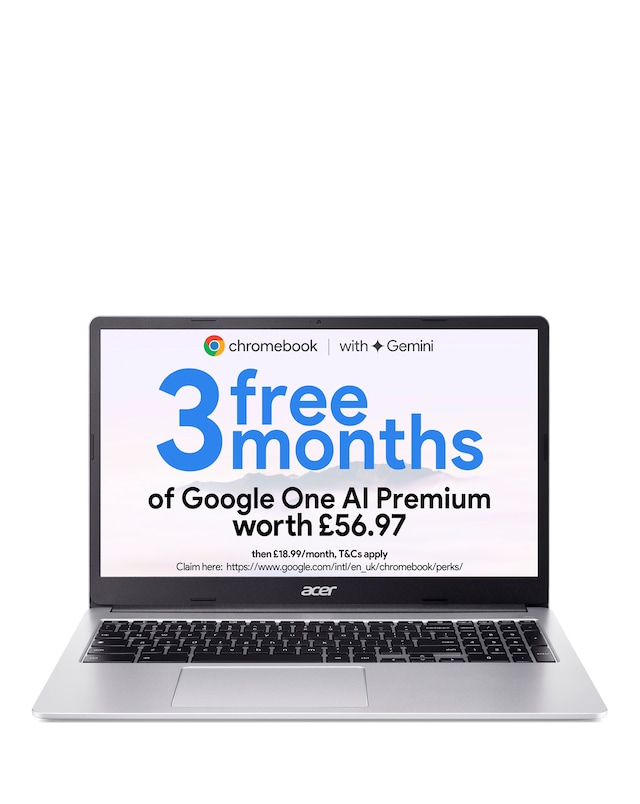
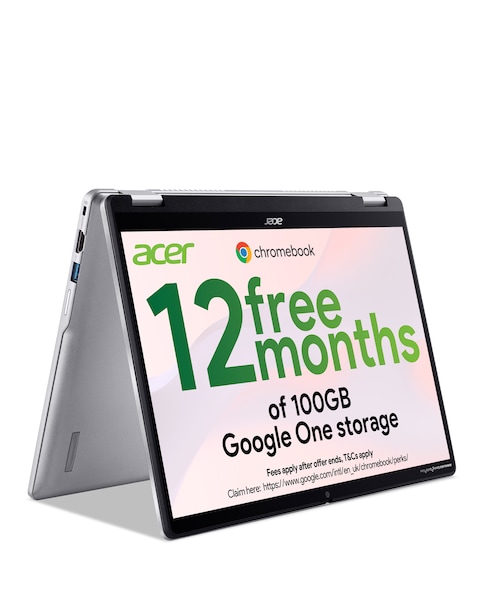
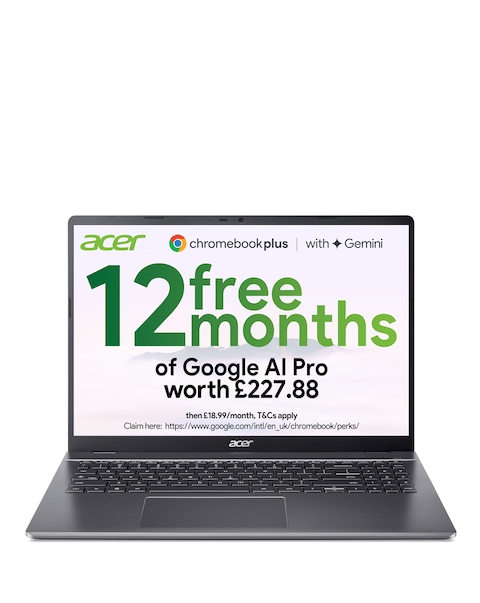
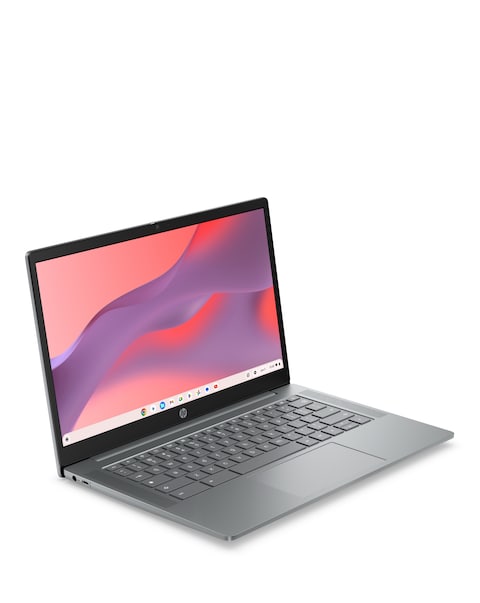
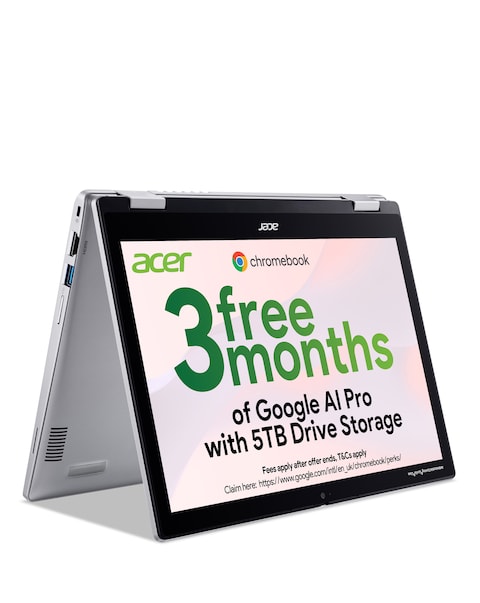
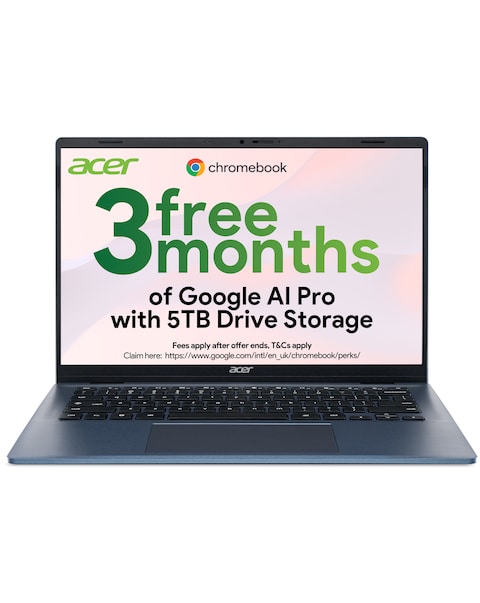
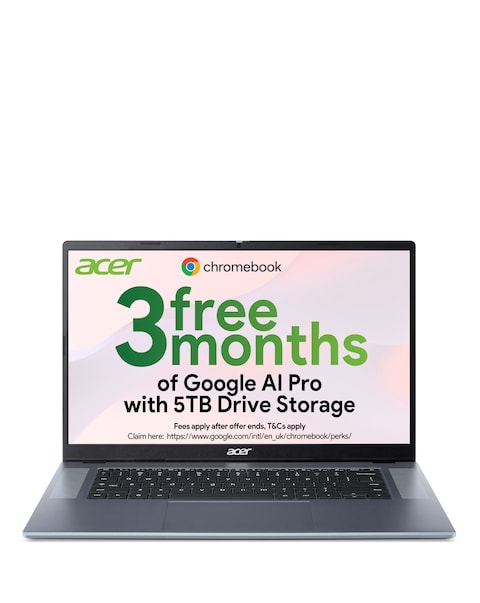
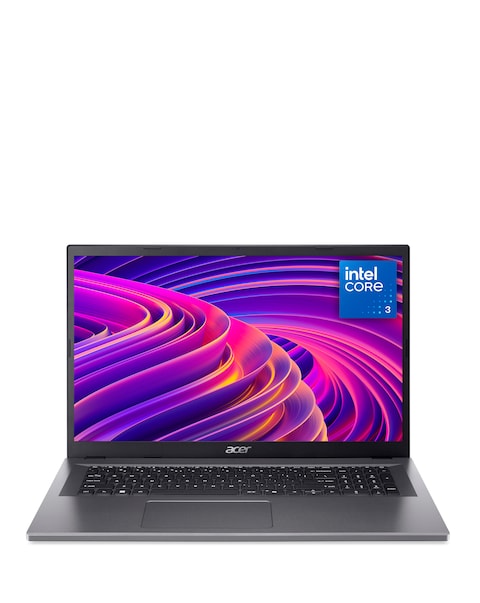
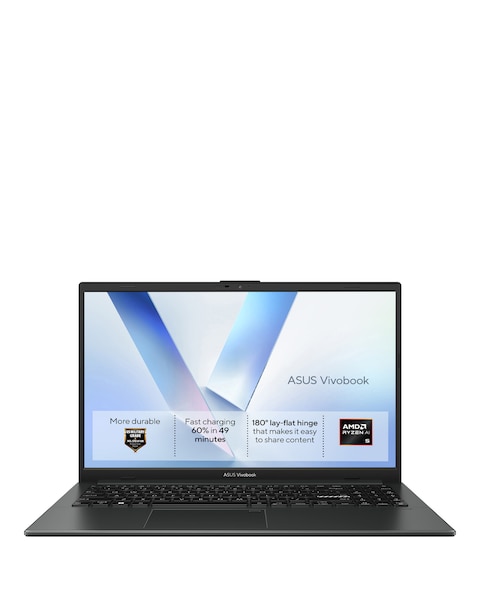
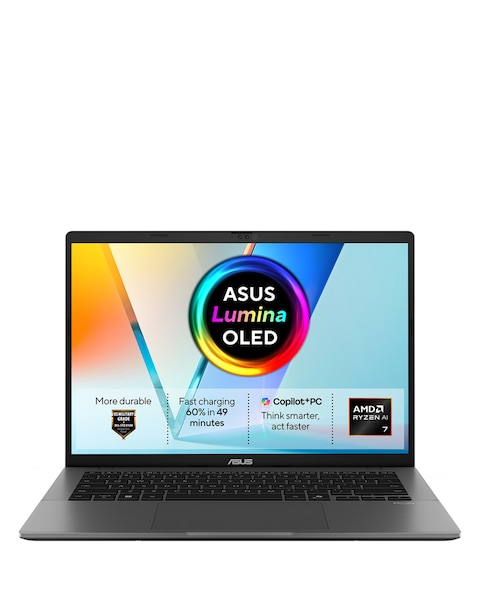
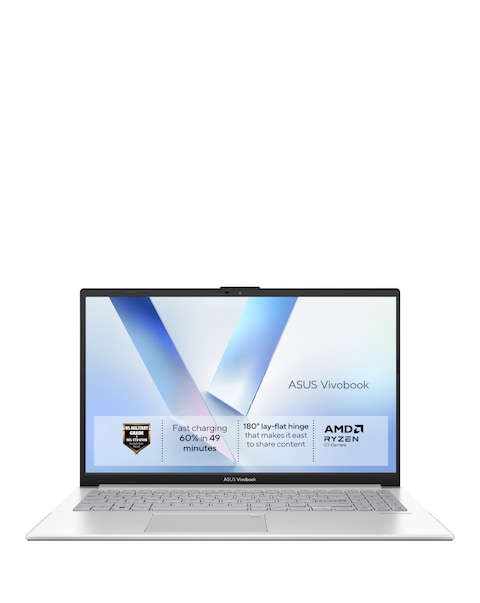
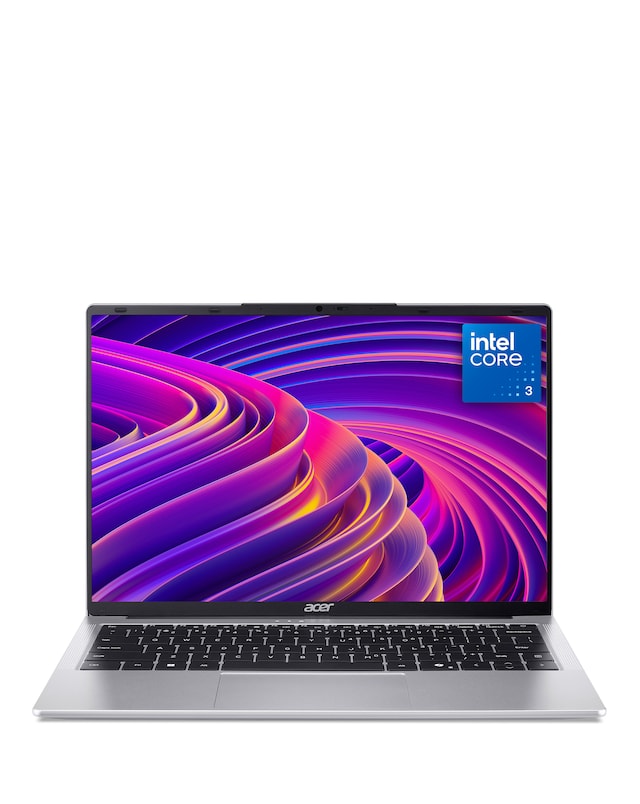
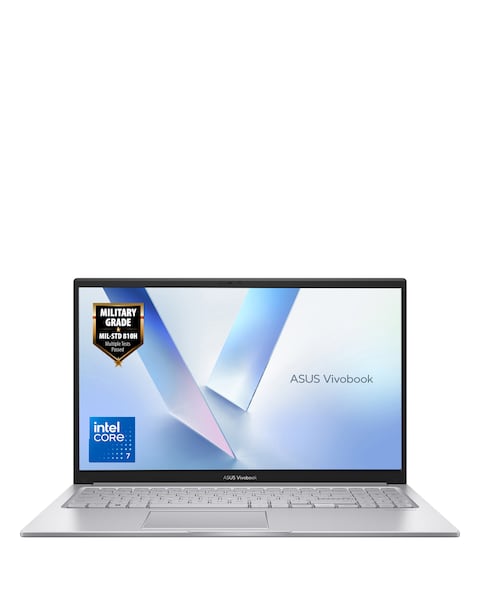
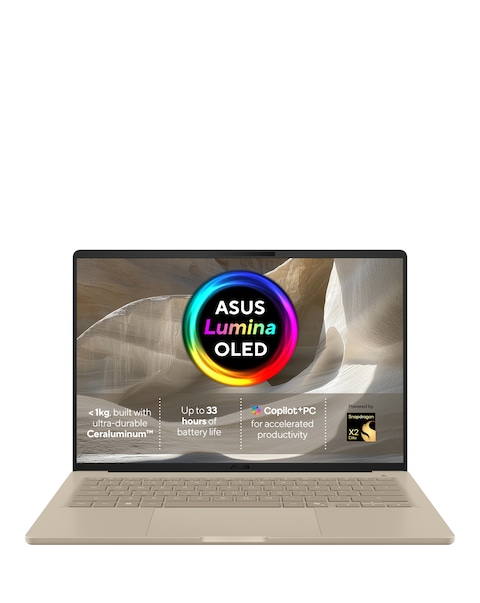
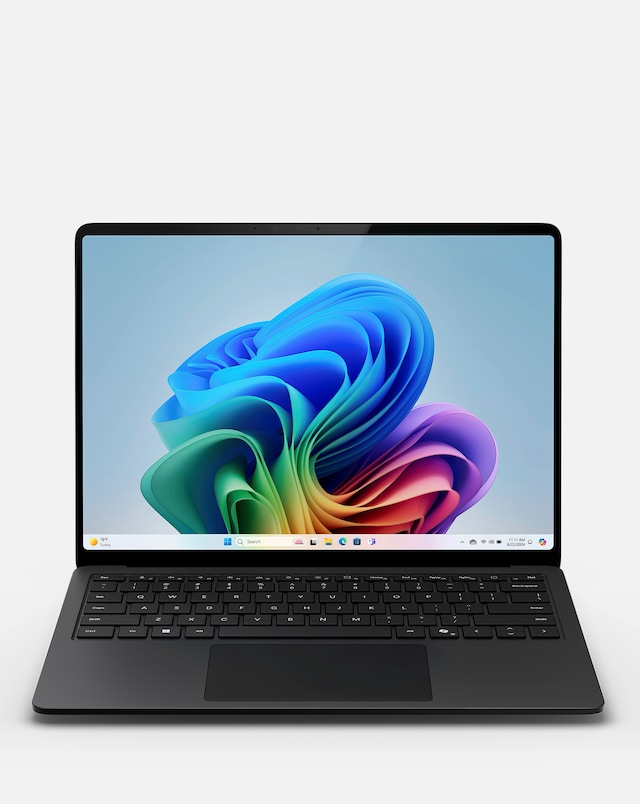
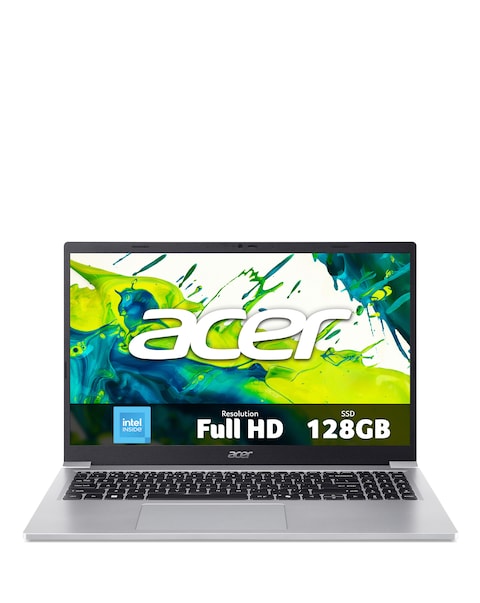
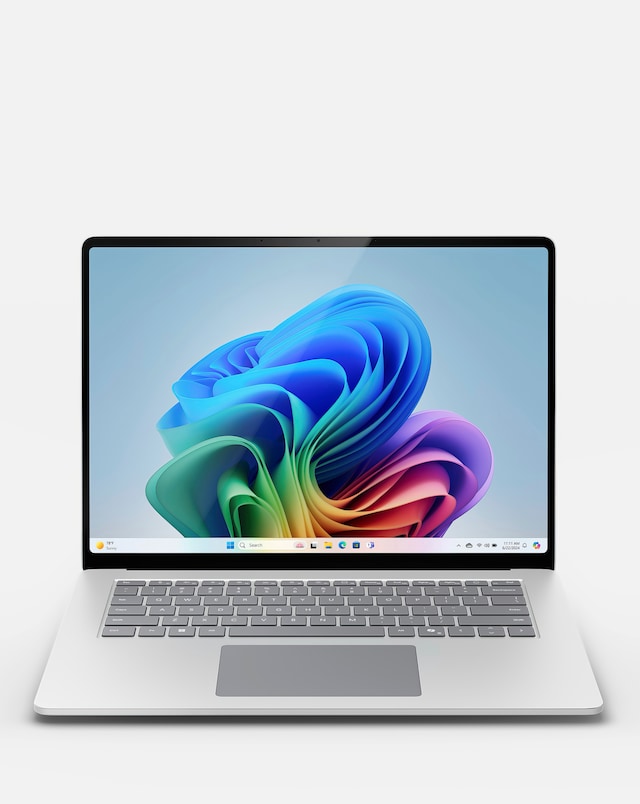
Explore our range of Intel processor Chromebooks, designed to deliver exceptional performance and versatility for everyday tasks. These devices are equipped with powerful Intel processors, ensuring smooth multitasking and efficient operation whether you're browsing the web, streaming videos, or working on documents. Lightweight and portable, Intel processor Chromebooks are perfect for students and professionals alike, offering long battery life and quick boot-up times. With a variety of sizes and features available, you can find the ideal Chromebook to suit your needs and lifestyle.
What are Intel processor Chromebooks?
- Intel processor Chromebooks are laptops that run on Chrome OS and are powered by Intel processors. They are designed for fast performance, making them suitable for web browsing, online learning, and productivity tasks. Their lightweight design and long battery life make them ideal for users on the go.
What are the benefits of using an Intel processor Chromebook?
- Using an Intel processor Chromebook offers several advantages, including quick boot times, efficient multitasking capabilities, and access to a wide range of applications through the Google Play Store. Additionally, they typically feature robust security measures, ensuring a safe browsing experience.
Are Intel processor Chromebooks good for gaming?
- While Intel processor Chromebooks are not primarily designed for gaming, they can handle casual games available on the Chrome Web Store and Android apps. However, for more demanding games, a dedicated gaming laptop may be a better option due to hardware limitations.
How long does the battery last on an Intel processor Chromebook?
- The battery life of Intel processor Chromebooks varies by model, but many offer impressive longevity, often lasting between 8 to 12 hours on a single charge. This makes them ideal for all-day use, whether at school, work, or while travelling.
Can I use Microsoft Office on an Intel processor Chromebook?
- Yes, you can use Microsoft Office on an Intel processor Chromebook. You can access Office applications through the web version or download the Android apps from the Google Play Store. This allows you to create and edit documents, spreadsheets, and presentations seamlessly.