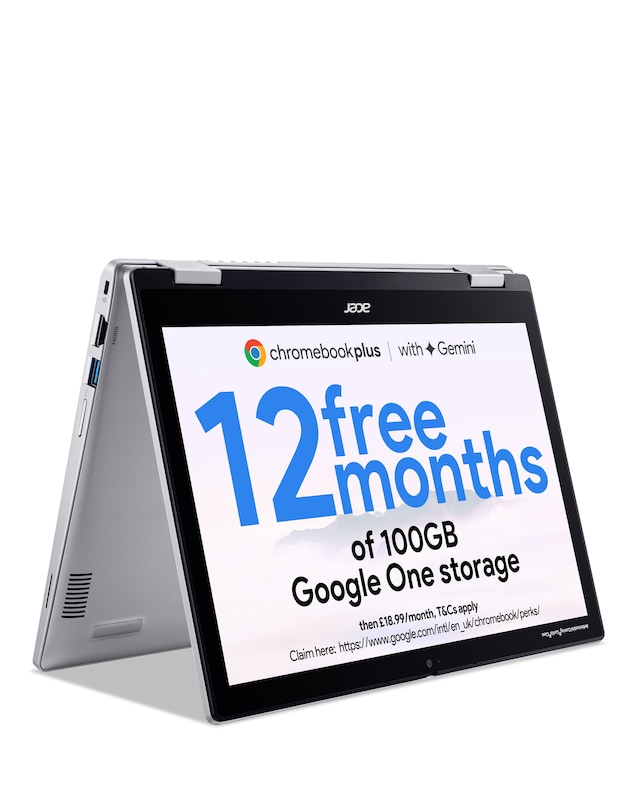
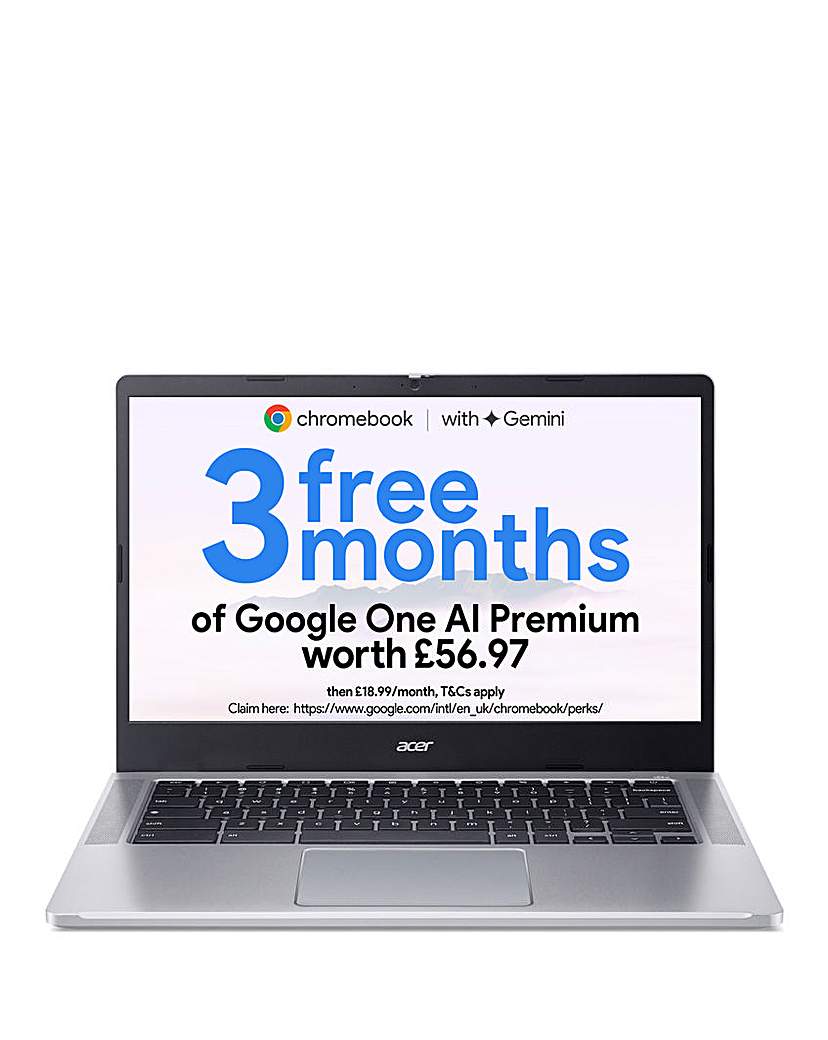
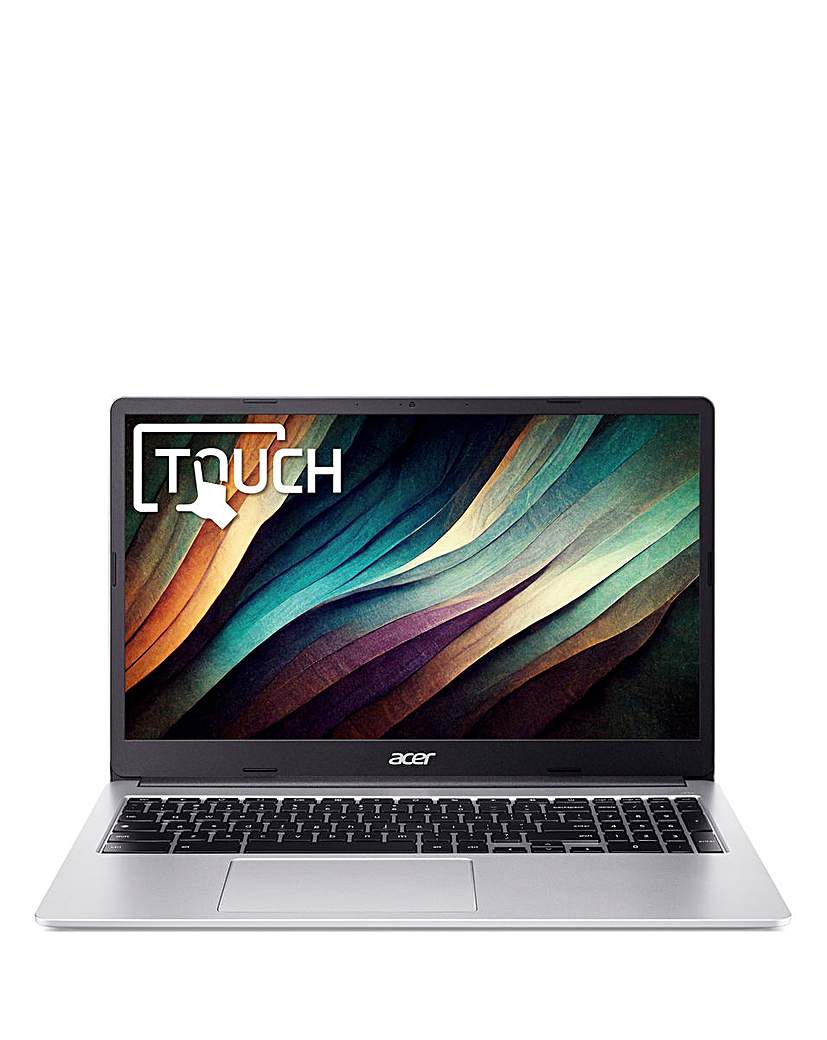
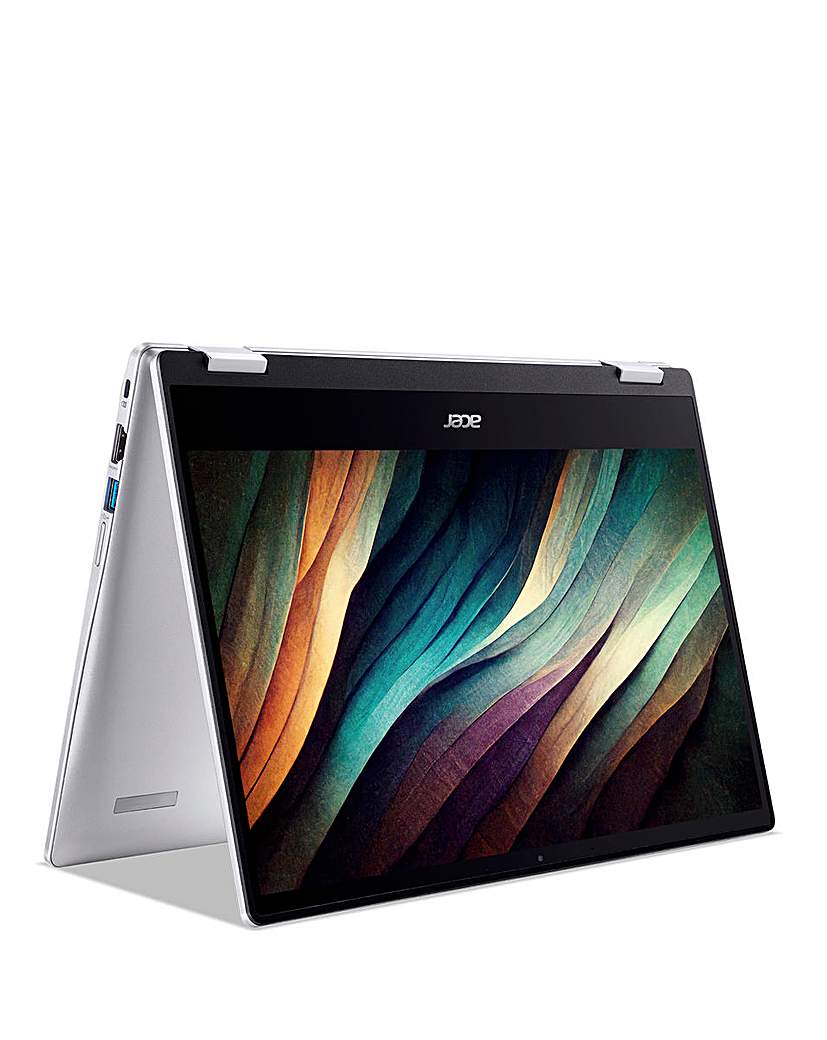
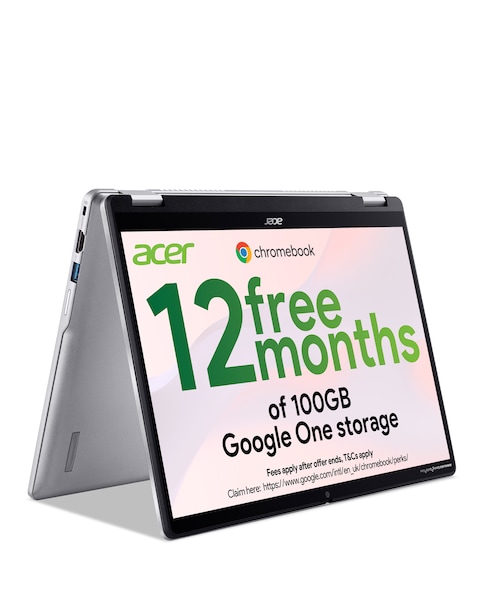
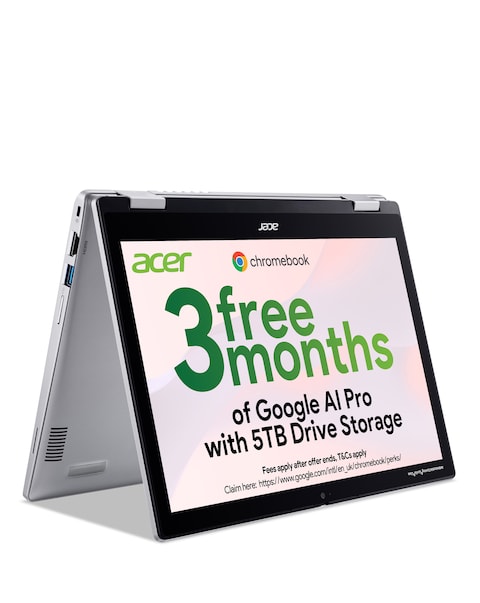
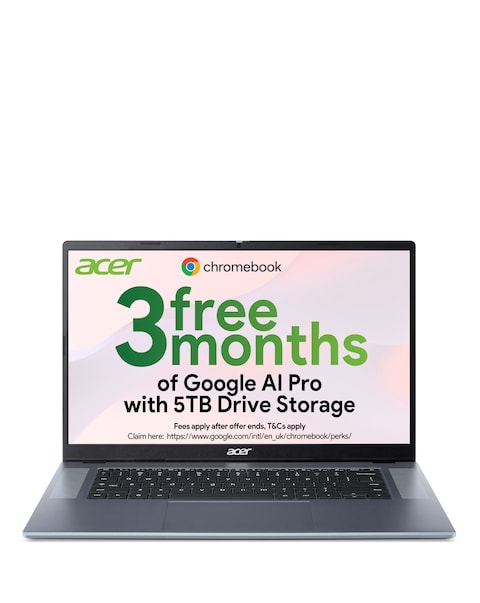
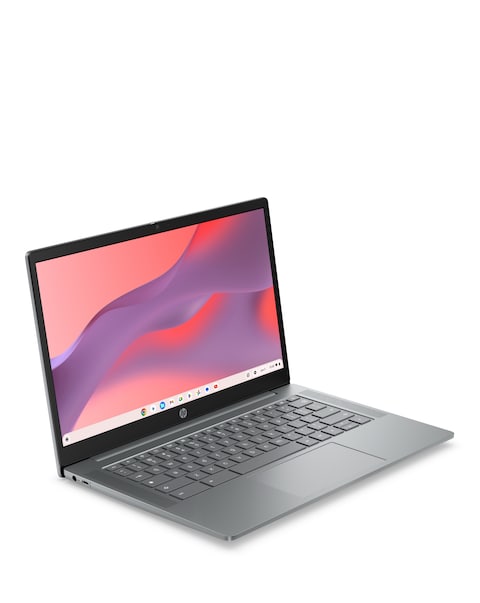
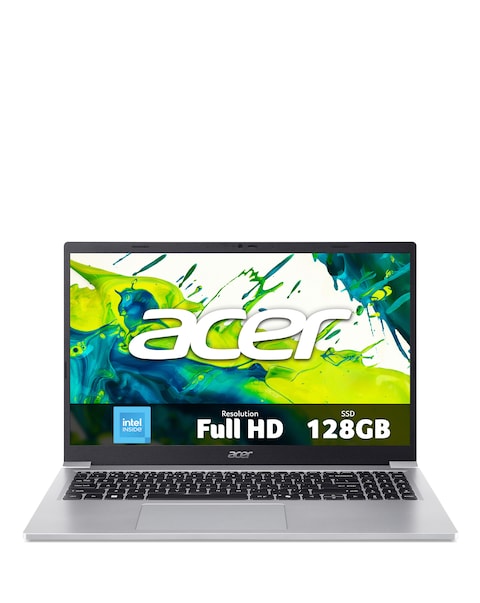
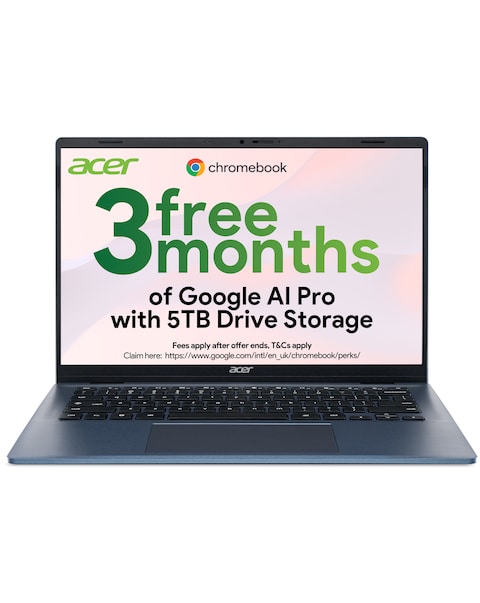
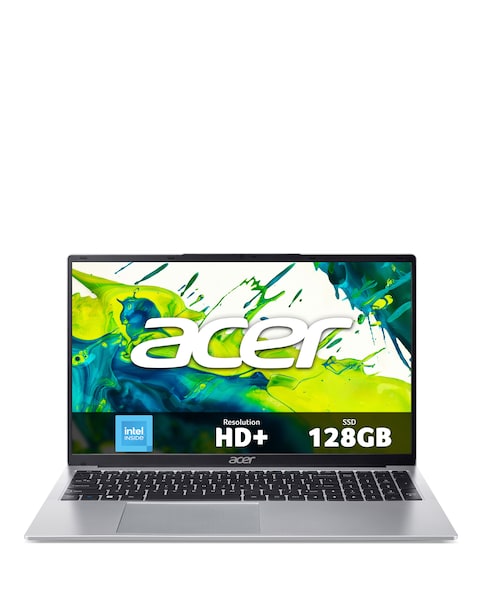
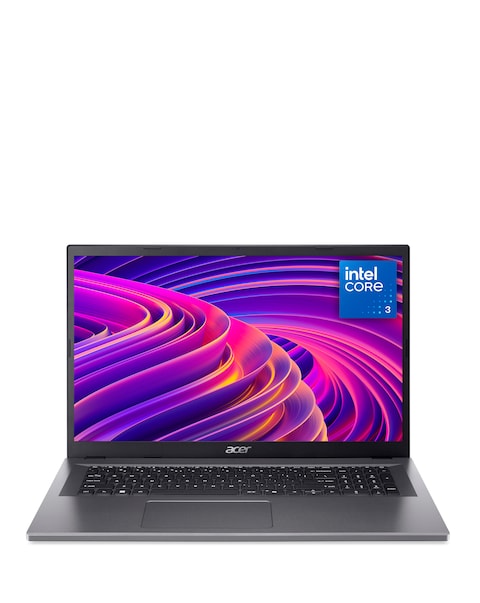
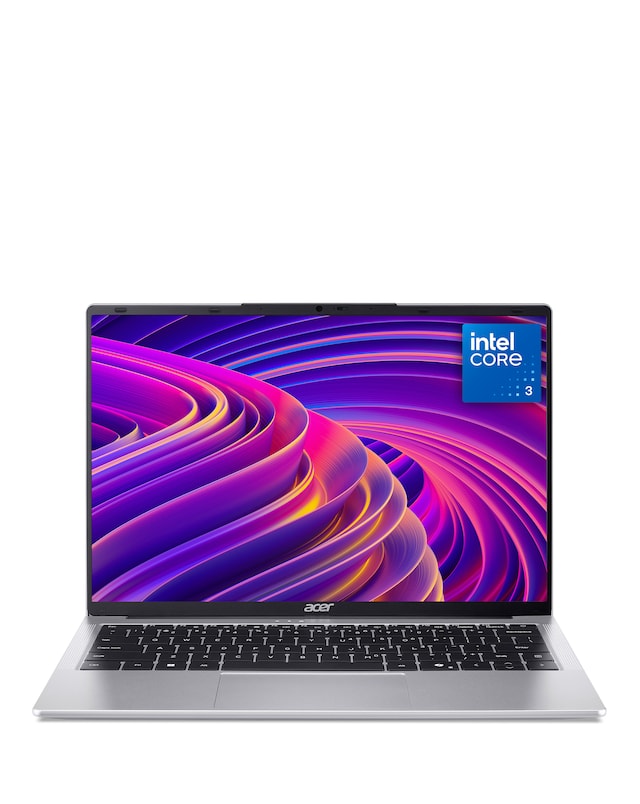
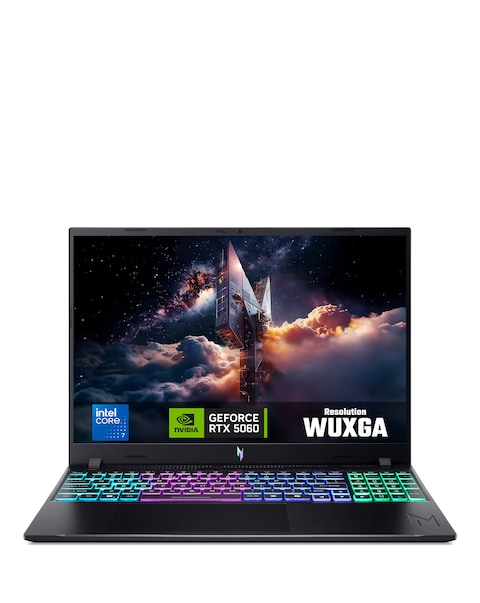
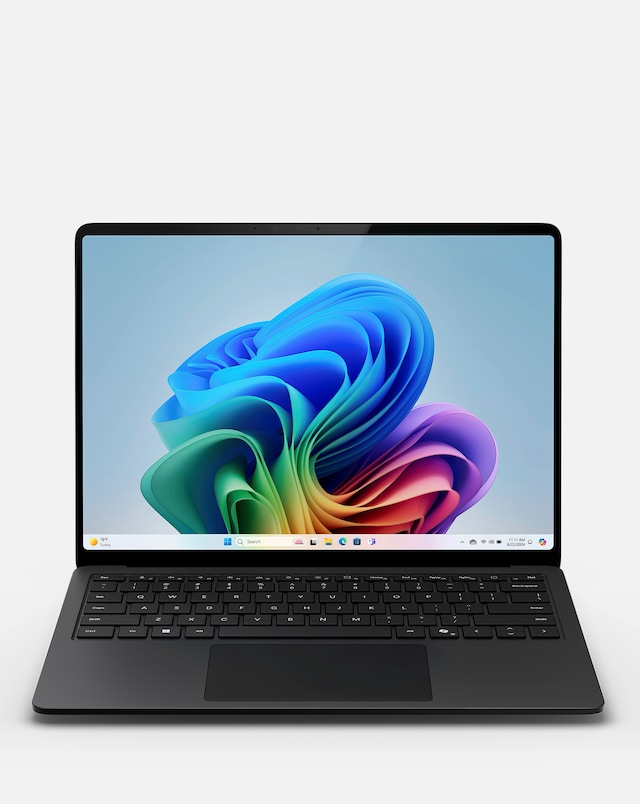
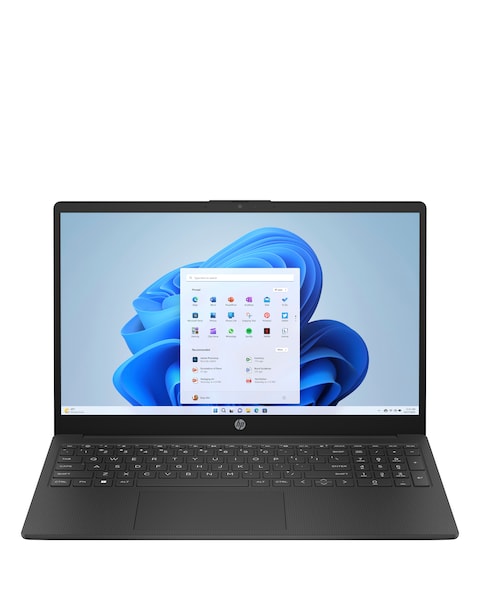
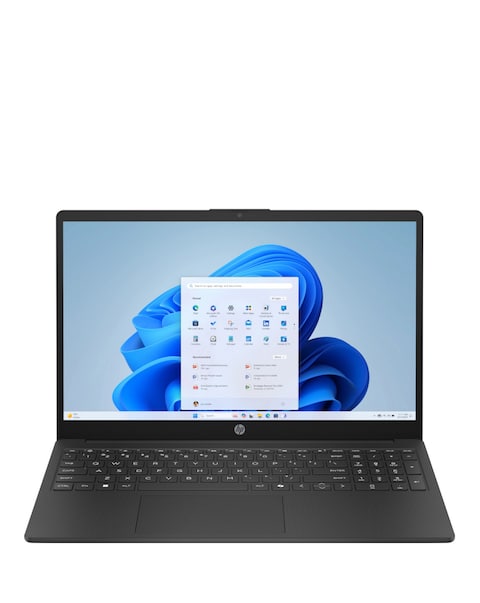
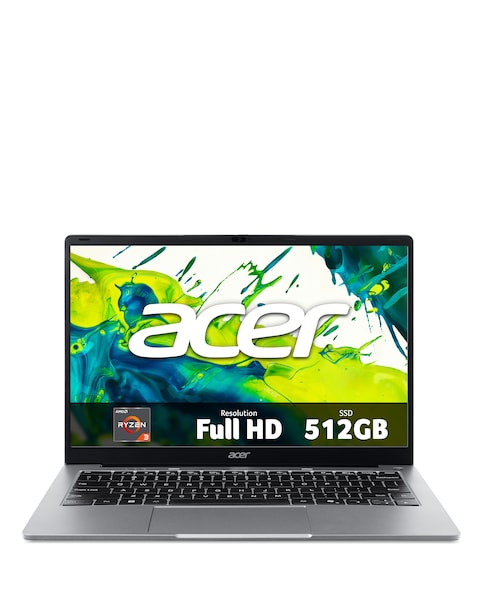
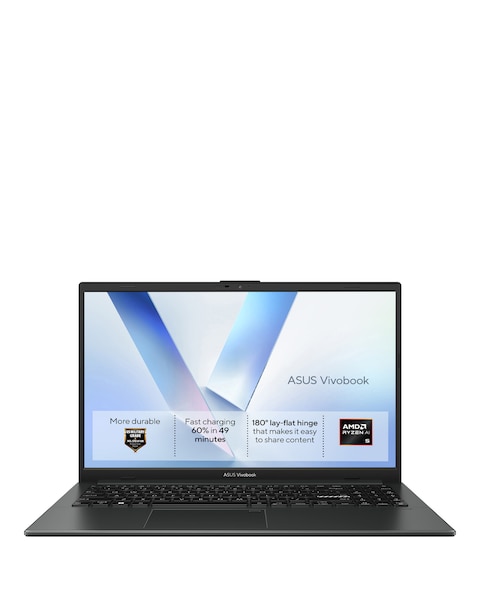
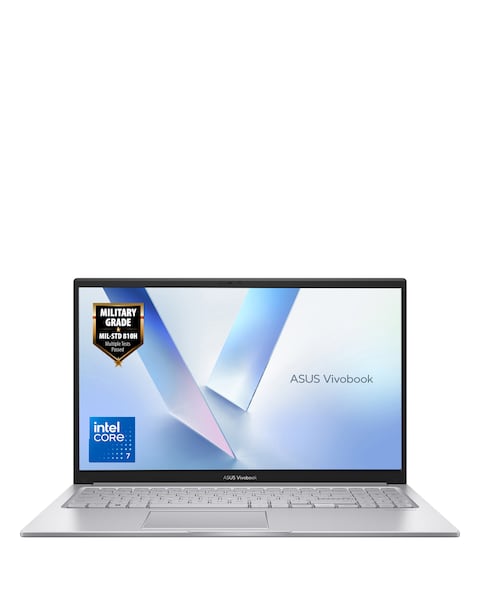
Explore our range of Acer touchscreen Chromebooks, designed to deliver a seamless computing experience with their intuitive touch interfaces. These versatile devices combine portability with powerful performance, making them ideal for both work and play. With vibrant displays and long battery life, they are perfect for browsing, streaming, and productivity on the go. Whether you need a compact model for travel or a larger screen for multitasking, our selection of Acer touchscreen Chromebooks has something to suit every need.
What are the benefits of using a touchscreen Chromebook?
- Touchscreen Chromebooks offer a more interactive experience, allowing users to navigate easily through apps and websites with simple taps and swipes. This feature enhances productivity, especially for tasks like drawing or note-taking. Additionally, they provide a more intuitive way to engage with content, making them great for both casual and professional use.
Are Acer touchscreen Chromebooks good for students?
- Yes, Acer touchscreen Chromebooks are an excellent choice for students due to their lightweight design and long battery life. They are equipped with user-friendly interfaces and access to a wide range of educational apps. Their durability and affordability also make them a practical option for school use.
Can you use an Acer touchscreen Chromebook for gaming?
- While Acer touchscreen Chromebooks are not primarily designed for high-end gaming, they can handle casual games and browser-based titles quite well. Many Chromebooks support Android apps, allowing access to a variety of games from the Google Play Store. For more demanding games, it's best to check the specific device's specifications.
What operating system do Acer touchscreen Chromebooks use?
- Acer touchscreen Chromebooks run on Chrome OS, a lightweight operating system designed for speed and simplicity. This OS is optimised for web-based applications and offers seamless integration with Google services. Regular updates ensure security and performance improvements over time.
How long does the battery last on Acer touchscreen Chromebooks?
- The battery life of Acer touchscreen Chromebooks varies by model but typically lasts between 8 to 15 hours on a single charge. This extended battery life makes them ideal for all-day use, whether you’re in class, at work, or travelling. Always check the specifications for the exact battery performance of each model.