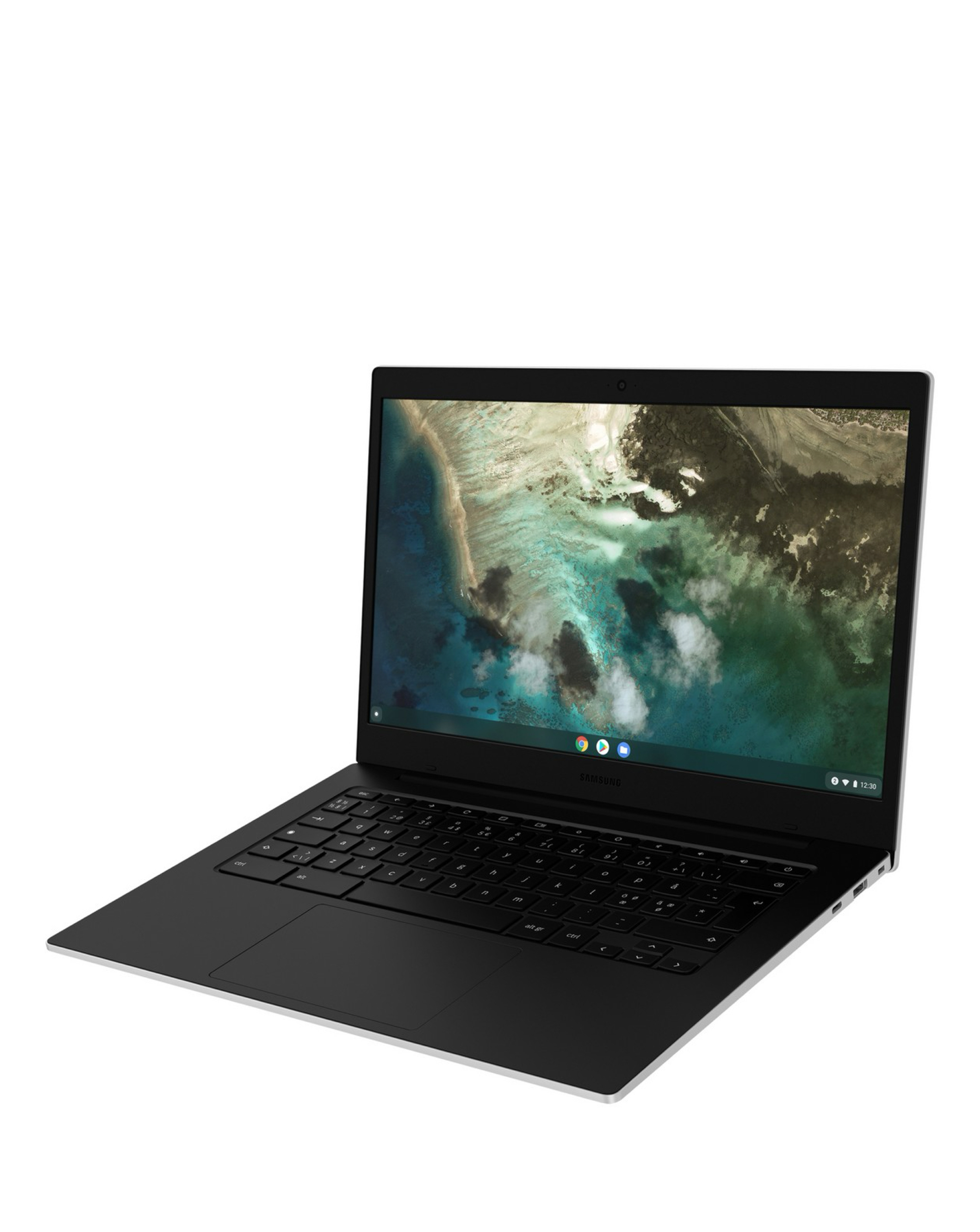
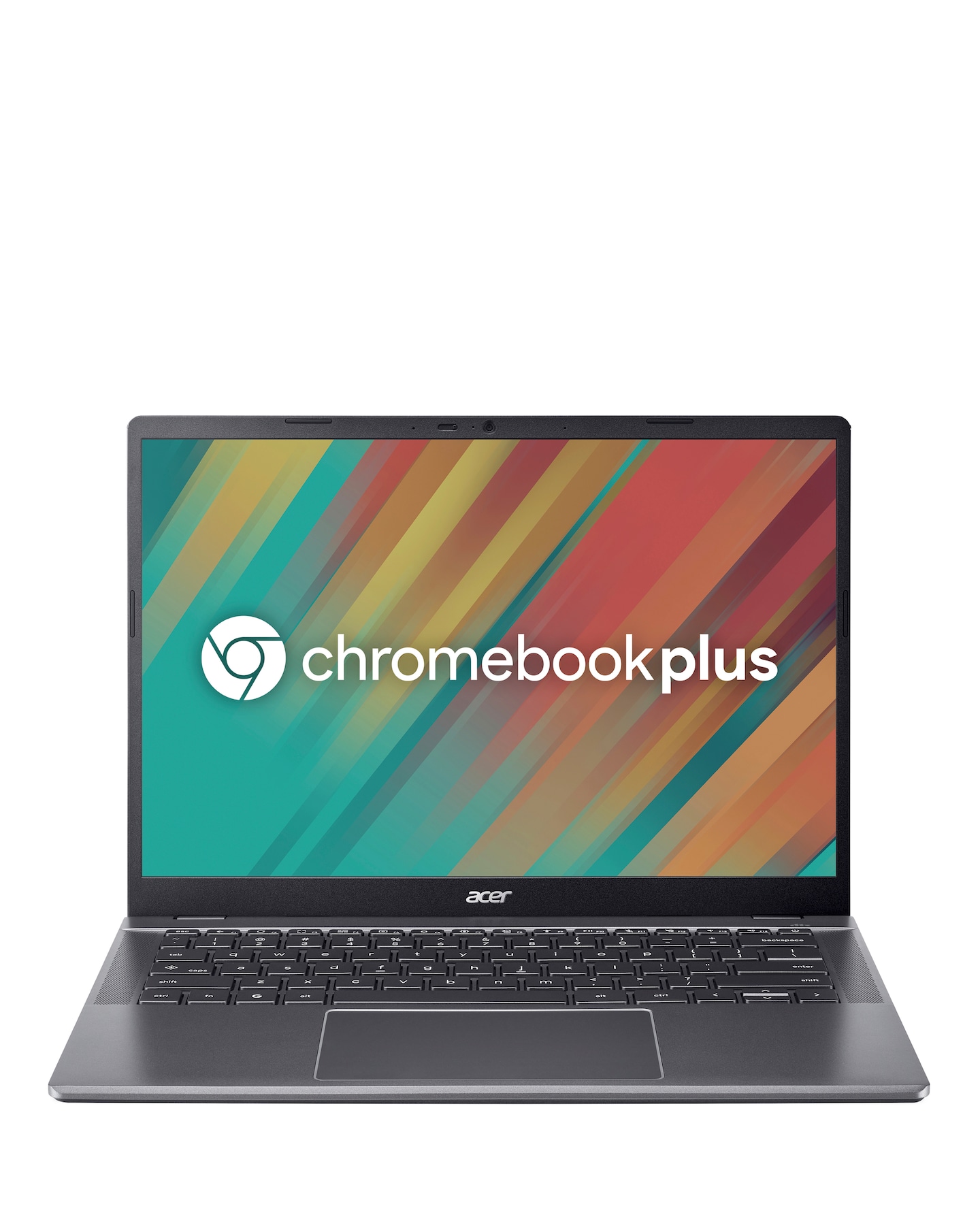
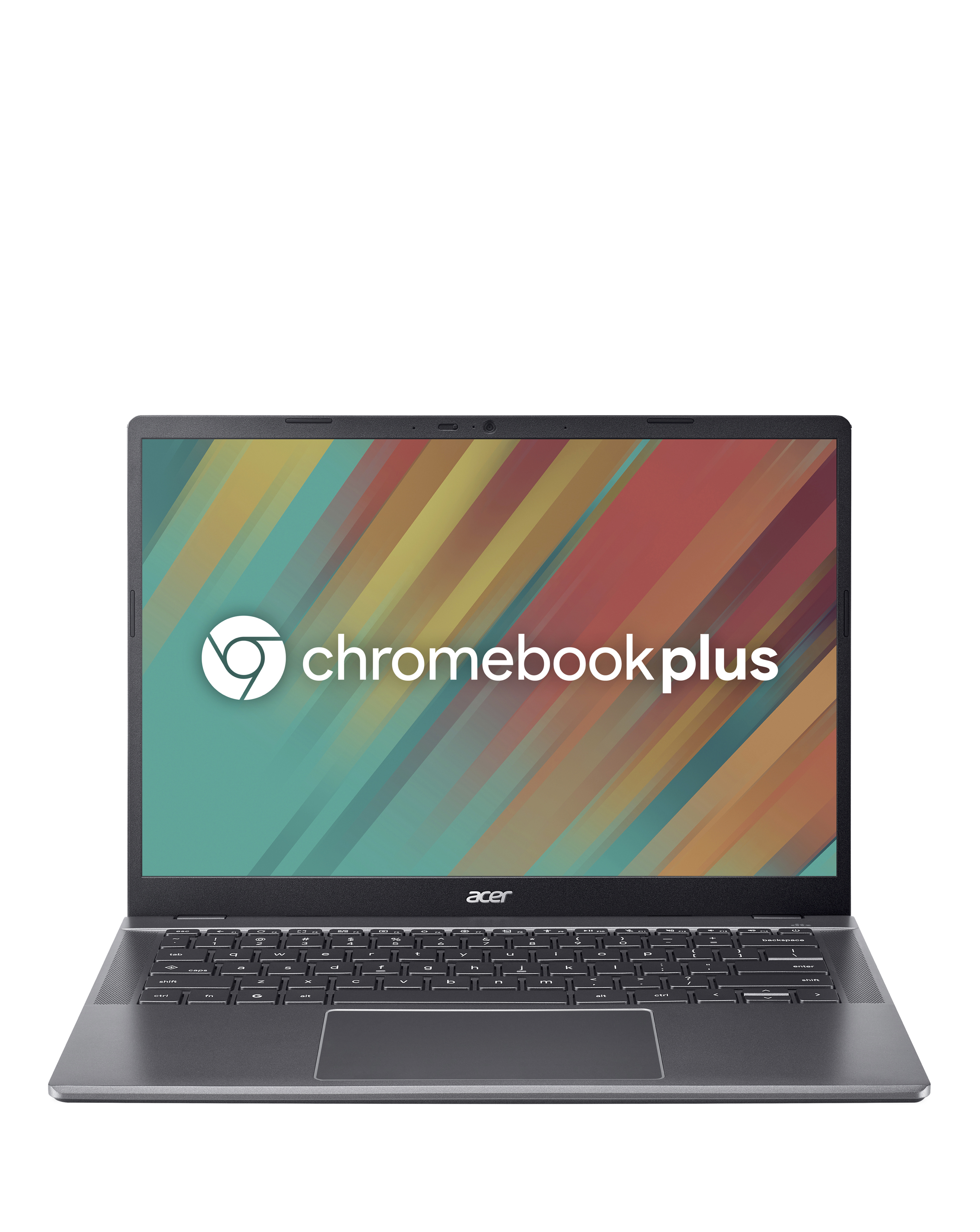
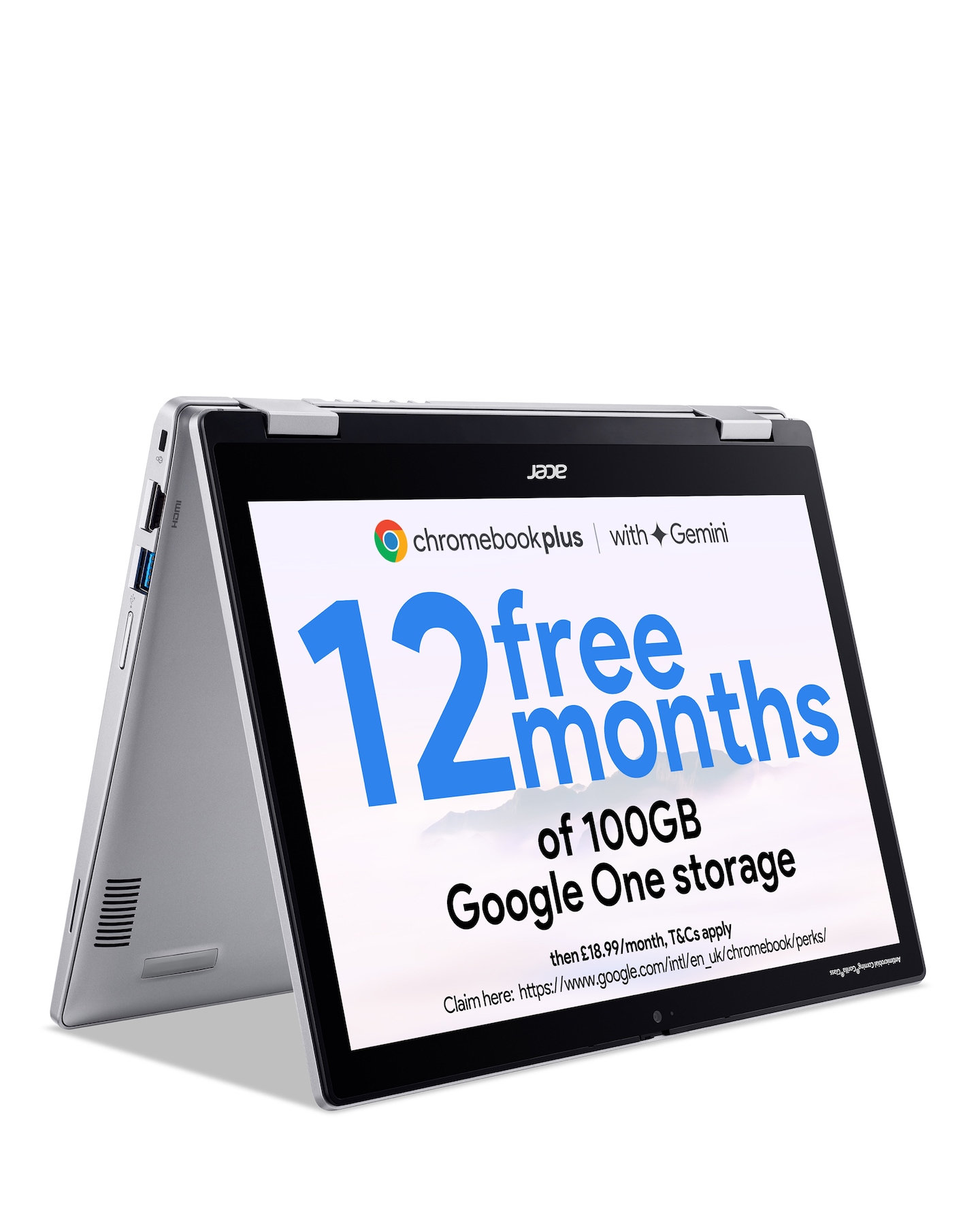
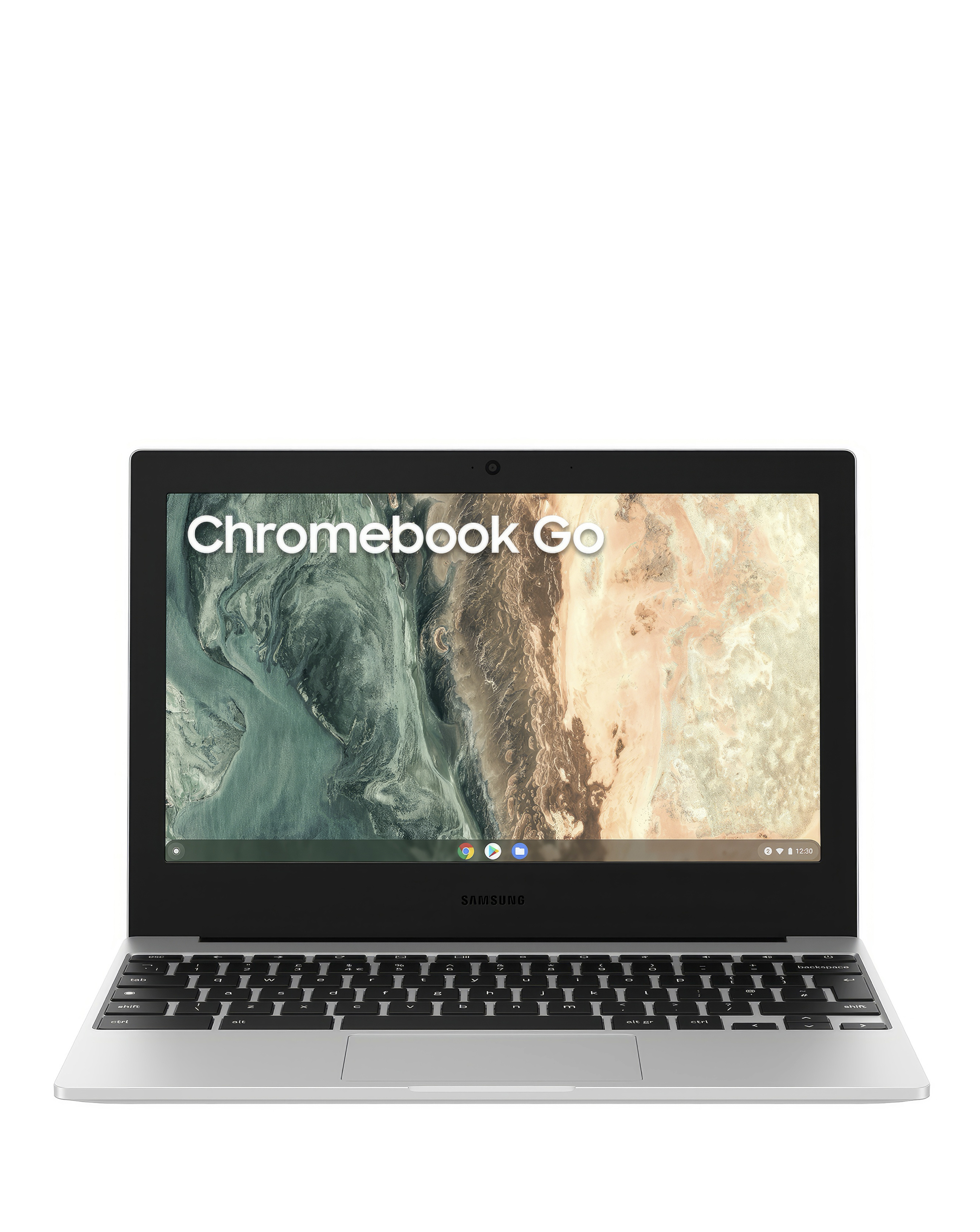
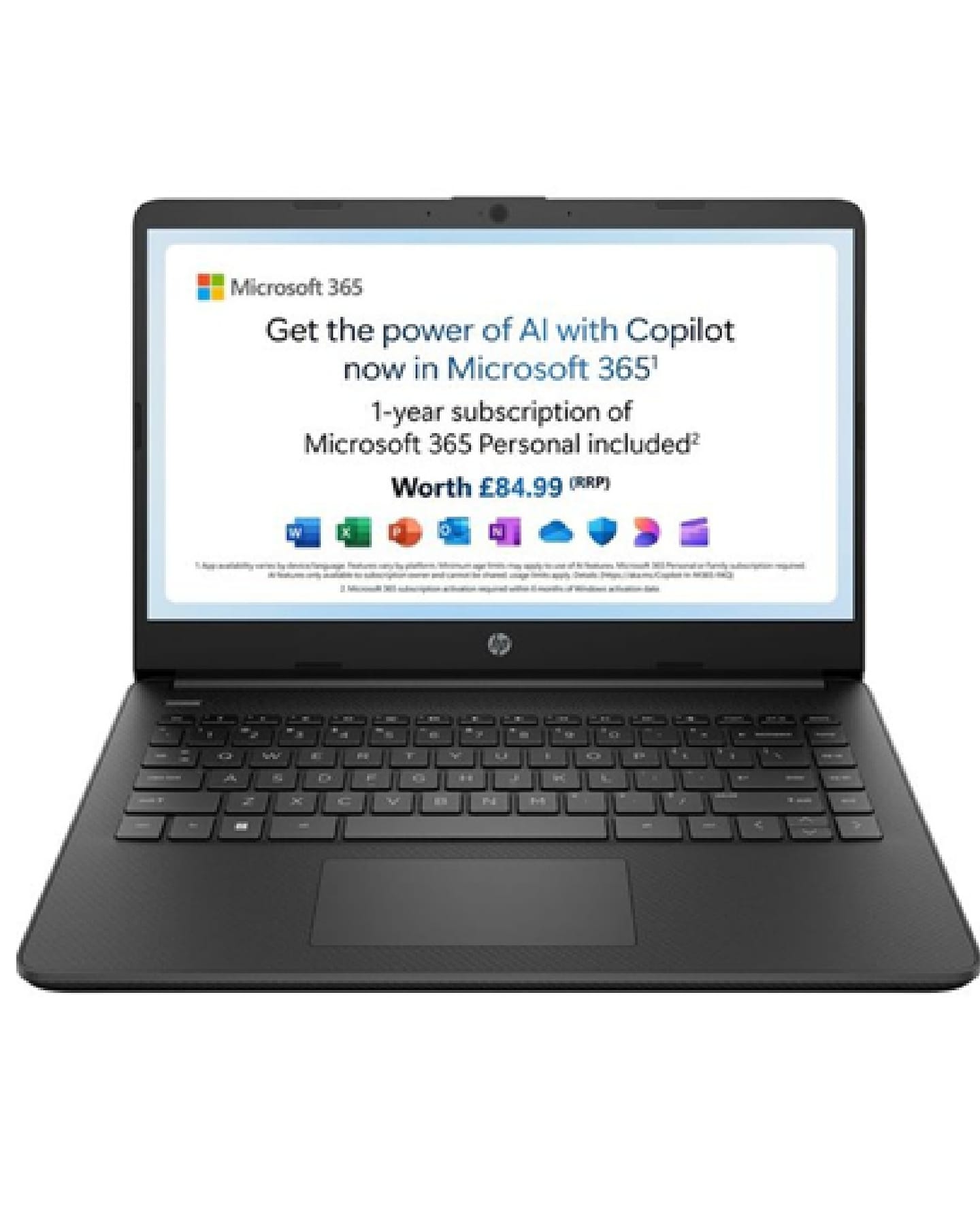
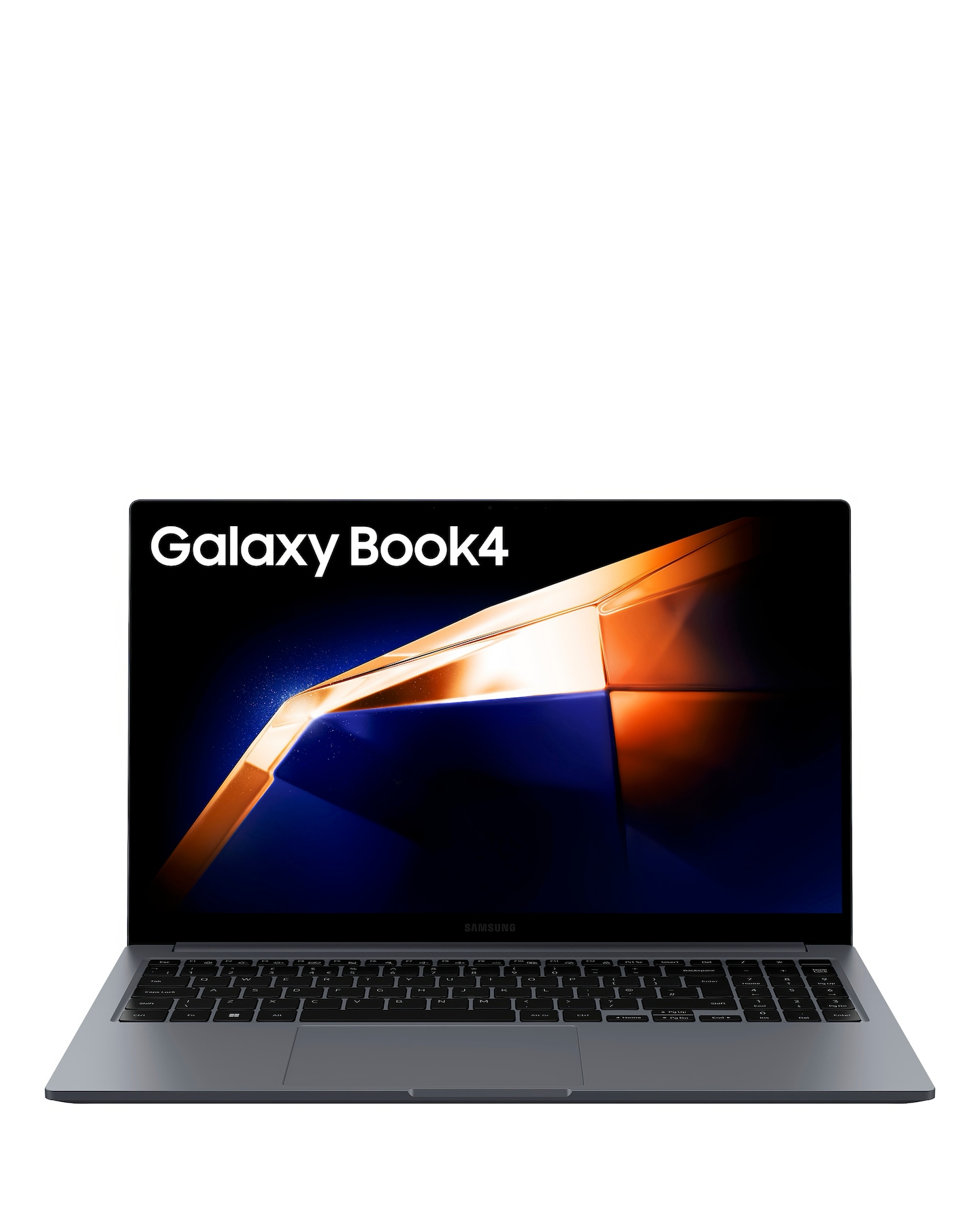
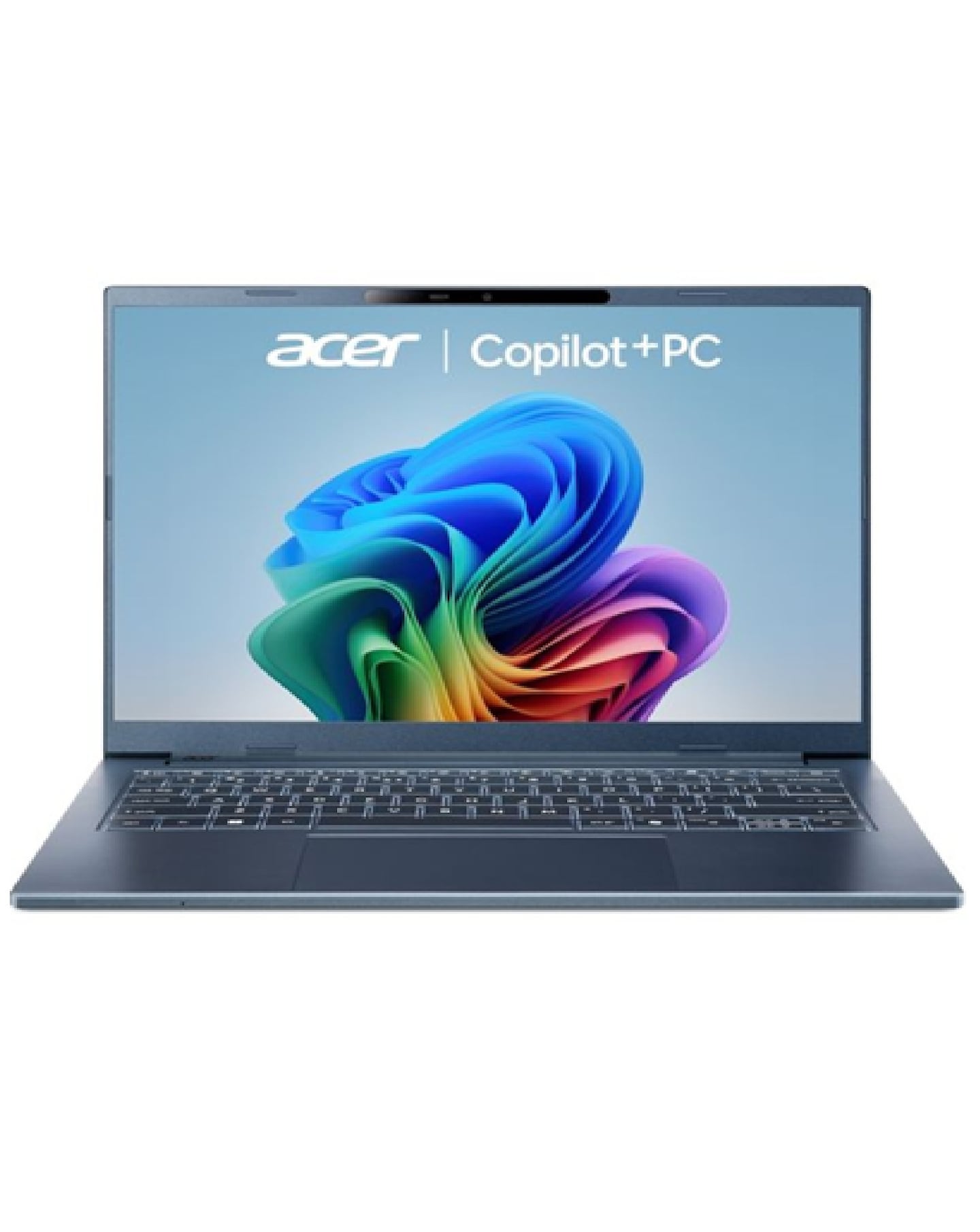
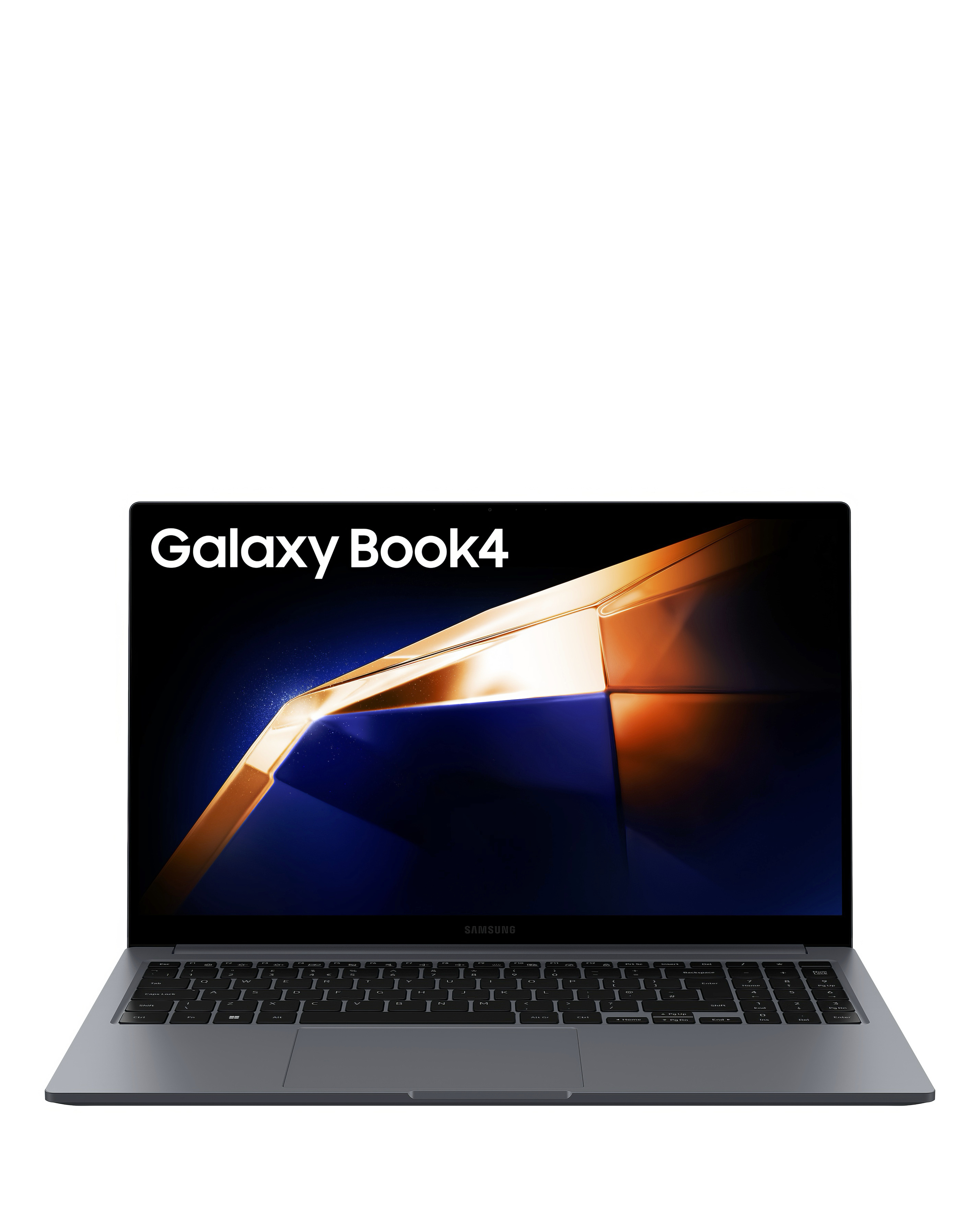
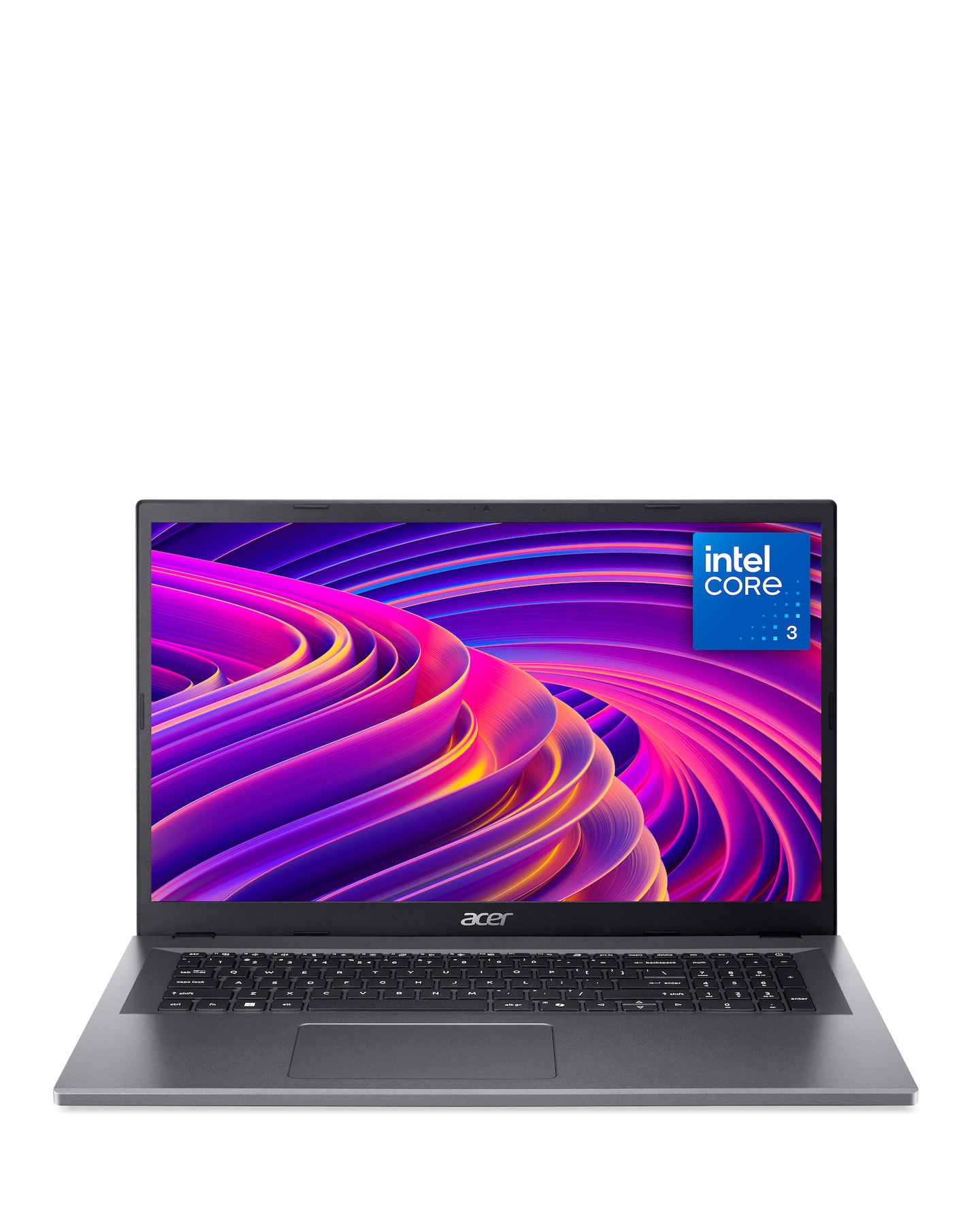
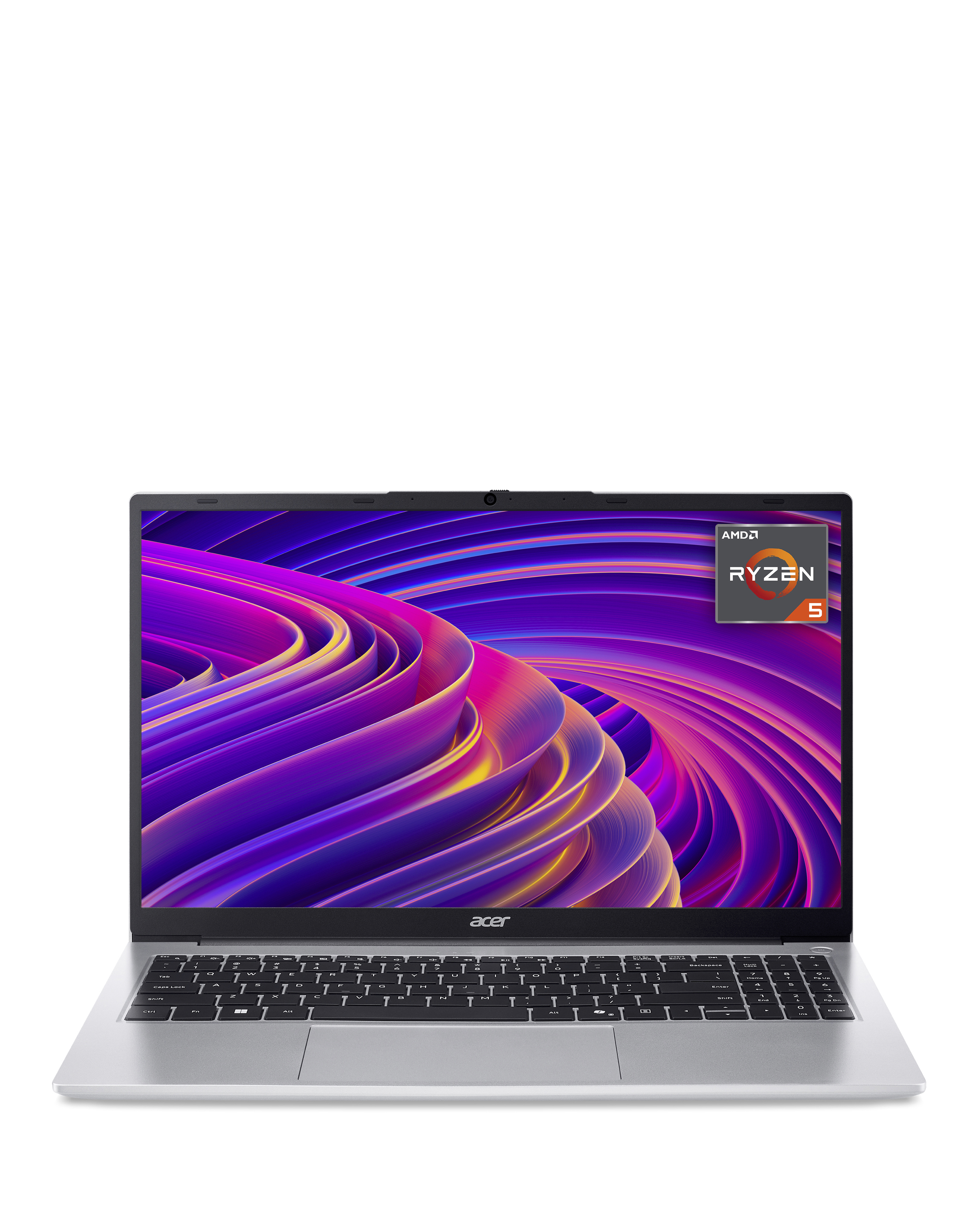
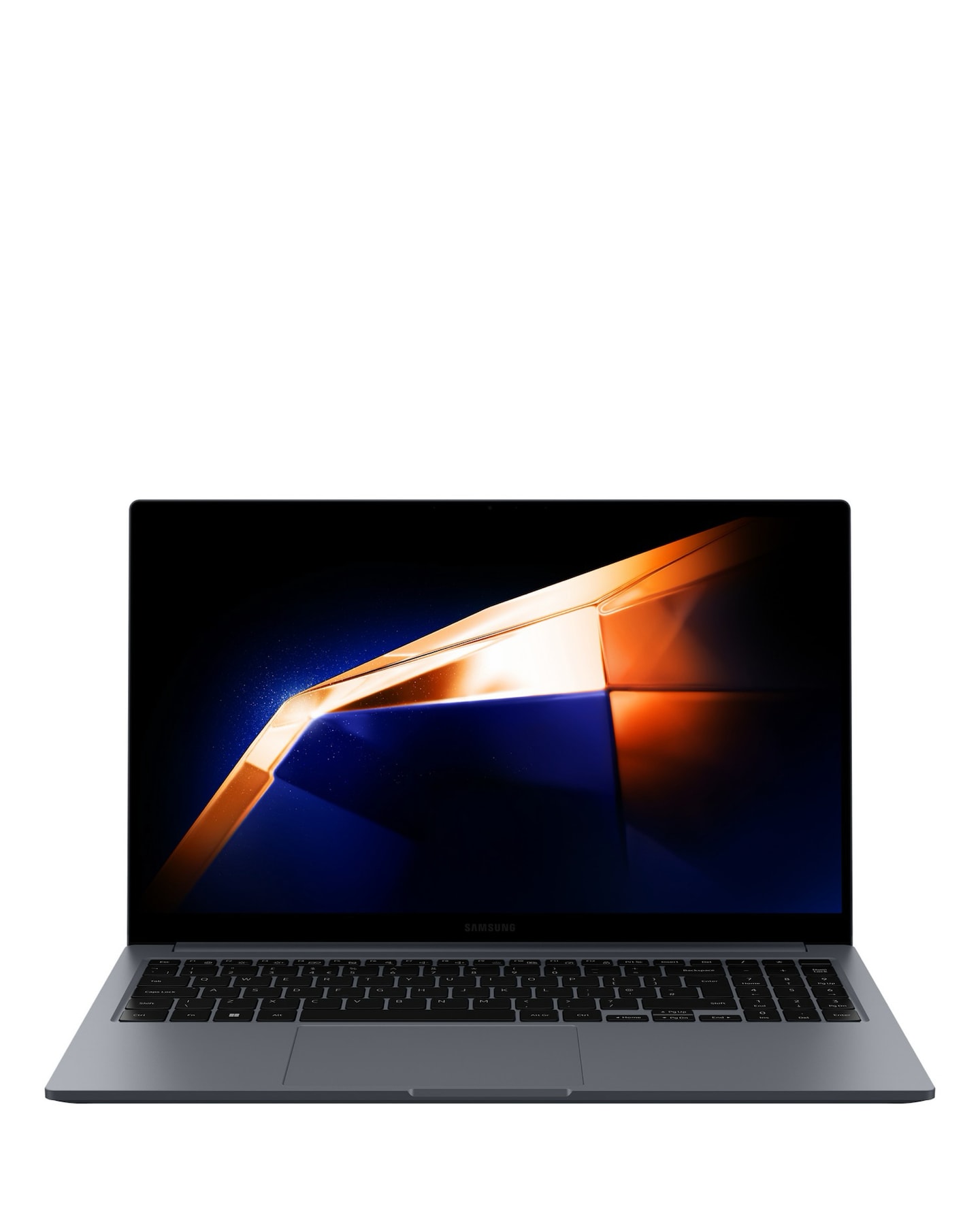
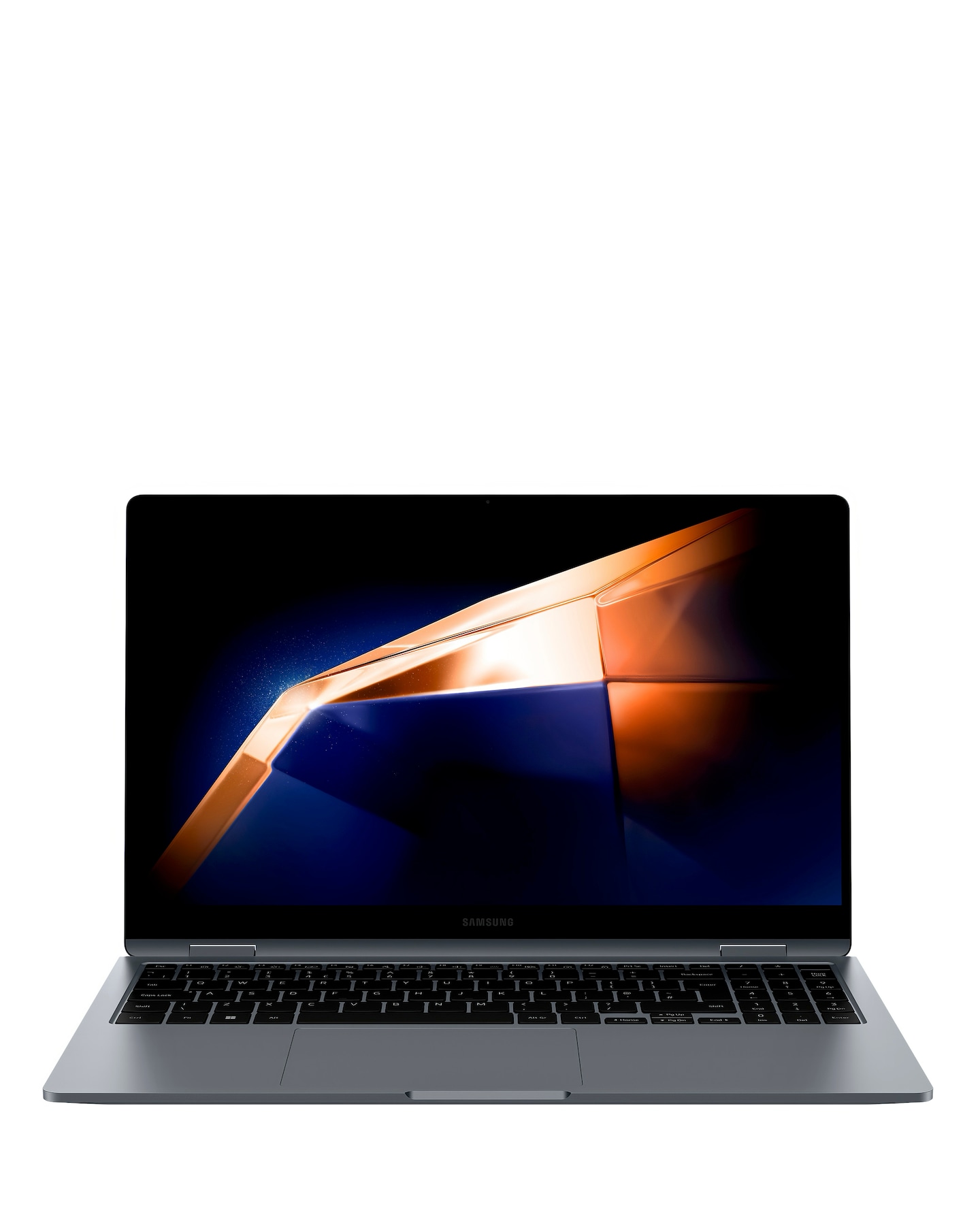
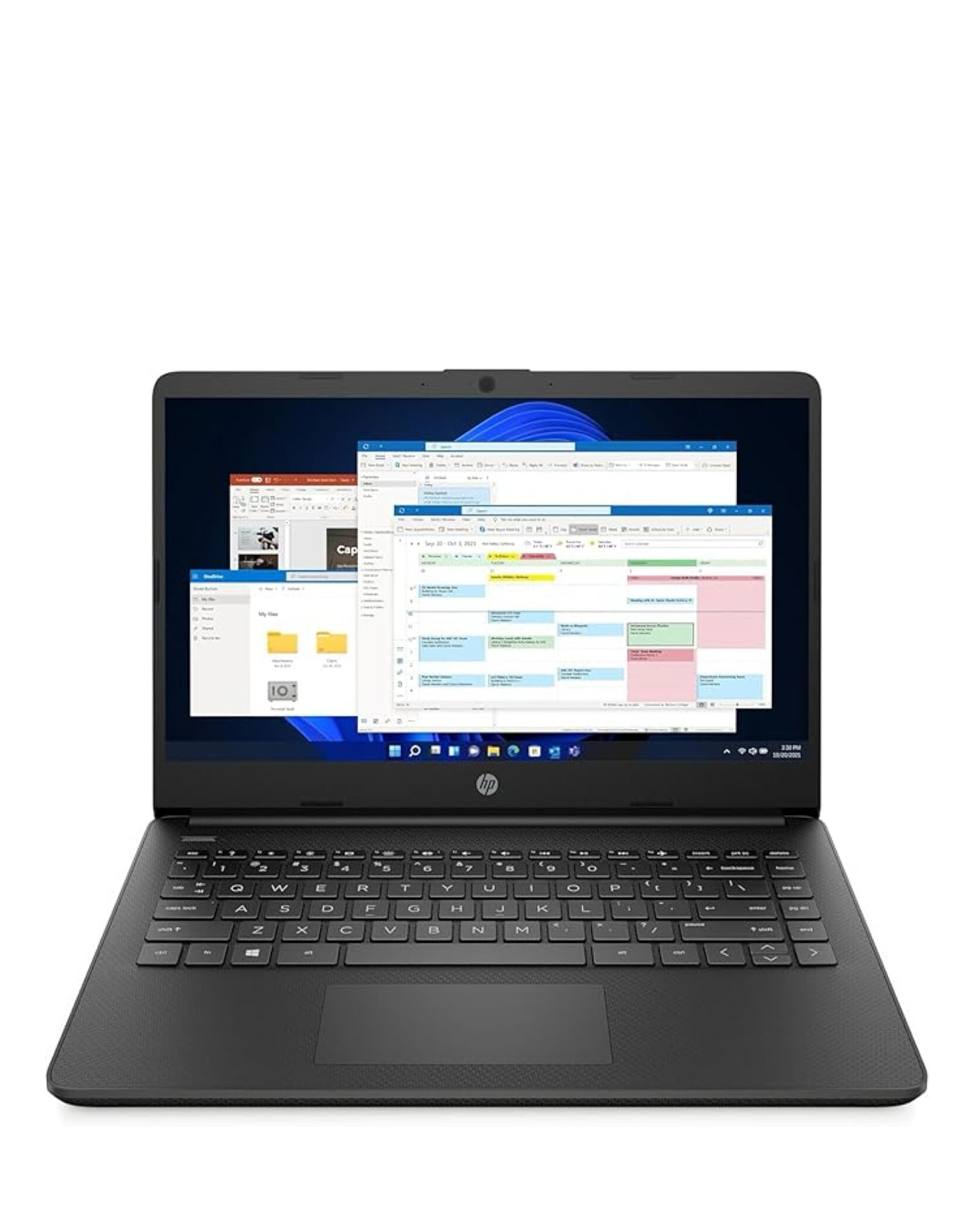
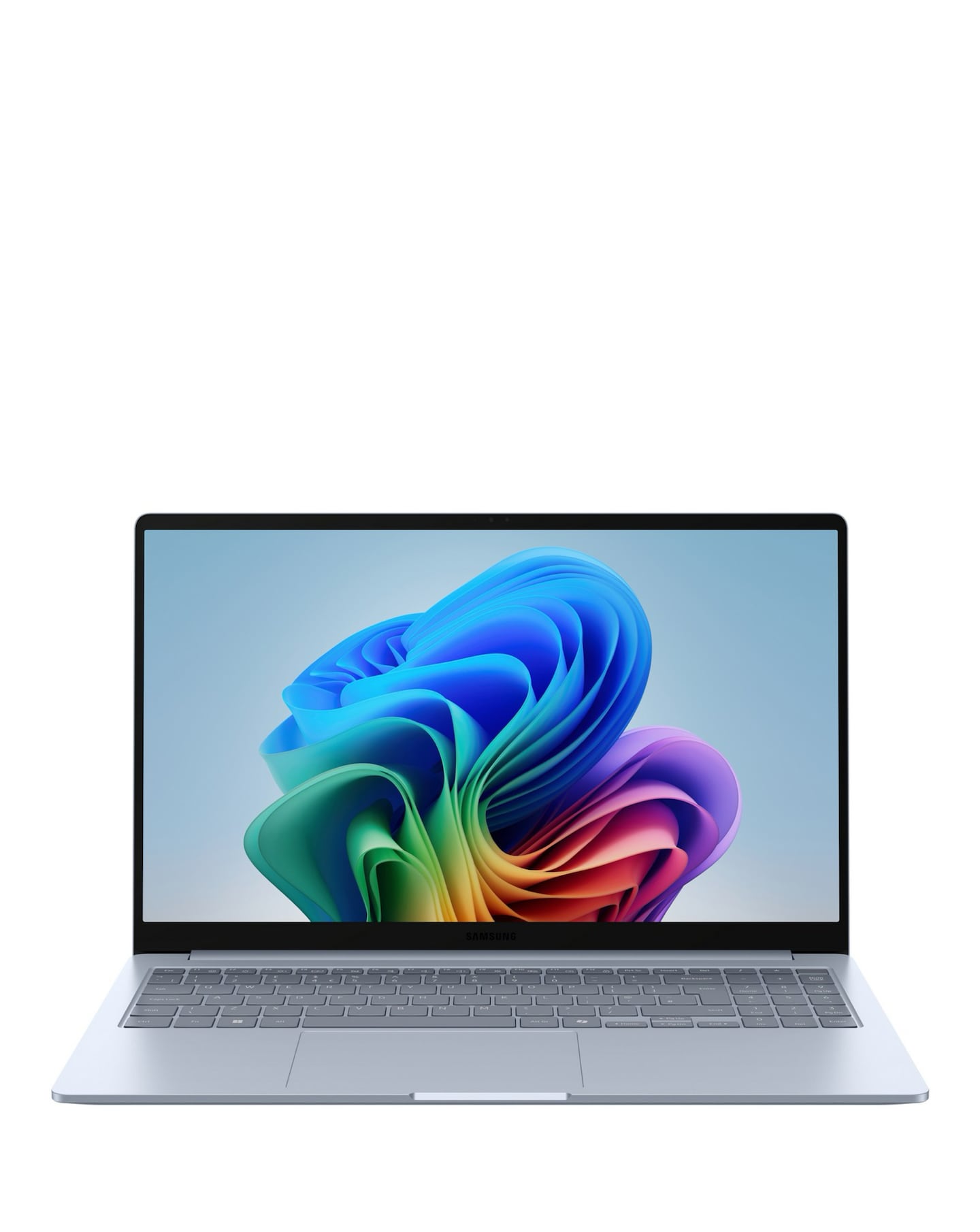
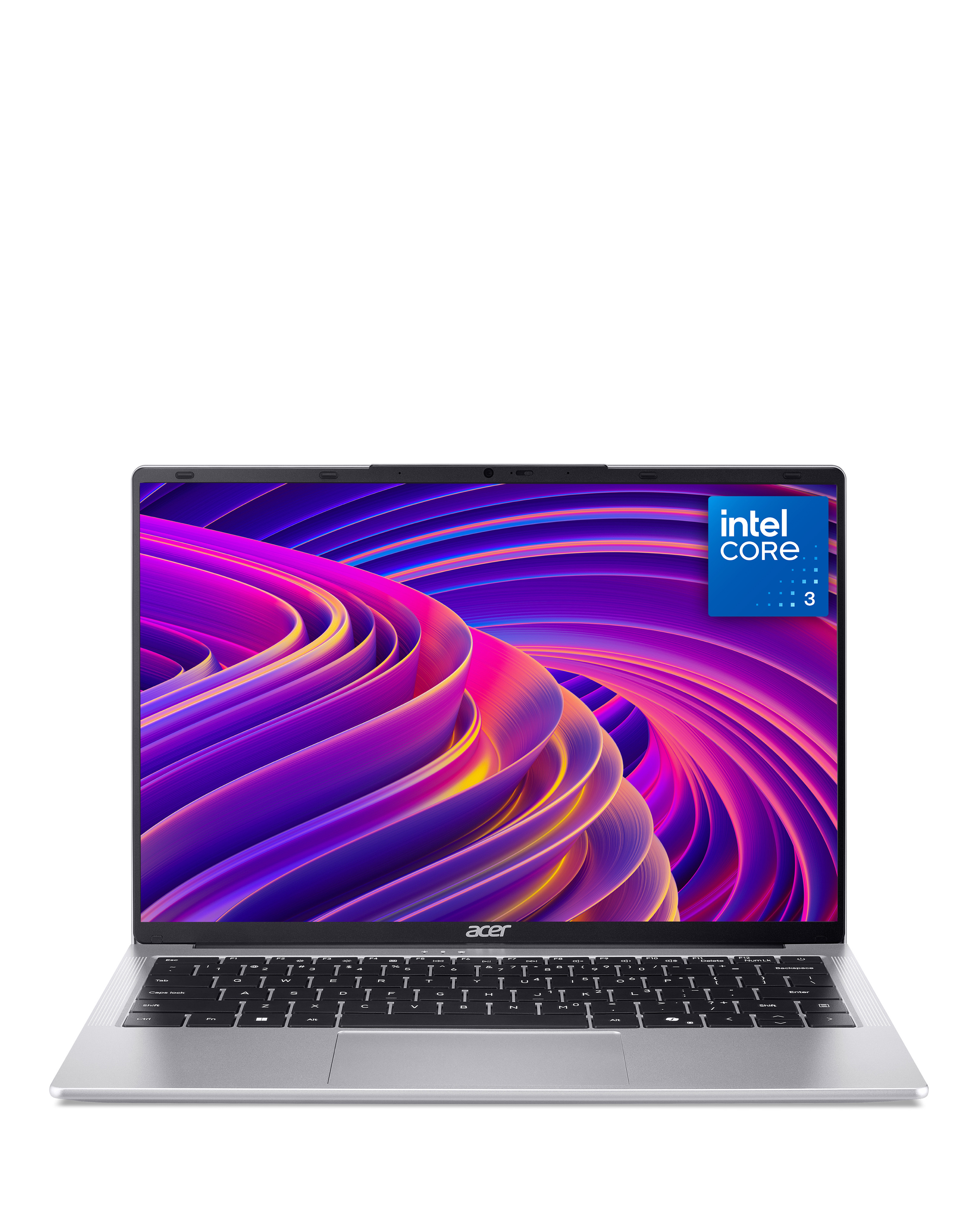
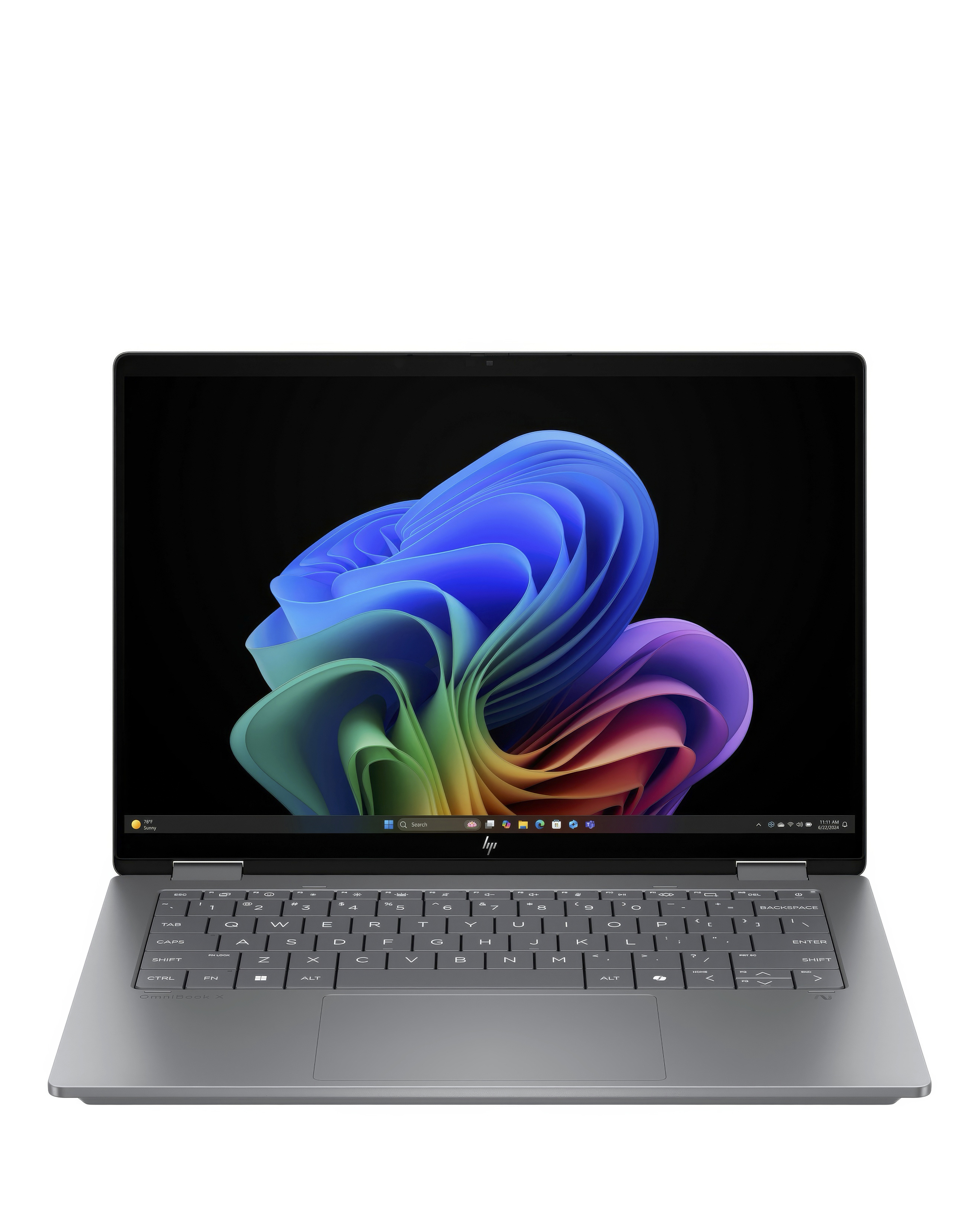
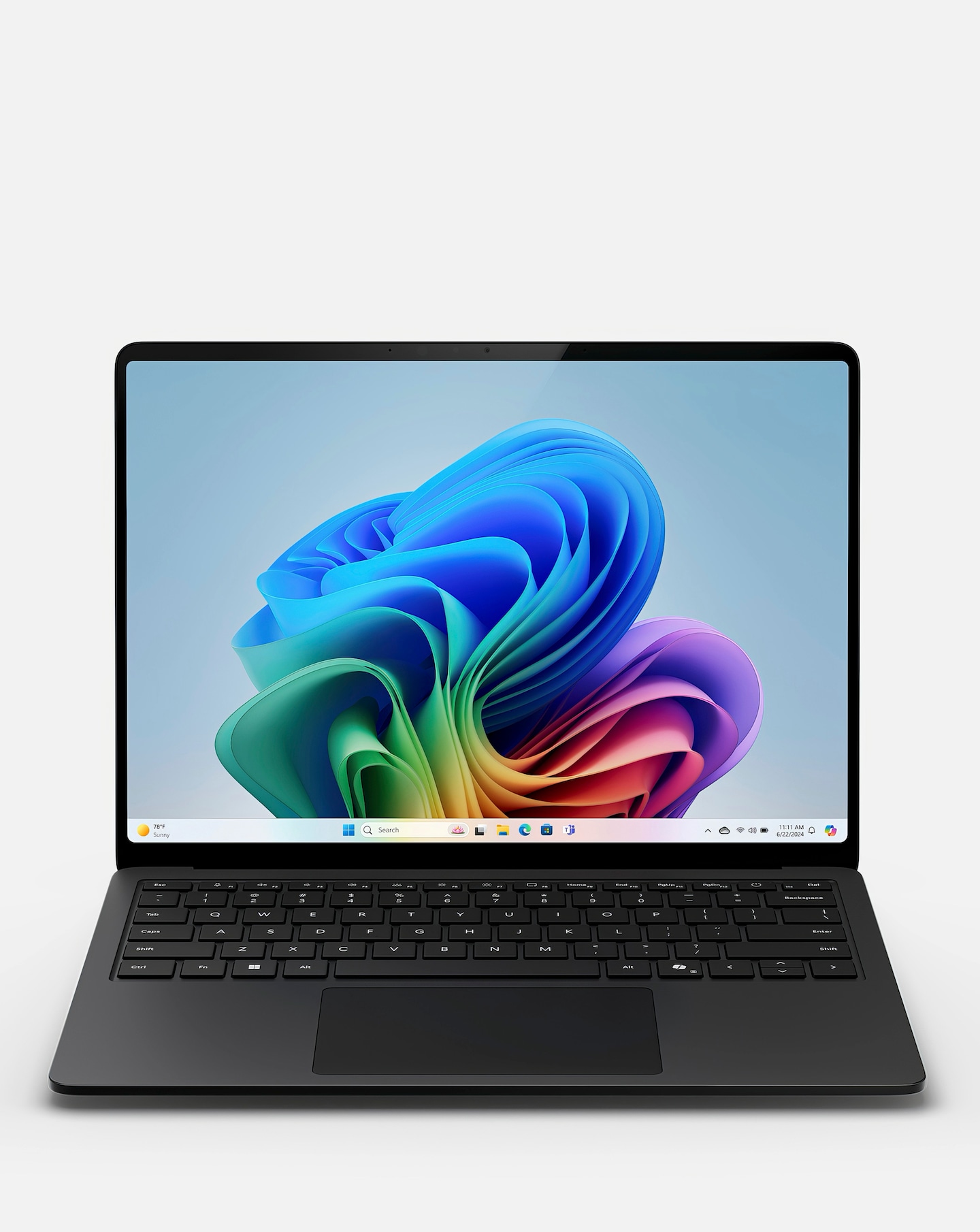
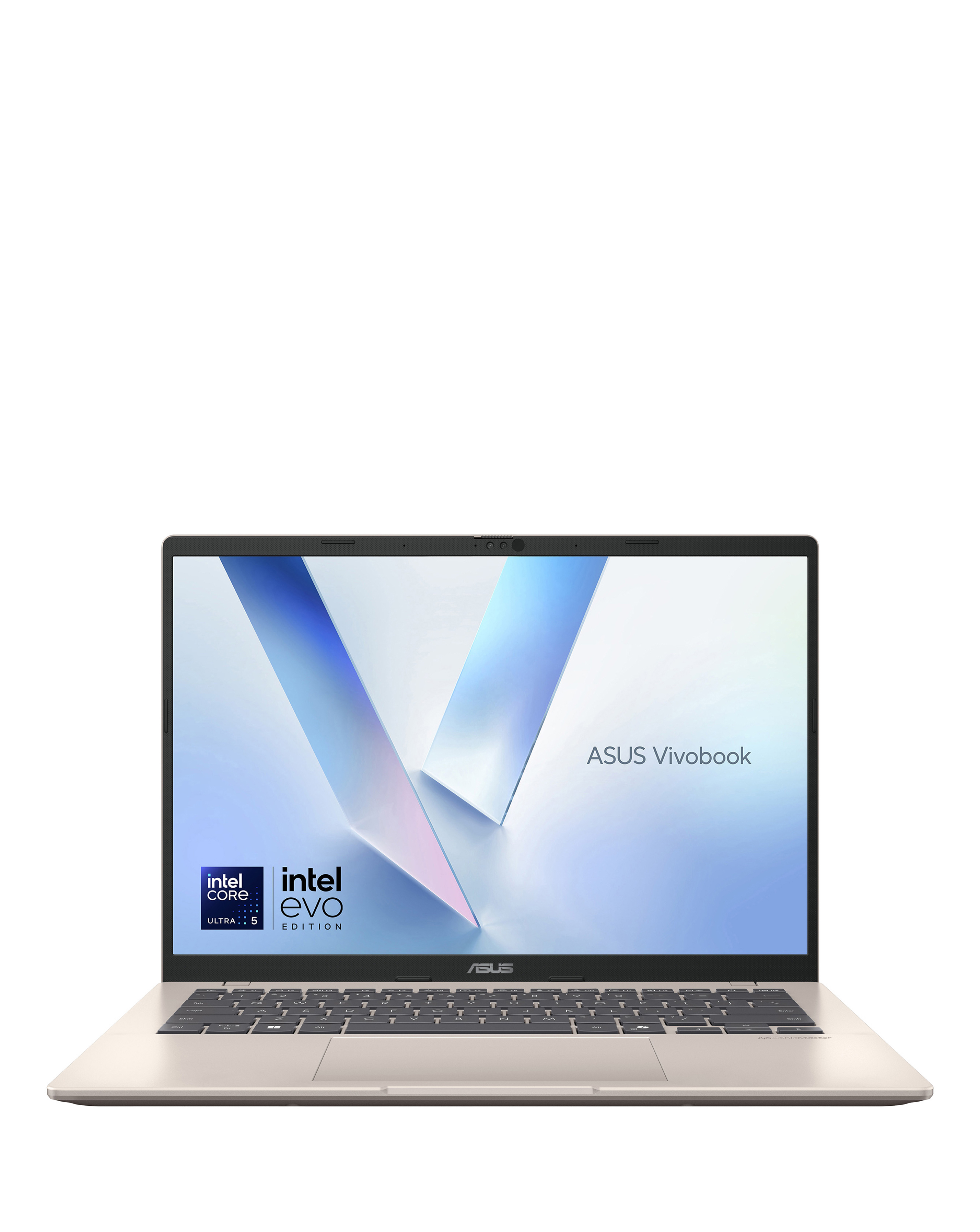
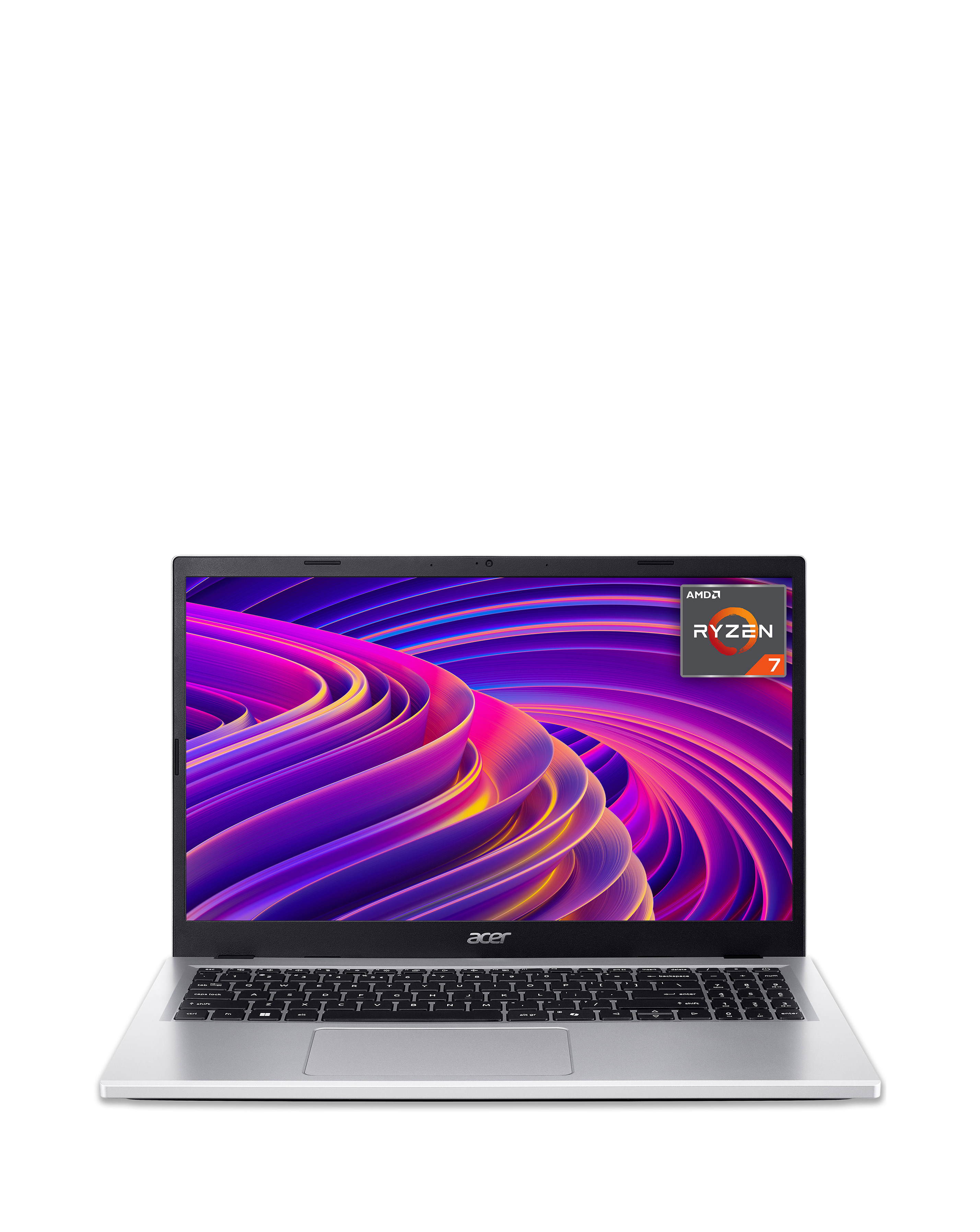
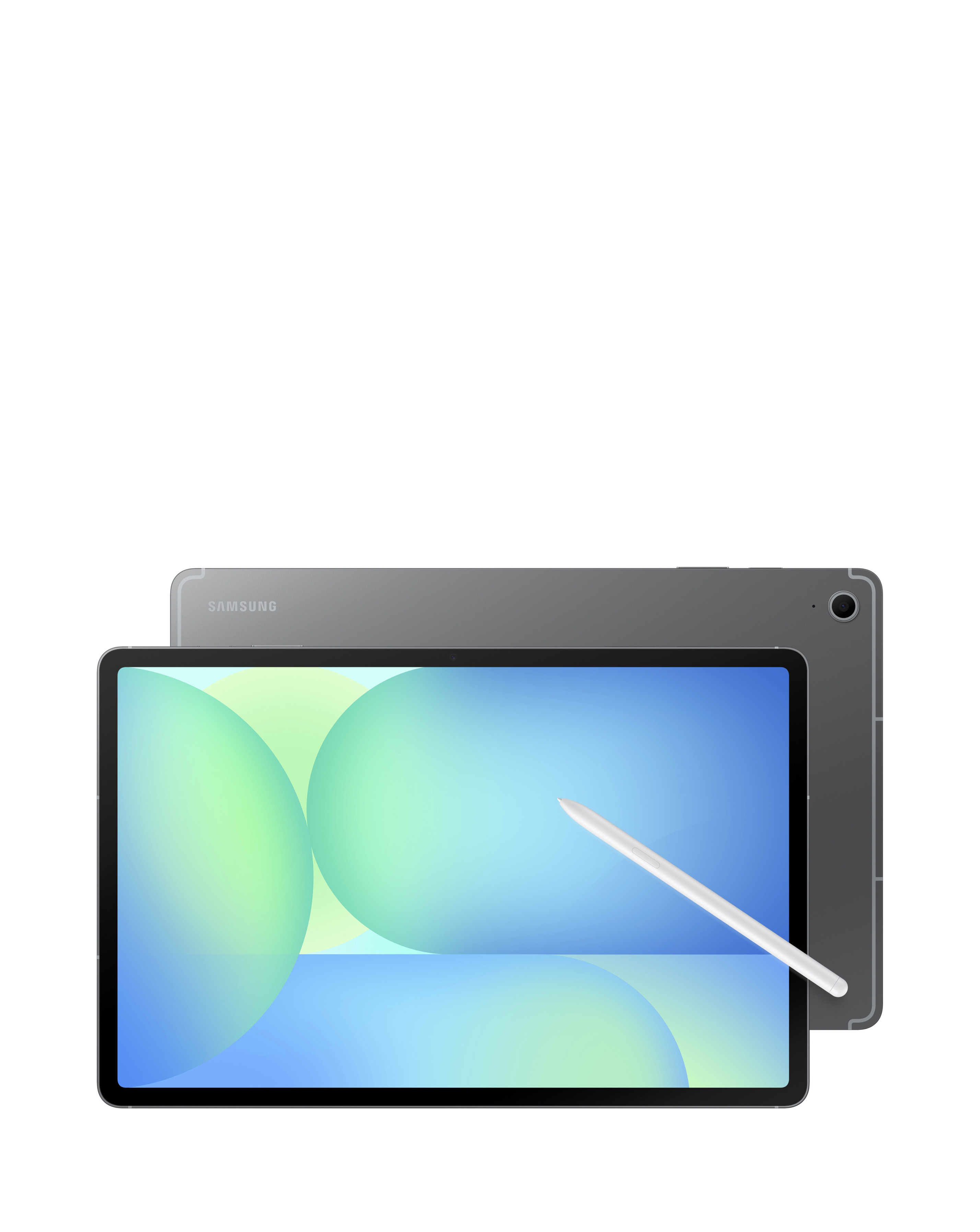
Explore our range of Intel processor Chromebooks, designed to deliver exceptional performance and efficiency for everyday tasks. Featuring powerful Intel processors, these devices provide smooth multitasking capabilities, quick boot times, and enhanced battery life, making them perfect for both work and play. With lightweight designs and robust build quality, Intel processor Chromebooks are ideal for students and professionals alike, ensuring you stay productive on the go. Enjoy seamless access to your favourite apps and the web with these versatile laptops that combine functionality with portability.
What is an Intel processor Chromebook?
- An Intel processor Chromebook is a laptop that runs on the Chrome OS and is powered by Intel processors. These devices are known for their speed, efficiency, and ability to handle everyday computing tasks with ease. They are particularly popular for web browsing, document editing, and streaming media.
What are the benefits of using an Intel processor Chromebook?
- Intel processor Chromebooks offer fast performance, allowing for smooth multitasking and quick access to applications. They typically have longer battery life compared to traditional laptops, making them ideal for users who need portability. Additionally, they provide seamless integration with Google services and applications.
Can I use an Intel processor Chromebook for gaming?
- While Intel processor Chromebooks are not primarily designed for gaming, they can handle lightweight games available through the web or Android apps. For more demanding games, performance may vary, so it's best to check compatibility before purchasing. Overall, they are better suited for casual gaming rather than high-end gaming experiences.
How much storage do Intel processor Chromebooks typically have?
- Intel processor Chromebooks usually come with varying storage options, commonly ranging from 32GB to 256GB of eMMC or SSD storage. Many models also support cloud storage solutions, allowing users to save files online and free up local storage space. This makes them flexible for users who rely on web-based applications.
Are Intel processor Chromebooks suitable for students?
- Yes, Intel processor Chromebooks are highly suitable for students due to their lightweight design, long battery life, and affordability. They provide easy access to educational resources and applications, making them perfect for online learning and research. Their durability also makes them a practical choice for daily use in school environments.