
Customer reviews
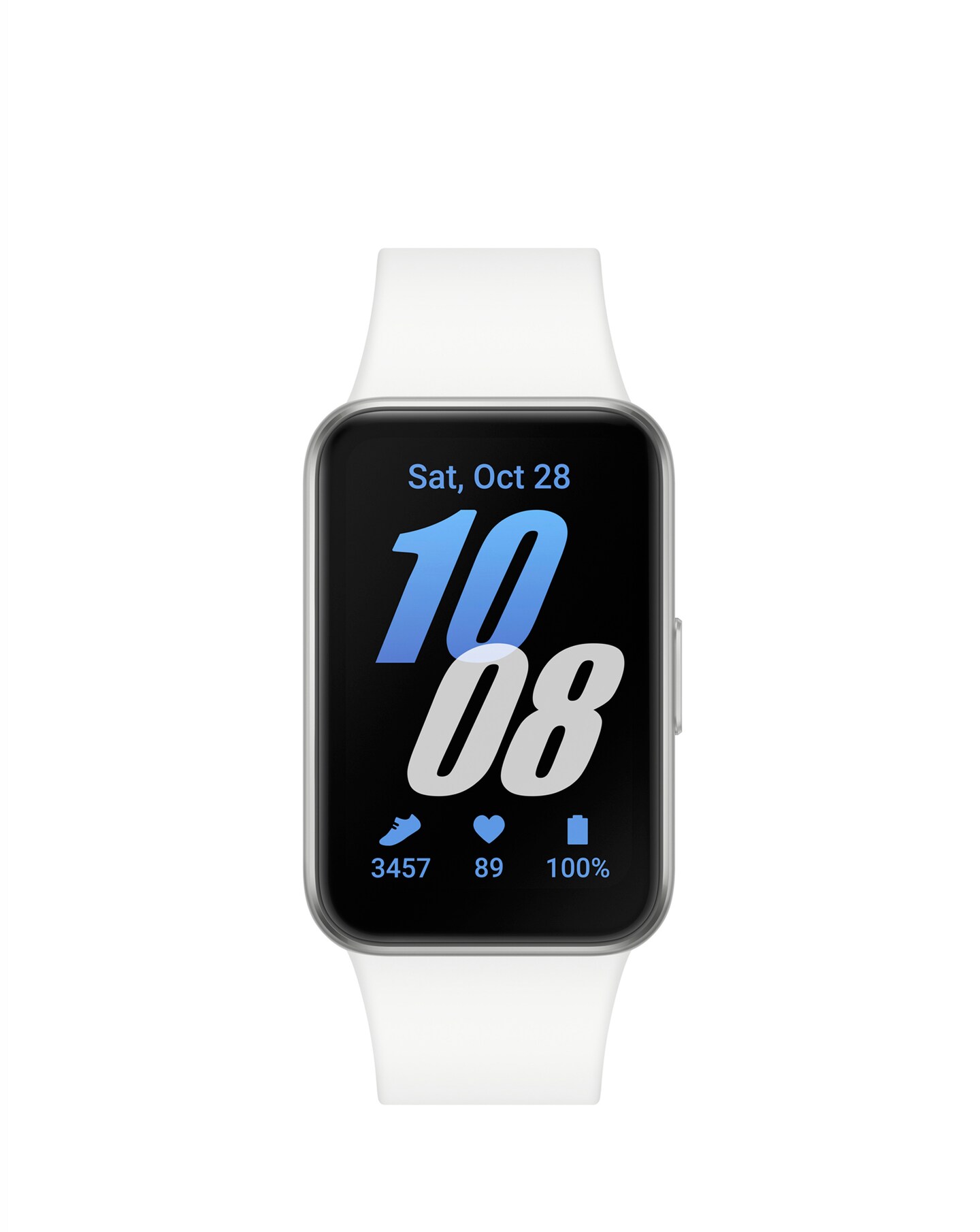
Samsung Galaxy Fit3 - Silver
All reviews (42)
The step counter is inaccurate.
The step counter is inaccurate.
Having worn the watch for several daily commutes, it’s clear that the step counter is very inaccur...Samsung UK
CX|Replied Wednesday 23rd Jul 2025
We are disheartened to read that you are not happy with the Galaxy Fit3 because you noticed it is not recording your steps accurately, Ste.
Please follow this link from our colleagues abroad, where you can find a comprehensive troubleshooting guide that will help you fix any issue affecting the accuracy of the tracking of your steps: https://www.samsung.com/us/support/troubleshooting/TSG01003112/
We are confident that the guidance available on the link above will prove very useful. Still, if you need more assistance with this, please also don't hesitate to speak to our Support Teams. You can find our full contact details and opening times on our Contact Us page here: https://bit.ly/SamsungUK-Support ^CL at Samsung SupportAppalling battery; doesn't even last 24h
The battery life on this product is shockingly bad. After about a month from purchase, the battery life dropped to 1-2 days (no ex...Samsung UK
CX|Replied Tuesday 24th Jun 2025
We are sad to see you are not enjoying the Fit3! With the 208 mAh battery, you will get up to 13 days of usage time, giving you hours of fun! Here is a guide to help you get the most out of your battery: https://www.samsung.com/uk/support/mobile-devices/reduced-battery-life-on-your-samsung-galaxy-watch/
Our helpful Support Teams are there to help as much as they can. You can find their contact details and opening hours here: https://www.samsung.com/uk/support/contact/ ^LB at Samsung SupportInaccurate step count
I recently purchased this watch, and while it meets my size requirements and it is quite responsive with some useful features, it ...Samsung UK
CX|Replied Tuesday 28th Jan 2025
Thank you for bringing this to our attention, Aran. We are sorry to read that although you are enjoying certain features, you are finding that the step count is not accurate.
There are a number of factors that can effect the step count on your new Fit3. These include environmental, skin conditions, excess movement and vibration. You can test the step count performance by walking 50 continuous steps on a straight path. Walk as you would normally with your arms moving naturally by your side and without regularly lifting your arm to look at the watch display. If the number of steps are not recognized correctly after walking 50 continuous steps, please get in touch with our Technical Support Team directly, who will be happy to help. You can find all our contact methods and their operating hours here: https://www.samsung.com/uk/support/contact/ ^CR at Samsung SupportGood for everything except tracking steps
I ordered the pink version for myself and it is pretty and comfortable. You can change the display from your phone and also edit w...Samsung UK
CX|Replied Thursday 6th Feb 2025
Thank you for taking the time to share your feedback with us! We are delighted to see that you're enjoying the stylish comfortable design of your new Fit3, along with its customisable widgets, heart rate and sleep monitoring and incredible battery performance!
We're sorry however that you feel the steps are not counting correctly. Please check out this handy guide on why this may be happening: https://www.samsung.com/us/support/troubleshooting/TSG01003112/#inaccurate-step-factors-on-your-samsung-smart-watch
If you would like to speak to one of our experts, please don't hesitate to do so! Our knowledgable team will be happy to help! You can find all our contact methods and their operating hours here: https://www.samsung.com/uk/support/contact/ ^CR at Samsung SupportNice watch, inaccurate website description
Watch was easy to set up and the display was lovely and clear. However, I bought it specifically for its ability to send SOS alert...Samsung UK
Samsung|Replied Friday 10th Apr
Thank you for taking time to review your Fit3. It is great to see that you had a smooth set up process, and have started to enjoy everything it has to offer, including the 1.6" AMOLED display! However, we are disheartened to see that this experience has been let down by the SOS function. When you first set this up, you will need to adjust the settings on your phone to enable your watch to complete the necessary SOS actions if activated. Check out this guide provided by our colleagues in the US to help you with this: https://www.samsung.com/us/support/answer/ANS10002904/
If you need any further assistance, our helpful Support Teams are on hand to help. You can find their contact details and opening hours here: https://www.samsung.com/uk/support/contact/ ^LB at Samsung Support
We are committed to authentic customer feedback on our products. Our reviews are moderated and verified as authentic by our independent third party, Bazaarvoice.
Bazaarvoice Authentication Policy