
Customer reviews
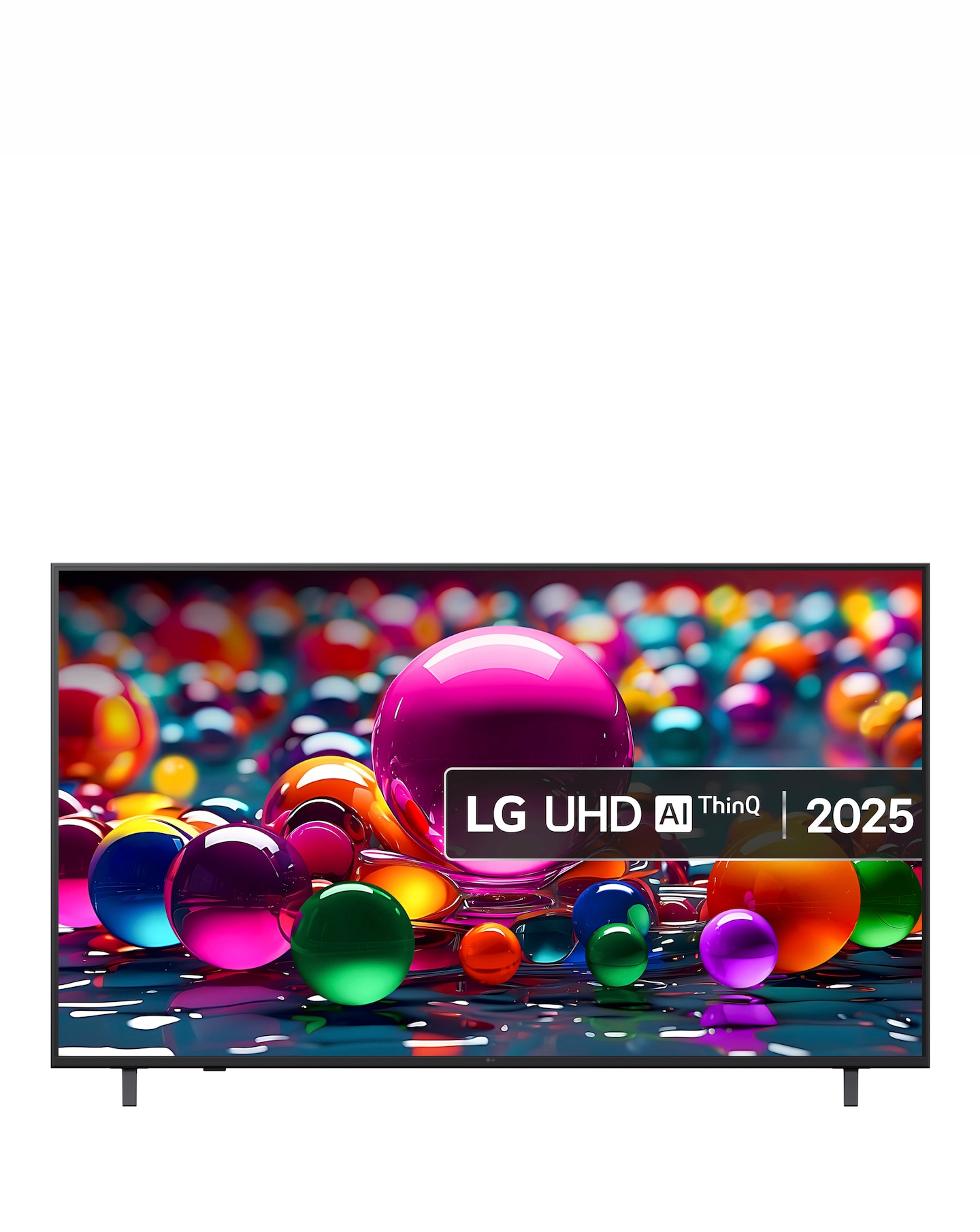
LG 65UA75006LA 65in 4K Ultra HD Smart TV
All reviews (70)
replacement TV
[This review was collected as part of a promotion.] Not had long so will update more further down the line, but first impressions ...Good picture at a great price.
[This review was collected as part of a promotion.] I purchased this TV for the living room. It’s mounted on the wall and we watch...Give directions in English words!
Smart tv, but DUMB directions: Papers in English for privacy, safety and promo products, but directions, even using QR code for PD...lg.com
LG|Replied Sunday 11th Jan
Hello. Thank you for sharing your experience with your LG TV. We appreciate you taking the time to describe what happened during setup, especially the difficulty with the word‑free instructions, the confusion around the screws and washers for the 43" model, and the uncertainty about the second remote shown in the guide. Your feedback about how the setup materials could be more user‑friendly is important for us to review so we can look more closely into the specifics of your model. To allow us to properly investigate the details of your specific product model and to see if there is anything we can do to assist with this setup‑instruction and remote‑inclusion issue being encountered, please send us an email at lgdigitalcare@lg.sprinklrsupport.com if you need further assistance. You can also refer to this helpful link for reference on the specific issue you're encountering:
https://www.lg.com/us/support/help-library/lg-tv-how-to-use-lg-channels--20150552982846 ^JamesGreat TV for the money
[This review was collected as part of a promotion.] Great tv, just had this for 2 weeks, 65 inch version is a great size, not too ...Slowest TV I've Ever Had
I am not picky when it comes to TV's. I have only ever bought the cheapest TV, as I don't care much about image quality (I don't n...lg.com
LG Digital Care Team|Replied Thursday 28th Aug 2025
Hey Manuel! Thanks for sharing your LG UHD TV experience with us. We're always looking for the best ways to improve the functionality and speed of our displays and their accessories, so we appreciate your insightful feedback. If you notice that your LG TV takes a long time to open apps, it may be related to your network conditions. We recommend checking out our guide at https://spr.ly/6429ffDnc to get started.
If you continue to experience general slowness, even when navigating menus, we recommend trying to factory reset the device back to its default settings. You can learn how to perform a factory reset at https://spr.ly/6420ffDnY.
If you still need help, feel free to contact us at https://spr.ly/6421ffDnl or email us at lgdigitalcare@lg.sprinklrsupport.com with your contact info and model number. We'll gladly help out more! *Joseph
We are committed to authentic customer feedback on our products. Our reviews are moderated and verified as authentic by our independent third party, Bazaarvoice.
Bazaarvoice Authentication Policy